Ice cream shop
Double Scoop
The Ice Cream Shop template as a WordPress block theme. One click adds the menu, locations and catering pages, the navigation and the photos; with WooCommerce it also adds the whole menu as shop products with real photos. Everything stays editable in the WordPress editor. Comes with After Dark, a dark version of the design, and a checkout tested with WooCommerce's local delivery and pickup options.
HTML
Free. Plain files you can put on any host.
Live demo Download ZIP Get the code on GitHubPaid edition, $29 once: the same design plus open-now hours for each shop, an order-ahead cut-off, today’s churn schedule and menu filters.
Buy the paid HTMLWordPress
From $59 a year for one site, or $179 once. 30-day refund.
100% GPL: everything in the theme is under the GPL. The demo photos are not part of it; the demo import downloads them, each under its own licence.
Buy the themeOr start with the free version: the same design, without the demo import, the shop or the dark style.
Download the free theme (ZIP) Free version on GitHubInstall it at Appearance › Themes › Add New › Upload Theme.
Shopify
Coming soon. The Shopify theme is in review for the Shopify Theme Store; the link goes here once it is approved.
What each version gives you
HTML
- 7 pages: Home, Contact, Journal, Menu
- Plain HTML, CSS and JavaScript, with nothing to install or build
- Works on phones, tablets and desktops
- Search engine data included: IceCreamShop, QuantitativeValue, Place, Menu
- No ads, trackers or analytics in the code
- Host it anywhere that serves static files
- MIT licence for the code; each photo is credited under its own licence
- You edit the code by hand. It has no admin, shop, checkout or customer accounts
WordPress version 1.0.8
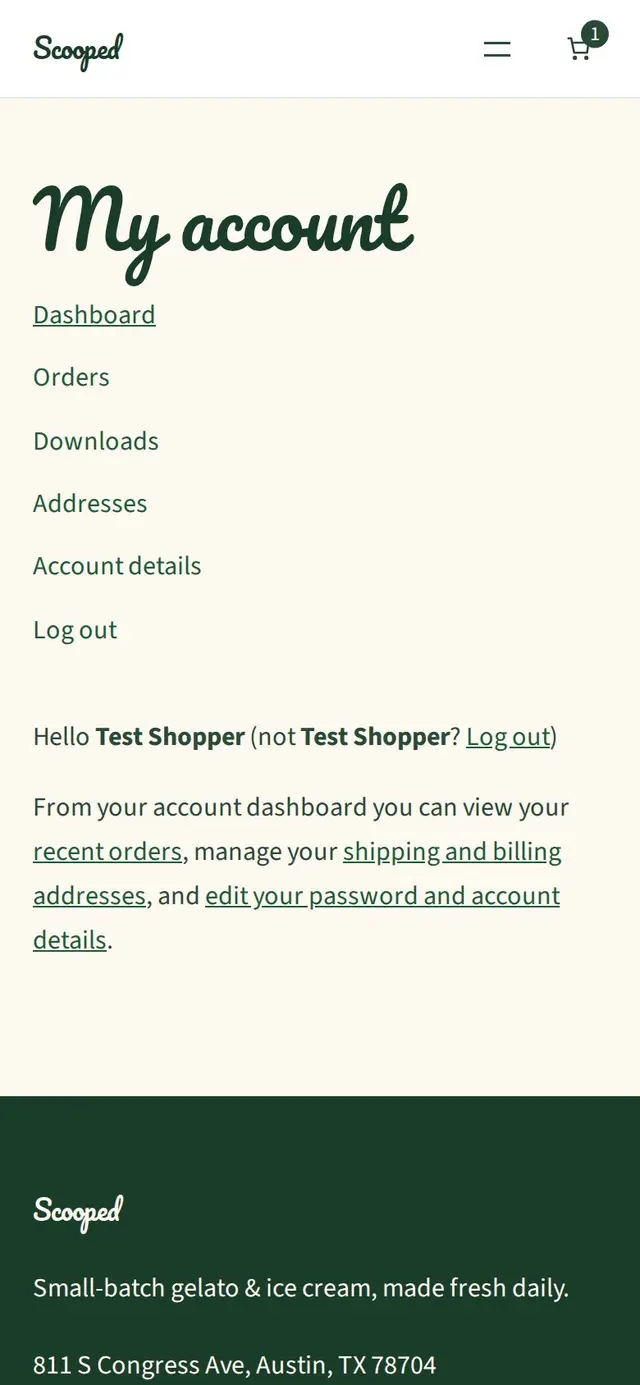
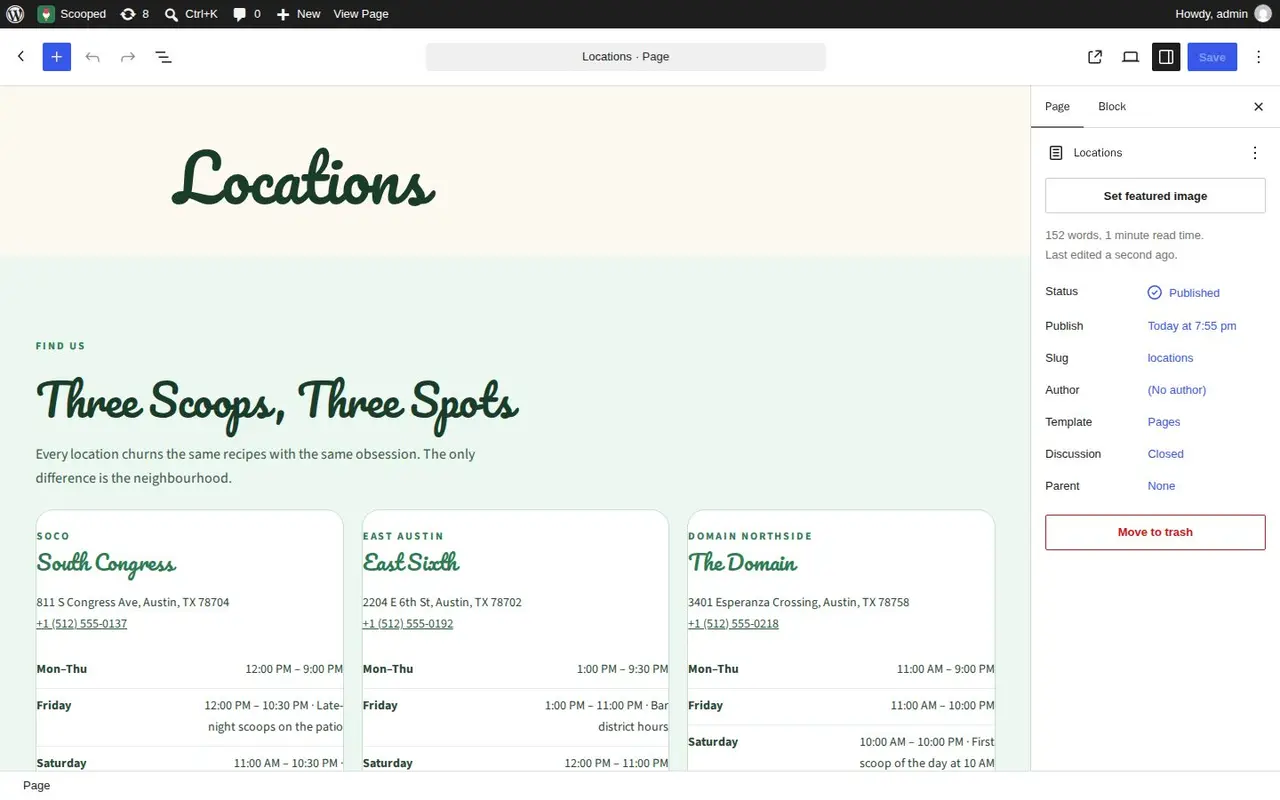
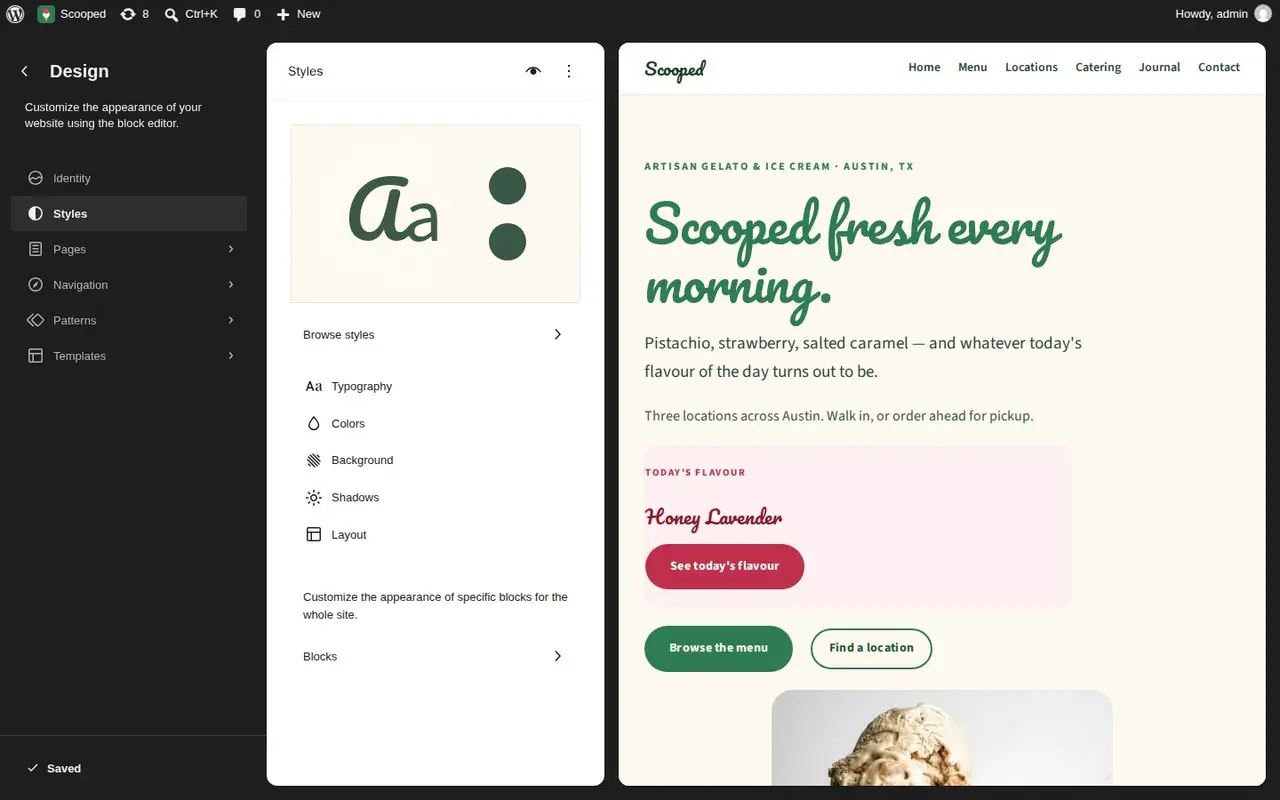
- Edit every page, header and footer in the WordPress Site Editor, with no page builder
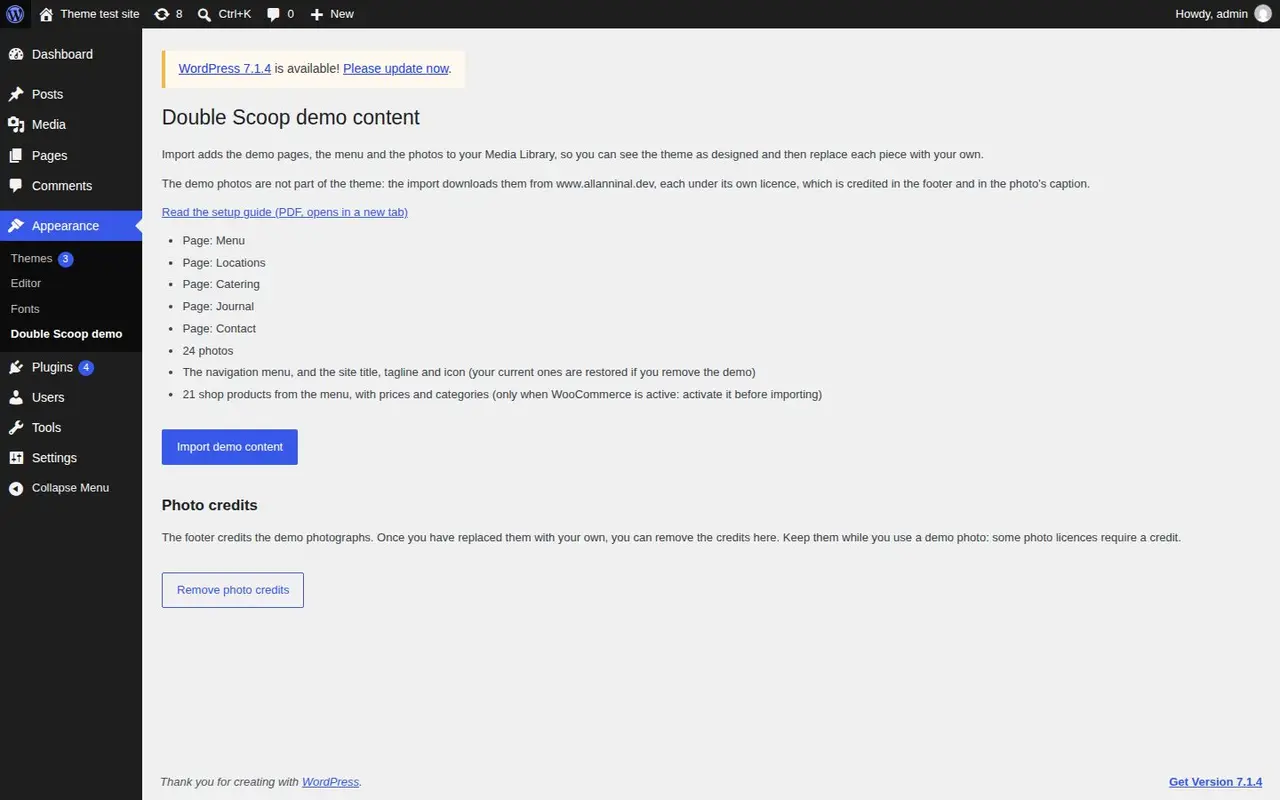
- One-click demo import: 5 pages, the menu and 24 photos
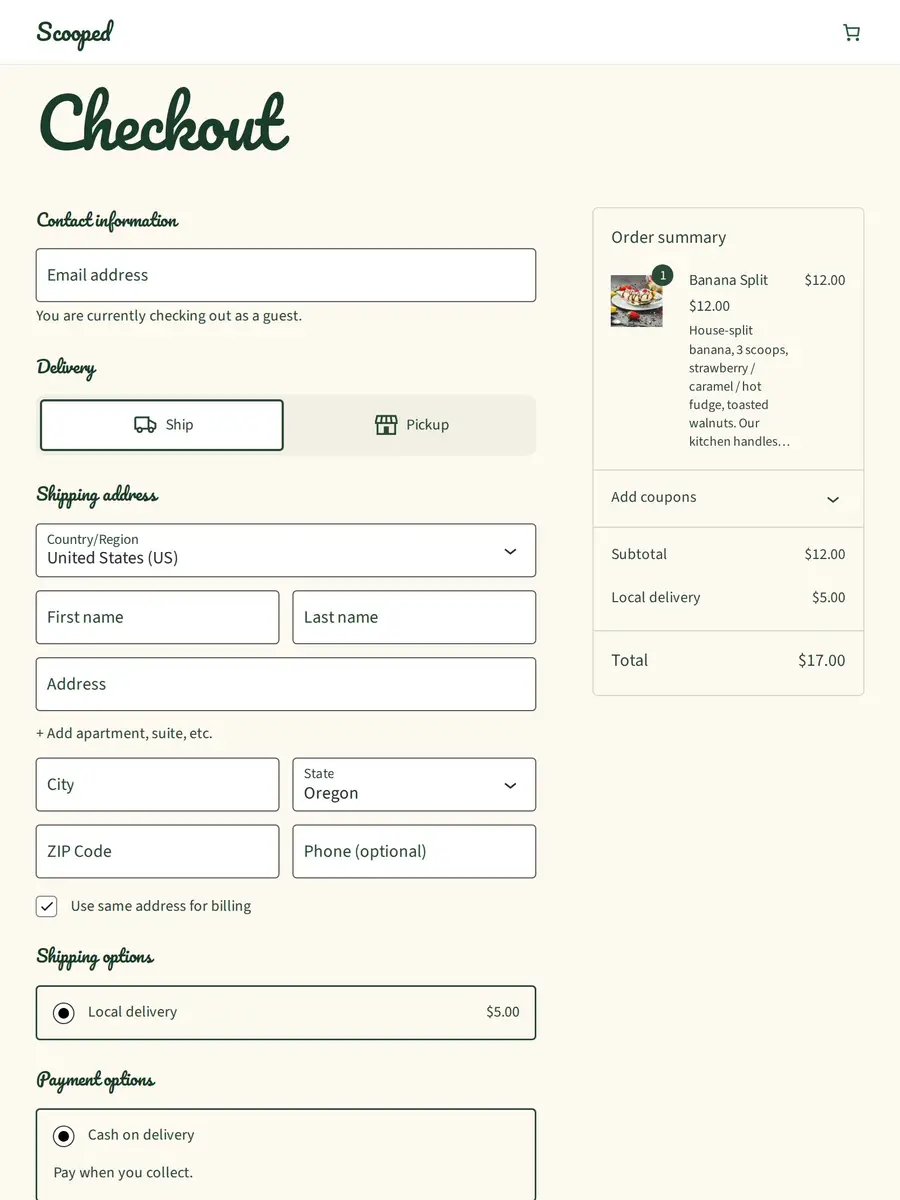
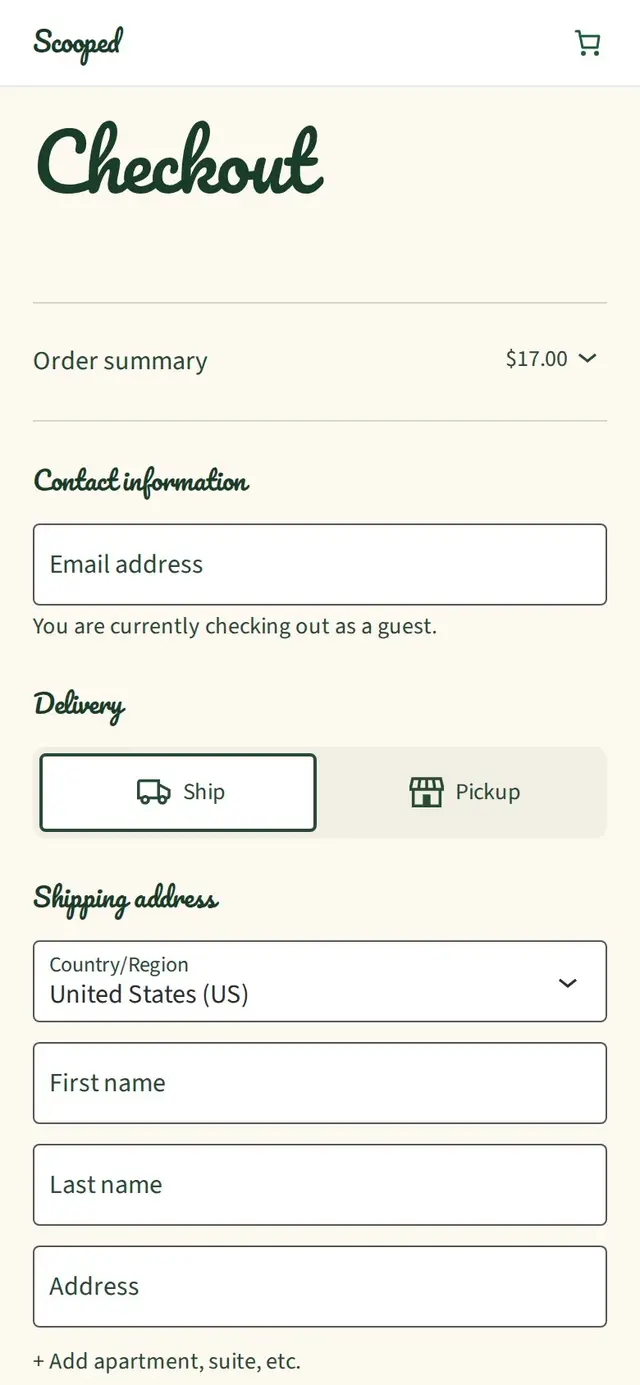
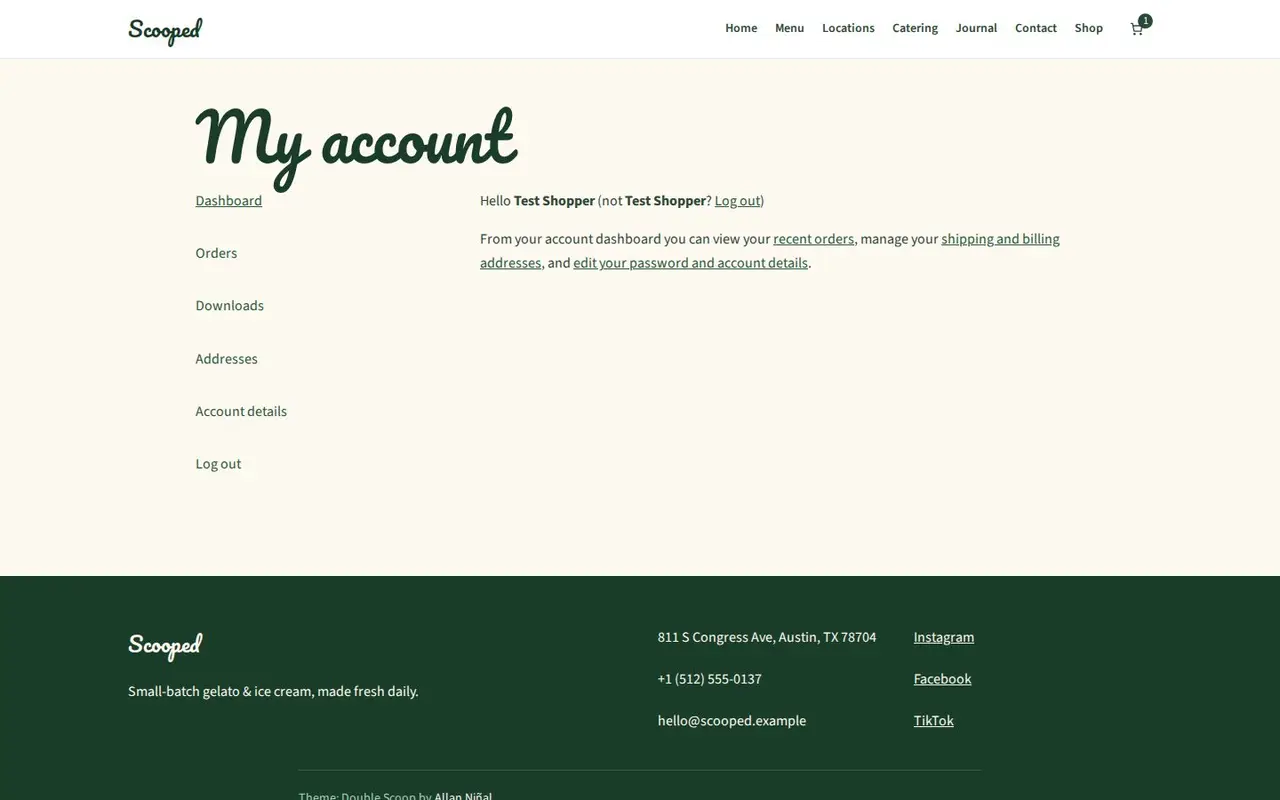
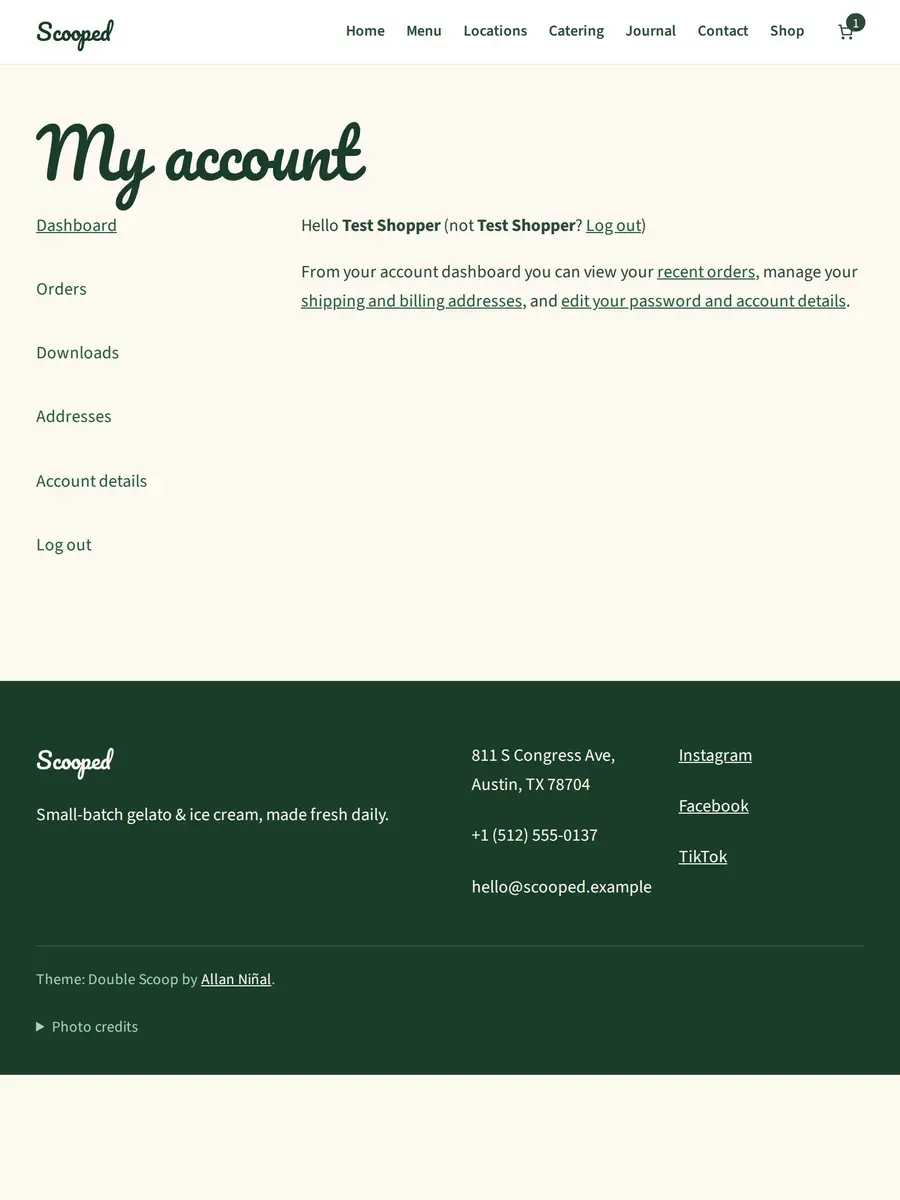
- WooCommerce ready: the import adds 21 products, with shop, cart, checkout and My Account in the theme's design
- Tested with WooCommerce 11.2
- 11 ready-made block patterns
- 1 extra style variation in the Site Editor
- Illustrated setup guide (PDF) included
- Right-to-left language layout
- Child themes supported
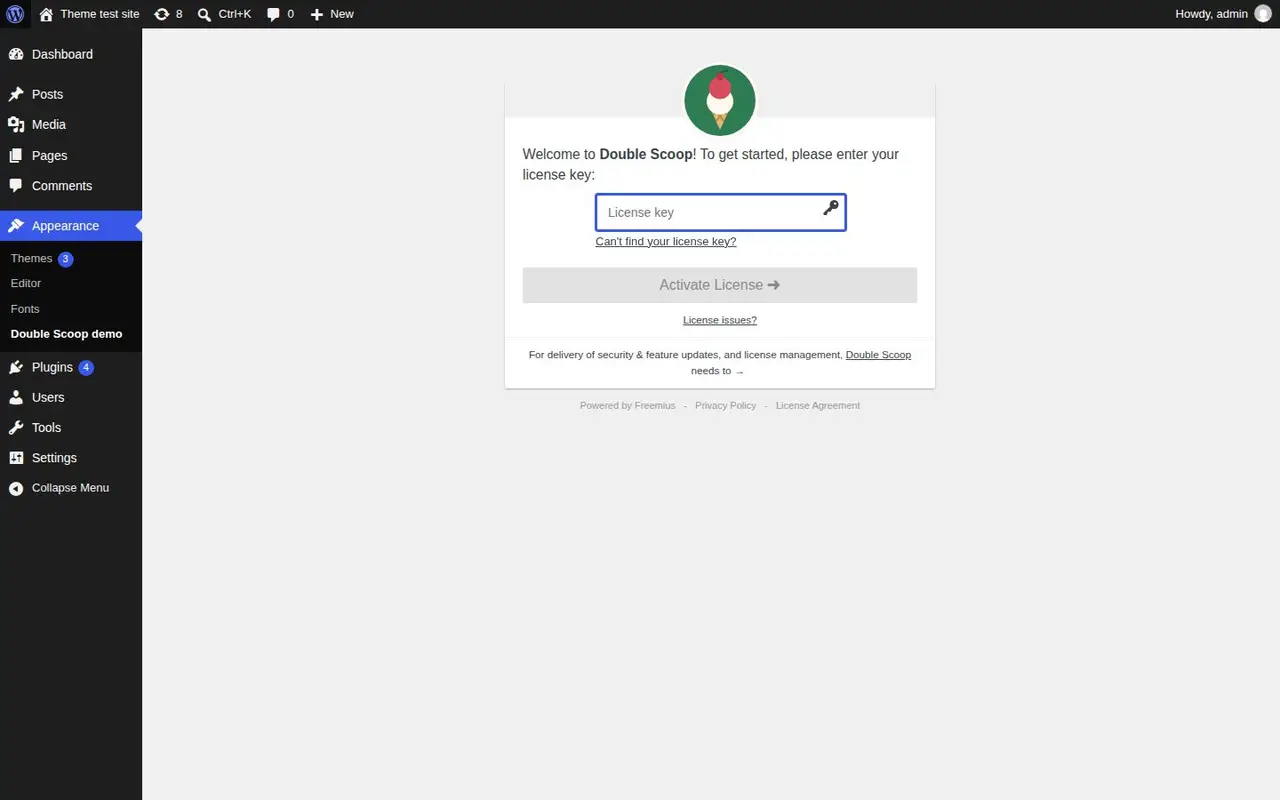
- Updates in your WordPress dashboard while the licence is active
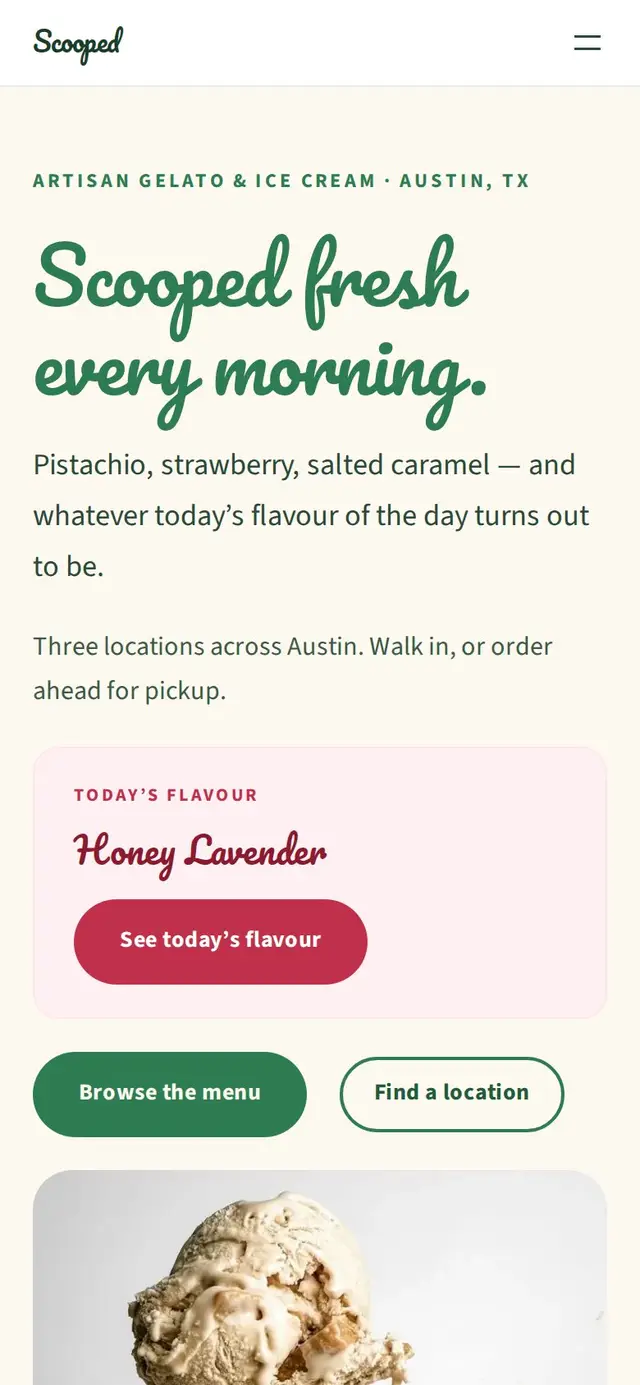
Front end
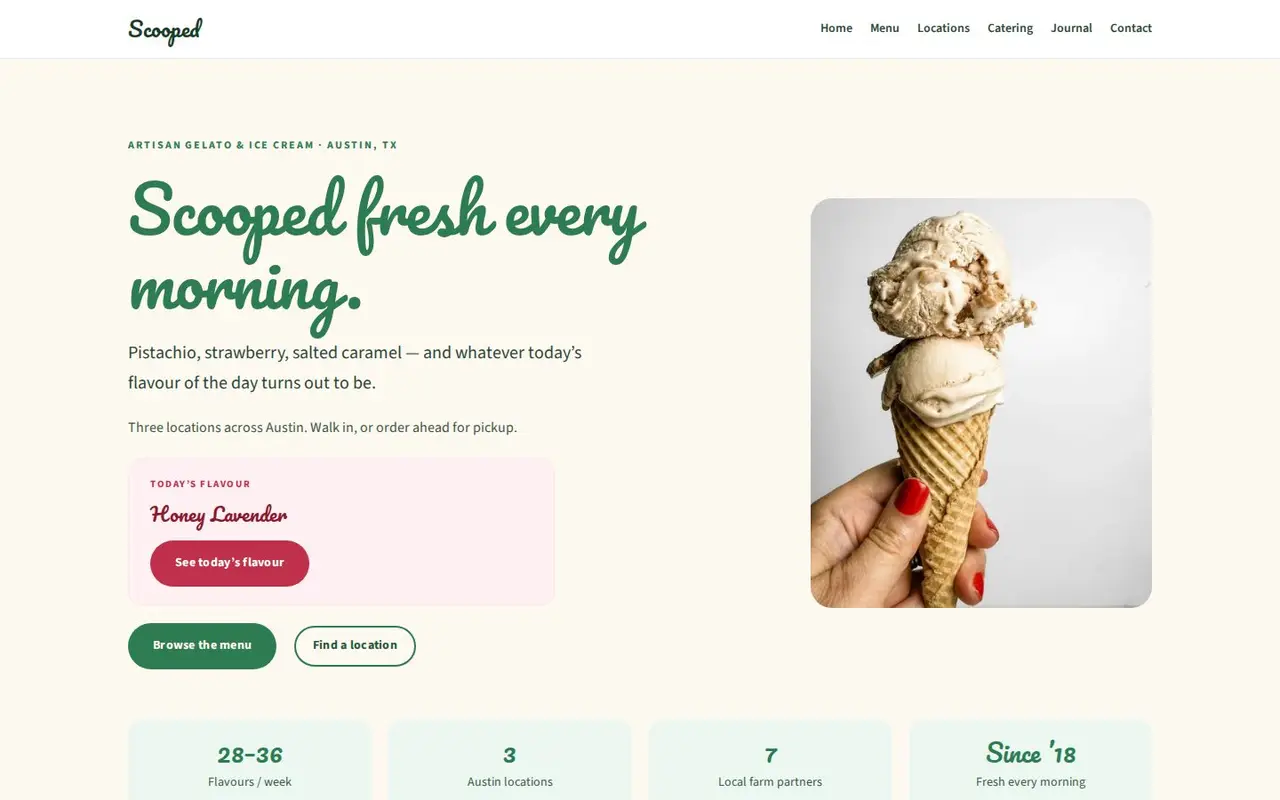
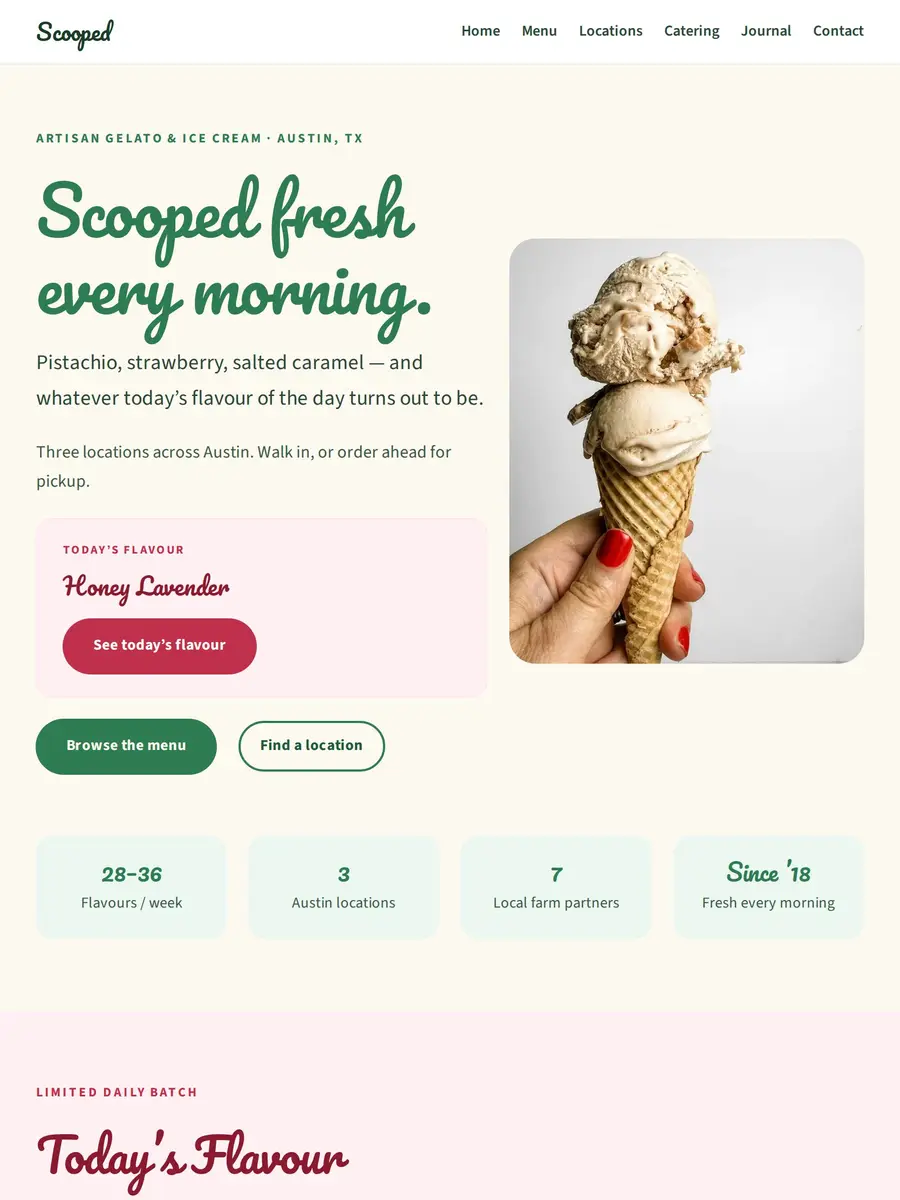
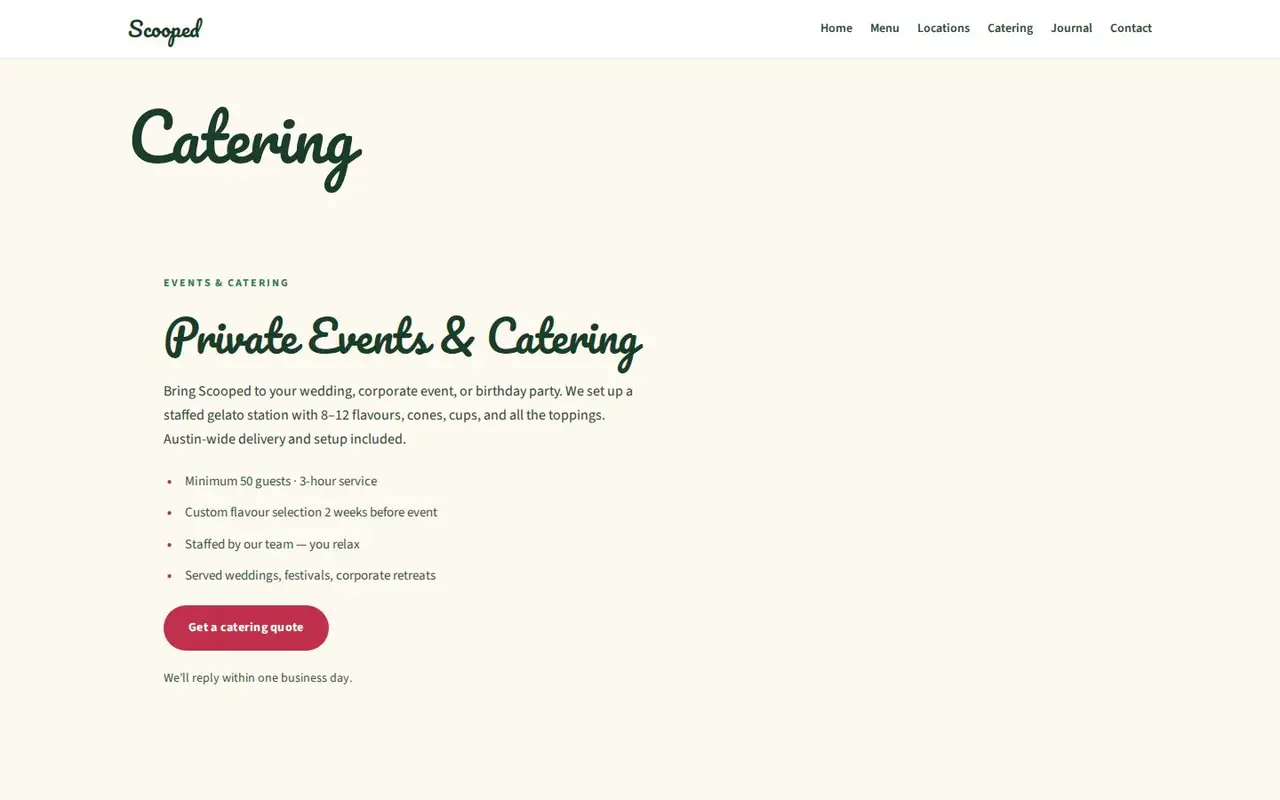
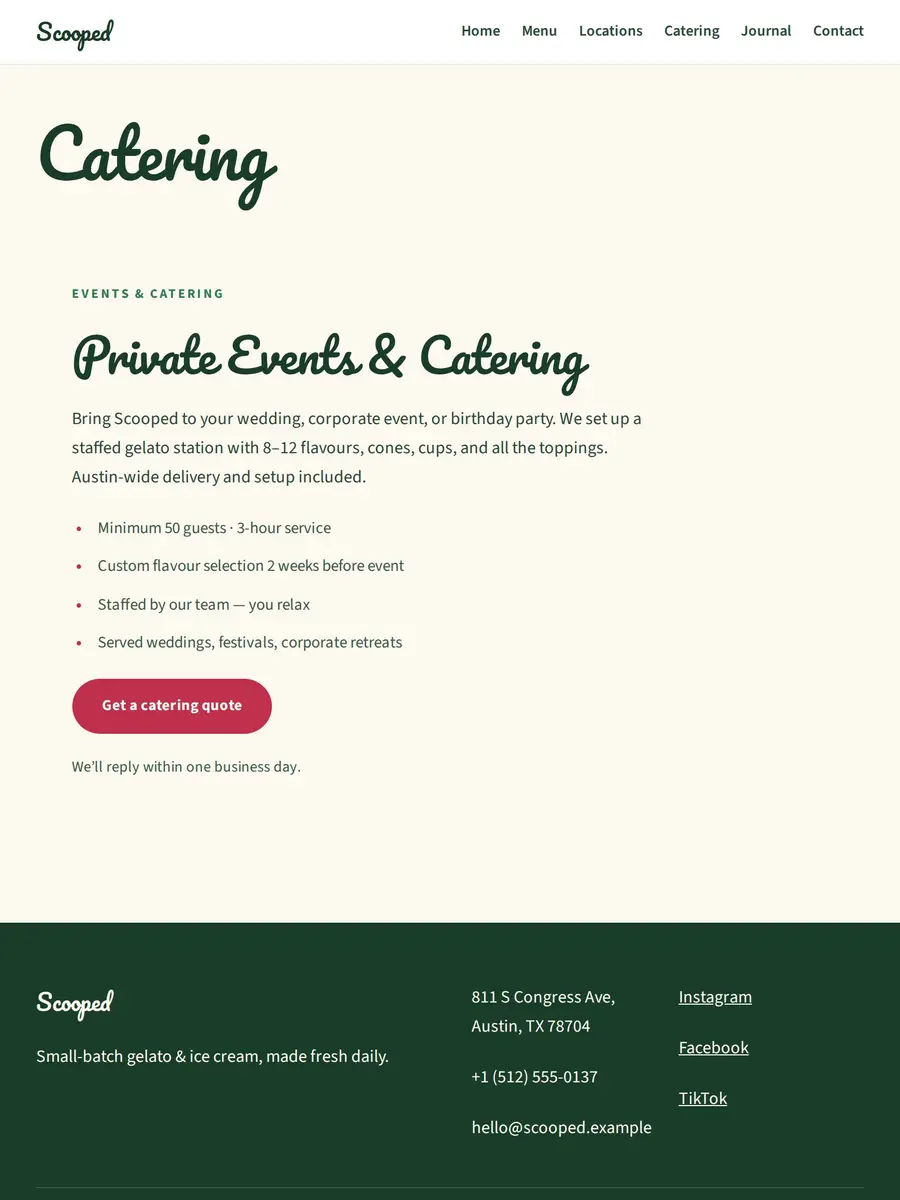
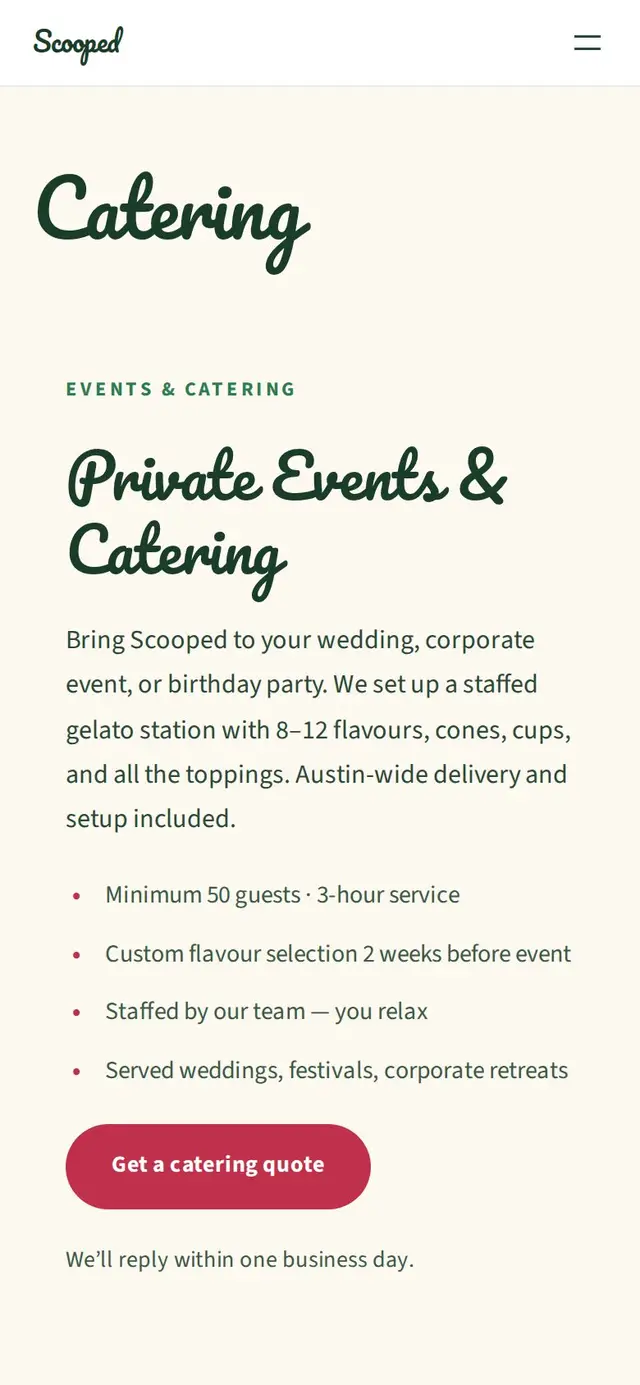
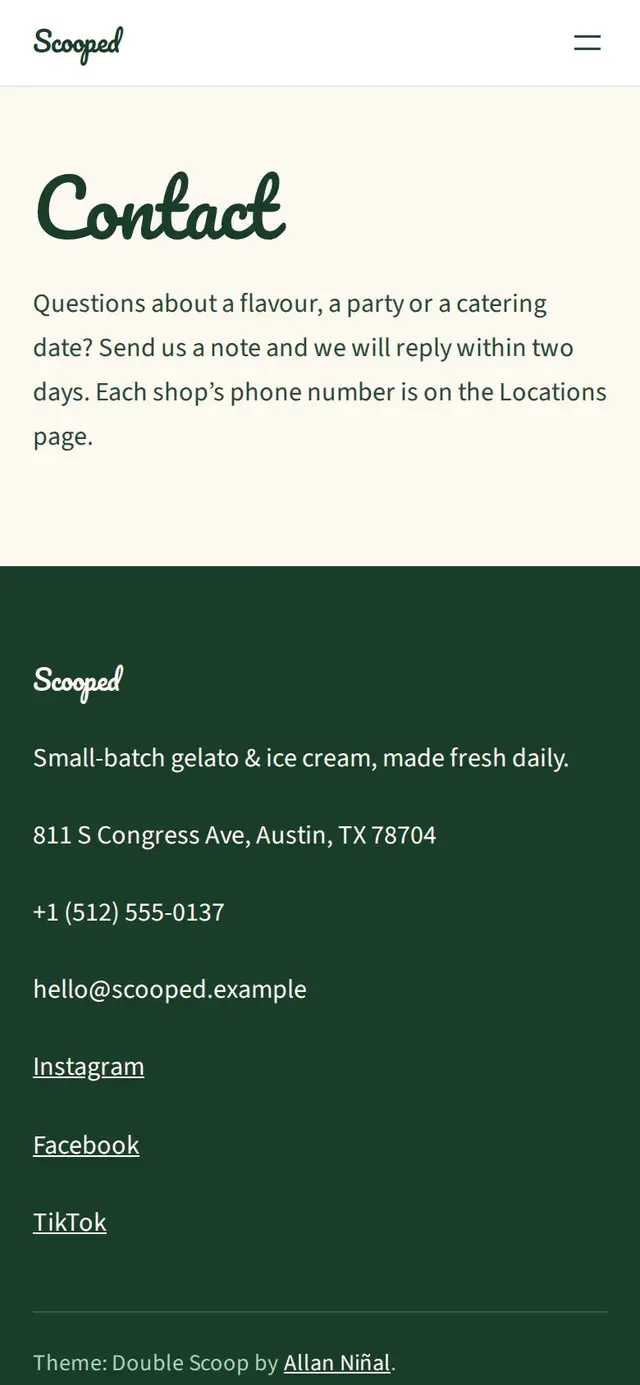
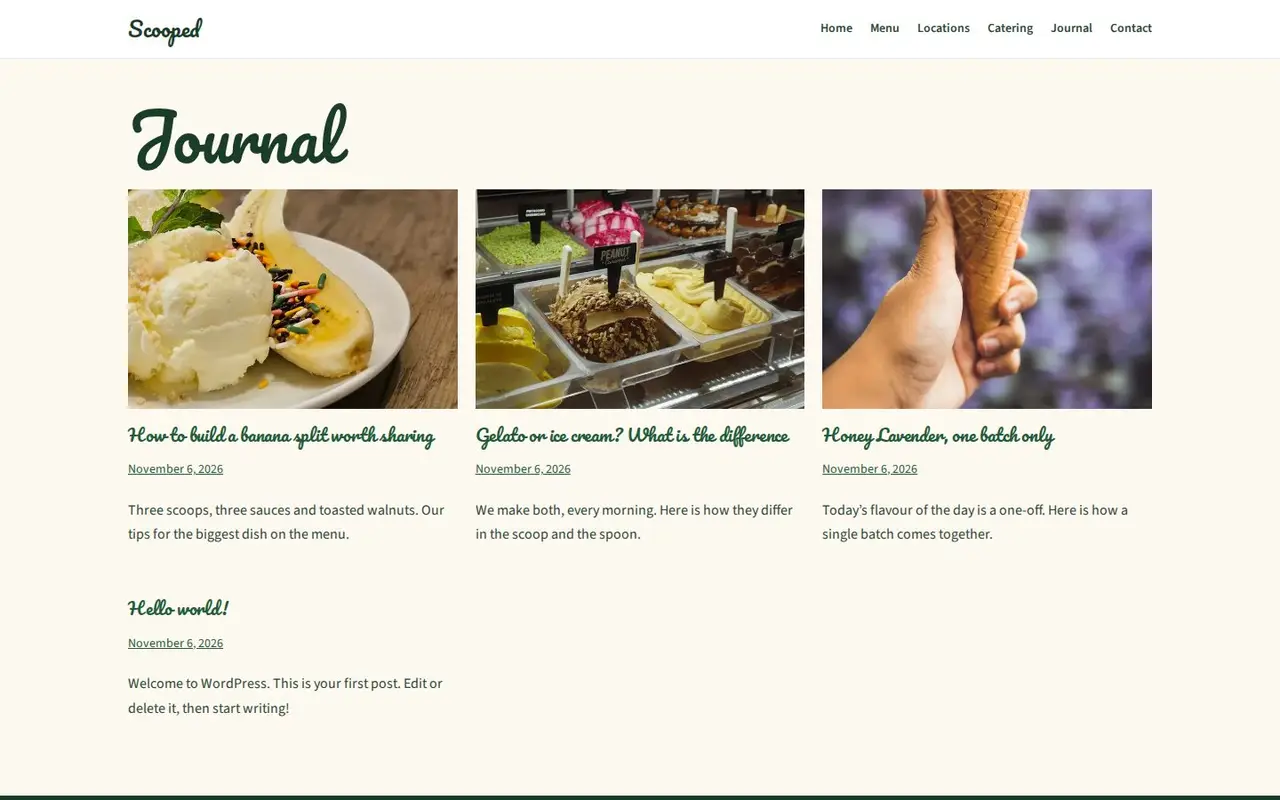
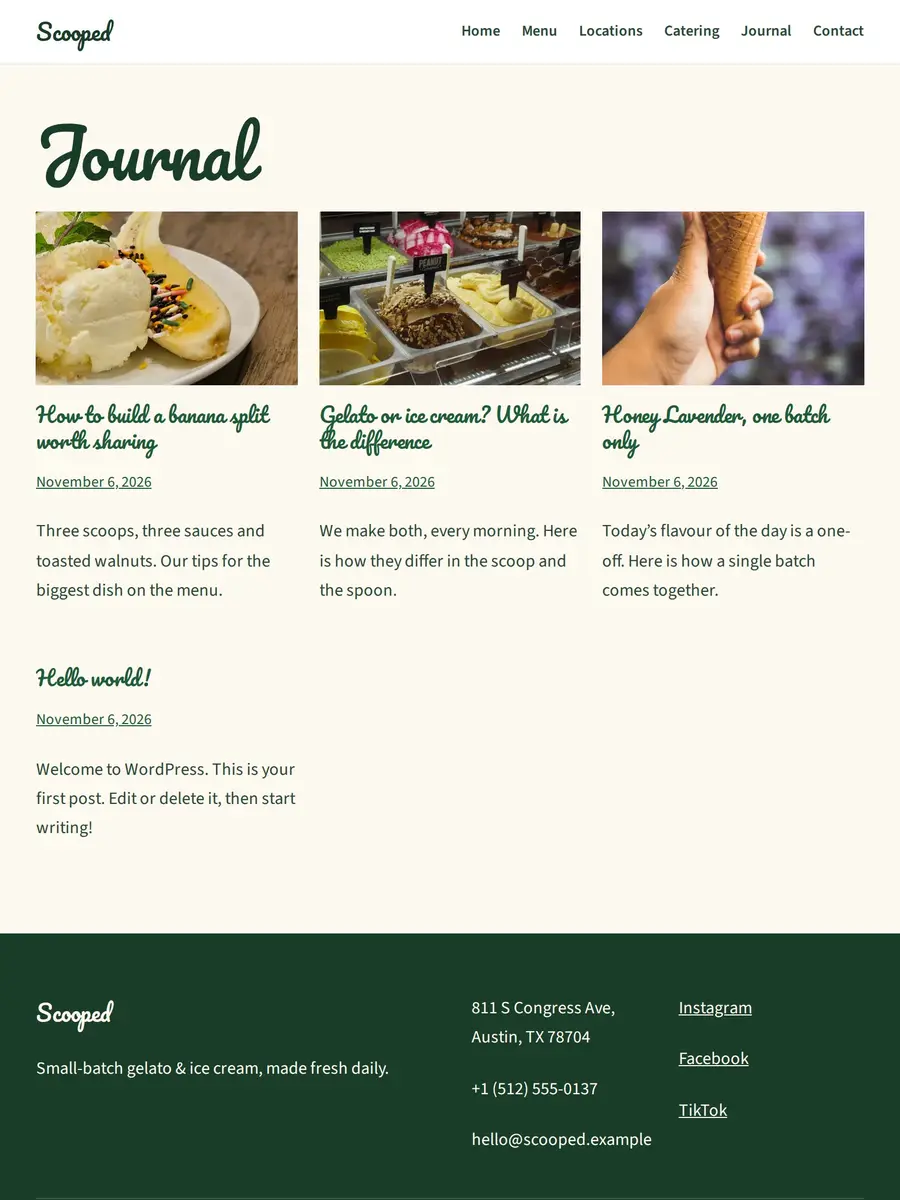
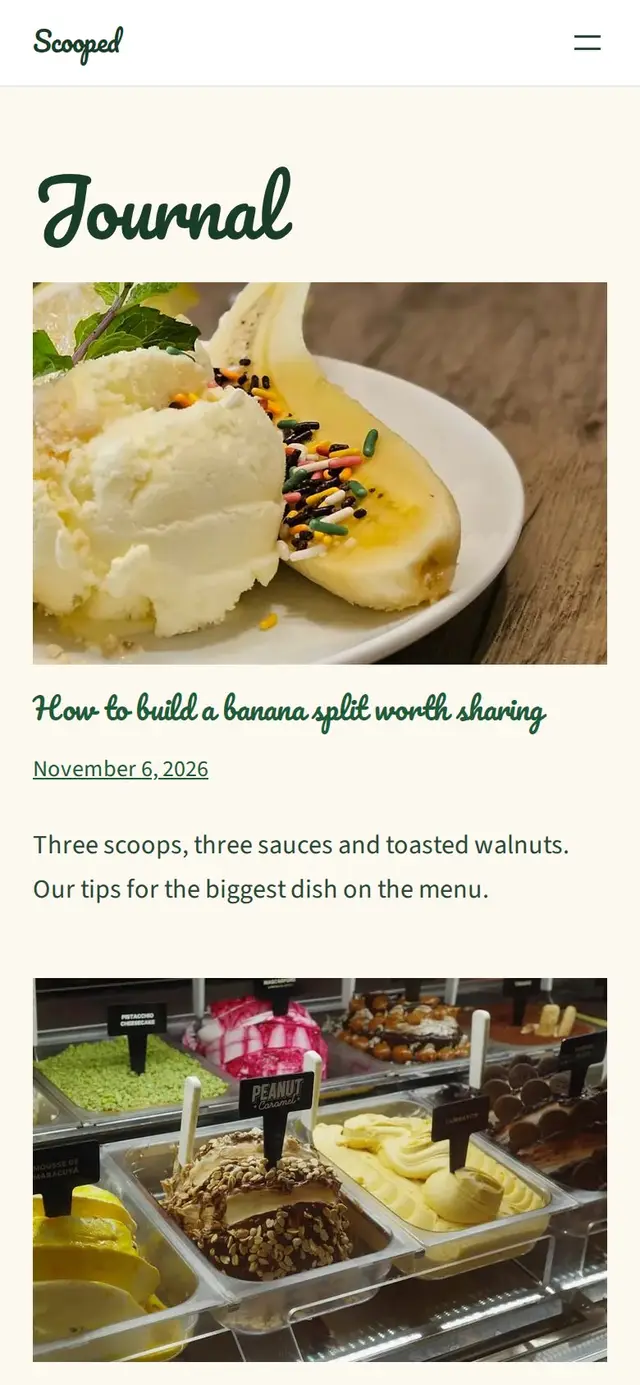
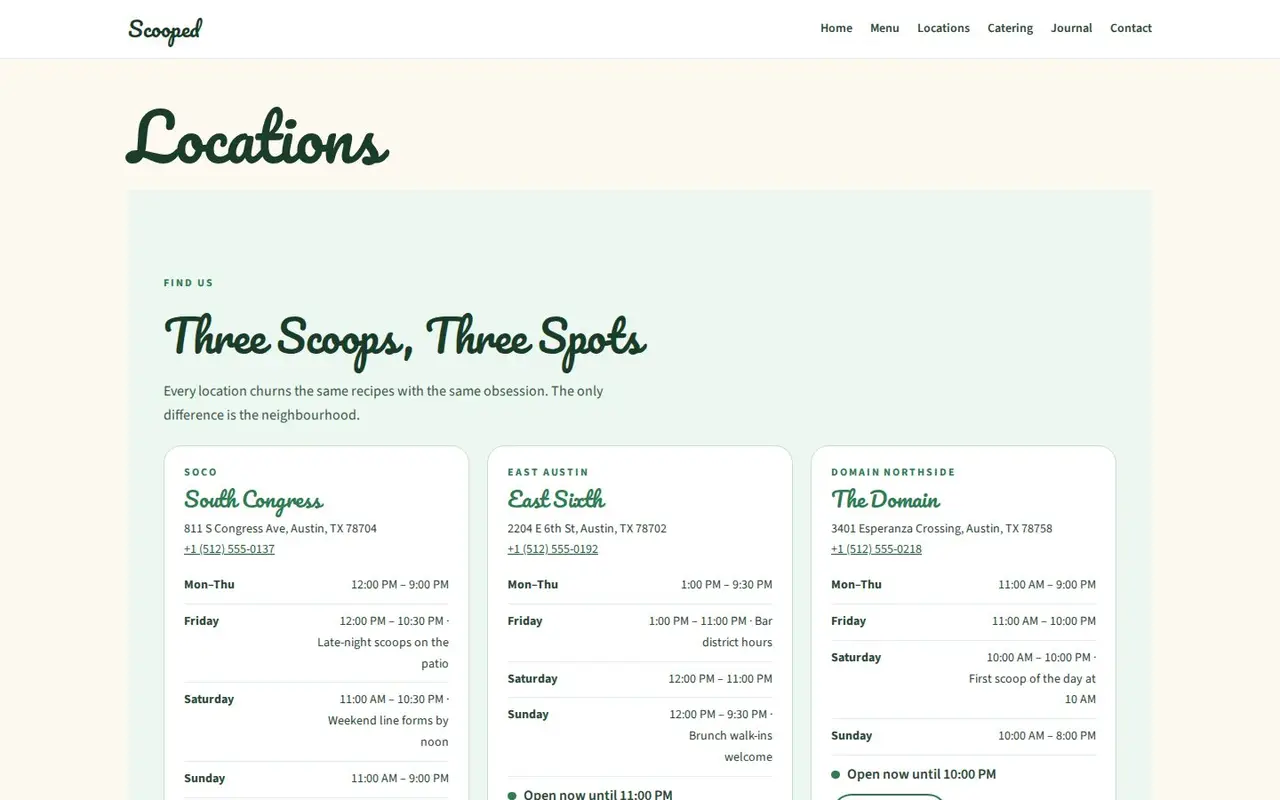
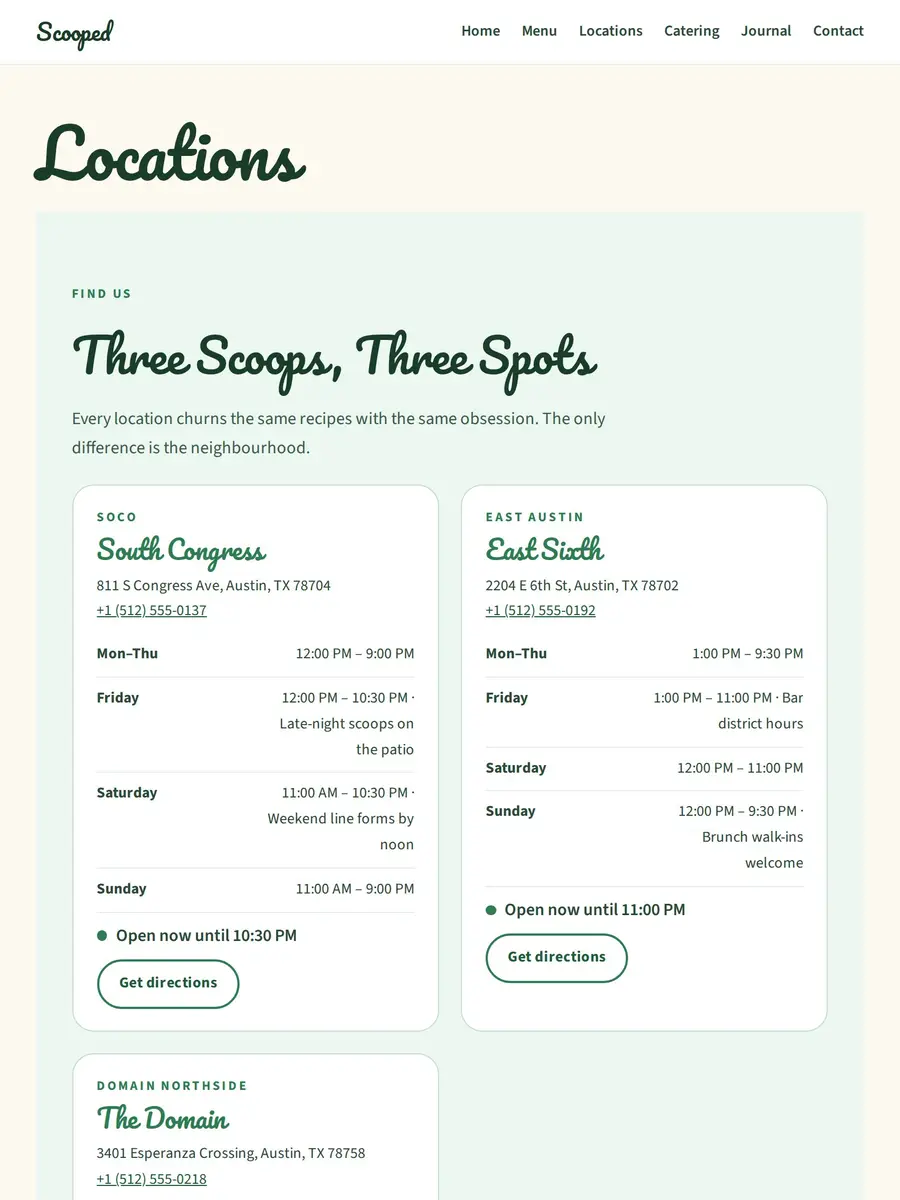
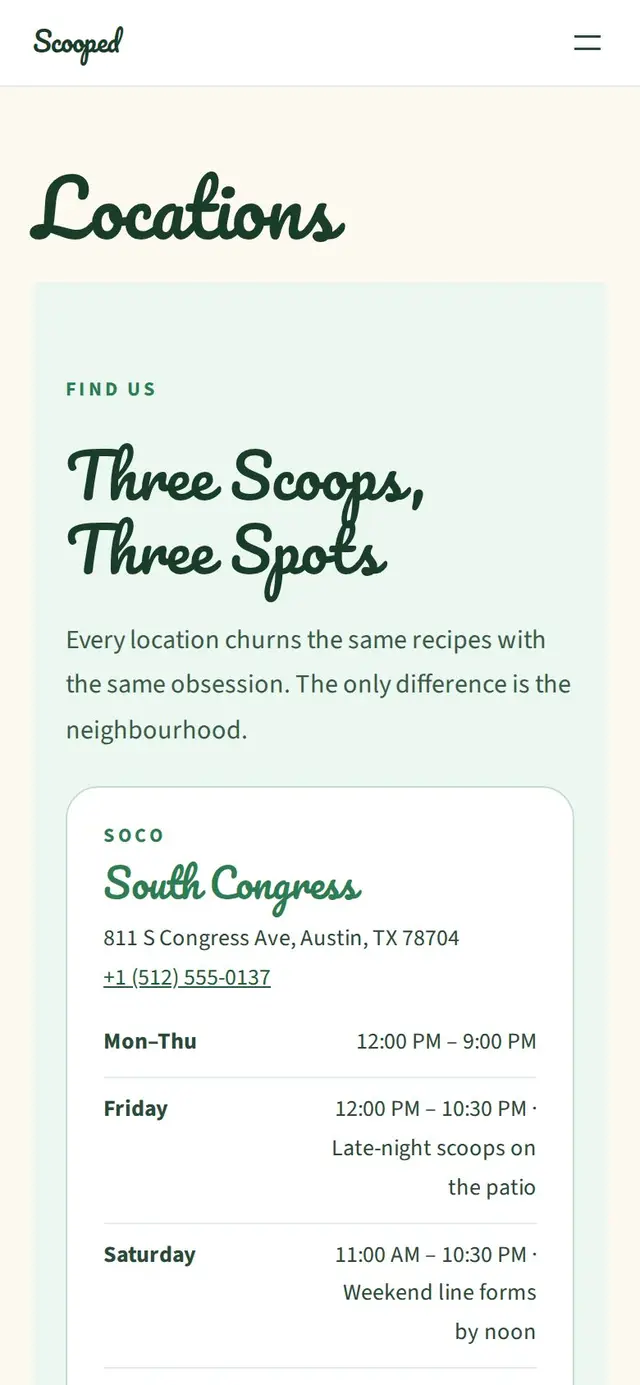
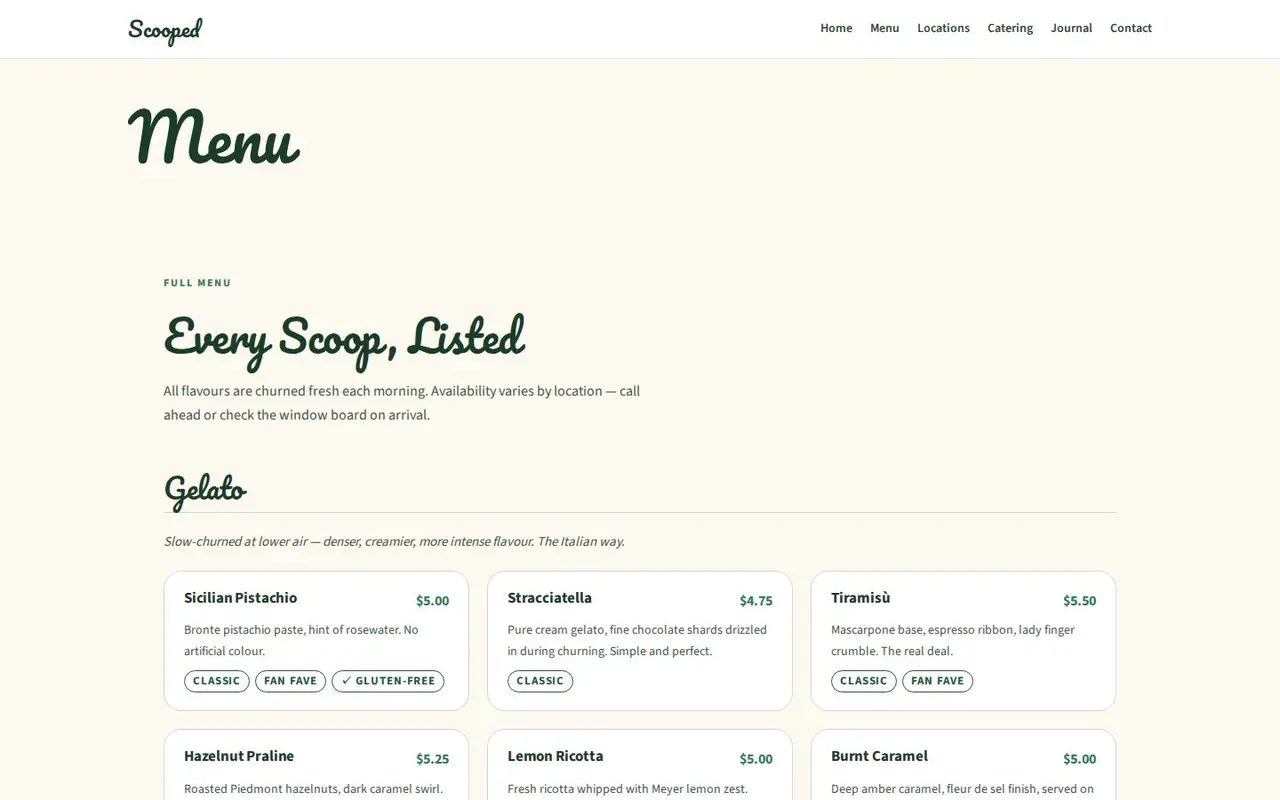
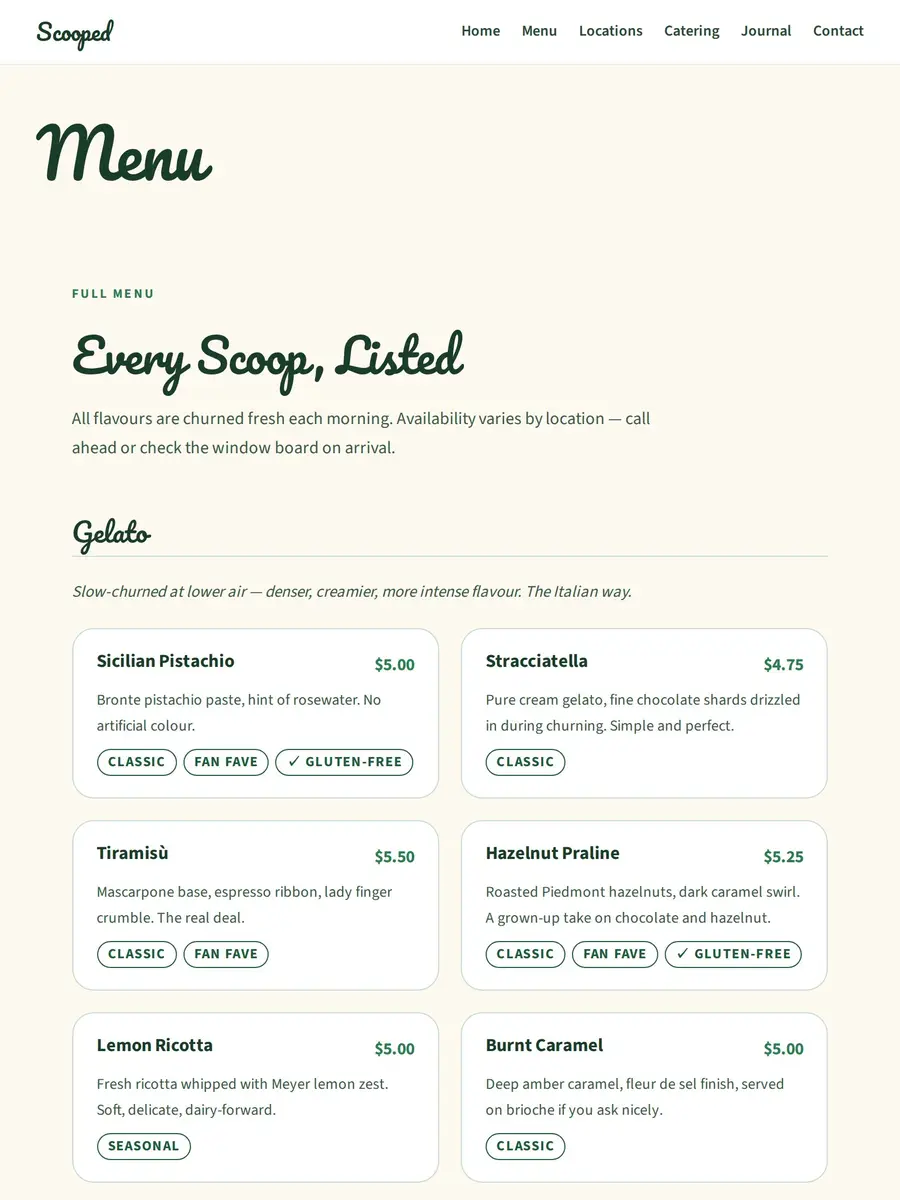
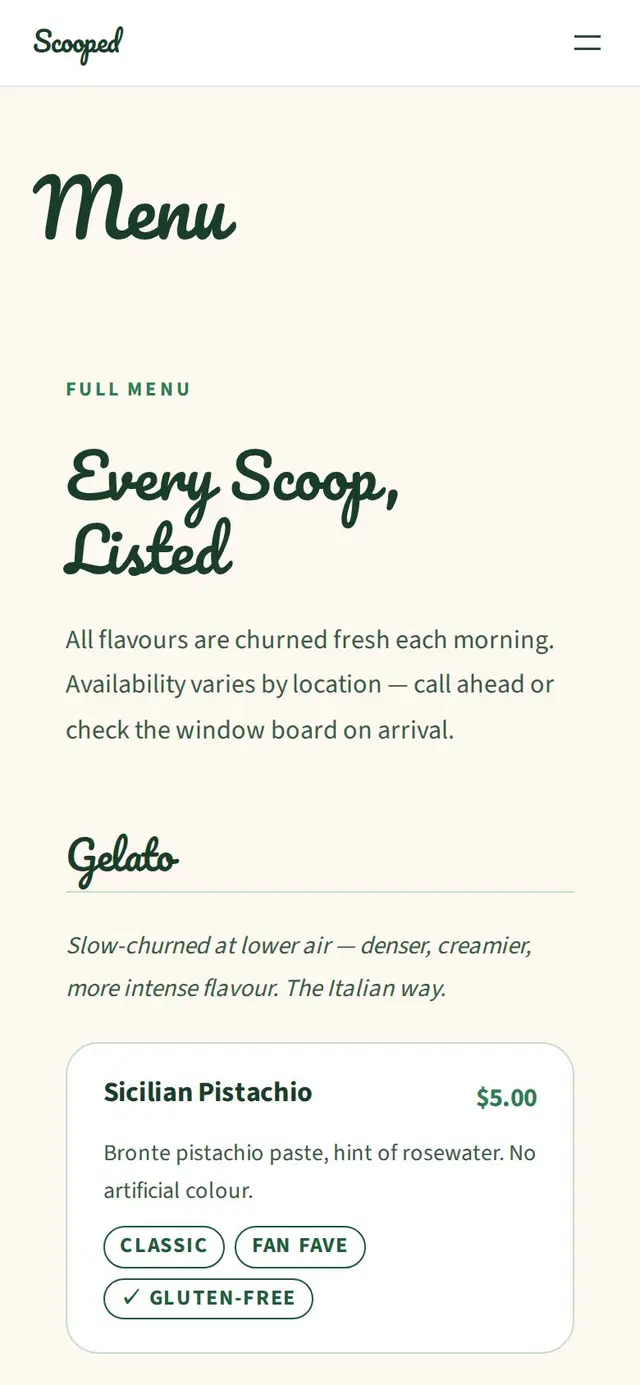
Store
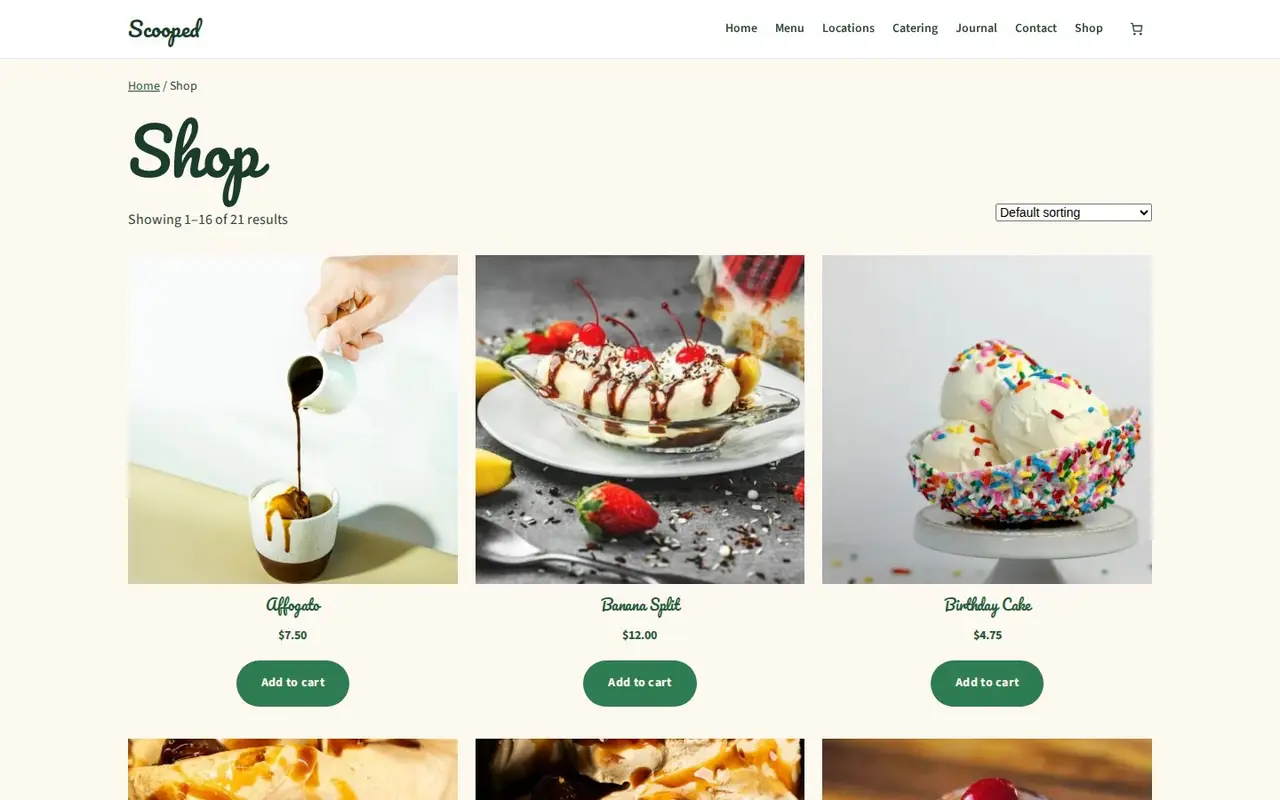
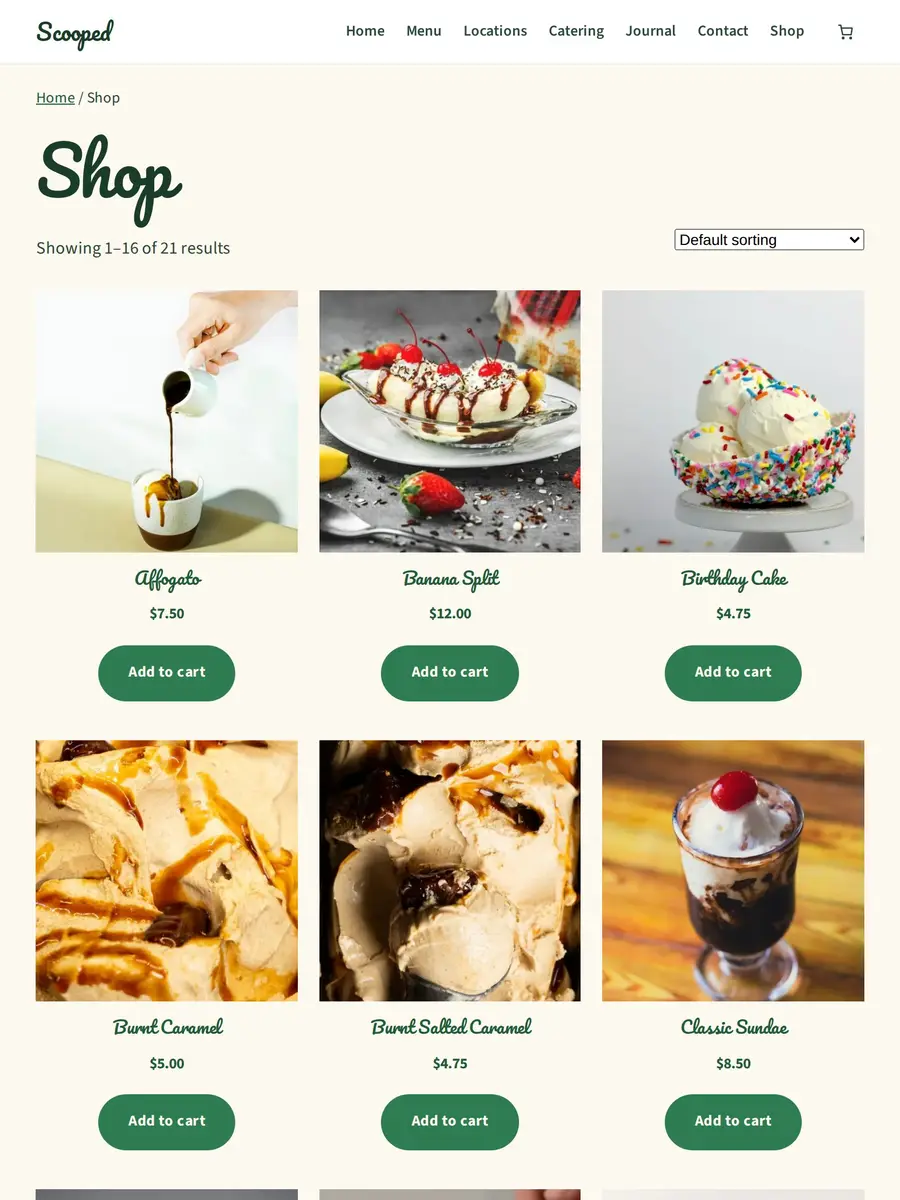
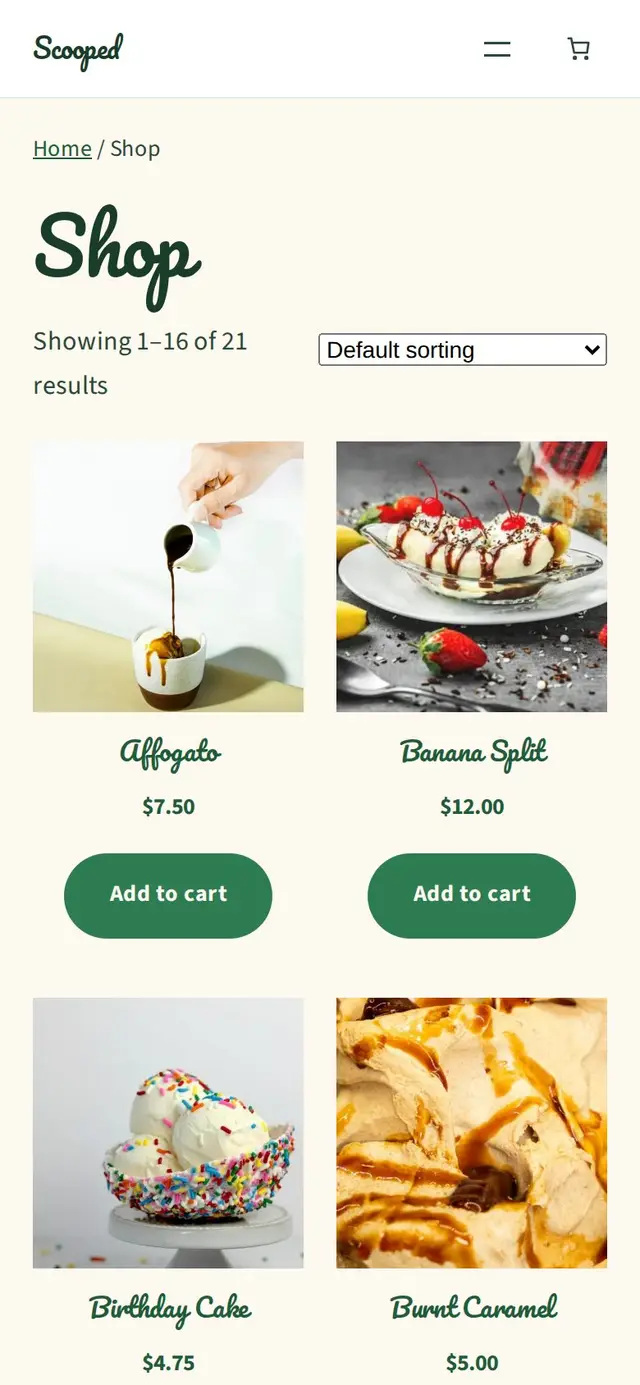
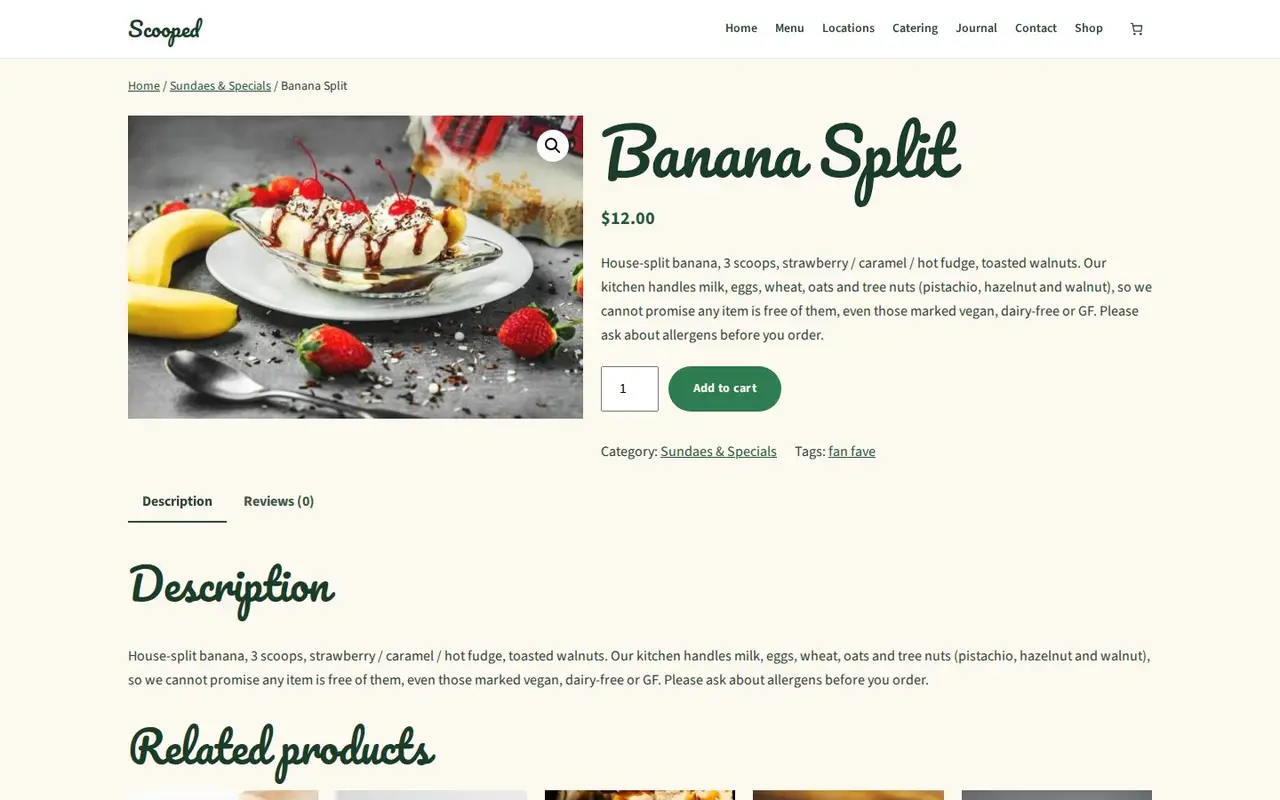
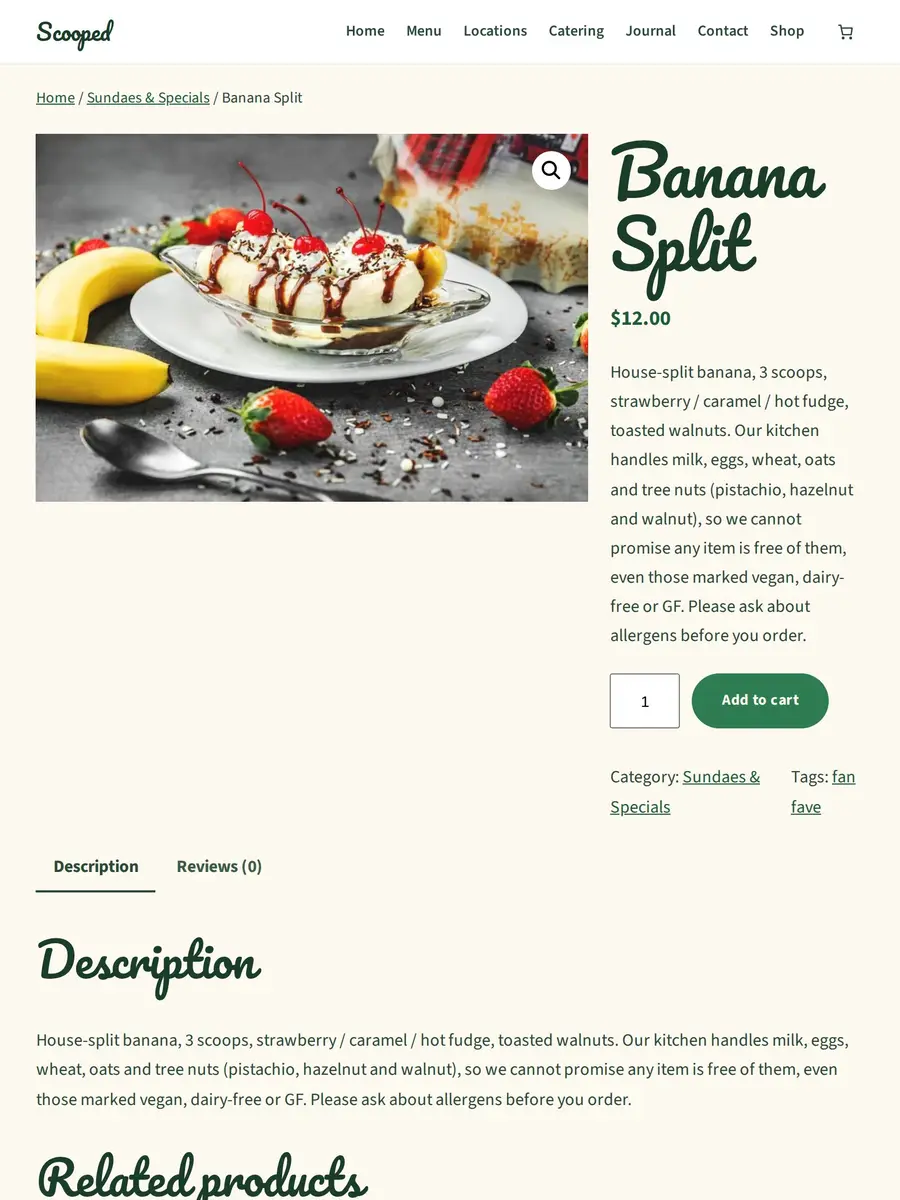
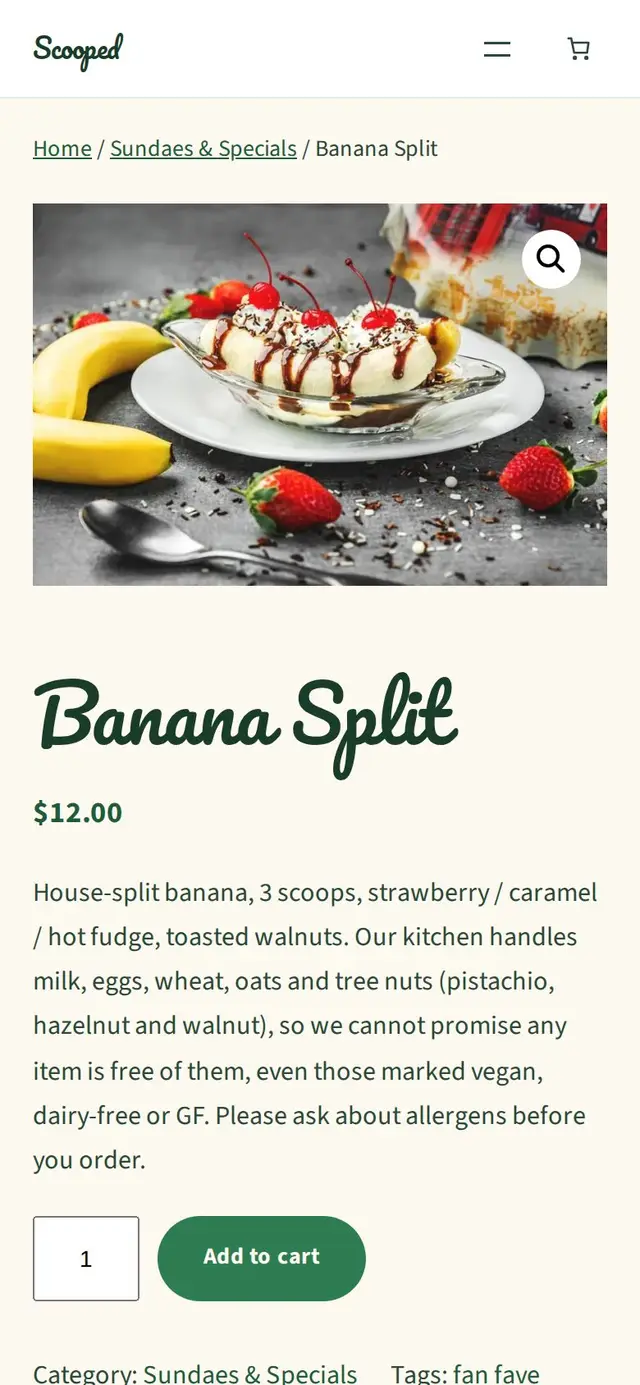
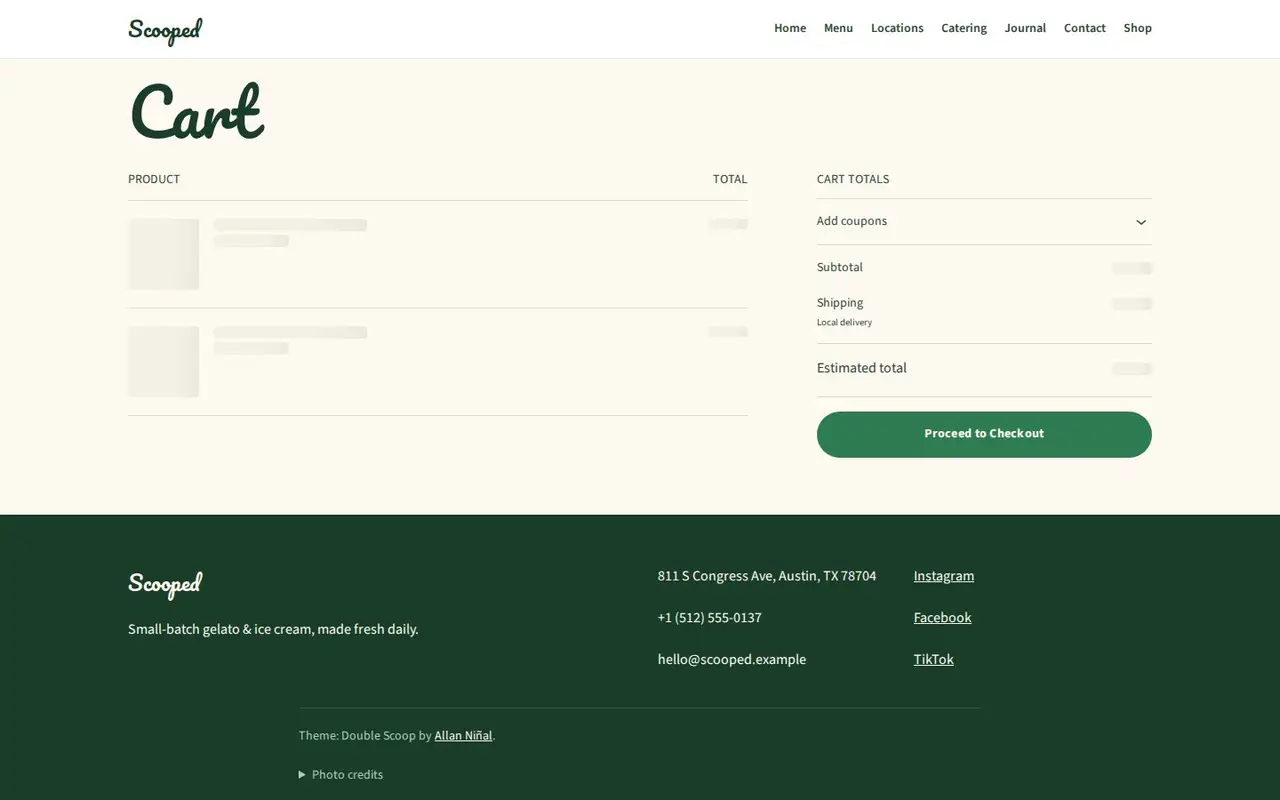
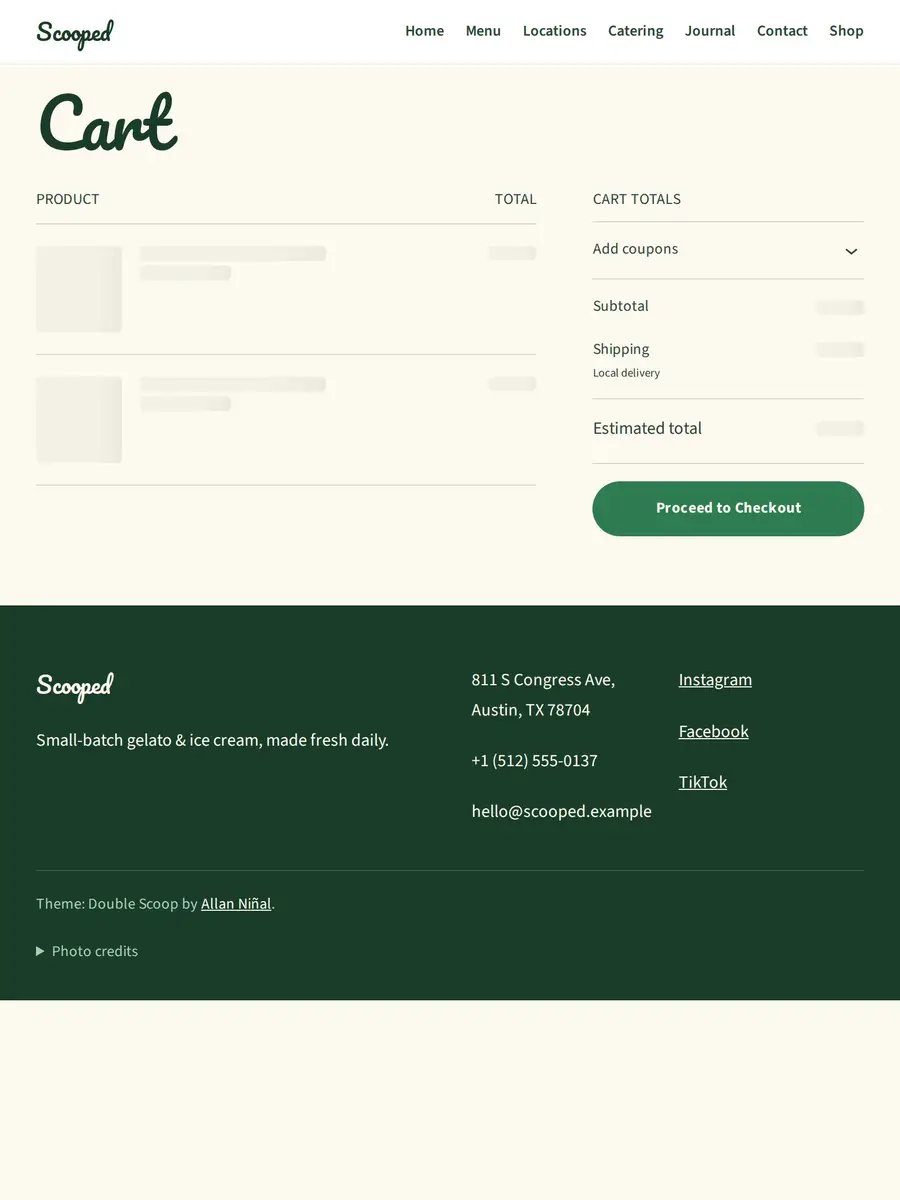
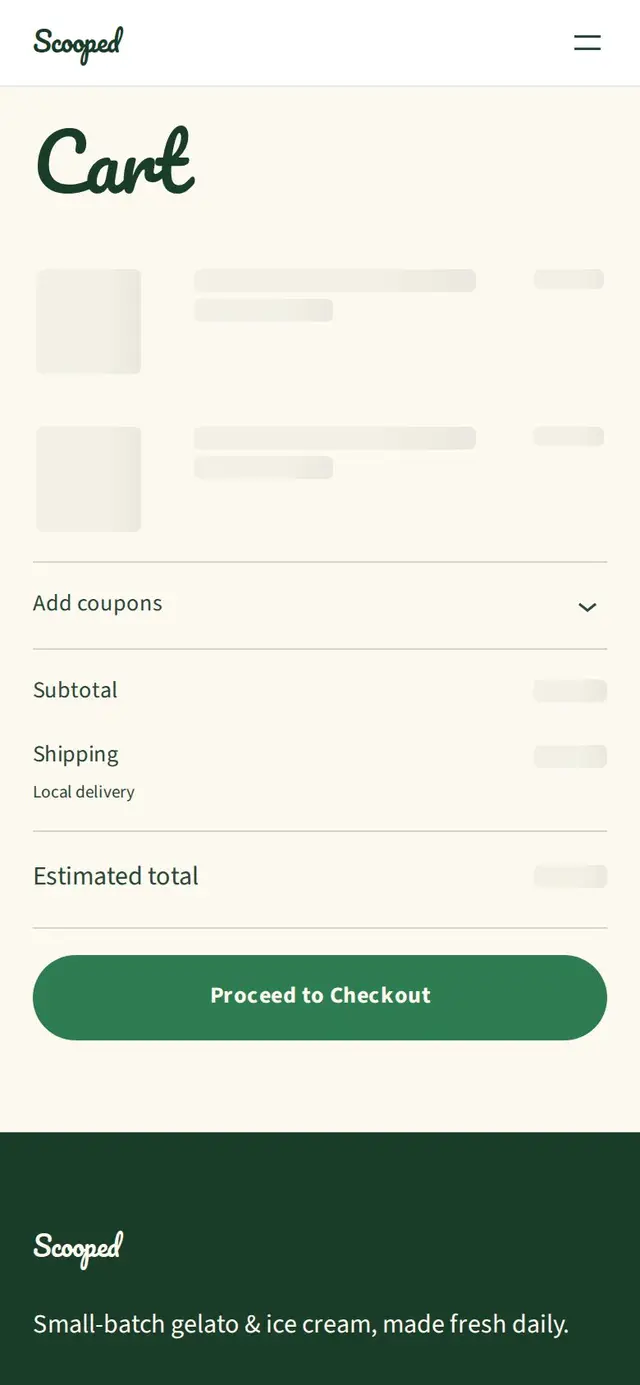
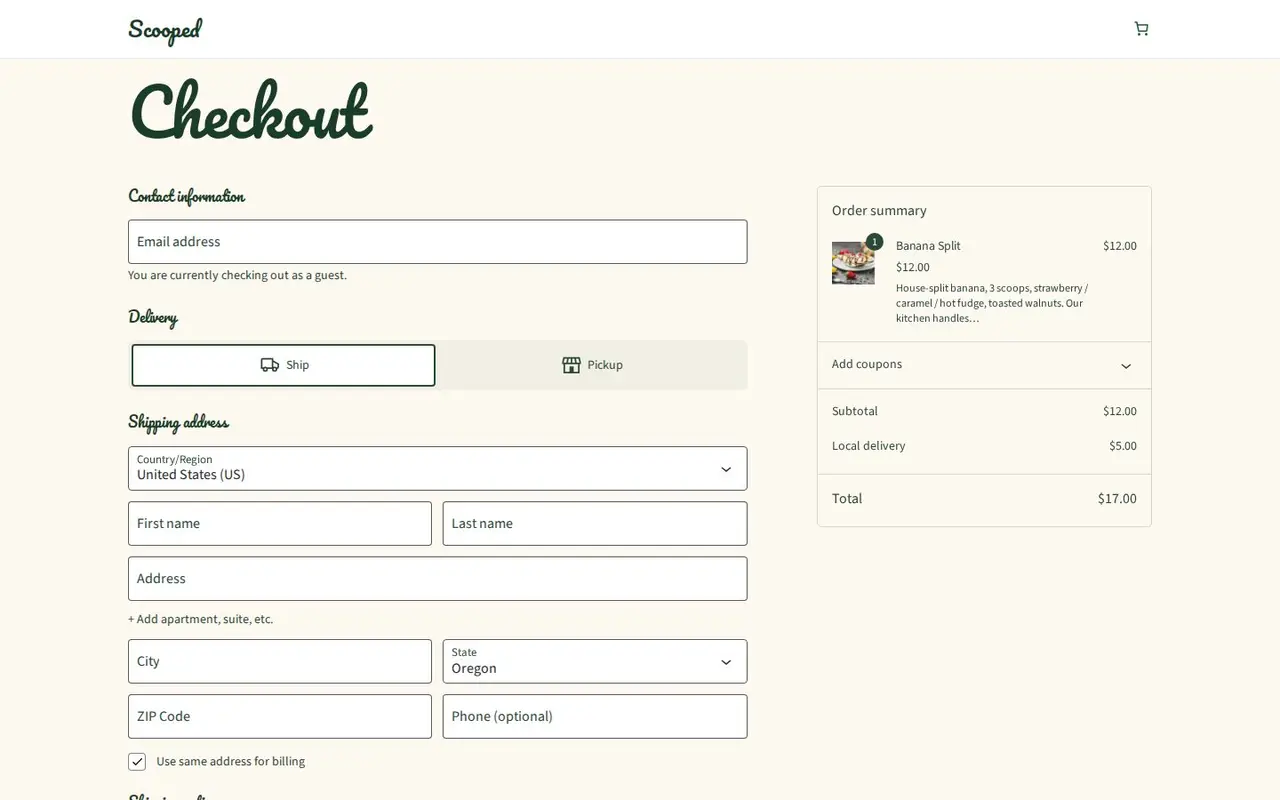
WordPress admin
Changelog
HTML
2026-11-03
- Demo email addresses now end in .example, so none can reach a real business.
- The footer link reads "Order Pickup", since orders are by phone or email.
2026-11-02
- Replaced the gelateria storefront and the counter-staff portrait, which showed another shop's name and a recognisable face, with a plain serving window and two friends with cones; corrected the alt texts.
- One edition: the photo hero, the photo gallery and the printable menu page are always on. The Pro licence files and the free fallbacks are gone.
- Removed real brand names from the menu text (a chocolate maker, a hazelnut spread, an espresso machine maker, a mixer and a sparkling water, a salt and a chili-lime seasoning), the real festival names in the catering list, and the words "on Square" from the order section, to match the WordPress theme.
- Removed dietary tags the ingredients contradict (gluten-free on the two caramel flavours, vegan and dairy-free on the strawberry balsamic and dark chocolate sea salt flavours), and "completely dairy-free" and "completely plant-based" wording.
- The menu page carries the allergen note, word for word as in the WordPress theme.
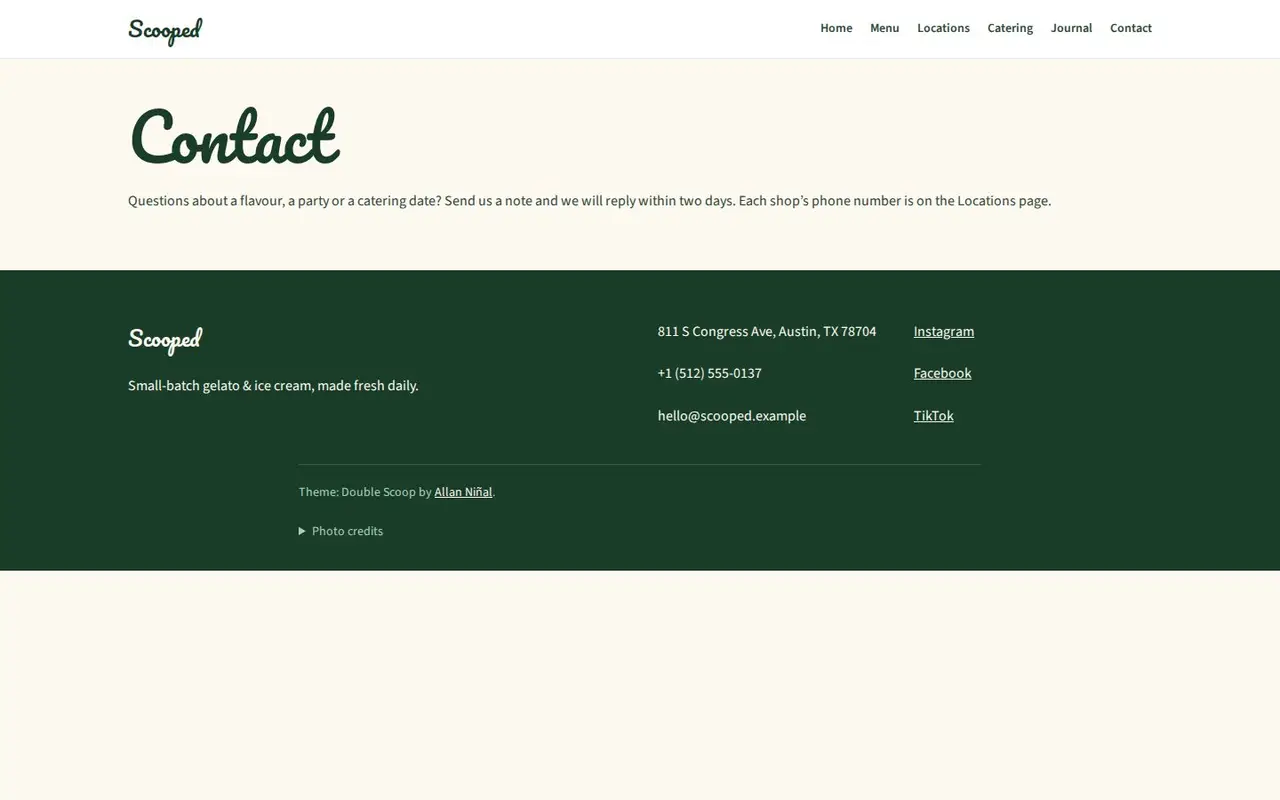
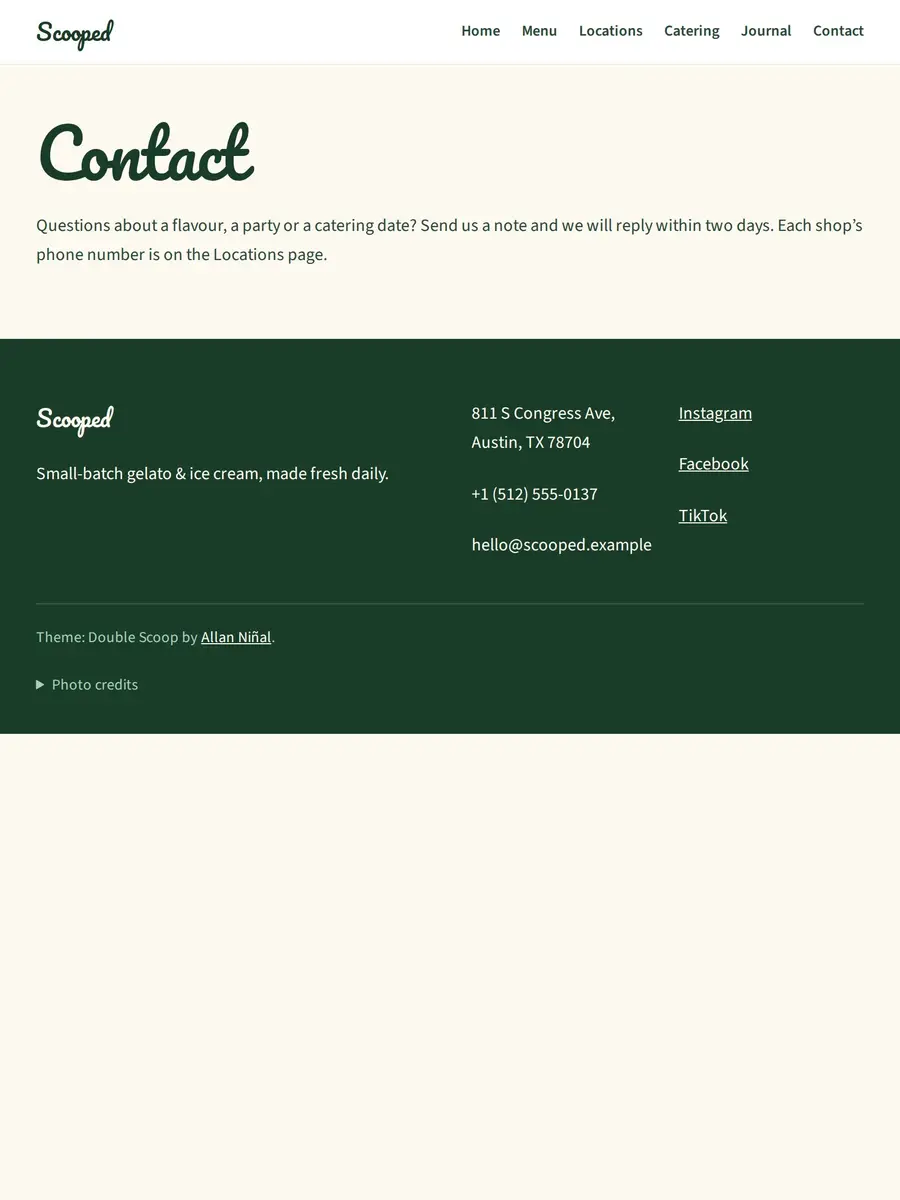
- Added a Journal (three posts and their pages), a Contact page (a plain form that opens the visitor's email app), a footer "Photo credits" block, and the same navigation as the WordPress theme.
- A phone menu that works without JavaScript; larger tap targets.
2026-10-31
- Removed the store bar, the Pro and Astro editions, the zip downloads and AdSense. The code moves to a public GitHub repo.
2026-06-21
- First published as a live demo.
WordPress
1.0.8 · 2026-11-08
- Added: an “Order cut-off” line (Paragraph block style) that says “Order by 2:00 PM for pickup today”, then “Order now for pickup tomorrow”, from the same order-ahead rules the checkout uses; the demo shows it on the menu page.
- Added: a “Schedule” list style that marks what is out now and what is next through the day; the demo adds the day's schedule to the menu page and the menu board pattern.
- Changed: “Open now” counts the dates you are closed (WooCommerce > Settings > Shipping > Order ahead > Dates you are closed) as closed.
- Added (WooCommerce): per-product “Notice needed (hours)” and “Pre-order: ready from” fields. The product page says how much notice it needs and the earliest pickup day, and the checkout refuses a day too soon for what is in the cart.
- Added (WooCommerce): an optional “Gift or cake message” at checkout, saved on the order and shown in the order emails.
- Added (WooCommerce): the demo products list what they contain (a “Contains” attribute, shown on the product page). Check them against your own recipes.
- Note: demo content changes reach your site only if you import the demo again. Your own edits are not touched by updating the theme.
1.0.7 · 2026-11-07
- Added: an “Open now” line under your opening hours. It reads the hours on the page, in your site’s time zone, and says “Open now until 2:00 PM” or when you open next; if it cannot read a row it stays hidden. Add it anywhere with the Paragraph block’s “Open now status” style, straight after an hours table.
- Added: a Menu board pattern, the whole menu one line per item with a dotted leader to the price.
- Changed: menu tags show as small chips, and diet labels (Vegan, Gluten-free, Dairy-free) use the same words in every theme, with a tick so they do not rely on colour.
- Added: section edges and textures as Group block styles (wavy, scalloped or zigzag bottom edge; dots or sprinkles background). The demo uses a scalloped edge under the flavour of the day.
- Changed: the “GF” tag now reads “Gluten-free”.
- Note: demo content changes reach your site only if you import the demo again. Your own edits are not touched by updating the theme.
1.0.6
- Added: shoppers can choose a pickup or delivery day and time at checkout (WooCommerce). Only days you can fill are offered: closed weekdays, holidays and days inside your notice period are left out, and the first day moves on after your order cut-off. The choice is saved on the order and shown in the order emails. Off until you turn it on in WooCommerce → Settings → Shipping → Order ahead (importing the demo turns it on). It records the day and time; it does not limit orders per time slot.
1.0.5 · 2026-11-04
- Changed: the theme is now 100% GPL. The demo photos are no longer inside the theme: “Import demo content” downloads them from allanninal.dev, each checked against this release. Until you import, each photo space shows a quiet panel in the theme’s colours.
- Changed: the setup guide is linked from Appearance → Double Scoop demo instead of sitting in the theme folder.
- Added: single posts show their tags as well as their categories, and in post lists the date links to the post.
- Fixed: long menus wrap and their dropdowns open inwards; preformatted text scrolls inside its own box instead of widening the page; comments use the Comments block.
- Note: demo content changes reach your site only if you import the demo again. Your own edits are not touched by updating the theme.
1.0.4
- Fixed: demo email addresses end in .example, so none can reach a real business.
1.0.3
- Added: a Journal with three posts and a Contact page to the demo, both in the menu.
- Added: an allergen note on the Menu page and in every product description.
- Fixed: dietary labels corrected on the caramel, strawberry balsamic and dark chocolate flavours, and brand names removed from the menu and catering list.
- Changed: new shop-window and customer photos.
- Improved: plugin colours, shapes and positions now follow each plugin's own settings. The theme only passes on its font and keeps room in the footer when a plugin needs it.
- Note: demo content changes reach your site only if you import the demo again. Your own edits are not touched by updating the theme.
1.0.2 · 2026-10-30
- Added: a Photo credits section in the footer, and each demo photo now carries its credit as its Media Library caption.
- Improved: demo photos and the site icon are recompressed a little smaller, at the same visual quality.
1.0.1 · 2026-10-28
- Added: a setup guide (guide.pdf, in the theme folder and linked from the demo screen): installing, activating the licence, importing the demo, the home page section by section, editing, colours and styles, WooCommerce, child themes and getting help, with screenshots and diagrams.
1.0.0 · 2026-10-28
- First release.