Bakery
Golden Crumb
The Bakery template as a WordPress block theme. One click adds the menu, custom-cakes and visit pages, the navigation and the photos; with WooCommerce it also adds the whole menu as shop products with real photos. Everything stays editable in the WordPress editor. Comes with Evening, a dark version of the design, and a checkout tested with WooCommerce's local delivery and pickup options.
HTML
Free. Plain files you can put on any host.
Live demo Download ZIP Get the code on GitHubPaid edition, $29 once: the same design plus live open-now hours, an order cut-off, the earliest pickup for custom cakes, menu filters and today’s bake schedule.
Buy the paid HTMLWordPress
From $59 a year for one site, or $179 once. 30-day refund.
100% GPL: everything in the theme is under the GPL. The demo photos are not part of it; the demo import downloads them, each under its own licence.
Buy the themeOr start with the free version: the same design, without the demo import, the shop or the dark style.
Download the free theme (ZIP) Free version on GitHubInstall it at Appearance › Themes › Add New › Upload Theme.
Shopify
Coming soon. The Shopify theme is in review for the Shopify Theme Store; the link goes here once it is approved.
What each version gives you
HTML
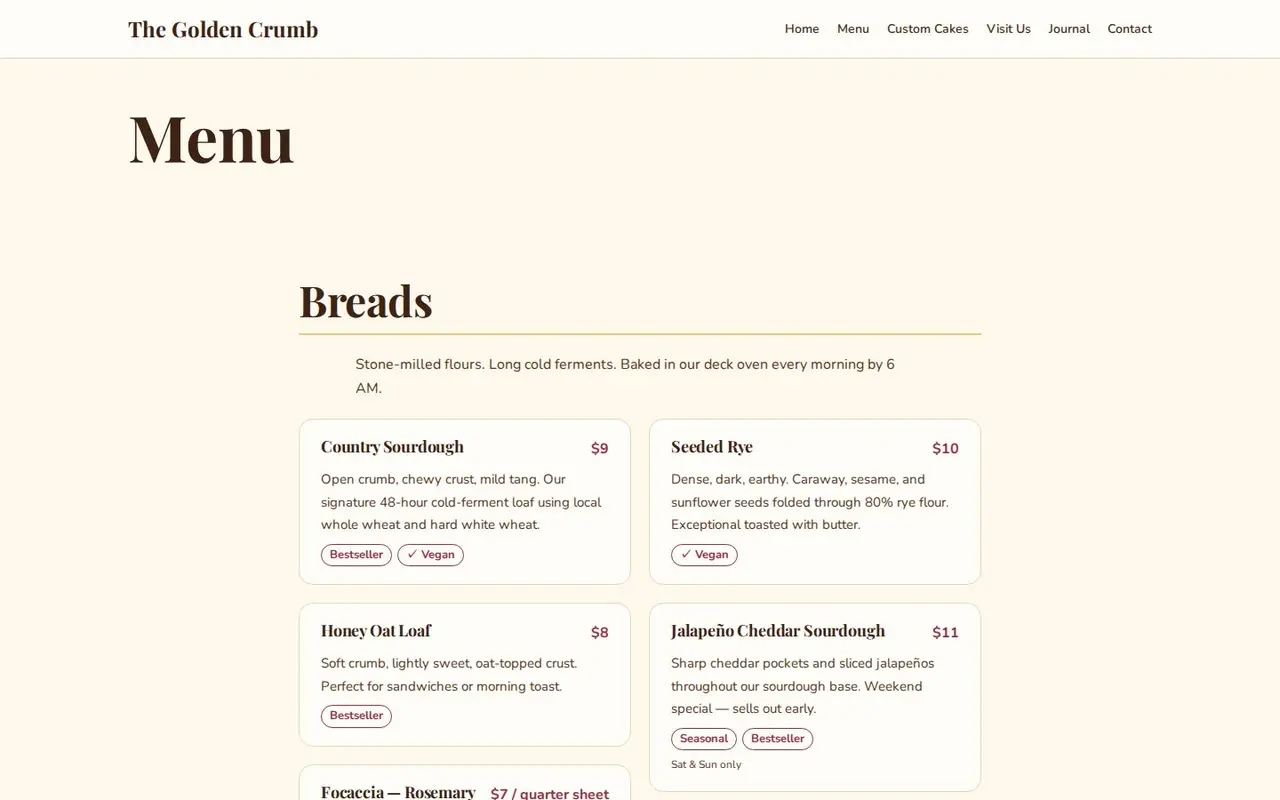
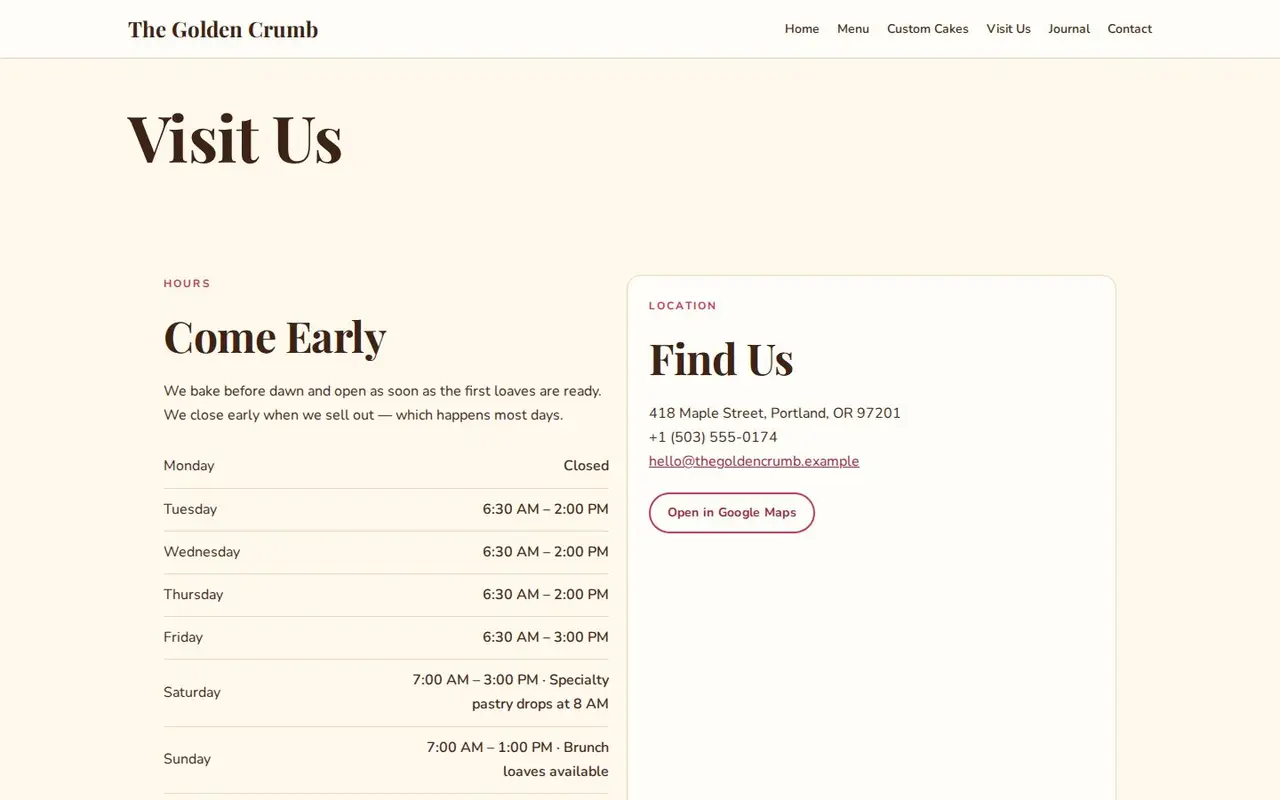
- 7 pages: Home, Contact, Journal, Menu
- Plain HTML, CSS and JavaScript, with nothing to install or build
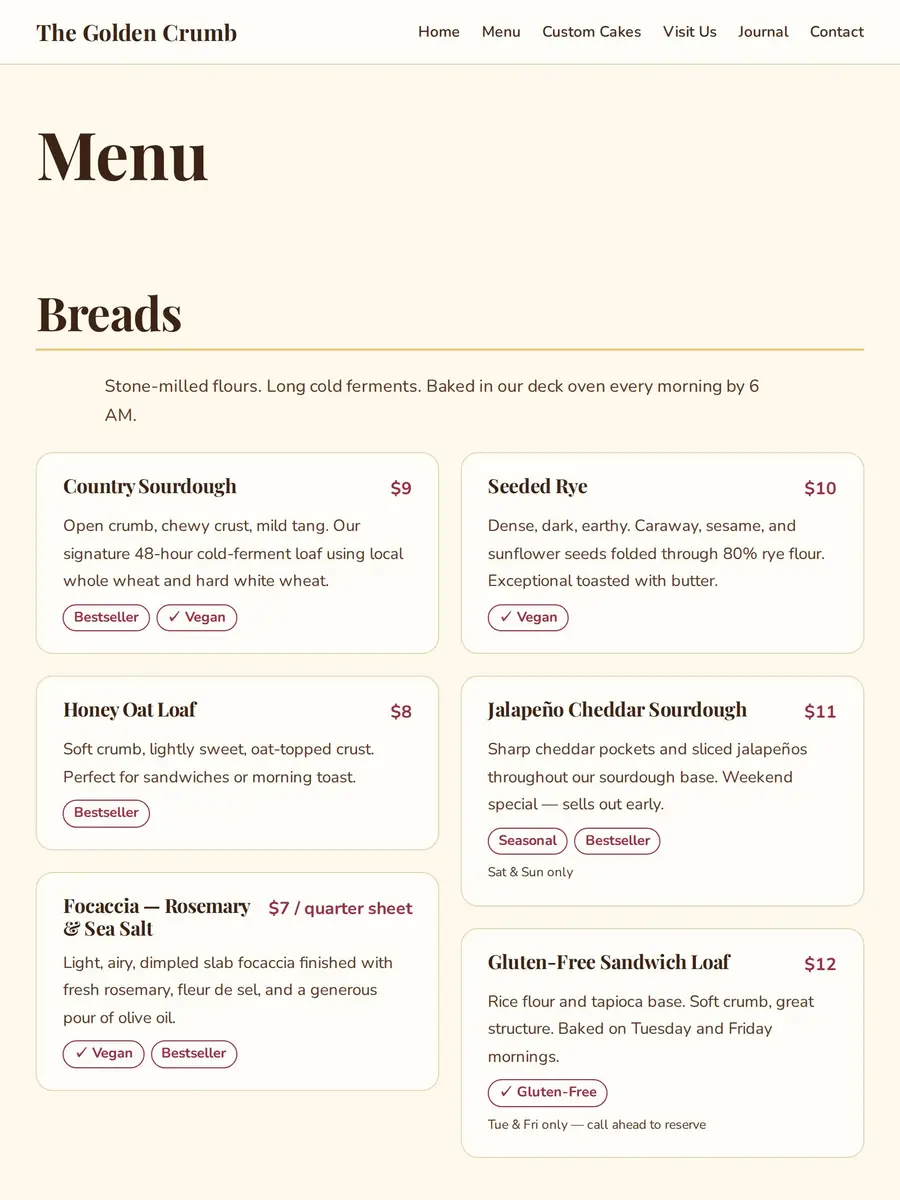
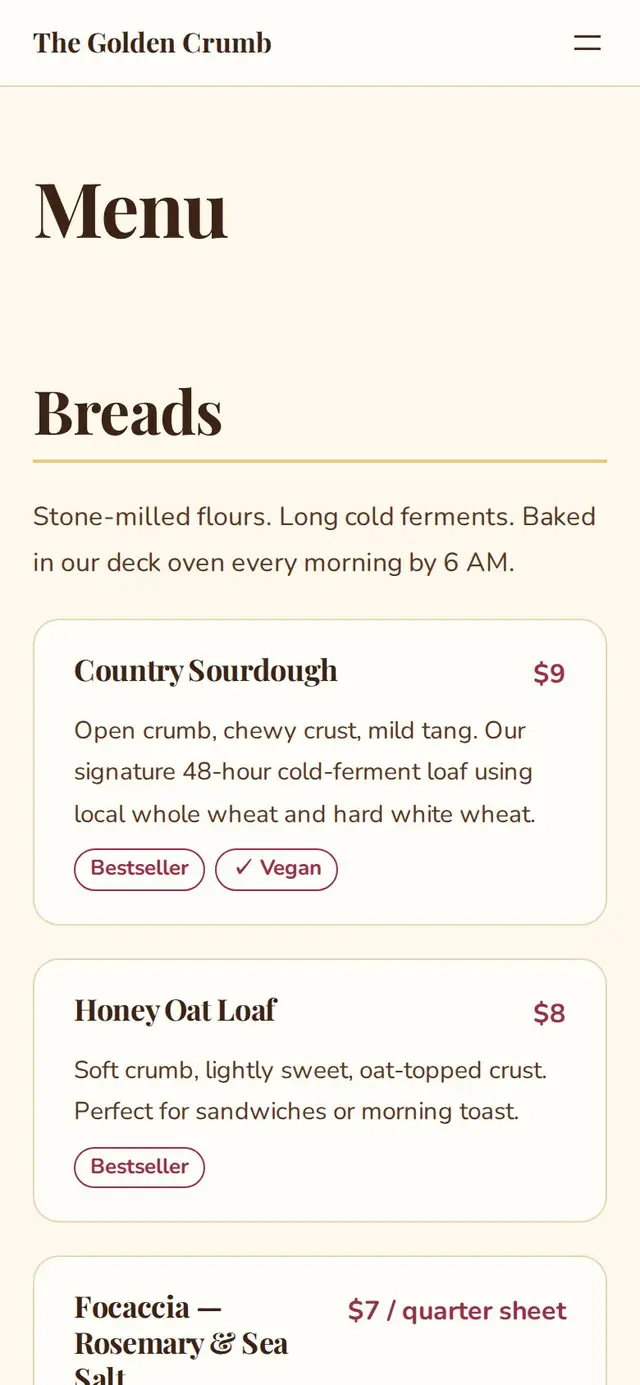
- Works on phones, tablets and desktops
- Search engine data included: Bakery, Menu
- No ads, trackers or analytics in the code
- Host it anywhere that serves static files
- MIT licence for the code; each photo is credited under its own licence
- You edit the code by hand. It has no admin, shop, checkout or customer accounts
WordPress version 1.0.12
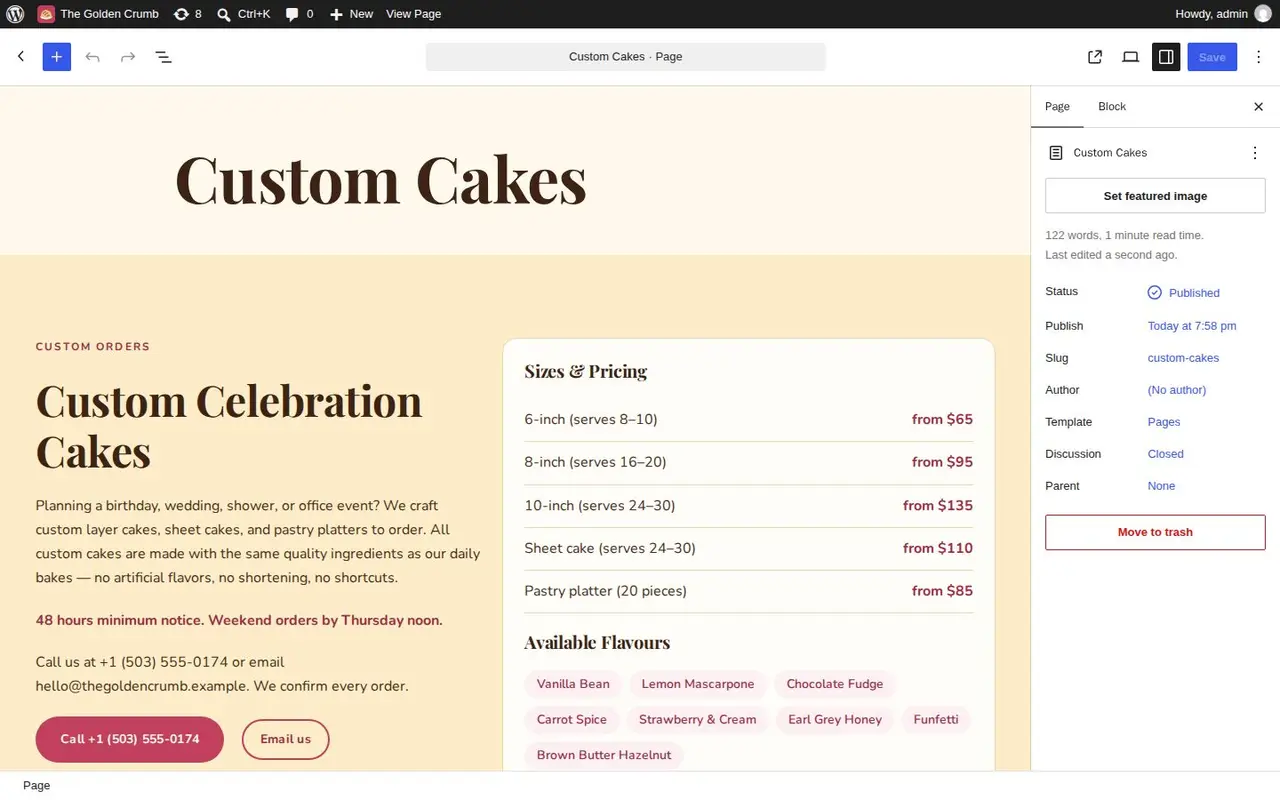
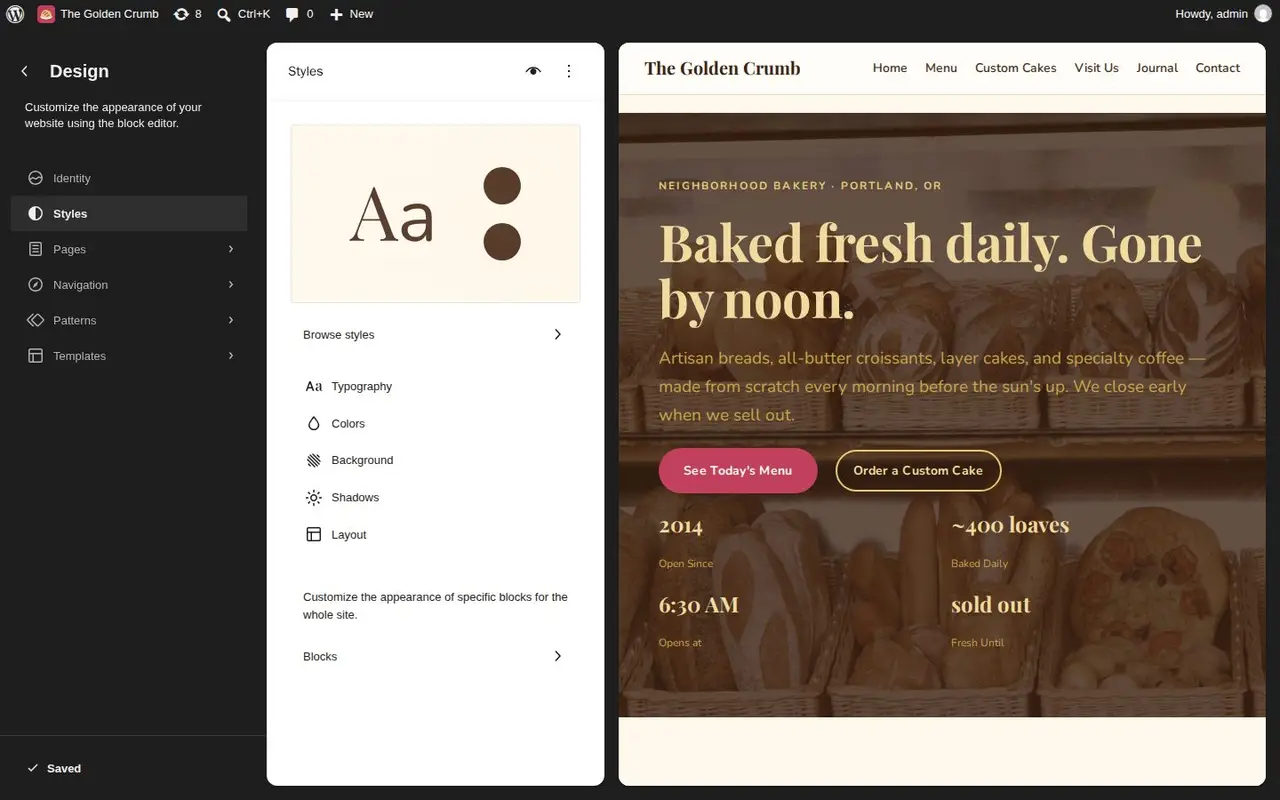
- Edit every page, header and footer in the WordPress Site Editor, with no page builder
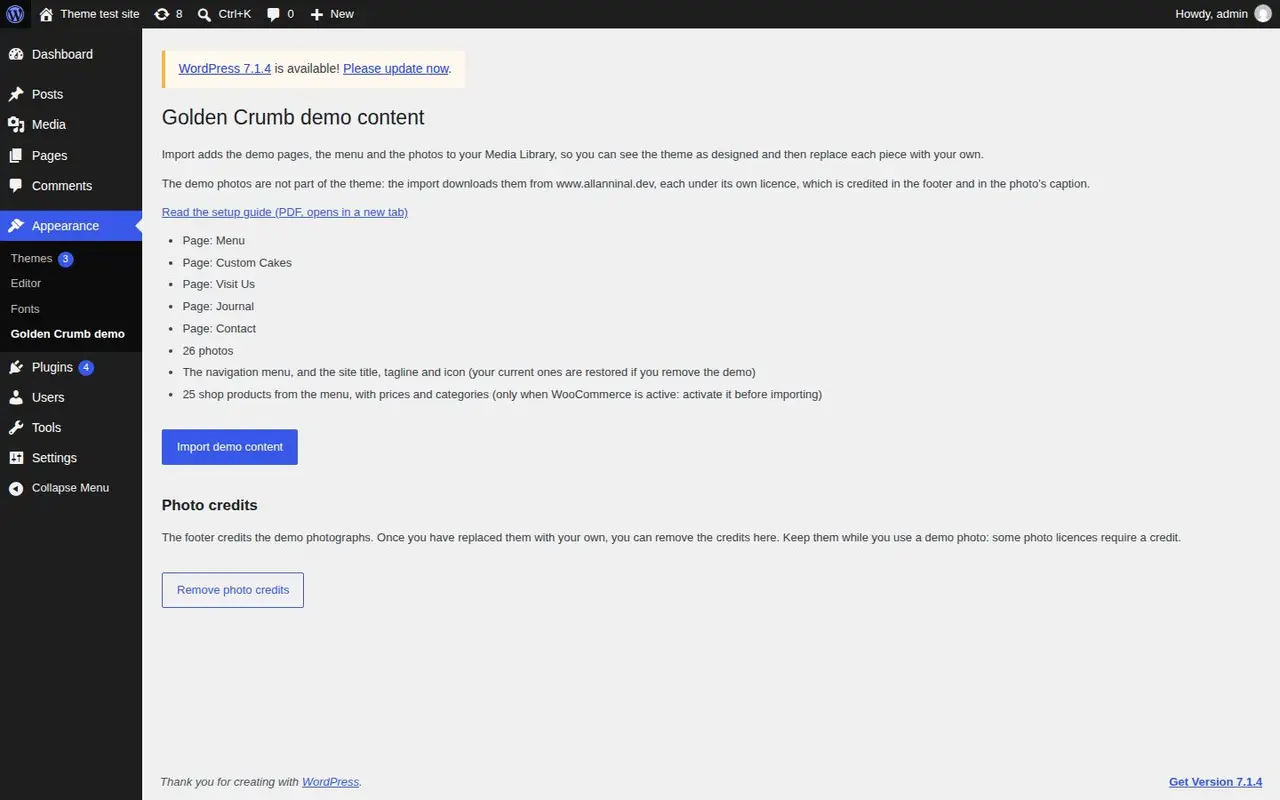
- One-click demo import: 5 pages, the menu and 26 photos
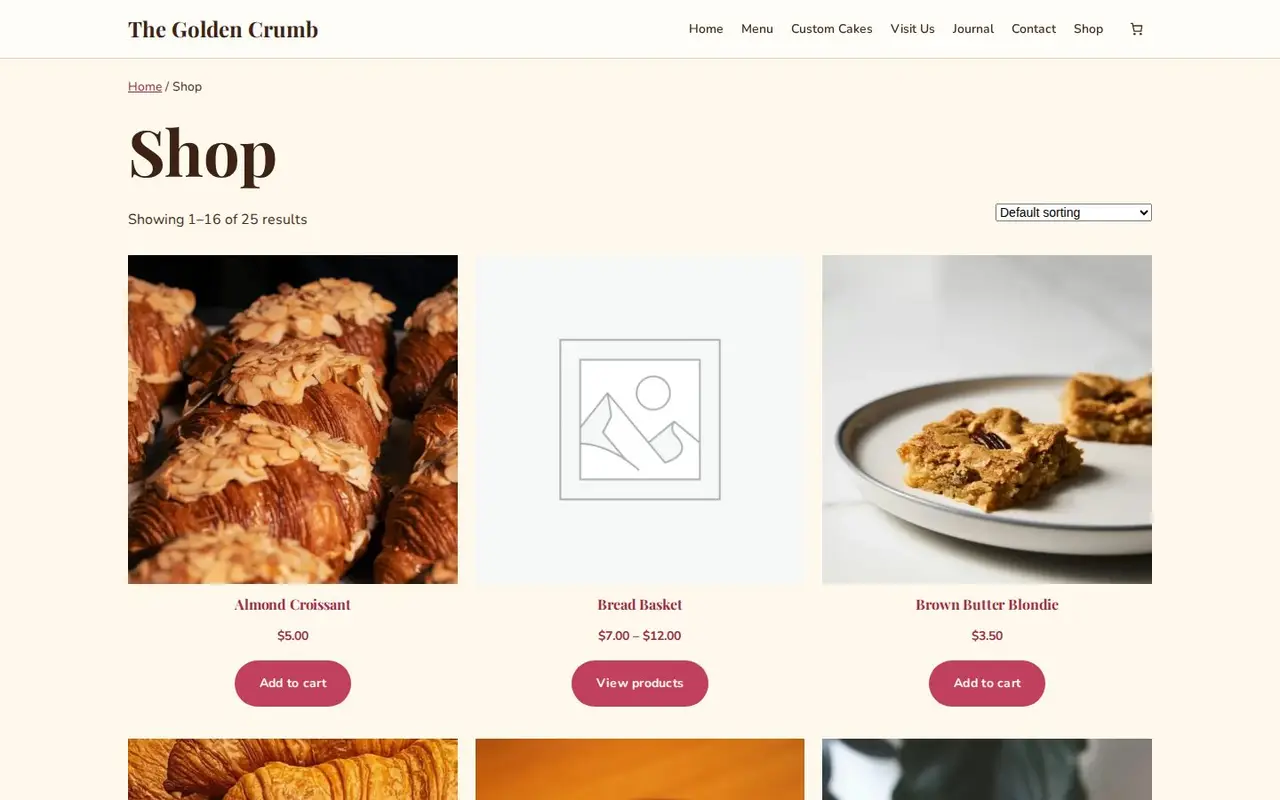
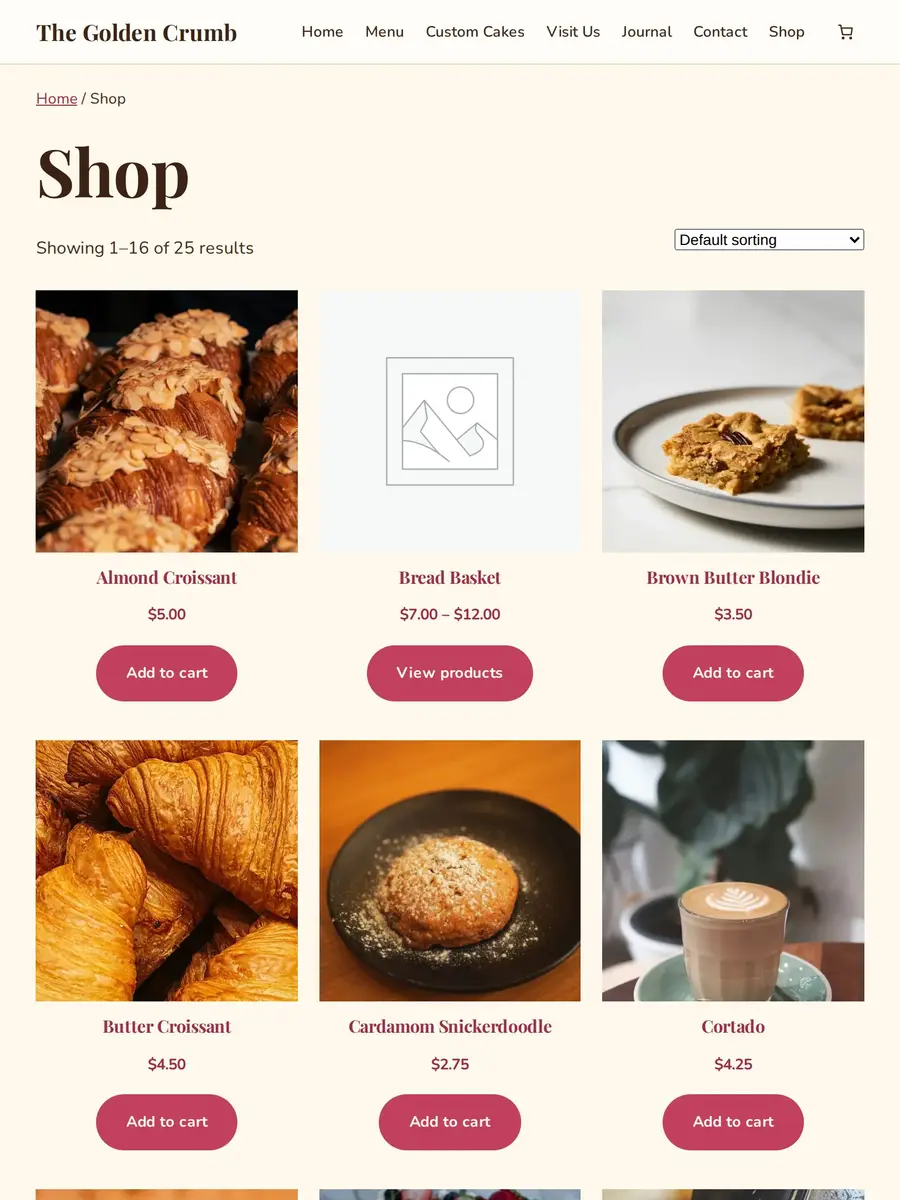
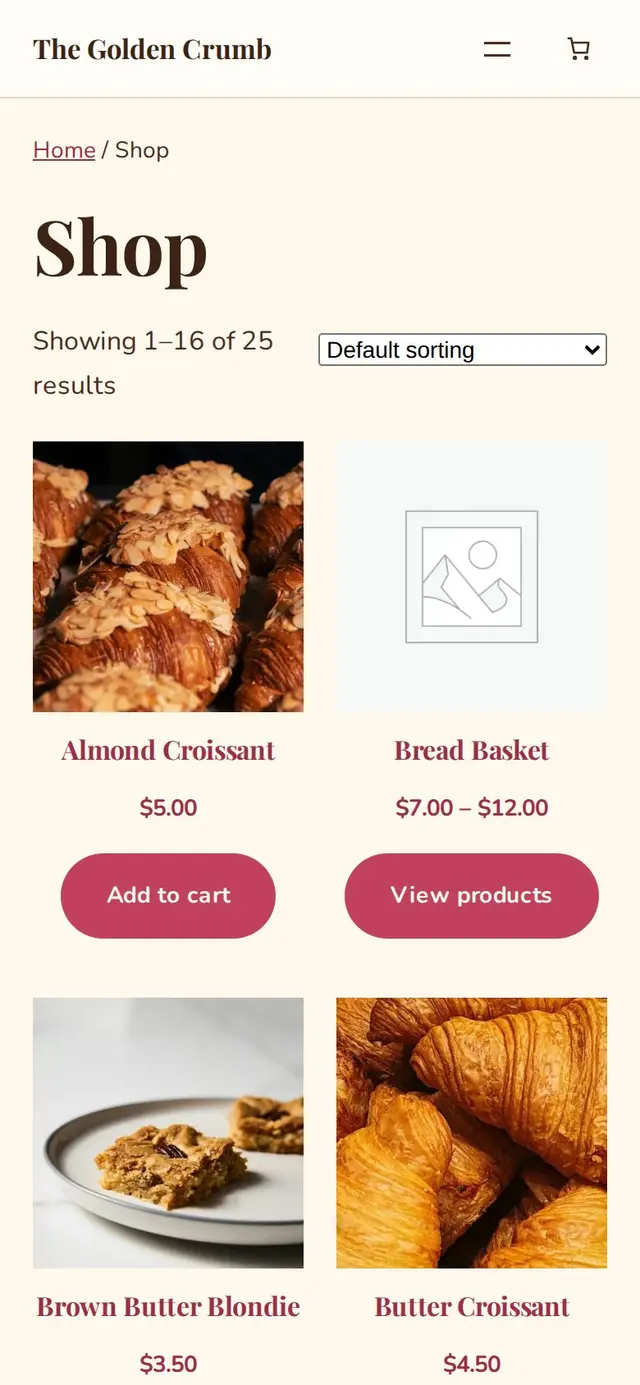
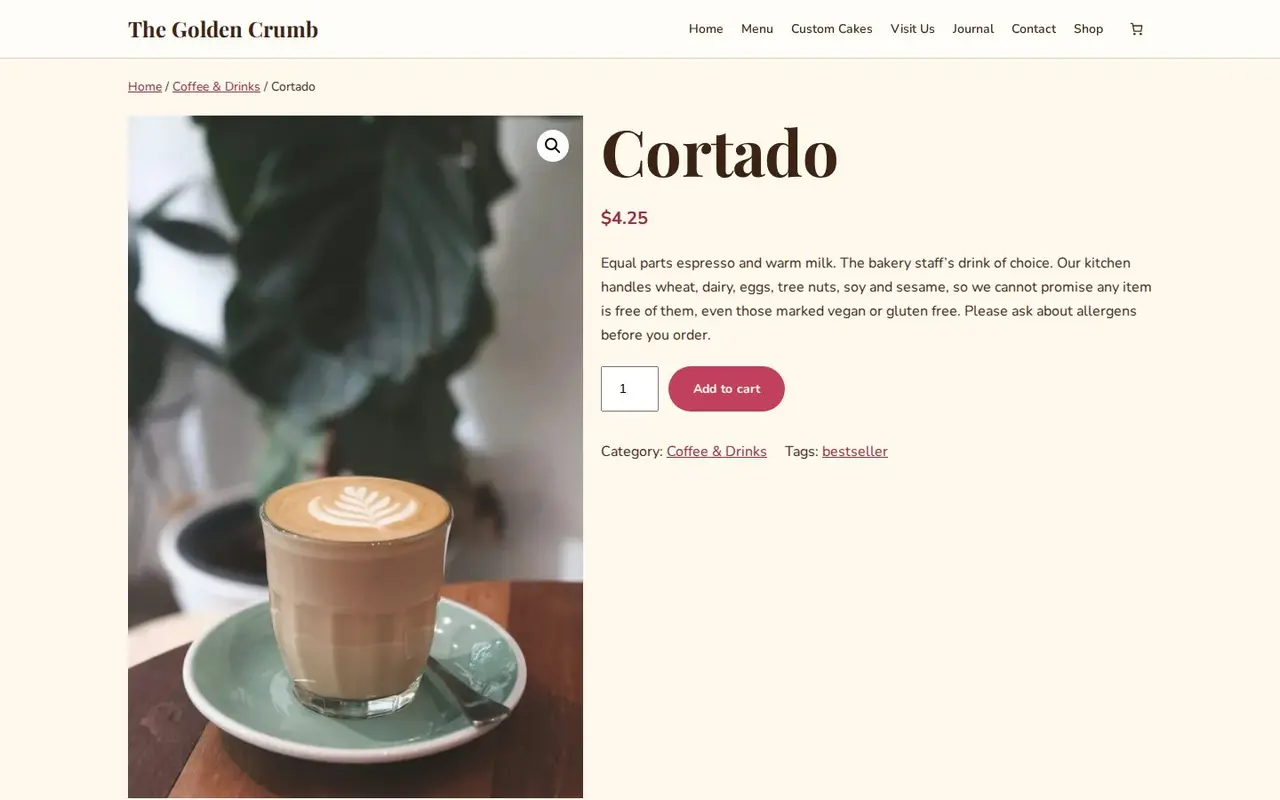
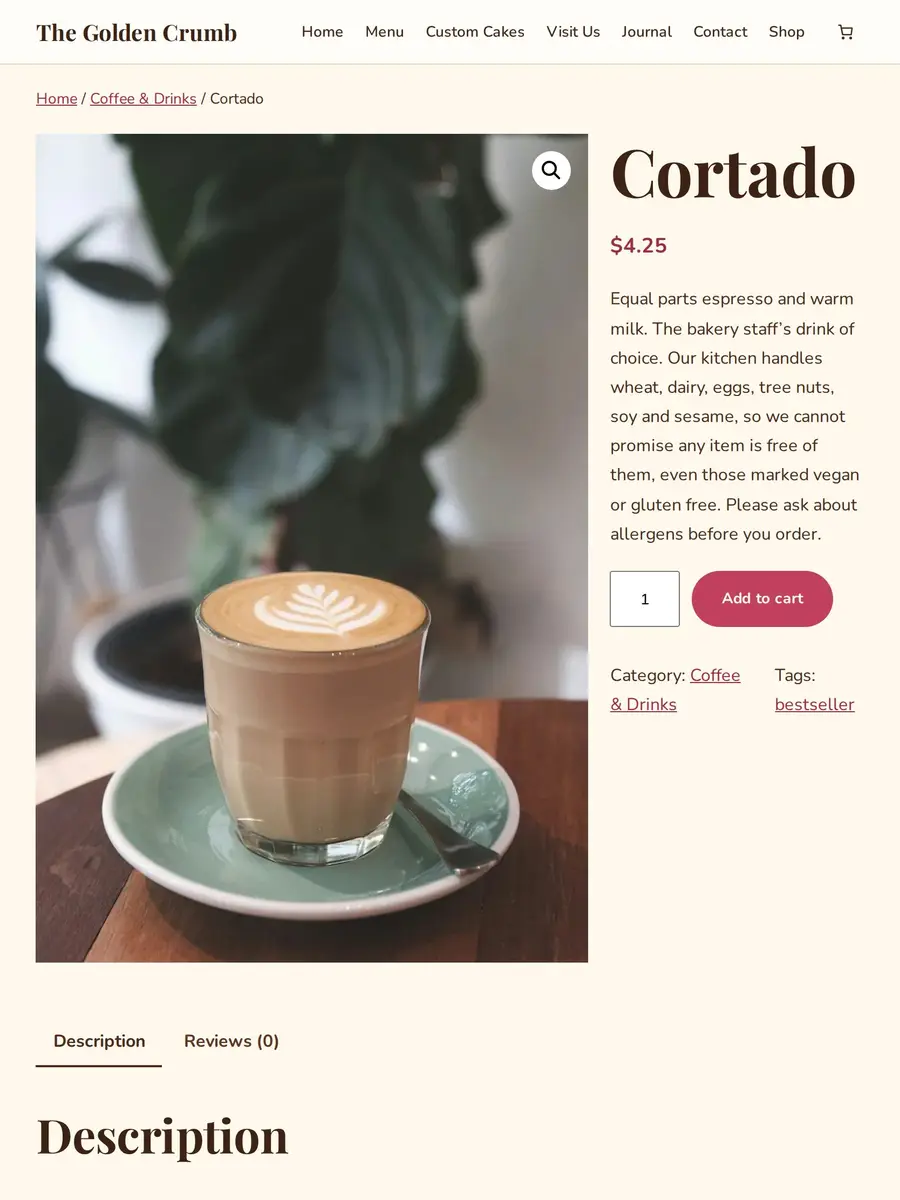
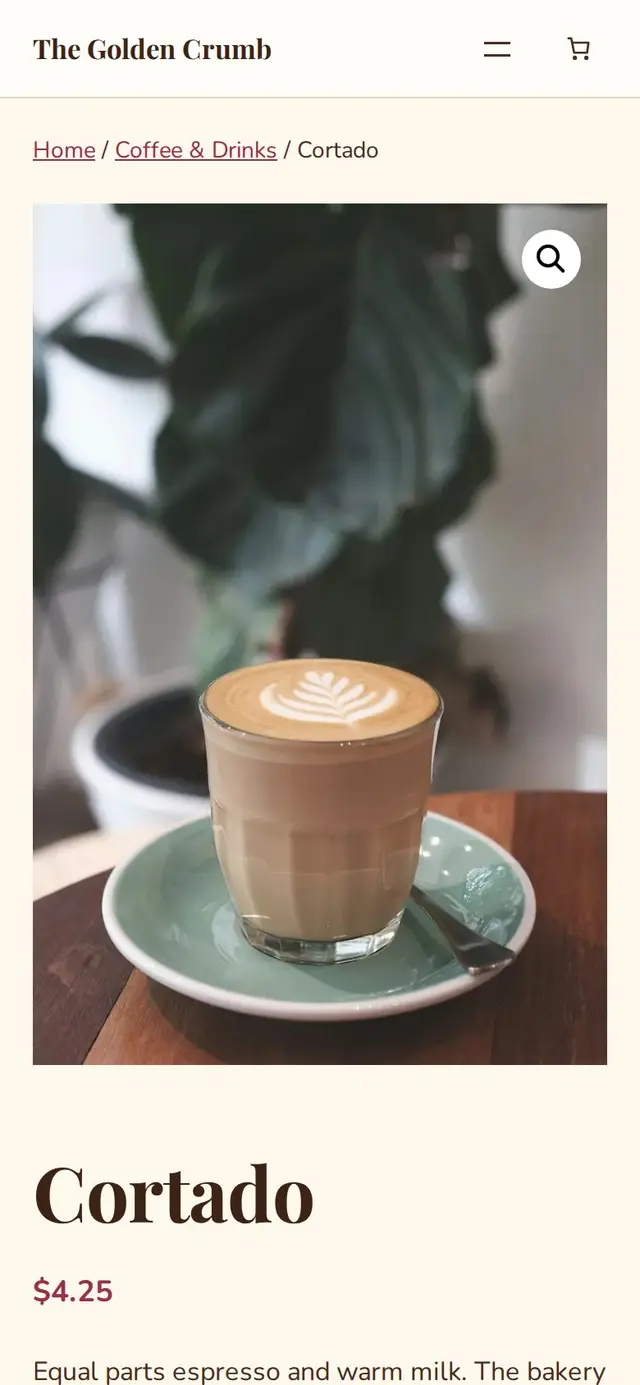
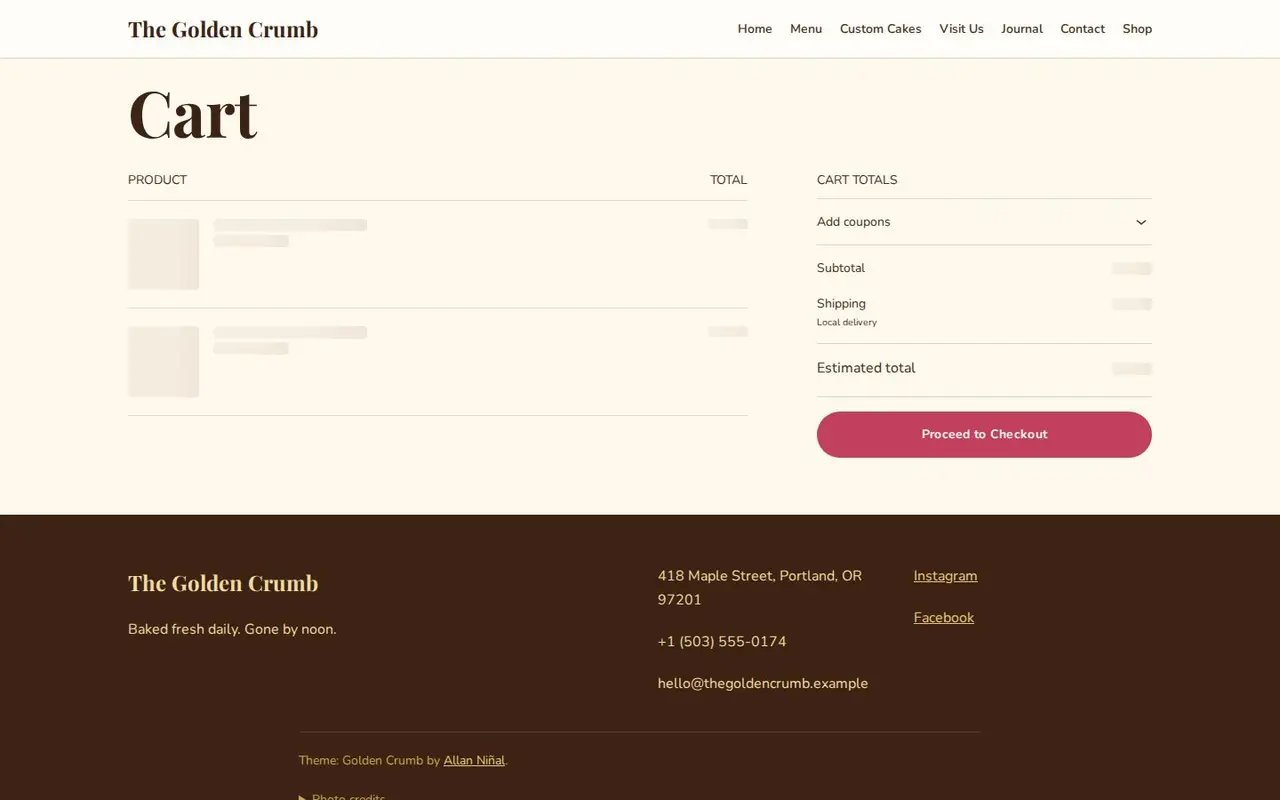
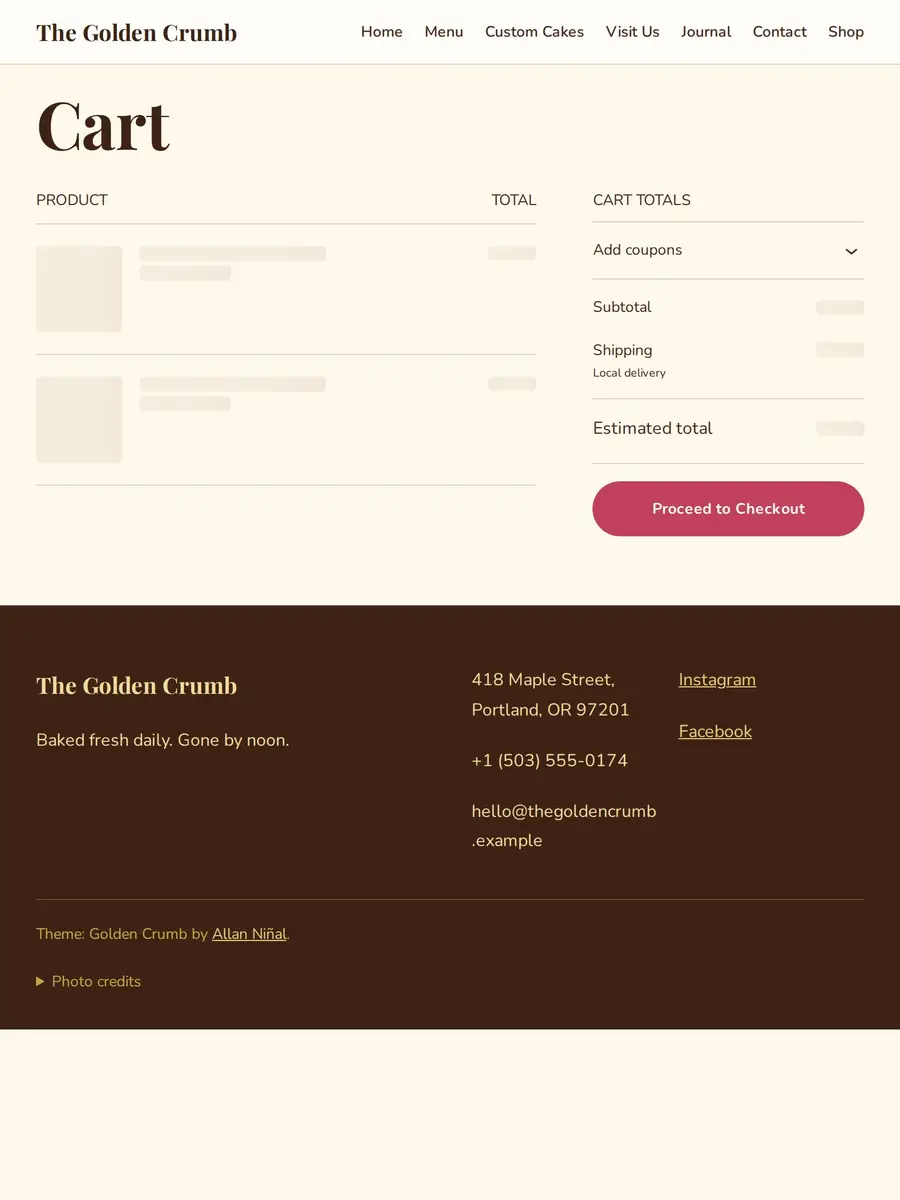
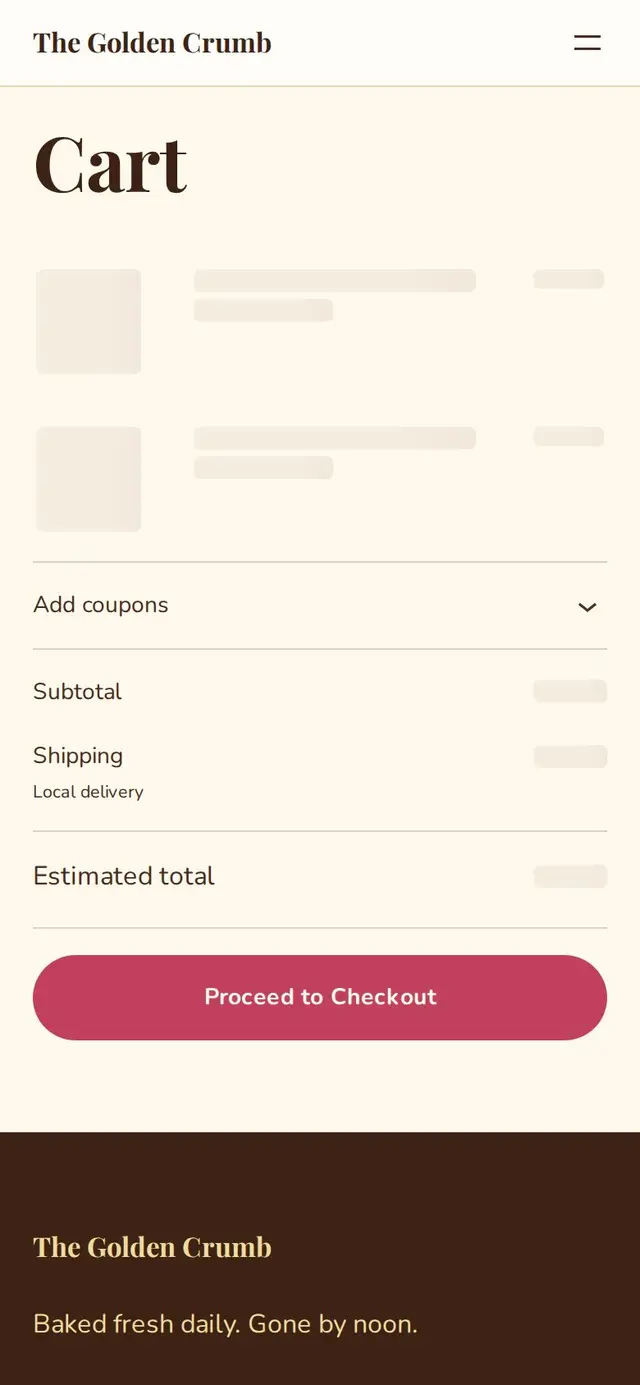
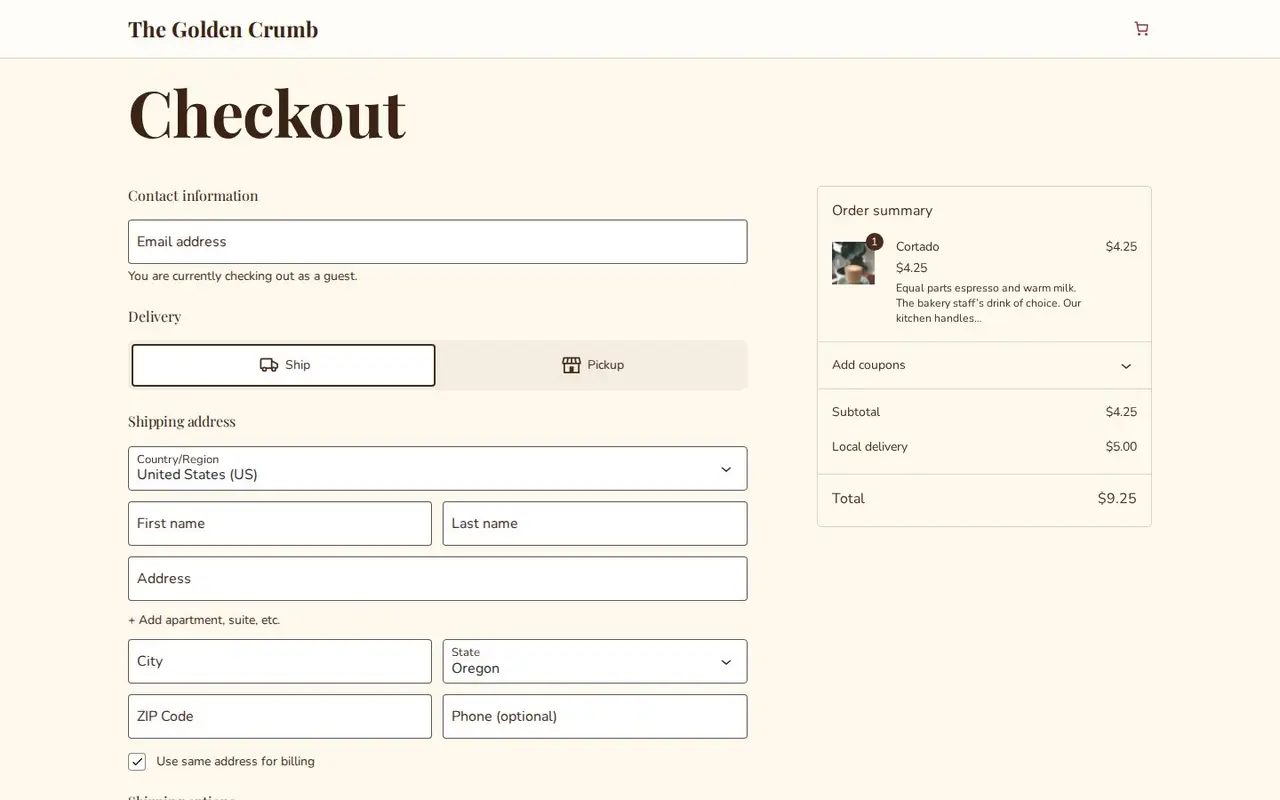
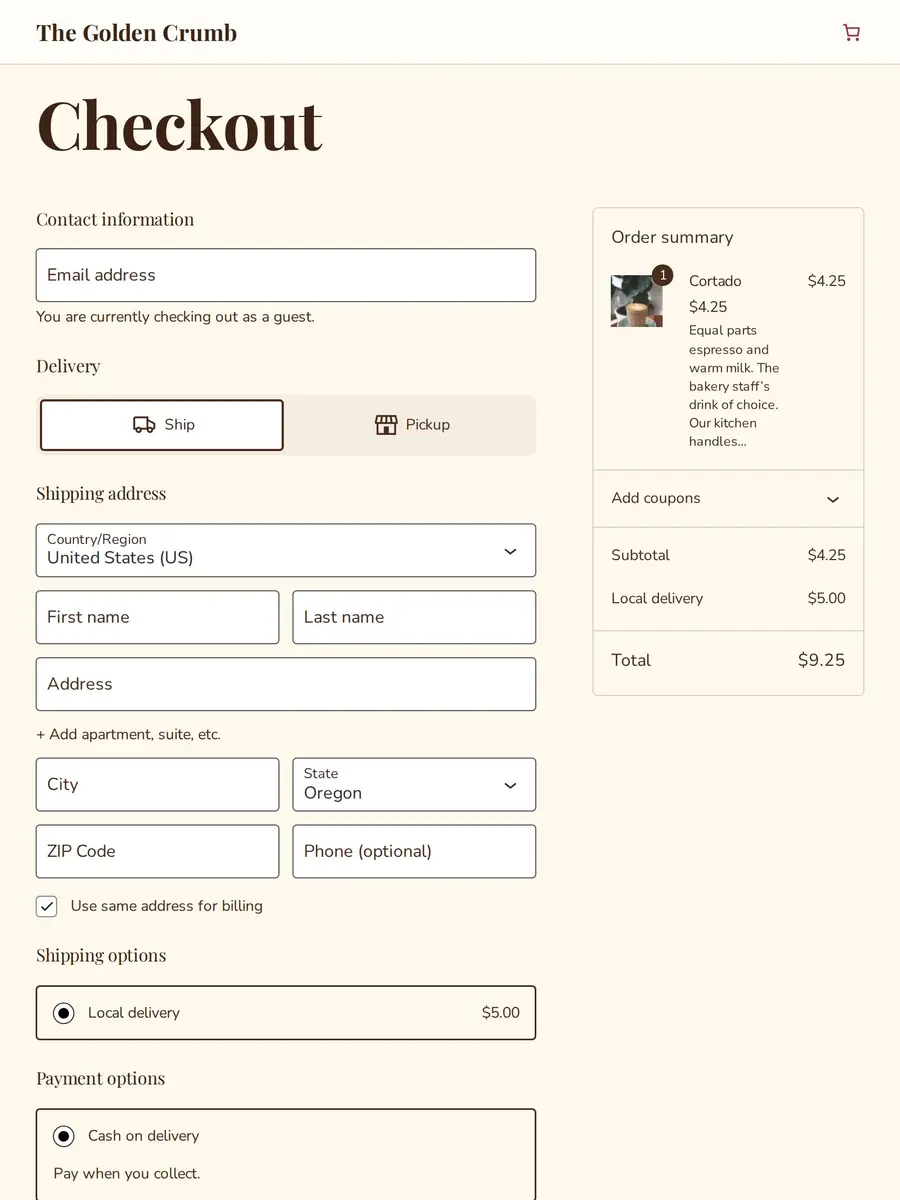
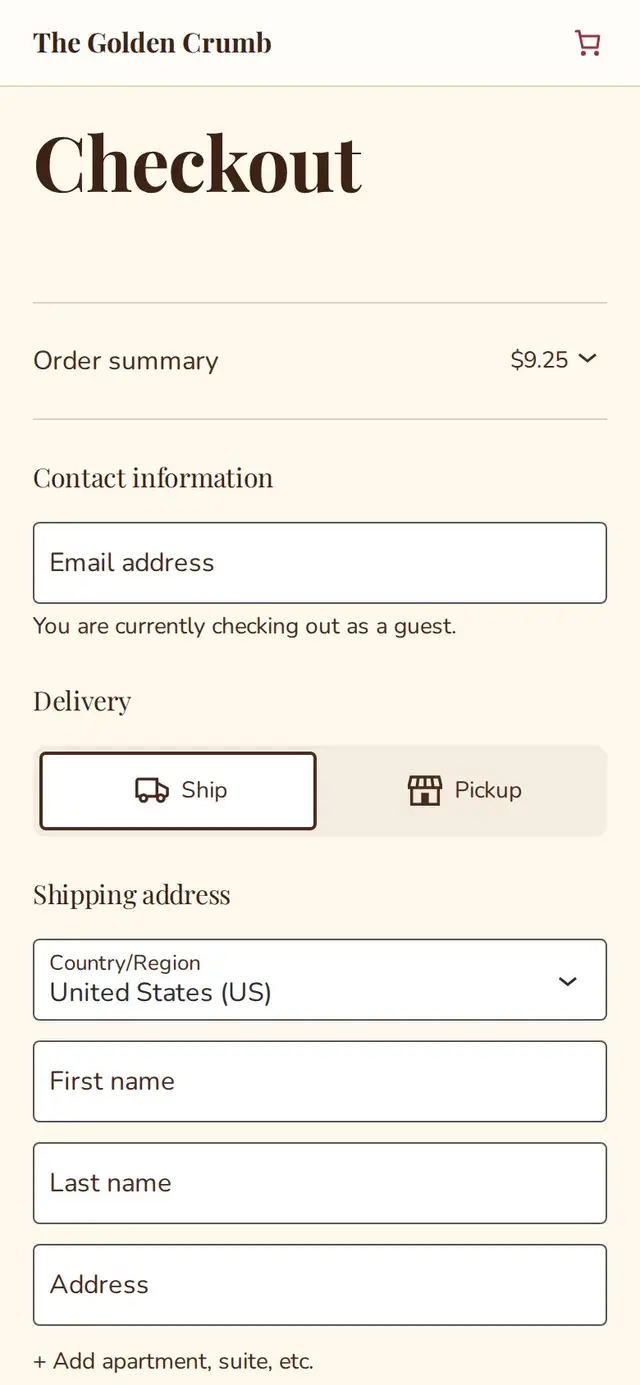
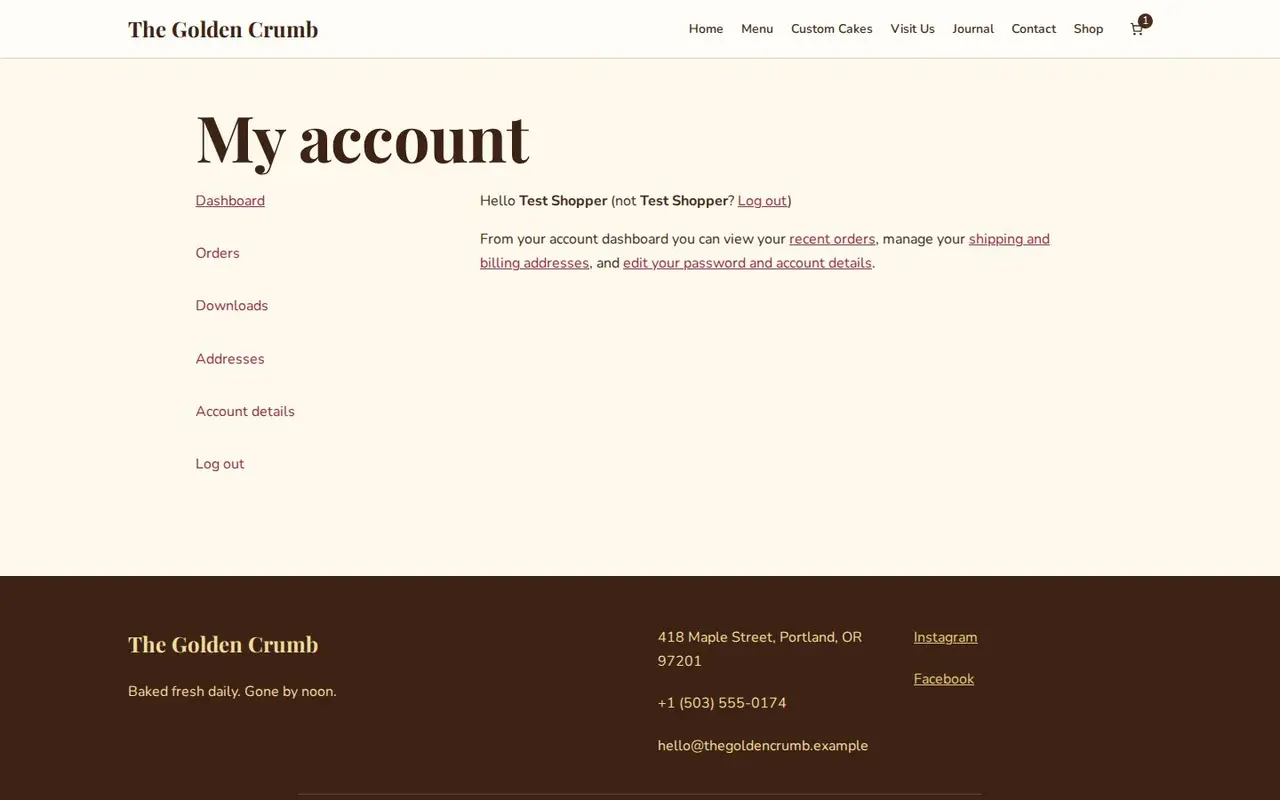
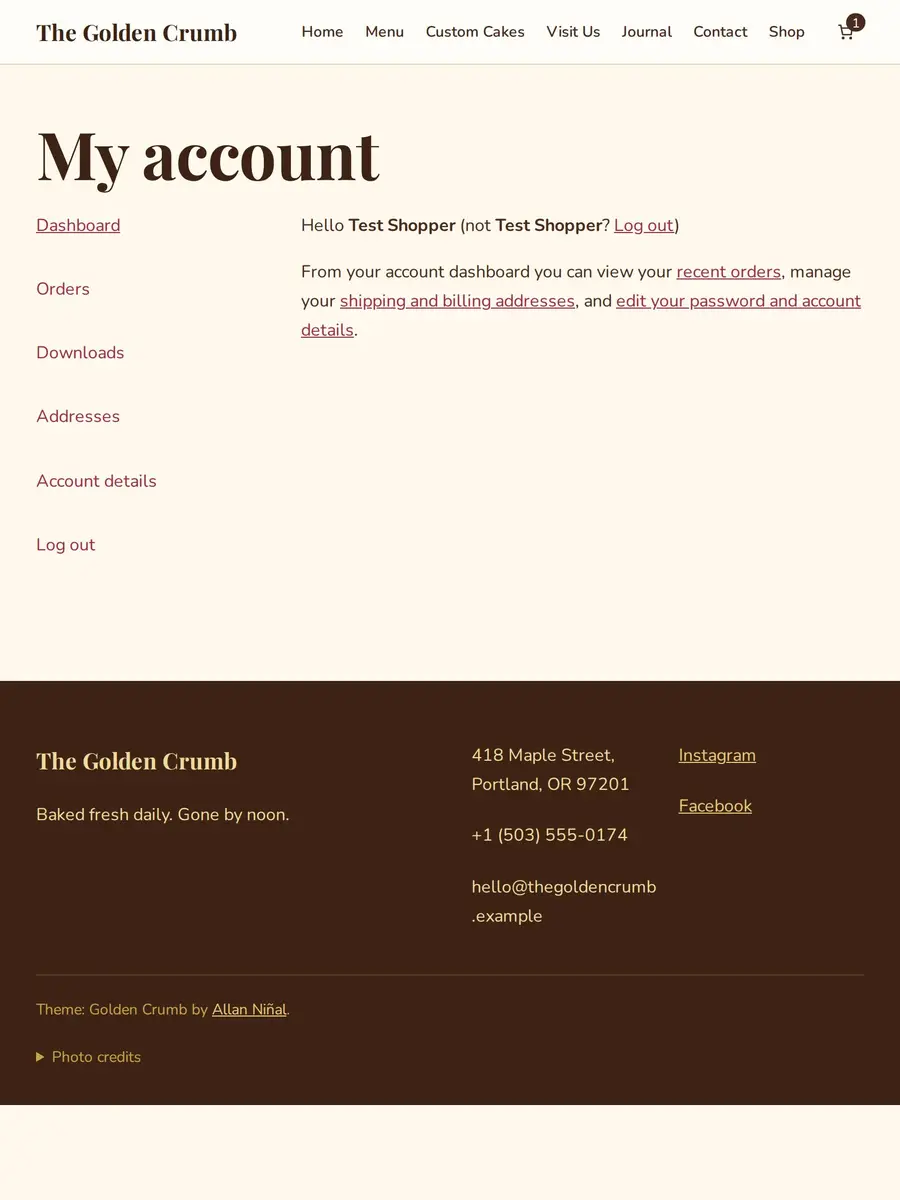
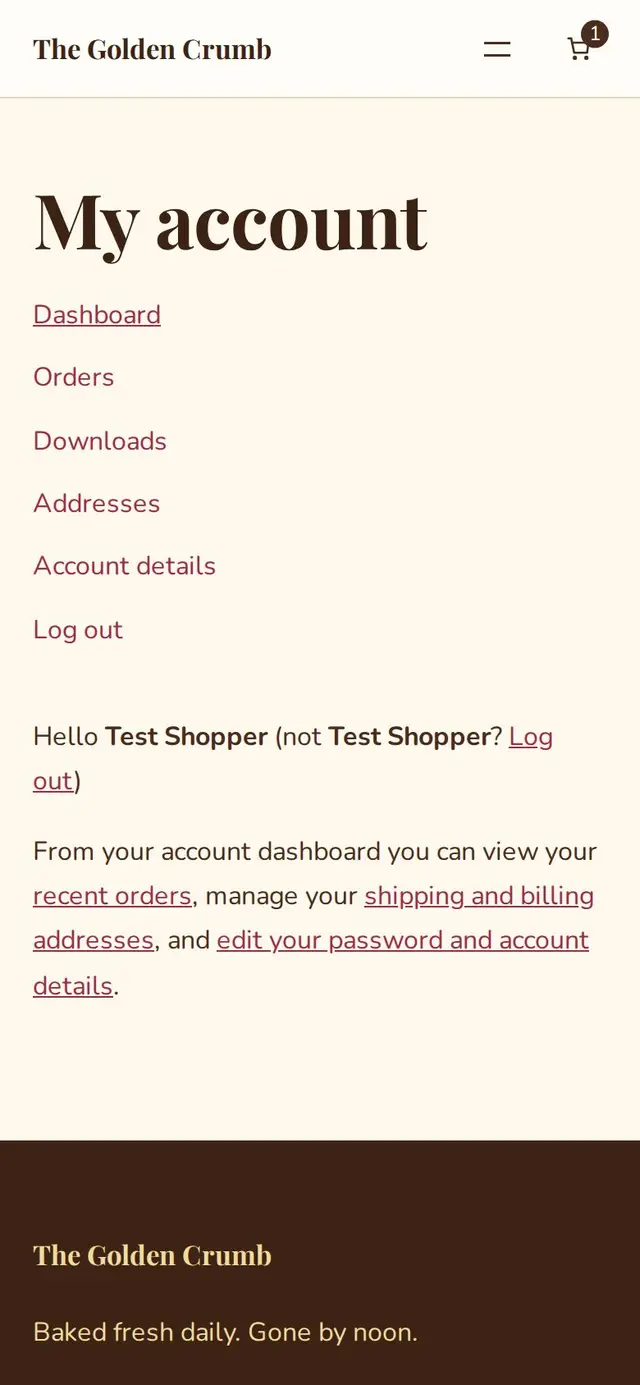
- WooCommerce ready: the import adds 25 products, with shop, cart, checkout and My Account in the theme's design
- Tested with WooCommerce 11.2
- 10 ready-made block patterns
- 1 extra style variation in the Site Editor
- Illustrated setup guide (PDF) included
- Right-to-left language layout
- Child themes supported
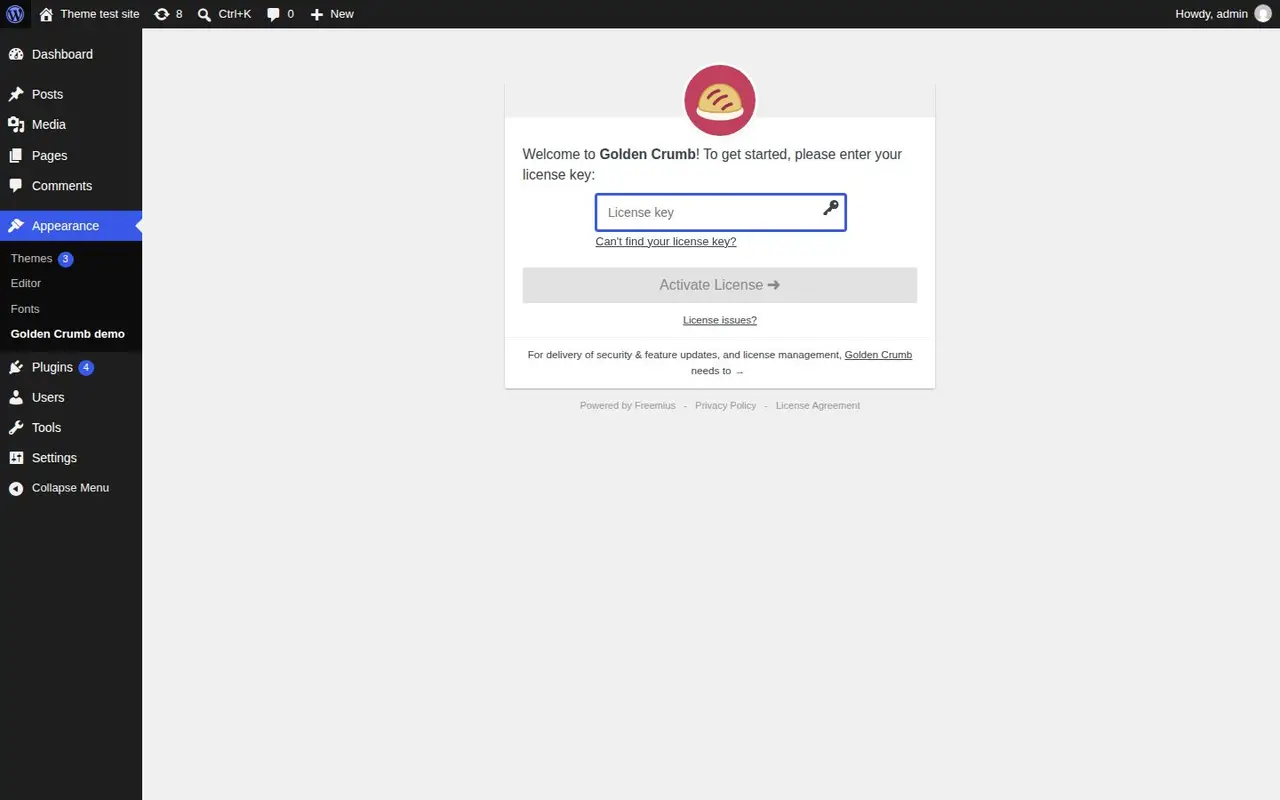
- Updates in your WordPress dashboard while the licence is active
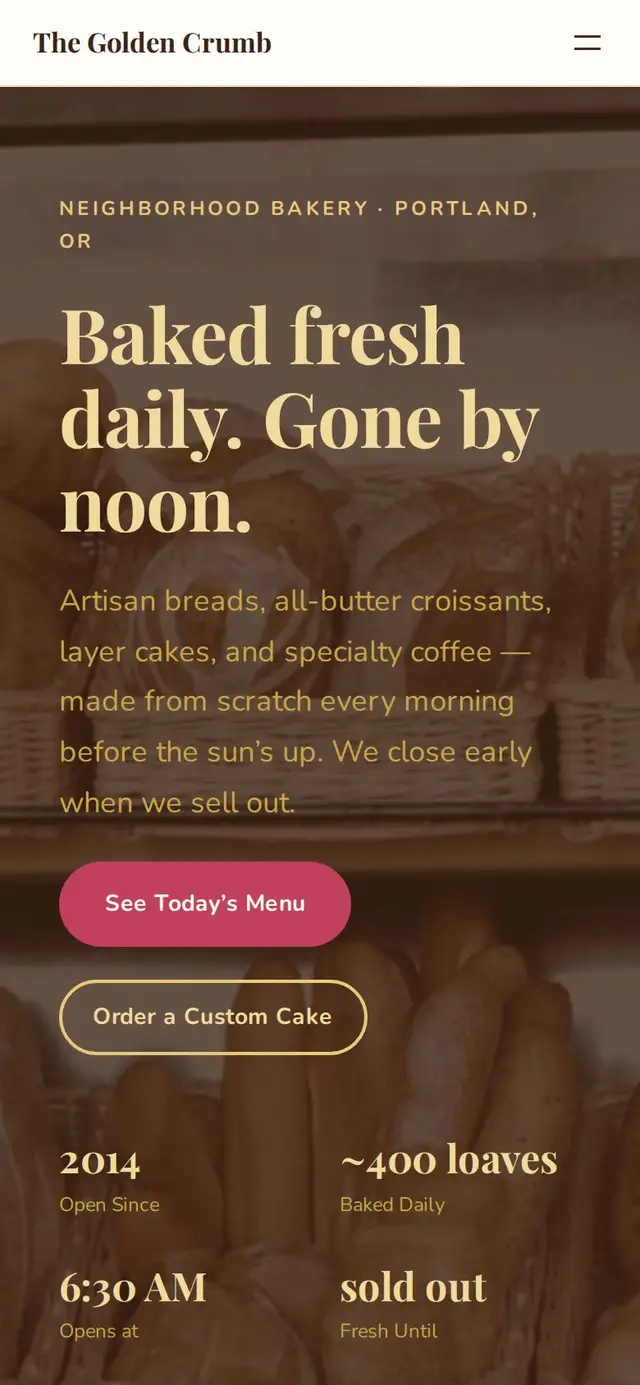
Front end
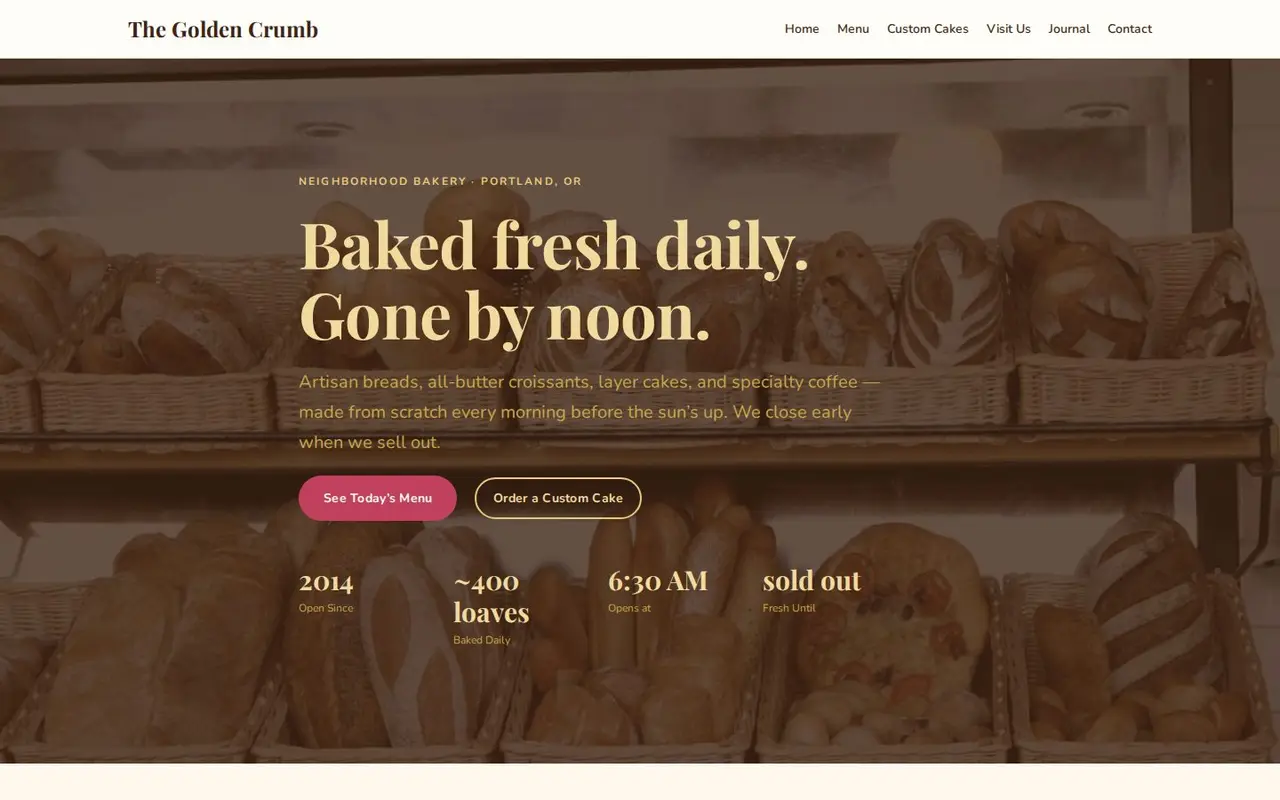
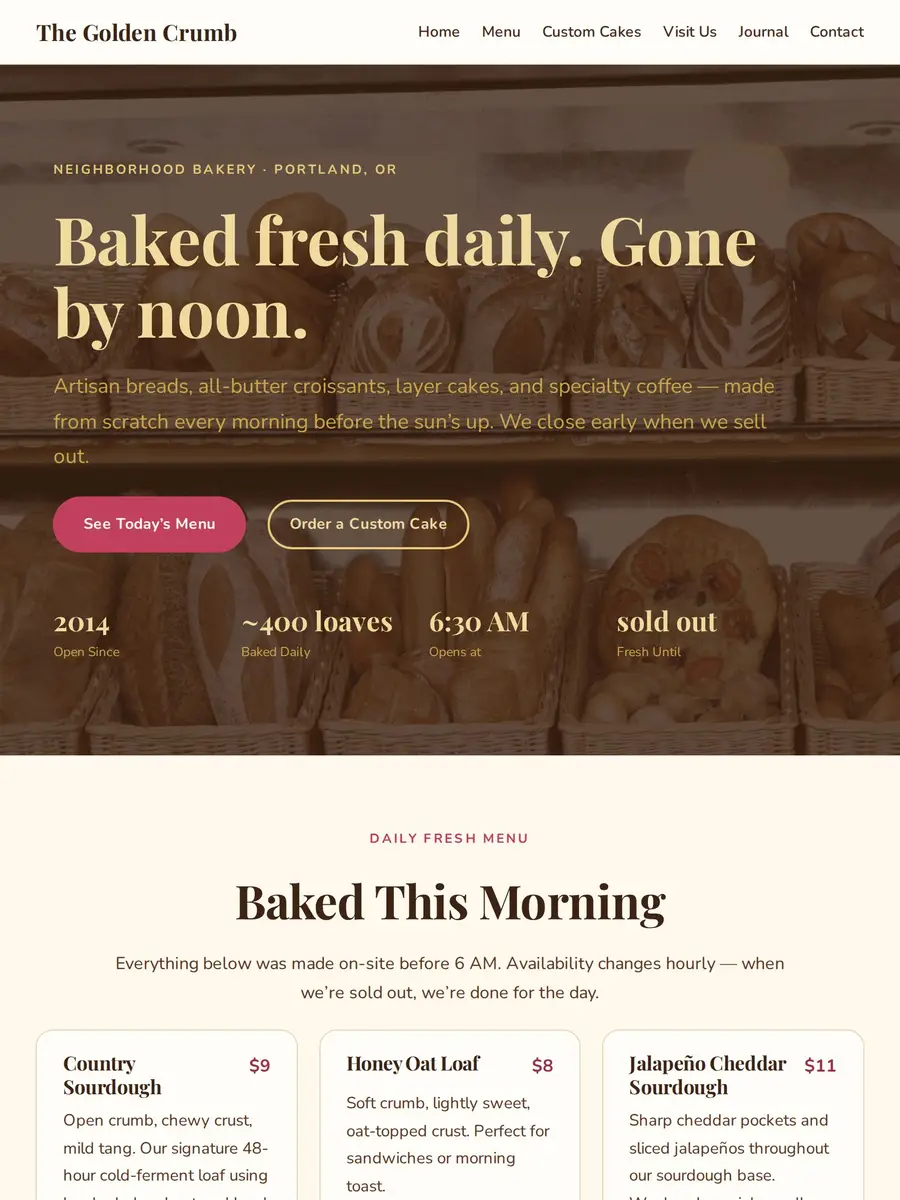
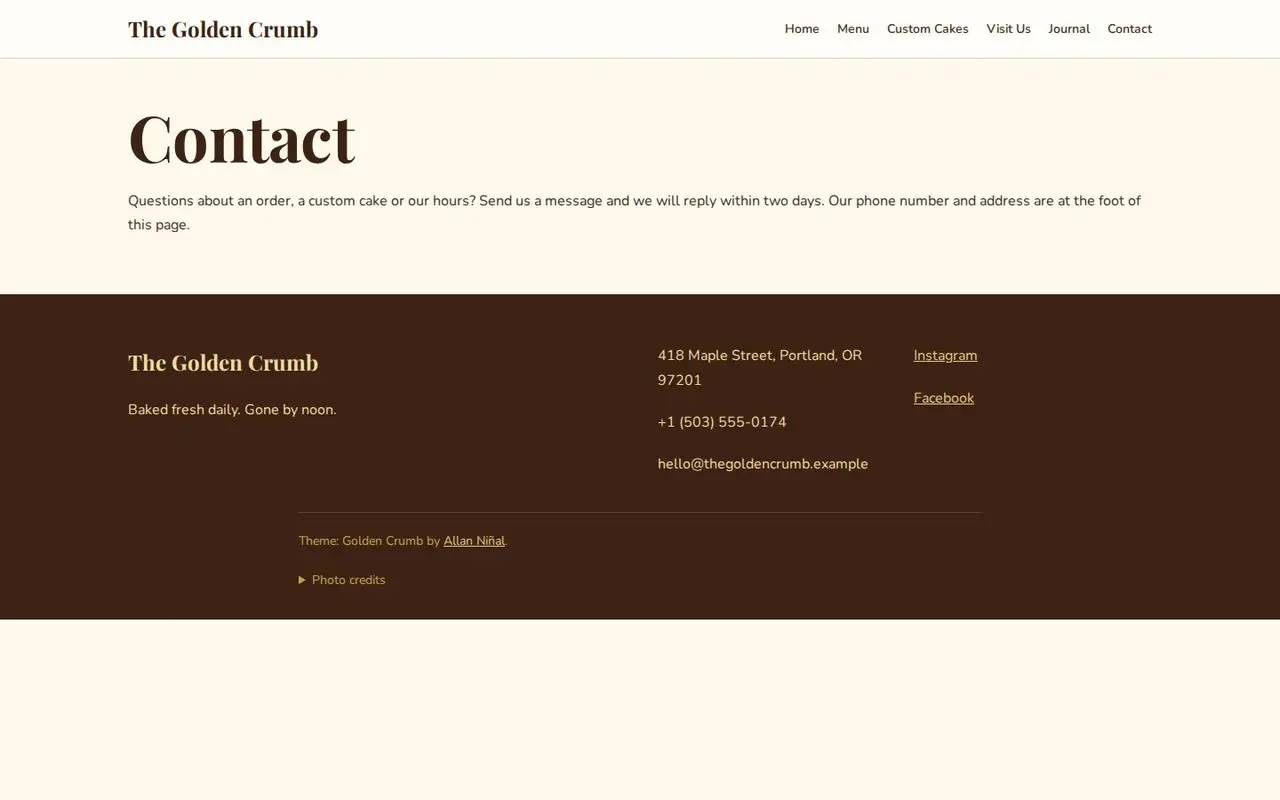
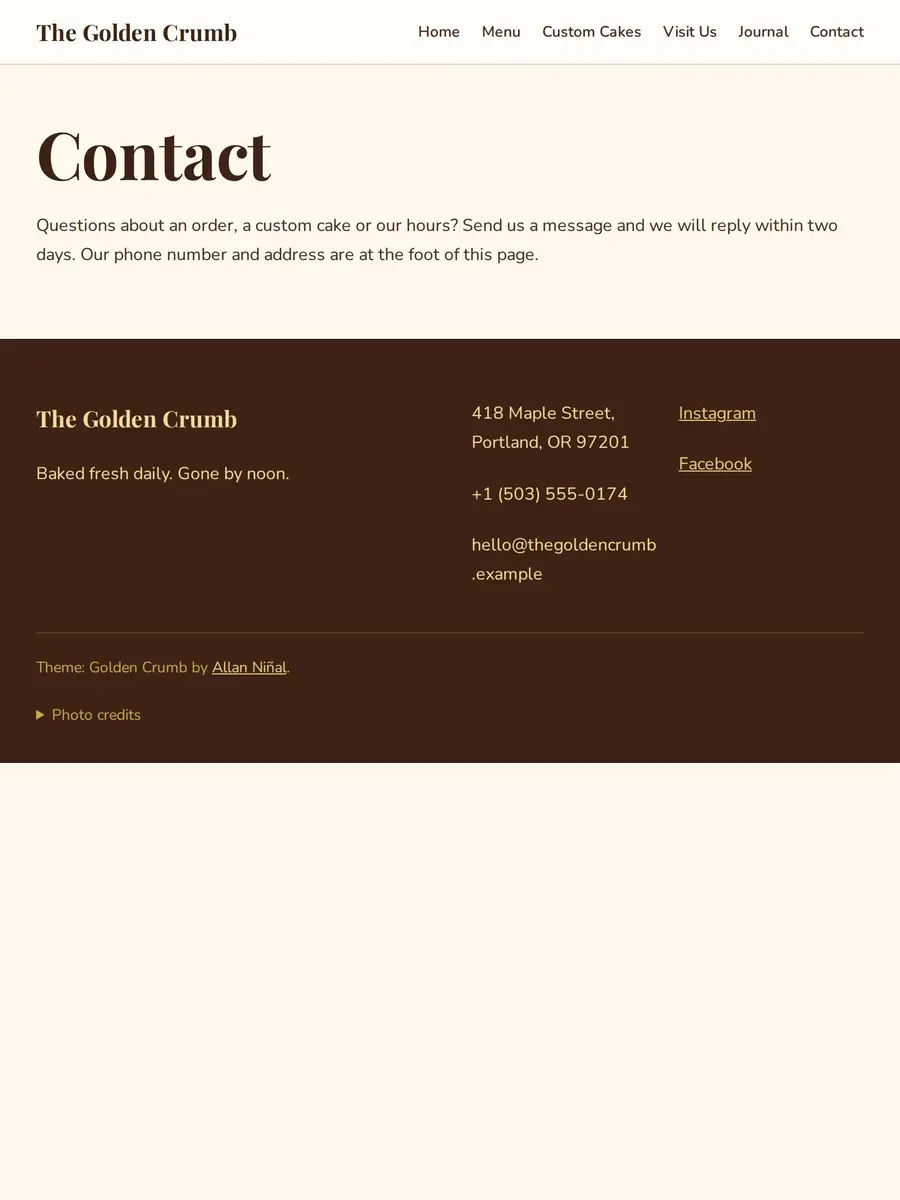
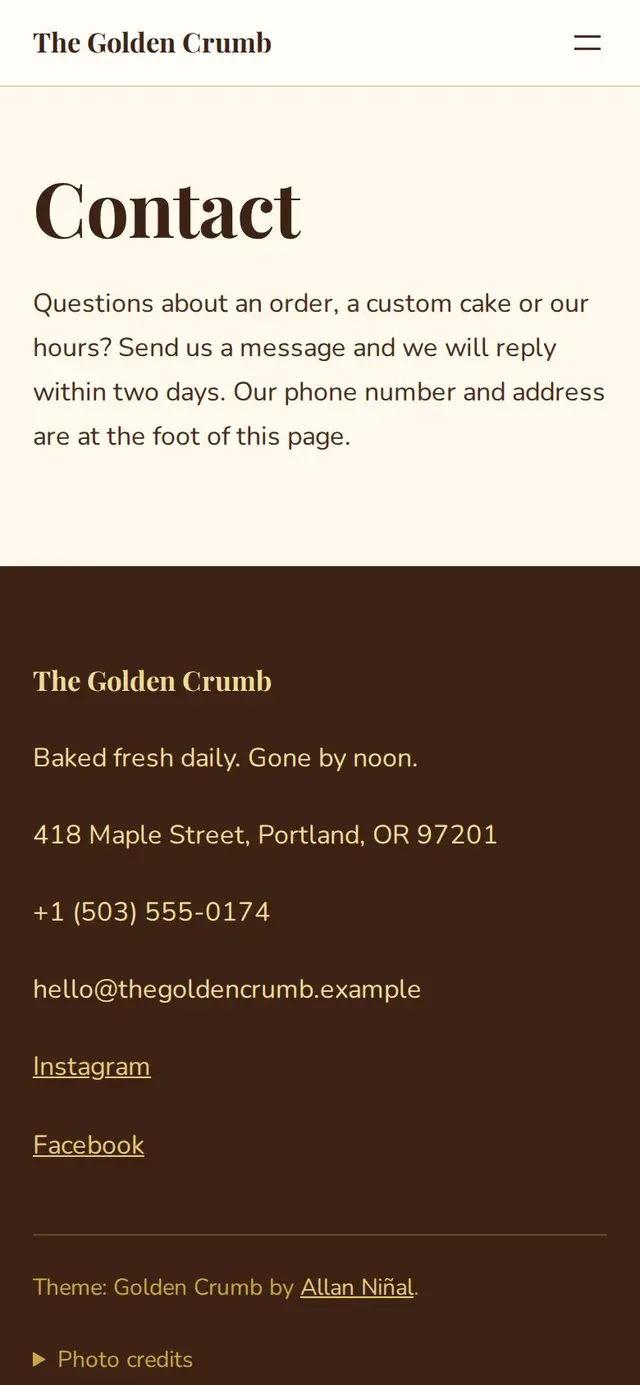
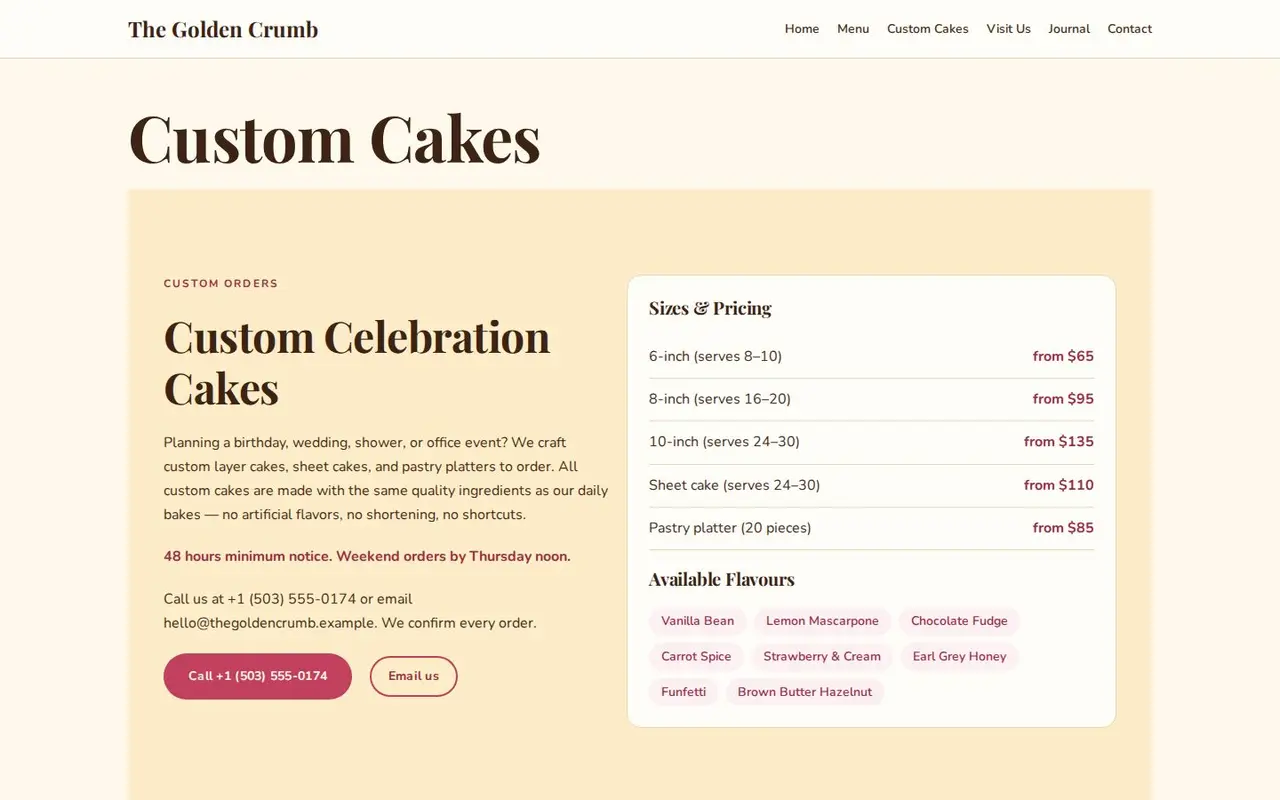
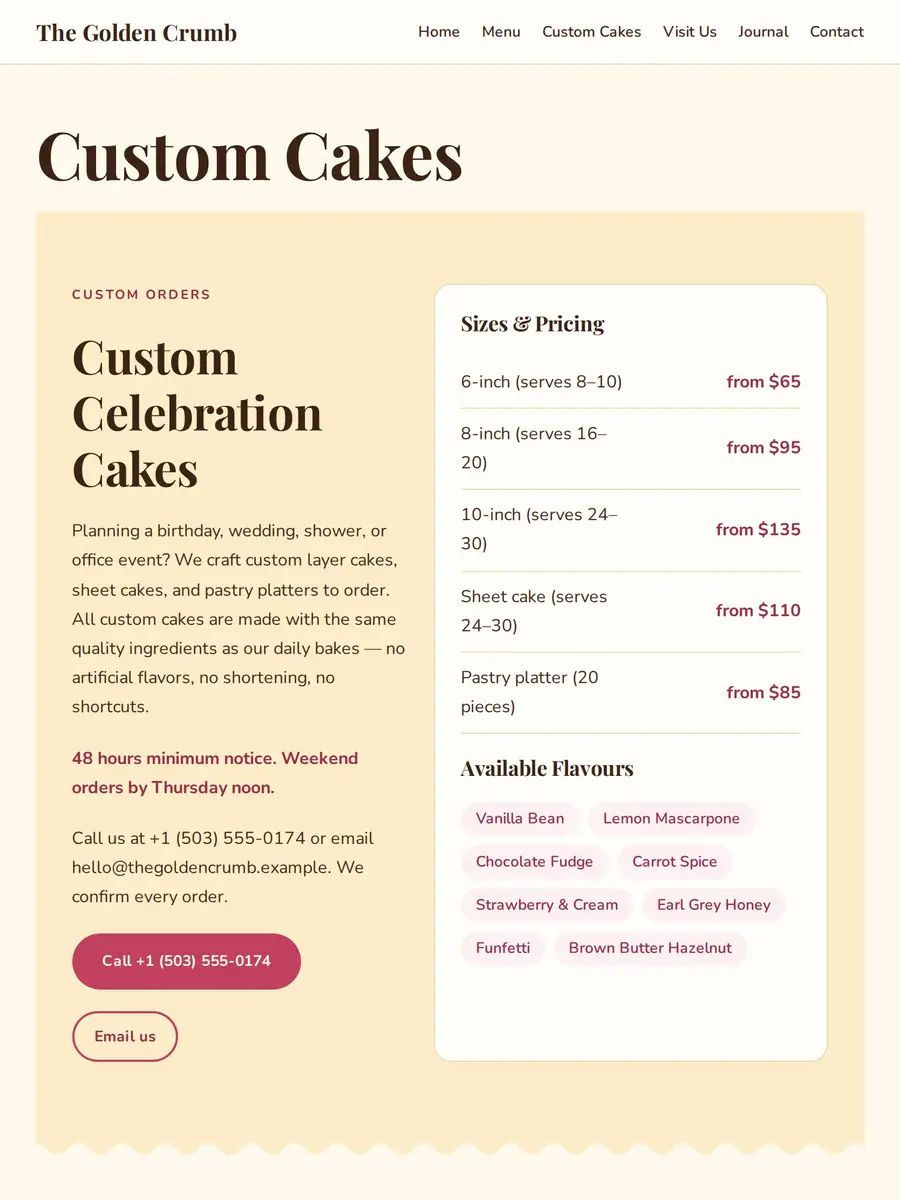
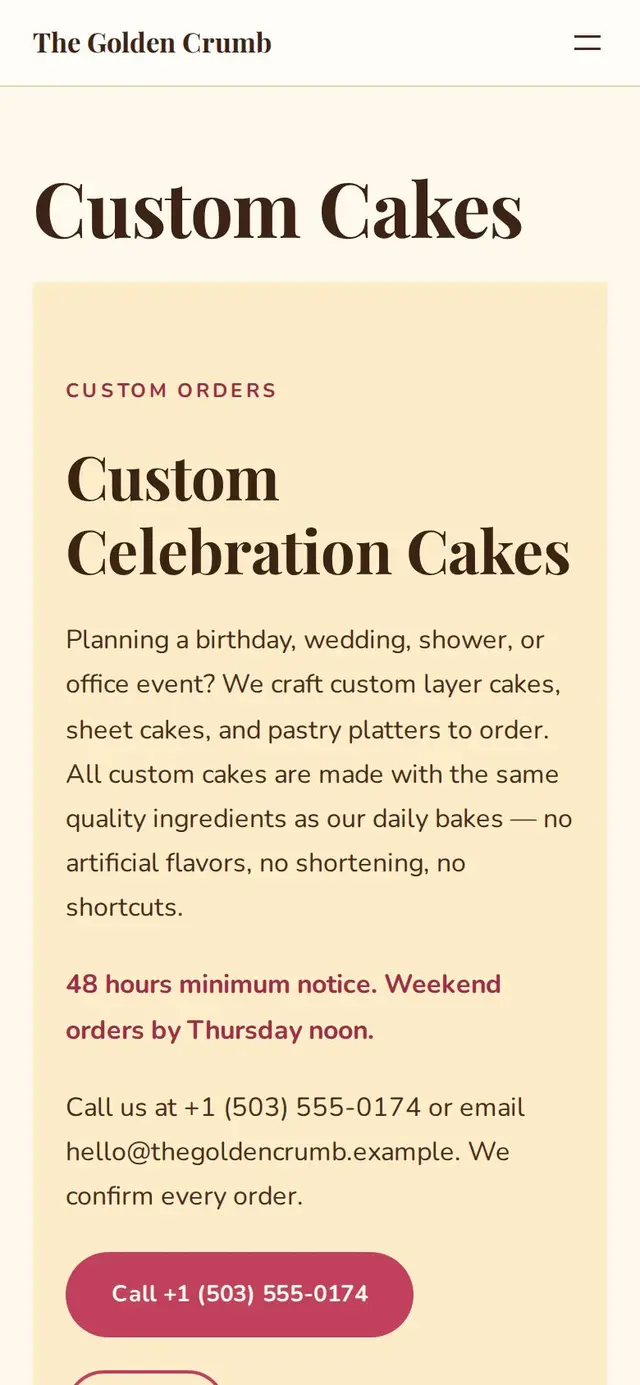
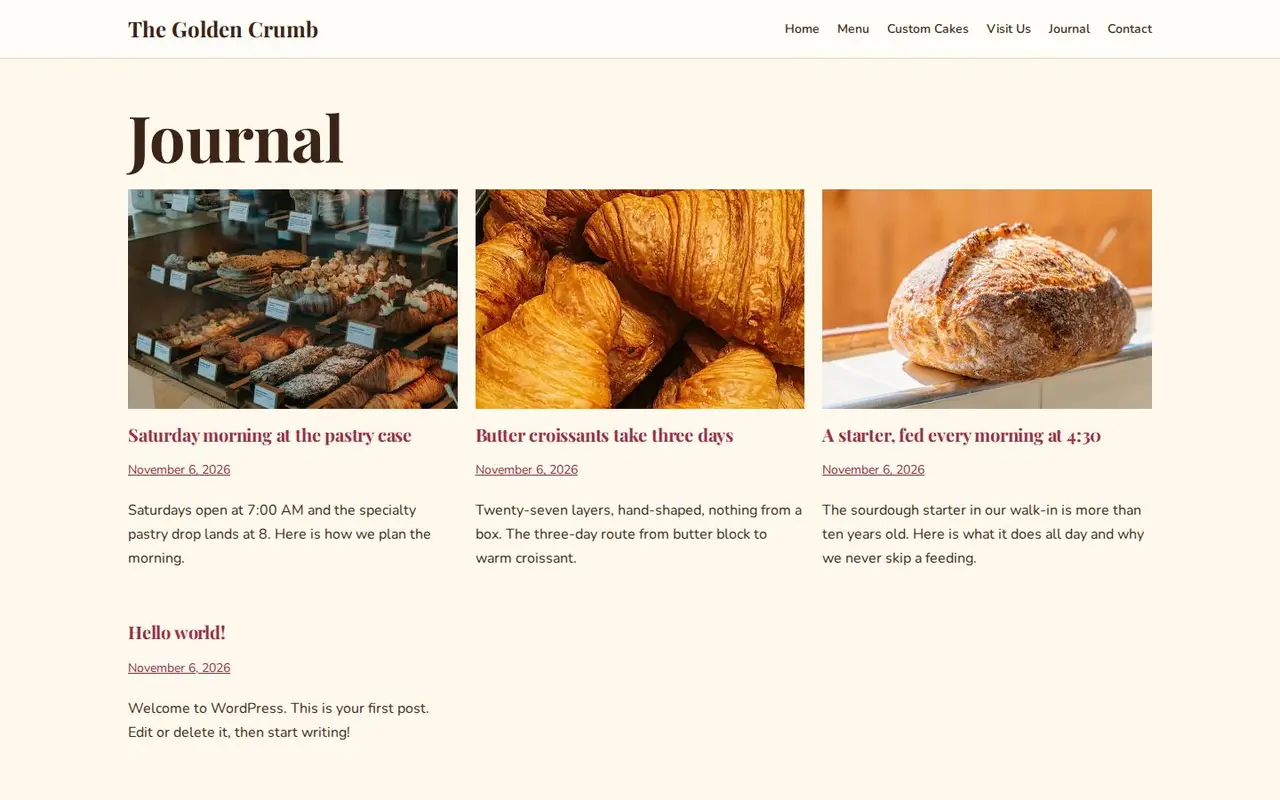
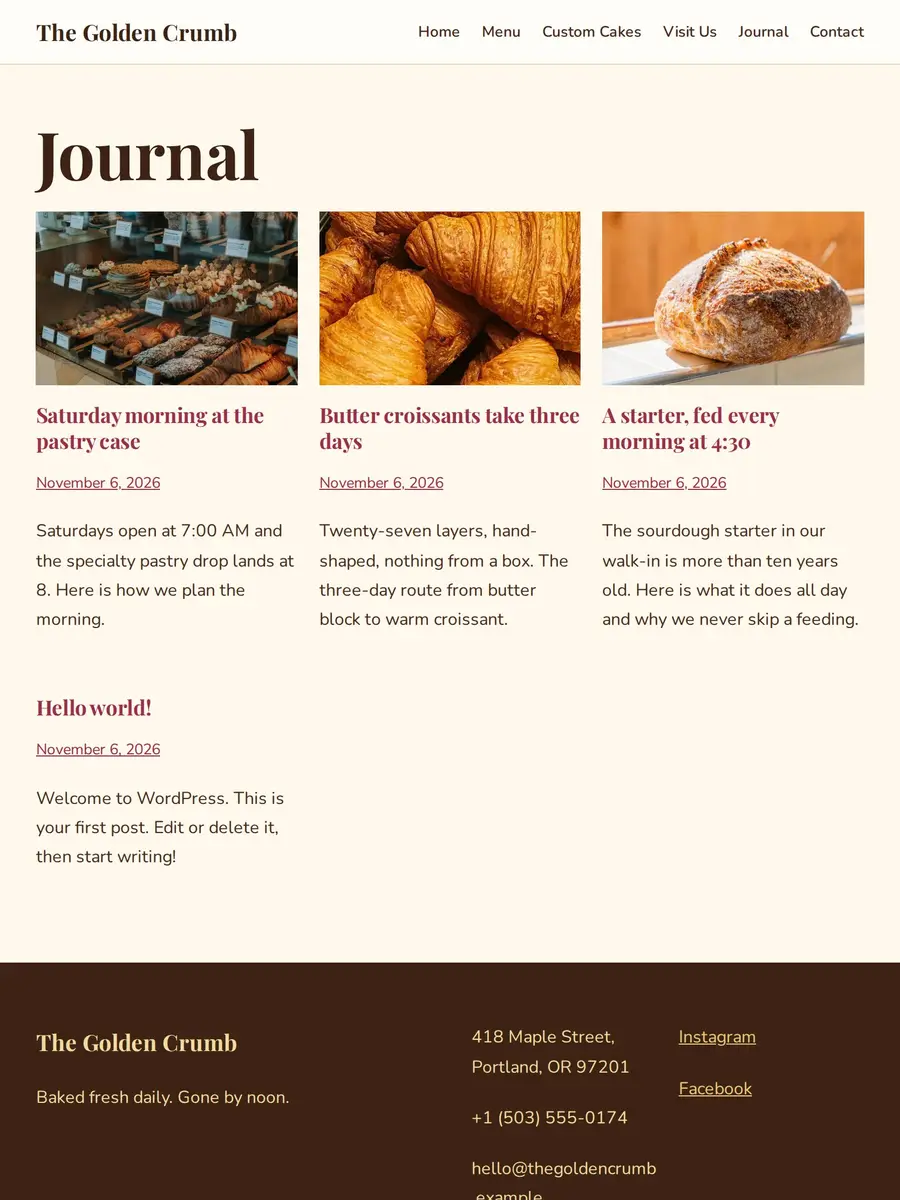
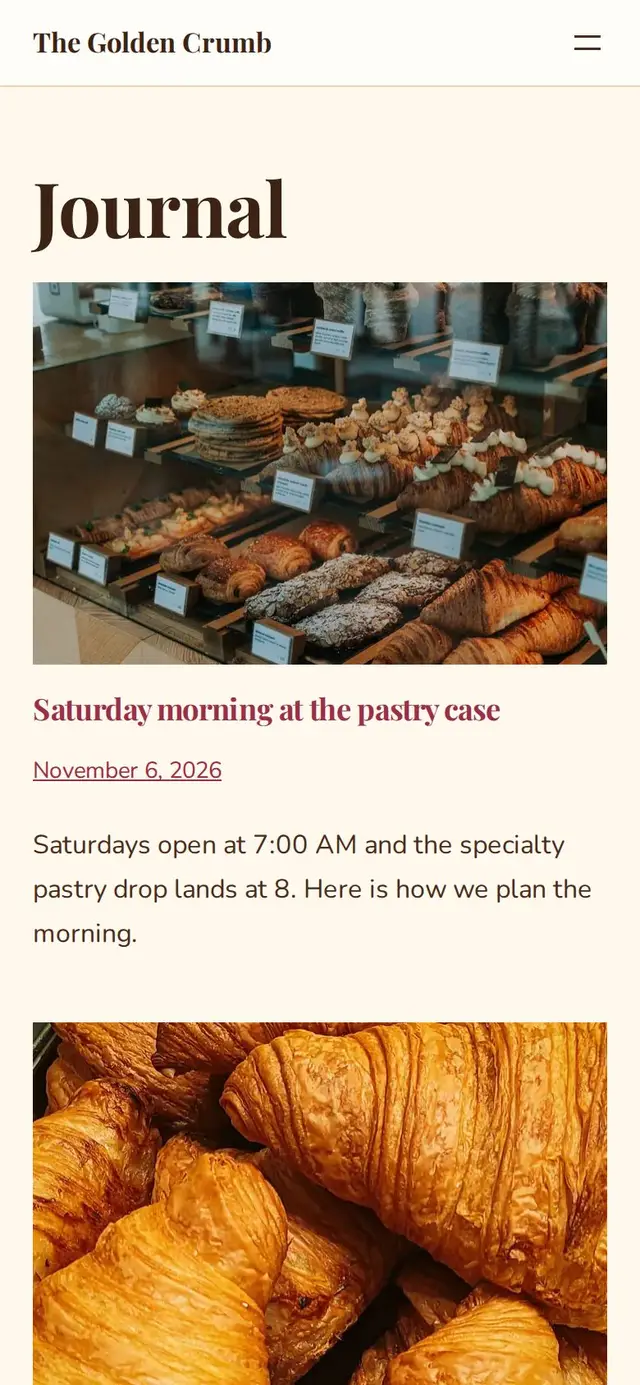
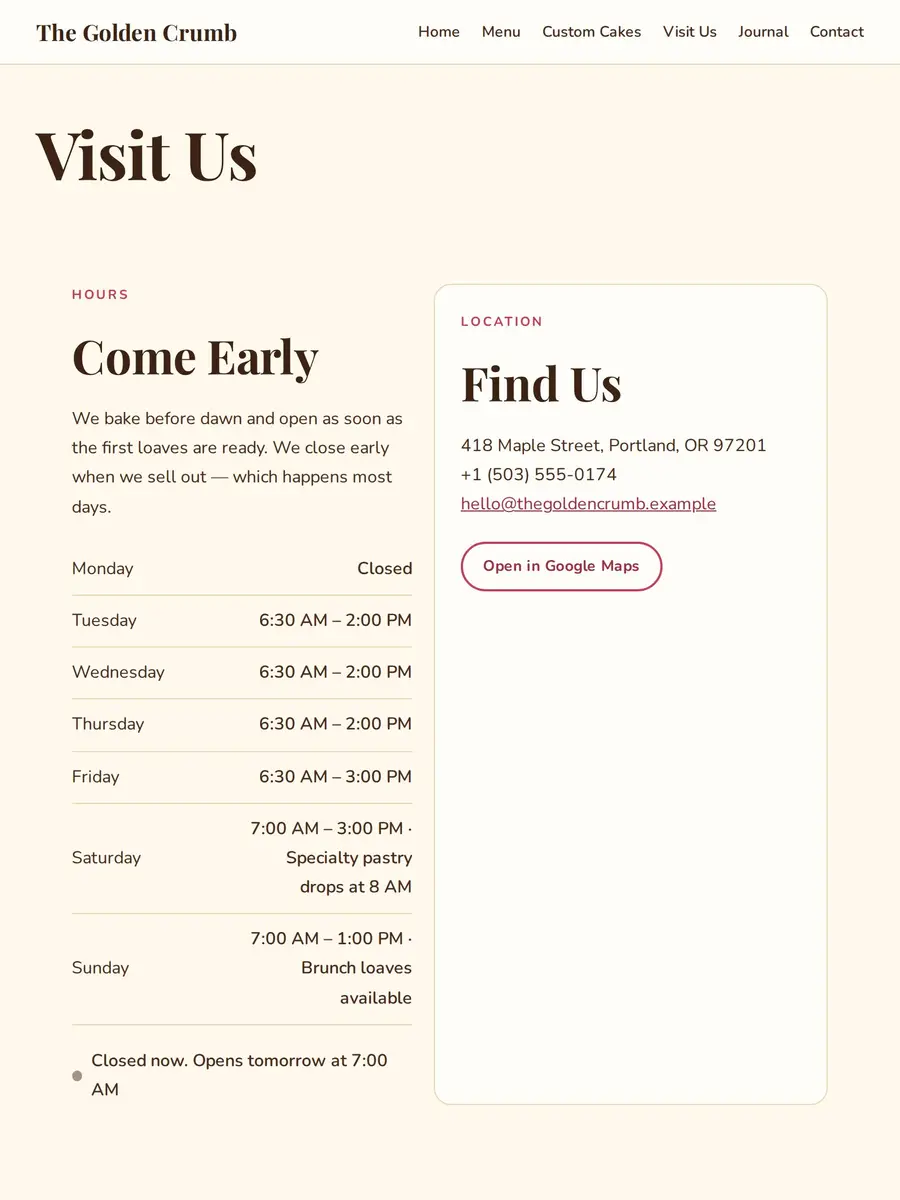
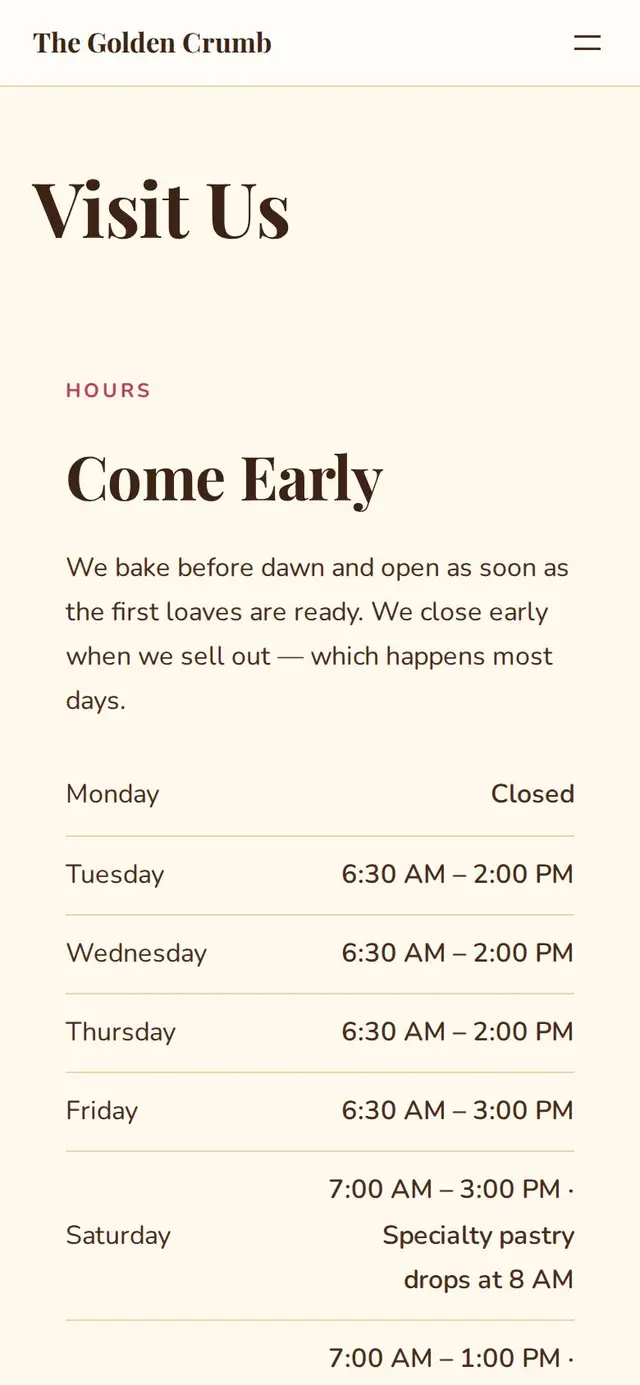
Store
WordPress admin
Changelog
HTML
2026-11-03
- Demo email addresses now end in .example, so none can reach a real business.
2026-11-02
- Replaced the hero photo, which showed another bakery's name and a coffee chain's logo, with a plain display of loaves; updated the photo credit.
- One edition: the photo hero, the photo gallery and the printable menu page are always on. The Pro licence files and the free fallbacks are gone.
- Removed a real brand name from the menu text (a chocolate brand and a coffee roaster) and a claim of a dedicated gluten-free space, to match the WordPress theme.
- The menu page carries the allergen note, word for word as in the WordPress theme.
- Added a Journal (three posts and their pages), a Contact page (a plain form that opens the visitor's email app), a footer "Photo credits" block, and the same navigation as the WordPress theme.
- A phone menu that works without JavaScript; larger tap targets; the cake form now opens the visitor's email app instead of posting nowhere.
2026-10-31
- Removed the store bar, the Pro and Astro editions, the zip downloads and AdSense. The code moves to a public GitHub repo.
2026-06-21
- First published as a live demo.
WordPress
1.0.12 · 2026-11-08
- Added: an “Order cut-off” line (Paragraph block style) that says “Order by 2:00 PM for pickup today”, then “Order now for pickup tomorrow”, from the same order-ahead rules the checkout uses; the demo shows it on the menu page.
- Added: a “Schedule” list style that marks what is out now and what is next through the day; the demo adds the day's schedule to the menu page and the menu board pattern.
- Changed: “Open now” counts the dates you are closed (WooCommerce > Settings > Shipping > Order ahead > Dates you are closed) as closed.
- Added (WooCommerce): per-product “Notice needed (hours)” and “Pre-order: ready from” fields. The product page says how much notice it needs and the earliest pickup day, and the checkout refuses a day too soon for what is in the cart.
- Added (WooCommerce): an optional “Gift or cake message” at checkout, saved on the order and shown in the order emails.
- Added (WooCommerce): the demo products list what they contain (a “Contains” attribute, shown on the product page). Check them against your own recipes.
- Note: demo content changes reach your site only if you import the demo again. Your own edits are not touched by updating the theme.
1.0.11 · 2026-11-07
- Added: an “Open now” line under your opening hours. It reads the hours on the page, in your site’s time zone, and says “Open now until 2:00 PM” or when you open next; if it cannot read a row it stays hidden. Add it anywhere with the Paragraph block’s “Open now status” style, straight after an hours table.
- Added: a Menu board pattern, the whole menu one line per item with a dotted leader to the price.
- Changed: menu tags show as small chips, and diet labels (Vegan, Gluten-free, Dairy-free) use the same words in every theme, with a tick so they do not rely on colour.
- Added: section edges and textures as Group block styles (wavy, scalloped or zigzag bottom edge; dots or sprinkles background). The demo uses a wavy bottom edge on the custom-cake section.
- Note: demo content changes reach your site only if you import the demo again. Your own edits are not touched by updating the theme.
1.0.10
- Added: shoppers can choose a pickup or delivery day and time at checkout (WooCommerce). Only days you can fill are offered: closed weekdays, holidays and days inside your notice period are left out, and the first day moves on after your order cut-off. The choice is saved on the order and shown in the order emails. Off until you turn it on in WooCommerce → Settings → Shipping → Order ahead (importing the demo turns it on). It records the day and time; it does not limit orders per time slot.
1.0.9 · 2026-11-04
- Changed: the theme is now 100% GPL. The demo photos are no longer inside the theme: “Import demo content” downloads them from allanninal.dev, each checked against this release. Until you import, each photo space shows a quiet panel in the theme’s colours.
- Changed: the setup guide is linked from Appearance → Golden Crumb demo instead of sitting in the theme folder.
- Added: single posts show their tags as well as their categories, and in post lists the date links to the post.
- Fixed: long menus wrap and their dropdowns open inwards; preformatted text scrolls inside its own box instead of widening the page; comments use the Comments block.
- Note: demo content changes reach your site only if you import the demo again. Your own edits are not touched by updating the theme.
1.0.8
- Fixed: demo email addresses end in .example, so none can reach a real business.
1.0.7
- Added: a Journal with three posts and a Contact page to the demo, both in the menu.
- Added: an allergen note on the Menu page and in every product description.
- Added: a demo subscription, Weekly Bread Box, created only when WooCommerce Subscriptions is active.
- Fixed: brand names removed from the demo menu, the lemon olive oil cake is no longer labelled vegan, and a gluten-free space claim is gone.
- Changed: a new hero photo.
- Improved: plugin colours, shapes and positions now follow each plugin's own settings. The theme only passes on its font and keeps room in the footer when a plugin needs it.
- Note: demo content changes reach your site only if you import the demo again. Your own edits are not touched by updating the theme.
1.0.6 · 2026-10-30
- Added: a Photo credits section in the footer, and each demo photo now carries its credit as its Media Library caption.
- Improved: demo photos and the site icon are recompressed a little smaller, at the same visual quality.
1.0.5 · 2026-10-28
- Added: a setup guide (guide.pdf, in the theme folder and linked from the demo screen): installing, activating the licence, importing the demo, the home page section by section, editing, colours and styles, WooCommerce, child themes and getting help, with screenshots and diagrams.
- Fixed: the changelog no longer says the demo sets up local delivery and pickup. It never did: the checkout is tested with them, and shipping stays a WooCommerce setting.
1.0.4 · 2026-10-28
- Fixed: sections now show at their full width in the editor, matching the site (they appeared narrower while editing).
- Changed: the "From the shop" section now picks from all of the menu's bestsellers that have a photo, not only some of them.
1.0.3 · 2026-10-28
- Added: support for right-to-left languages. The layout mirrors, and the theme is tested in Arabic.
- Fixed: in right-to-left languages the hero text now starts on the right, matching the rest of the page.
- Fixed: with a child theme activated after the demo was imported, running "Import demo content" again now gives the child theme the demo footer.
- Added: readme notes on child themes, right-to-left languages, and the WooCommerce version the theme is tested with (11.2).
1.0.2 · 2026-10-28
- Added: the Evening style variation, a dark version of the design. Choose it in Appearance > Editor > Styles.
- Added: a "From the shop" section on the front page when WooCommerce is active, showing three featured products, each with its own photo, that can be added to the cart from the front page.
- Tested: the checkout with WooCommerce's local delivery and in-store pickup, once you turn them on in WooCommerce (the theme does not set up shipping).
- Added: pattern descriptions and keywords, so the theme's sections are easier to find in the block inserter, and readable colour names in the editor ("Background", "Text (strong)") instead of generated ones.
- Fixed: the footer was marked as a footer twice, and menu item names skipped a heading level. Both confused screen readers.
- Added: a readme note on removing the demo content before deleting the theme.
1.0.1 · 2026-10-28
- Fixed: the footer no longer shows the demo bakery's address, phone, email and Instagram on sites that did not import the demo. The theme's footer now shows your site title, tagline and menu; importing the demo adds its contact details as a footer you can edit, and removing the demo takes them away again.
- Fixed: links to the home page and the menu work on WordPress installed in a subfolder, and "See the full menu" no longer leads to a missing page before the demo is imported.
- Added: templates for blog archives, categories, tags, authors and search results (with a search box), and comments on blog posts. These pages used to show a "Latest news" heading.
- Added: a cart in the header when WooCommerce is active.
- Added: a "Licensing and privacy" section in readme.txt. The licence screen no longer shows Support Forum and Add-Ons pages that led nowhere.
- Changed: "Tested up to" WordPress 7.1.
- Added: WooCommerce support. The shop, product, cart and checkout pages use the theme's header, footer, colours and fonts, and the product gallery has zoom, lightbox and slider.
- Fixed: if the demo import stopped part-way (for example a photo that could not be copied), trying again no longer leaves duplicate photos behind; remove deletes everything the demo added.
- Fixed: the text colours Bg, Surface, Surface 2, Surface 3, Border and Border light now apply. Before, text given one of them showed in the dark Text colour instead.
- Fixed: giving a block a border colour no longer turns its text pale.
- Changed: the palette colours Text and Border are now named Text strong and Border base. Text that used the old Text or Border colour shows in the theme's default text colour; pick the new name to set it again.
- Improved: the hero image is prioritised and preloaded the same way for every hero layout.
1.0.0 · 2026-10-27
- First release.