Guide Formulas
My total does not change when I filter
You filter to one region and the total at the bottom stays the same. SUM has no idea a filter exists — it adds every cell in the range, hidden or not.
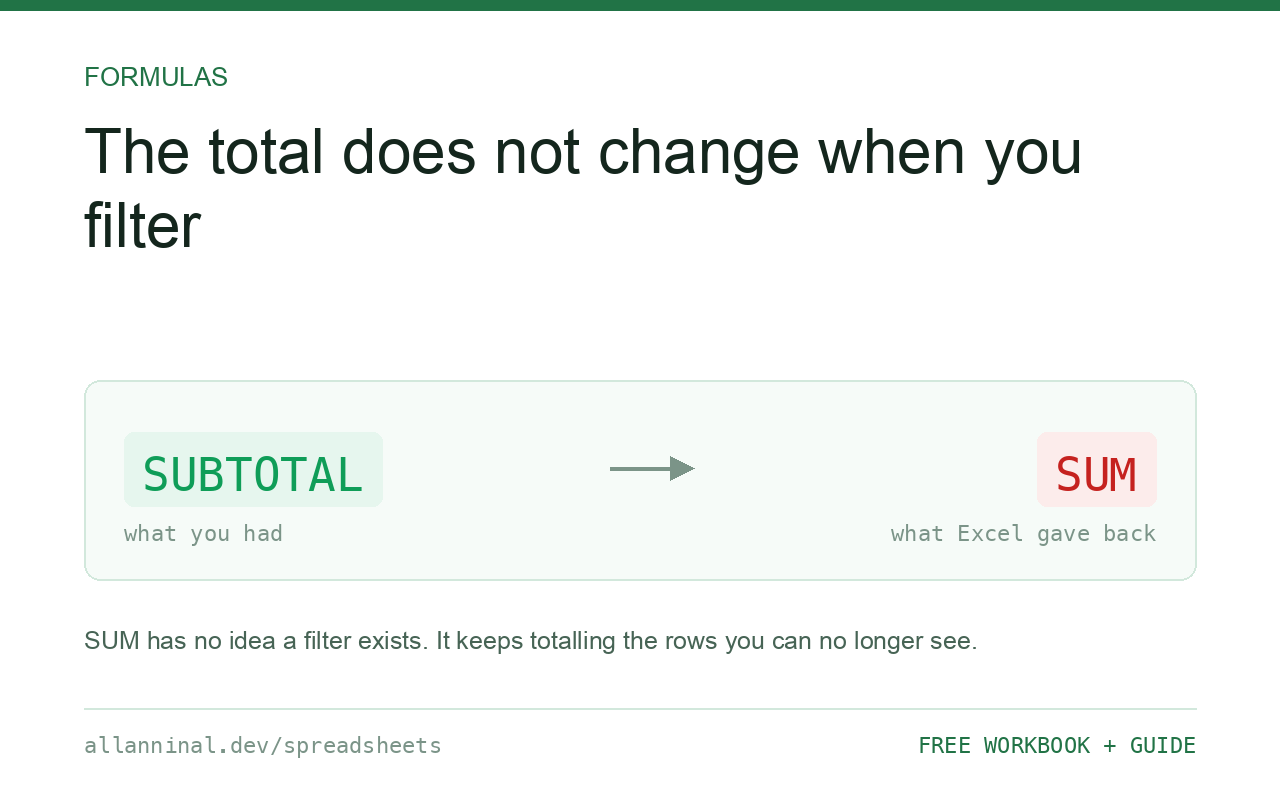
=SUBTOTAL(109,D2:D500) sums only the rows a filter has left
visible. The 109 is what makes it ignore hidden rows — 9
respects filters but still includes rows hidden by hand. AGGREGATE goes further and can
also skip error values: =AGGREGATE(9,7,D2:D500) ignores both hidden rows and errors,
which SUBTOTAL cannot do.
Why this one is dangerous
Most Excel errors announce themselves. This one does not.
You filter a 5,000-row sheet to a single supplier, look at the total, and use it. The total is for all 5,000 rows. There is no error, no warning, and the number is entirely plausible — it is just answering a different question from the one you asked.
It is a favourite in audit findings for exactly that reason: the filter changes what you see, and
SUM keeps reporting on what you cannot.
| What you see | What actually happened | What fixes it |
|---|---|---|
| Total unchanged when you filter | SUM has no awareness of filters | Use SUBTOTAL(109,...) |
| Changes on filter, not on hiding rows | You used function 9 rather than 109 | Use 109 to exclude manually hidden rows |
| Nested subtotals double-counting | SUBTOTAL ignores other SUBTOTALs — this is correct | No action needed |
#DIV/0! in a filtered average | The filter left no visible rows | Wrap in IFERROR |
| Total wrong because of an error cell | SUBTOTAL propagates errors | Use AGGREGATE(9,7,...) |
How to total only what a filter has left visible
Use SUBTOTAL with 109 for a filtered sum
The first argument names the operation and how to treat hidden rows:
=SUBTOTAL(109,D2:D500)9 means SUM respecting filters; 109 means SUM respecting filters and manually hidden rows. Use 109 unless you have a specific reason not to.
Use the same pattern for other operations
Add 100 to the base code to make it ignore manually hidden rows:
101AVERAGE ·102COUNT ·103COUNTA104MAX ·105MIN ·109SUM
Use AGGREGATE when the column contains errors
SUBTOTAL cannot survive an error in the range — one
#N/A and the total is #N/A. AGGREGATE can skip them:
=AGGREGATE(9,7,D2:D500)First argument the operation (9 = SUM), second the options (7 = ignore hidden rows and
errors). This is the robust choice for a column fed by lookups, where a few #N/A values
are normal.
Let a table do it for you
Ctrl+T, then tick Total Row on the Table Design tab. Excel
writes the SUBTOTAL for you and each column gets a dropdown to choose the operation. It
is also the version least likely to be broken by the next person.
Everything on this page, as a workbook you can use on your own data
The Excel Data Cleanup Kit — a seven-tab workbook that finds all nine of these faults in a pasted column and hands back a cleaned version, a five-page PDF guide, and a short read-me. Free, no email required.
- Excel-Data-Cleanup-Workbook-Free.xlsx — paste a column, read the diagnosis, take the cleaned output
- Excel-Data-Survival-Guide.pdf — the eight failures, the import routine that prevents them, every formula explained
Plain .xlsx: no macros, no add-ins. Opens in Excel, Google Sheets,
Apple Numbers and LibreOffice Calc.
SUBTOTAL ignores other SUBTOTALs, on purpose
If a range contains its own SUBTOTAL formulas — per-group totals down the sheet
— a SUBTOTAL over all of them does not double-count. It skips
nested SUBTOTAL results by design, which is what makes grouped reports work.
SUM has no such rule. A SUM over a range containing subtotal rows counts
everything twice, which is a classic source of a total that is exactly double what it should be.
Counting the visible rows
To see how many rows a filter has left:
=SUBTOTAL(103,A2:A500)103 is COUNTA ignoring hidden rows. Useful above a filtered list as a
“showing N of M” indicator.
The 9 versus 109 distinction
Both respect autofilters. Only the 100-series also excludes rows hidden manually with Hide Rows. Since someone hiding a row almost always means “ignore this”, 109 is the safer default and 9 is the one to justify.
Google Sheets
Sheets has SUBTOTAL with the same codes. It does not have AGGREGATE;
where you need to ignore errors, filter them out with IFERROR in a helper column or use
QUERY.
Questions people ask
Why does my total not change when I filter?
SUM has no awareness of filters and adds every cell in the range, visible or not. Use SUBTOTAL(109, range) to total only the visible rows.
What is the difference between SUBTOTAL 9 and 109?
Both respect autofilters. 109 additionally excludes rows hidden manually with Hide Rows. 109 is the safer default.
What does AGGREGATE do that SUBTOTAL cannot?
It can ignore error values. One #N/A in the range makes SUBTOTAL return #N/A, whereas =AGGREGATE(9,7,range) skips both hidden rows and errors.
Will SUBTOTAL double-count my group subtotals?
No. SUBTOTAL deliberately ignores other SUBTOTAL results inside its range. A plain SUM over the same range would double-count them.
How do I count the rows a filter left visible?
Use =SUBTOTAL(103,range), which is COUNTA ignoring hidden rows.
Does this work in Google Sheets?
SUBTOTAL works with the same codes. AGGREGATE does not exist there, so handle errors with IFERROR in a helper column instead.
Related guides
Take the workbook with you
The Excel Data Cleanup Kit — a seven-tab workbook that finds all nine of these faults in a pasted column and hands back a cleaned version, a five-page PDF guide, and a short read-me. Free, no email required.
- Excel-Data-Cleanup-Workbook-Free.xlsx — paste a column, read the diagnosis, take the cleaned output
- Excel-Data-Survival-Guide.pdf — the eight failures, the import routine that prevents them, every formula explained
Plain .xlsx: no macros, no add-ins. Opens in Excel, Google Sheets,
Apple Numbers and LibreOffice Calc.