Sushi bar
Shari
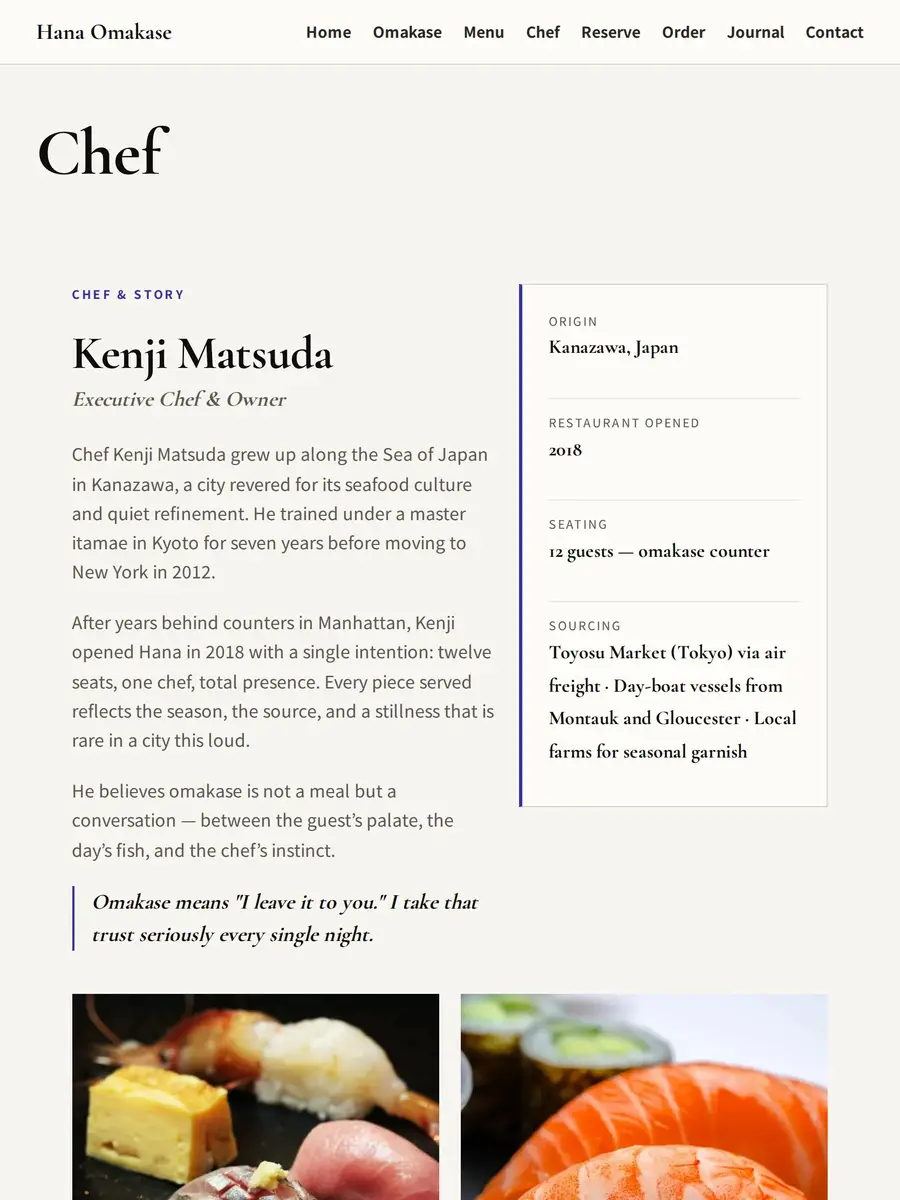
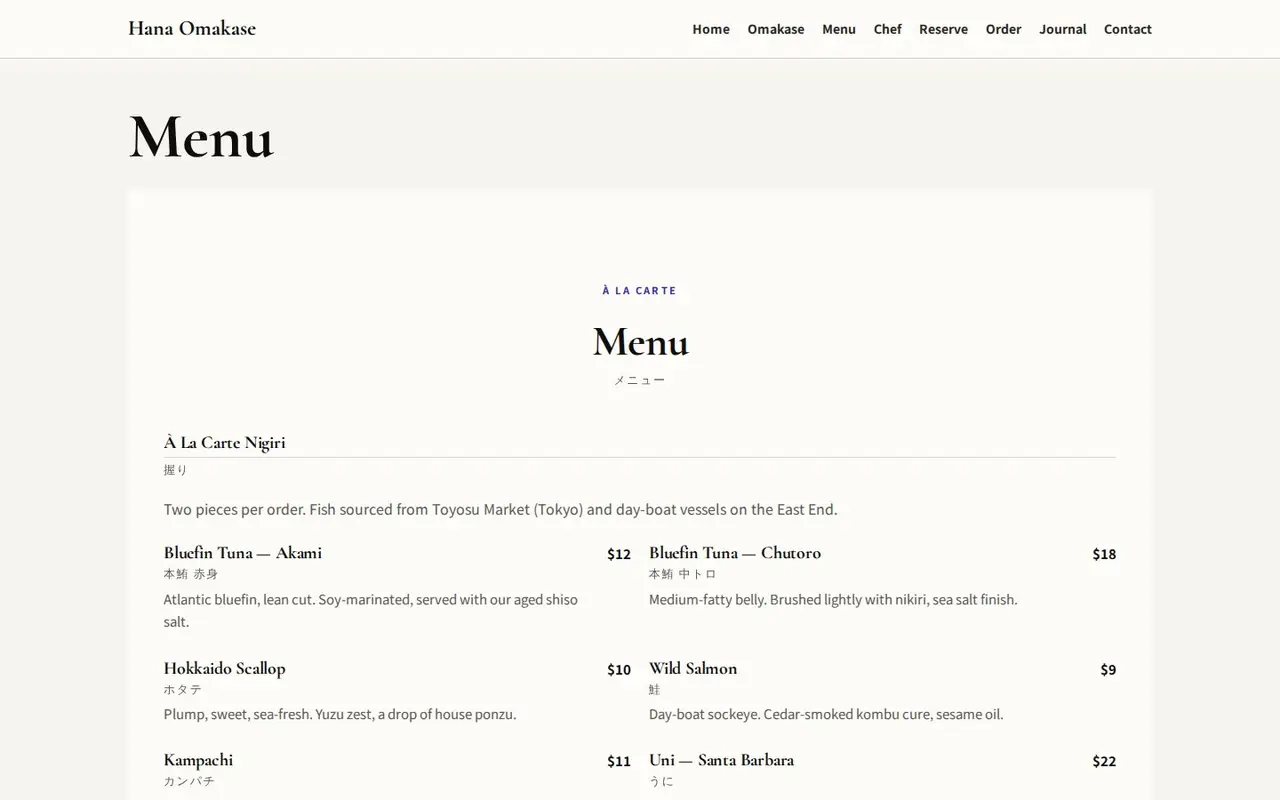
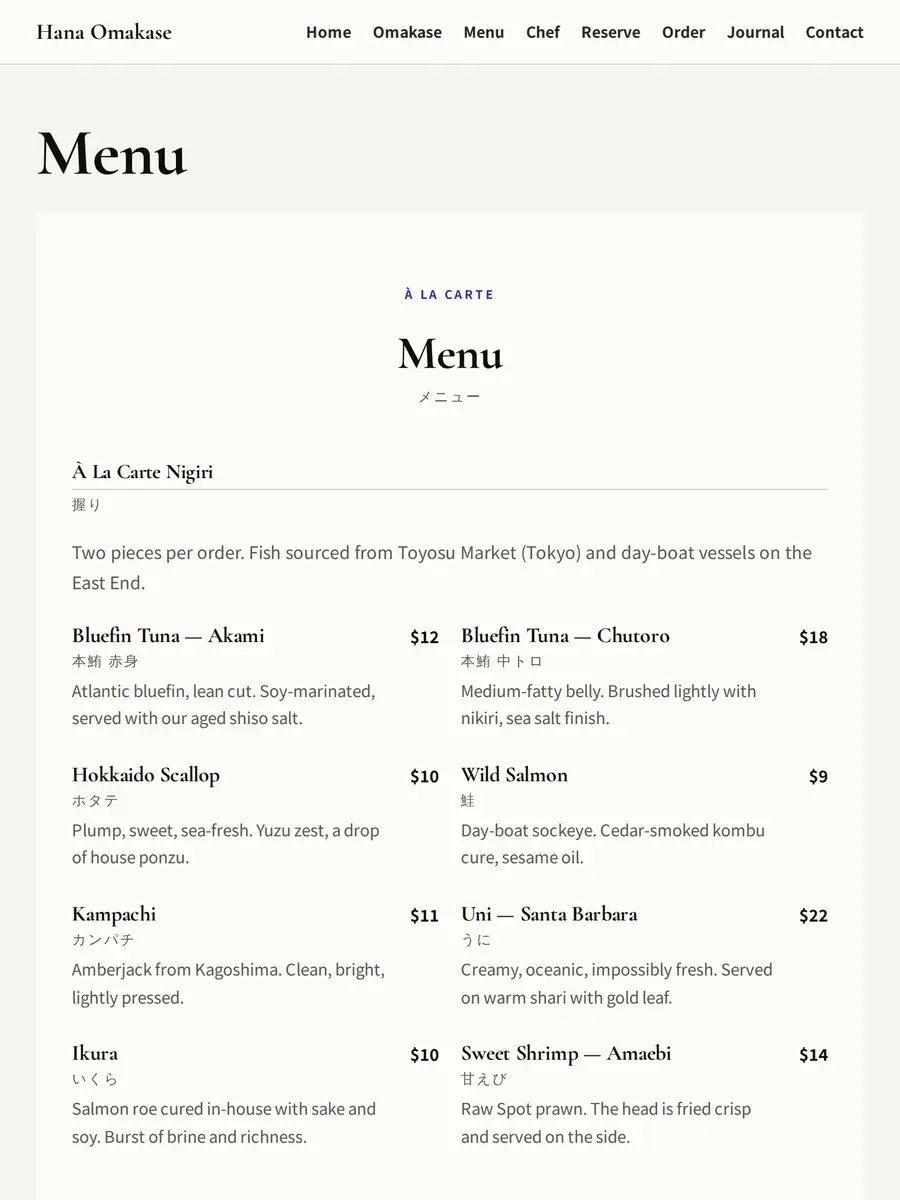
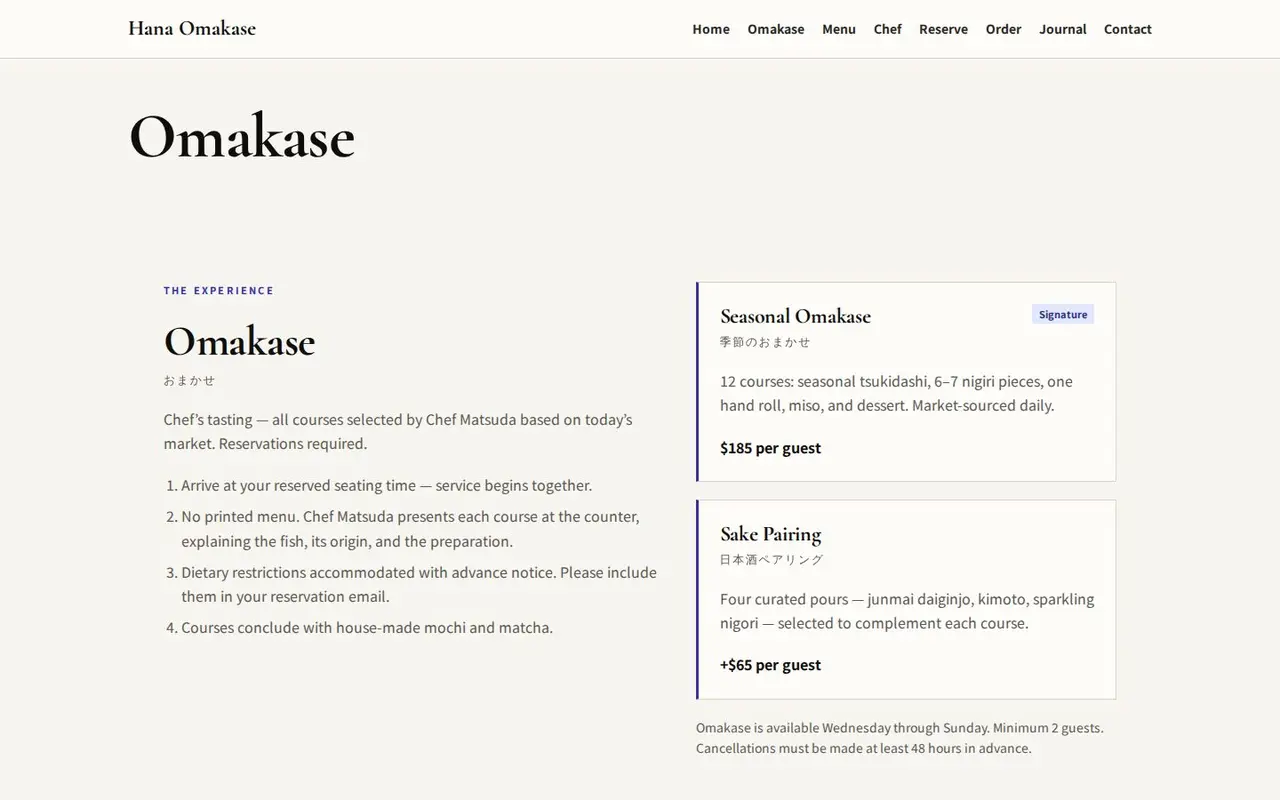
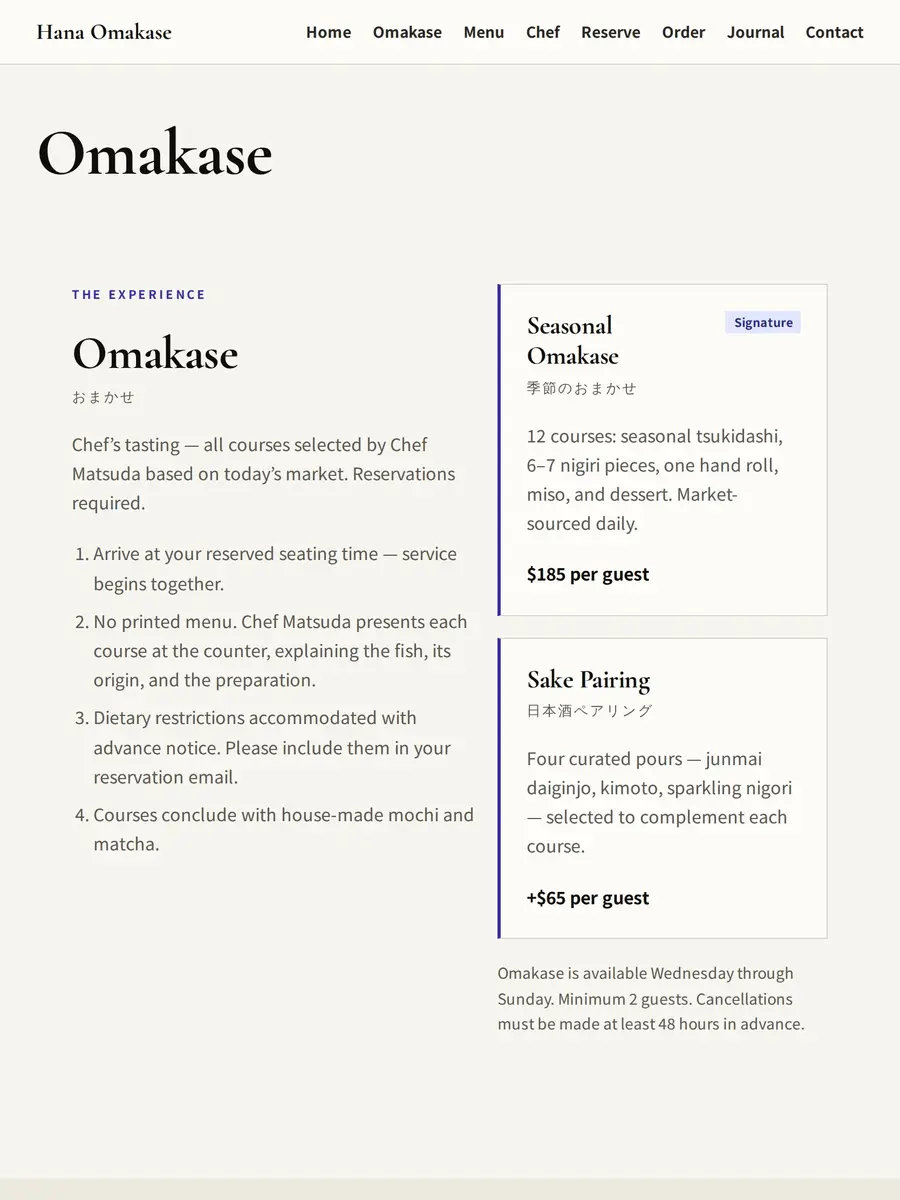
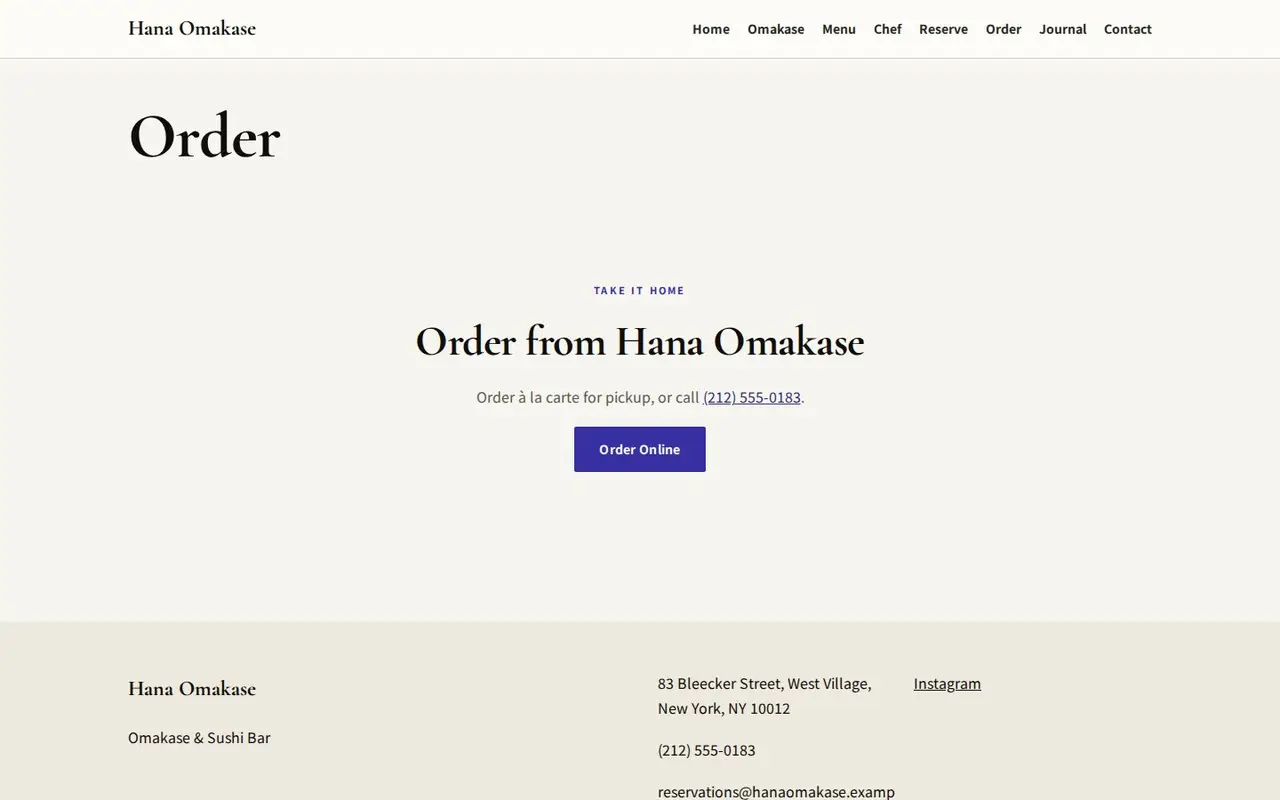
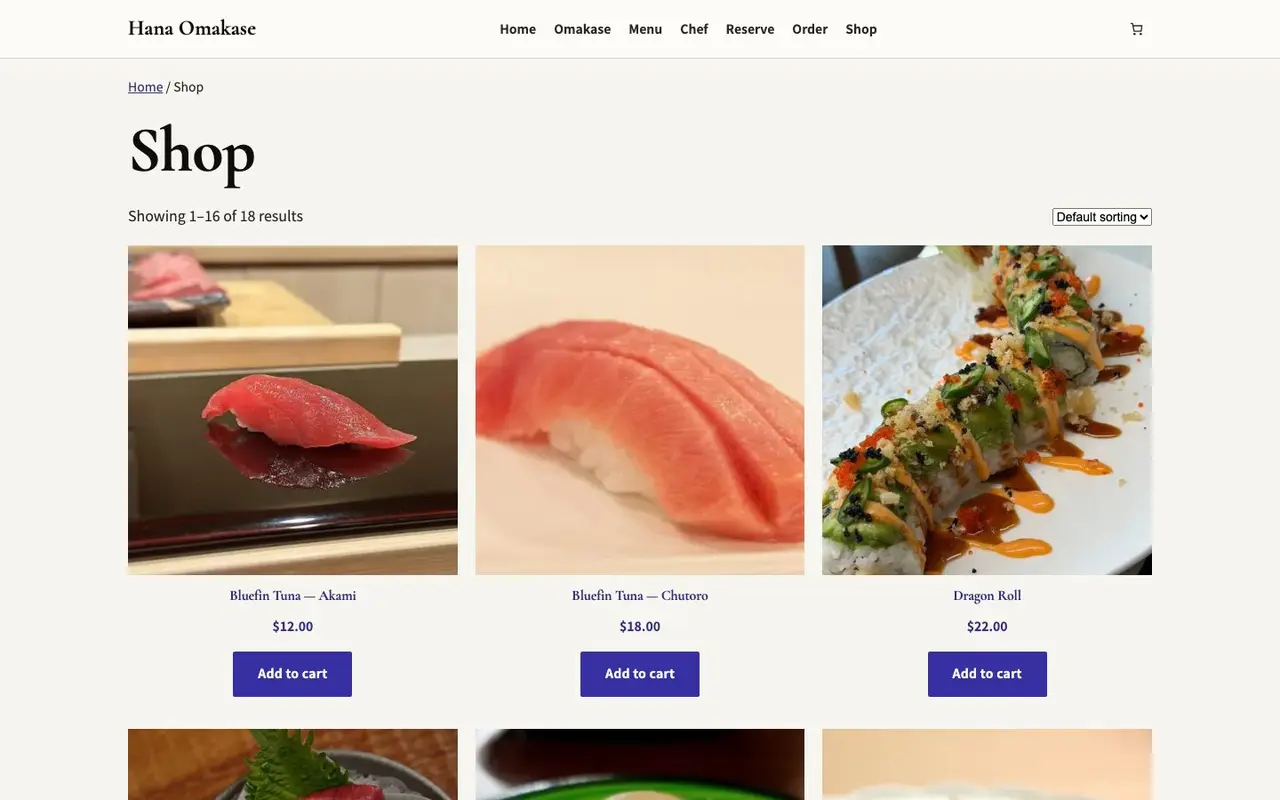
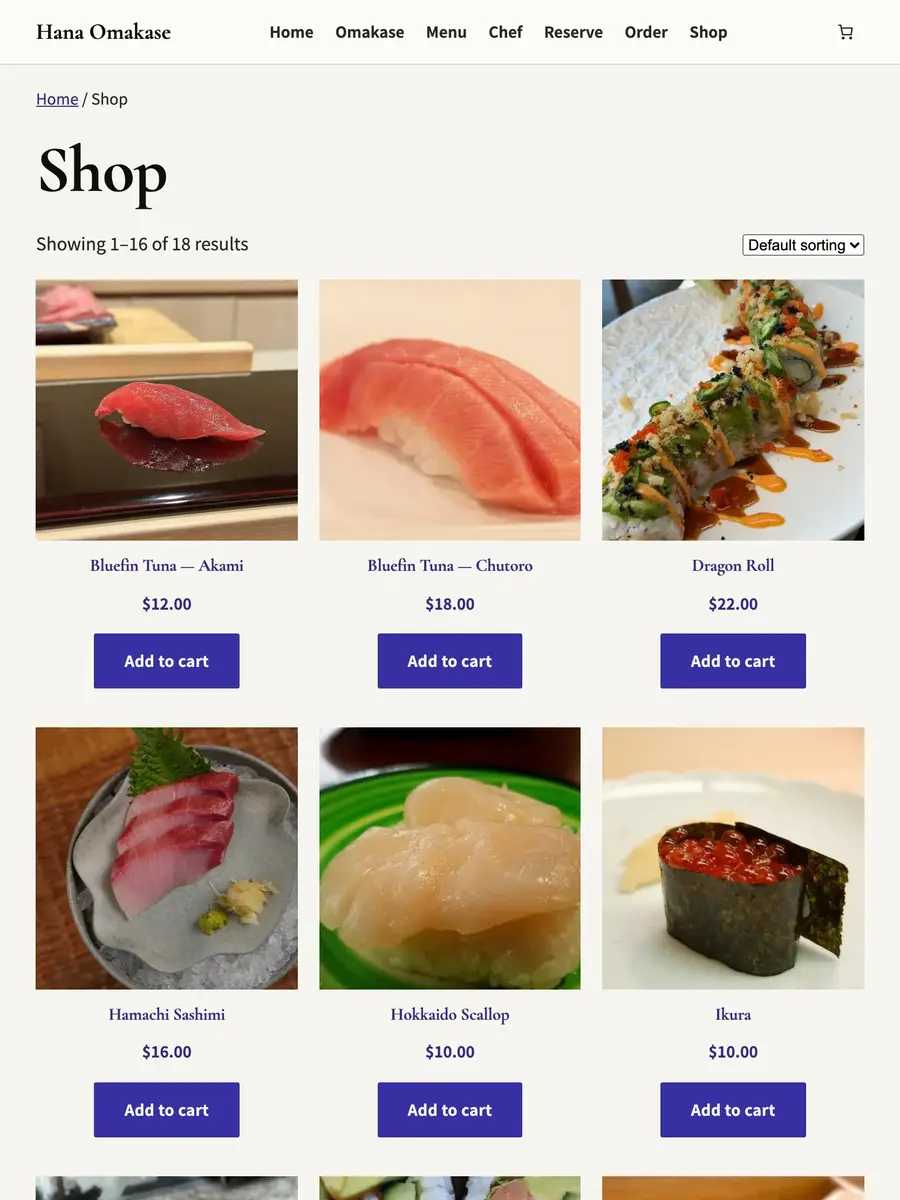
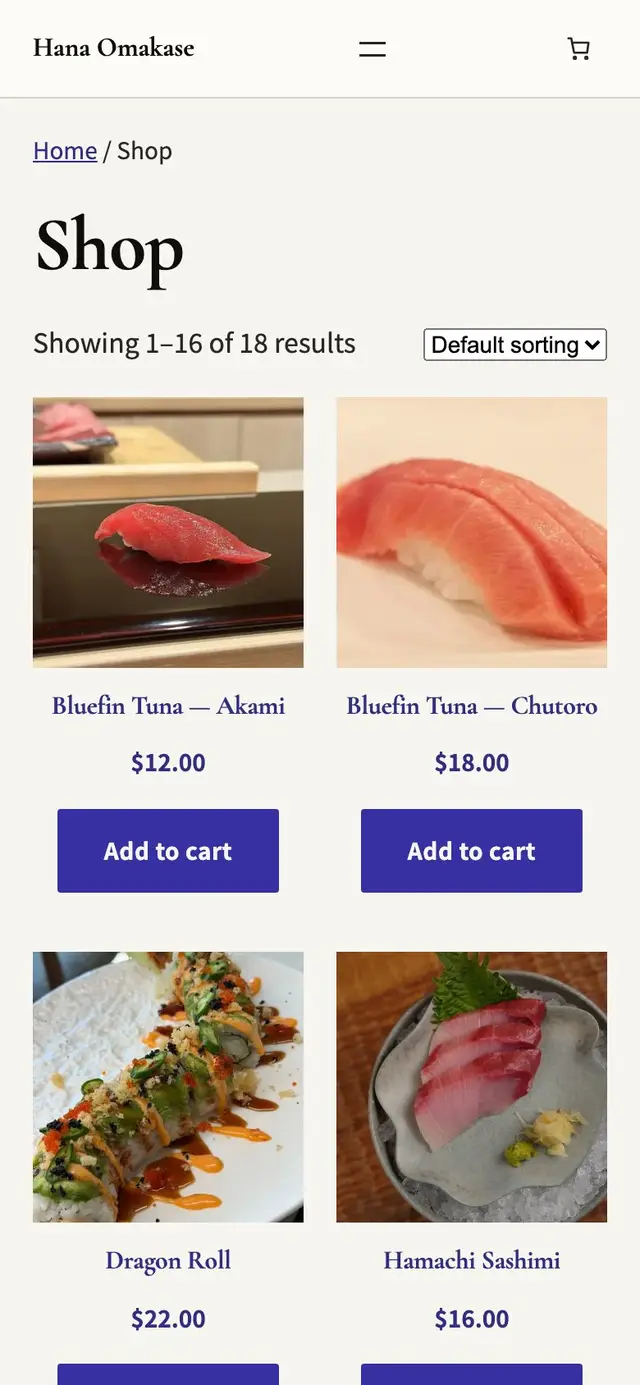
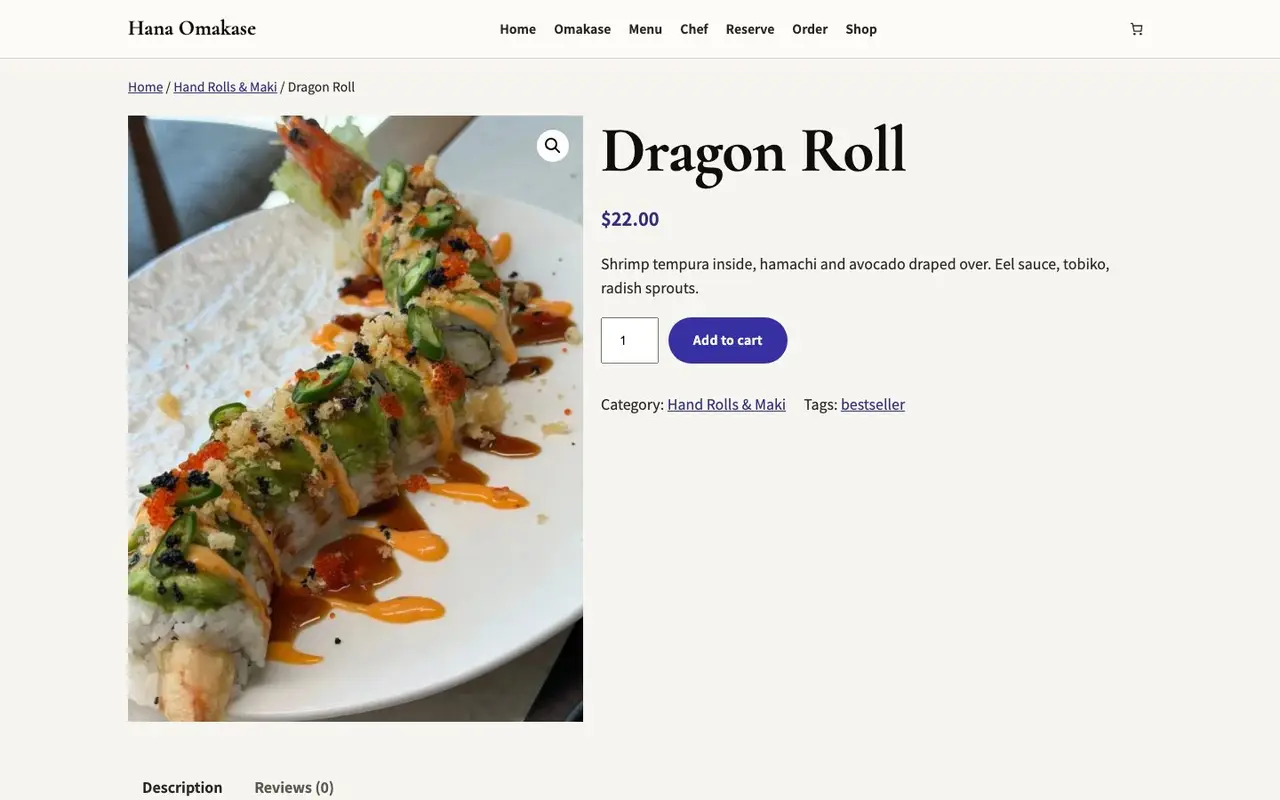
The Sushi Bar template as a WordPress block theme. One click adds the omakase, menu, chef, reservation and order pages, with the full menu, the omakase steps, the chef's story, a raw-fish and allergen note, opening hours and reservations by email, the navigation and the photos; with WooCommerce it also adds the menu as shop products with real photos, including a sencha served hot or cold. Everything stays editable in the WordPress editor. Comes with Sumi, a dark version of the design, and a setup guide with screenshots.
HTML
Free. Plain files you can put on any host.
Live demo Download ZIP Get the code on GitHubPaid edition, $29 once: the same design plus live open-now hours, a takeout order cut-off countdown, menu filters (cooked only, vegetarian, no shellfish, no sesame) that show how many dishes each one leaves, and a platter helper.
Buy the paid HTMLWordPress
From $59 a year for one site, or $179 once. 30-day refund.
100% GPL: everything in the theme is under the GPL. The demo photos are not part of it; the demo import downloads them, each under its own licence.
Buy the themeOr start with the free version: the same design, without the demo import, the shop or the dark style.
Download the free theme (ZIP) Free version on GitHubInstall it at Appearance › Themes › Add New › Upload Theme.
What each version gives you
HTML
- 7 pages: Home, Contact, Journal, Menu
- Plain HTML, CSS and JavaScript, with nothing to install or build
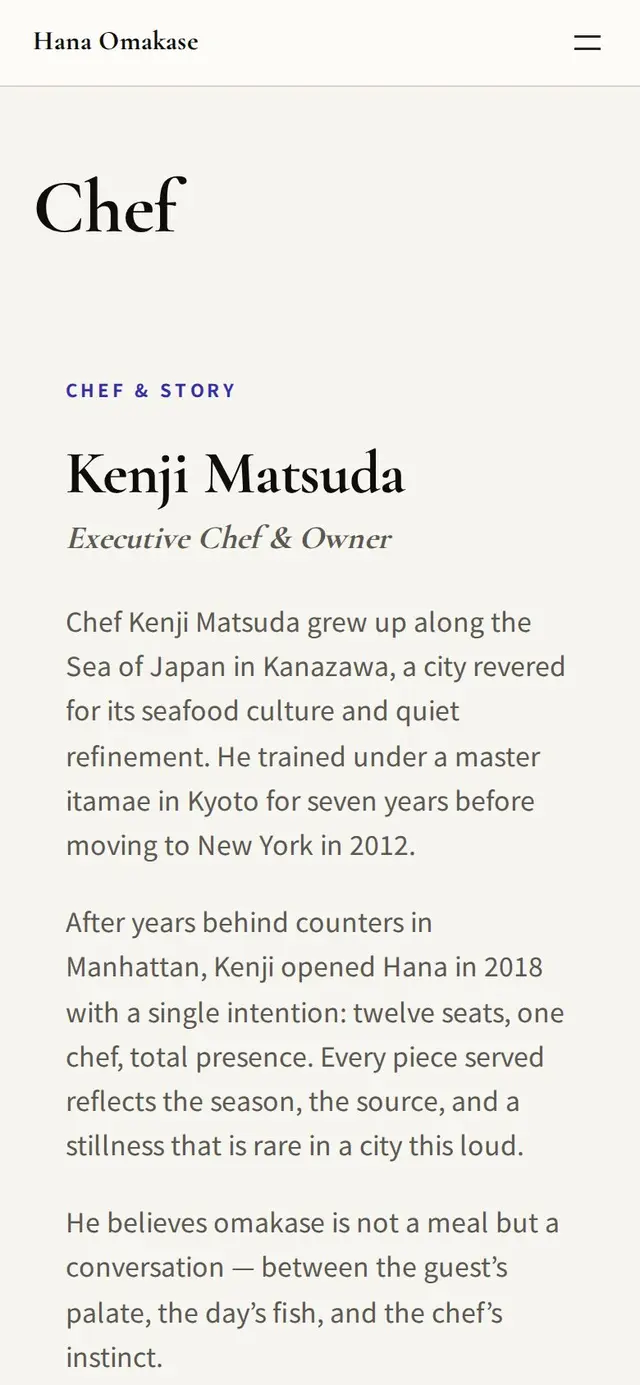
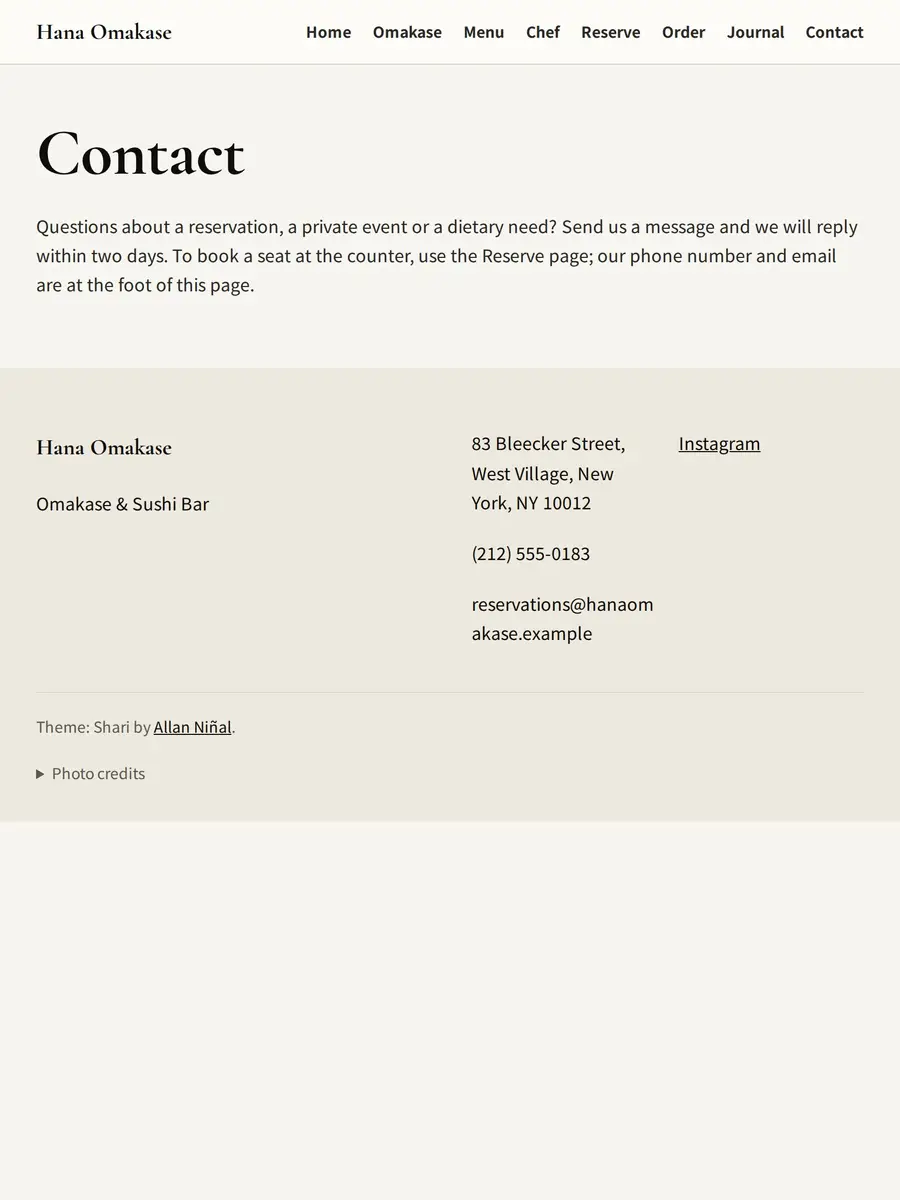
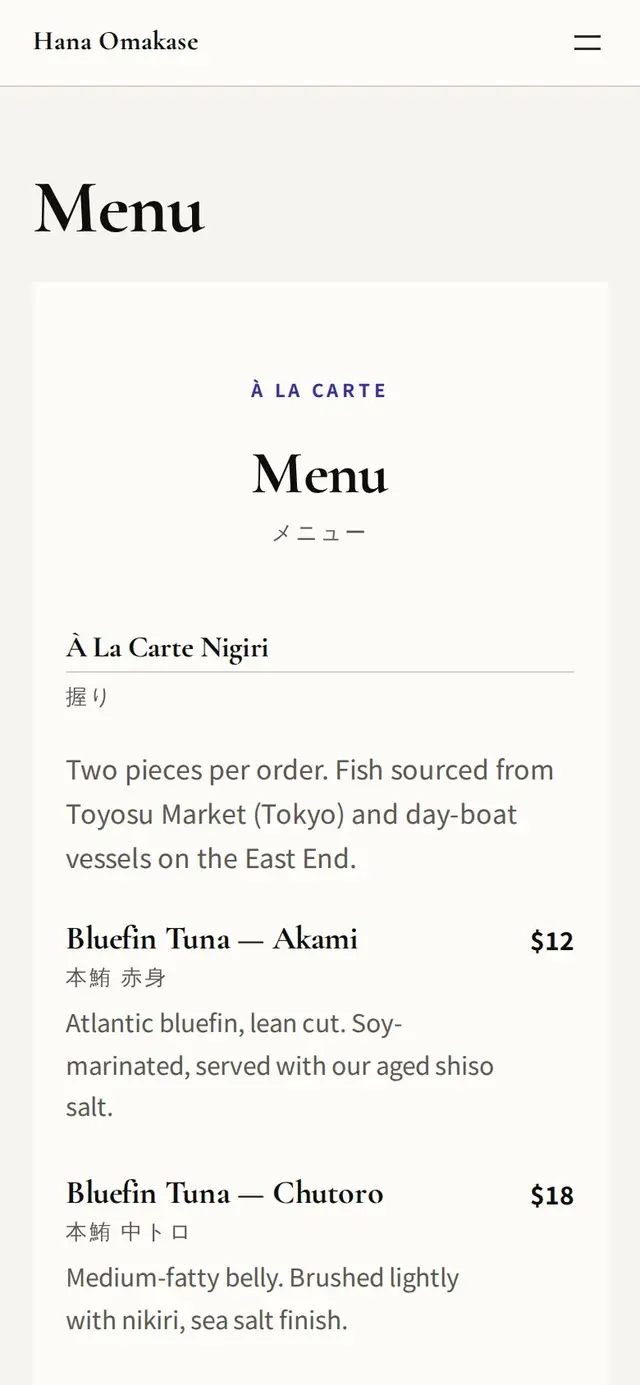
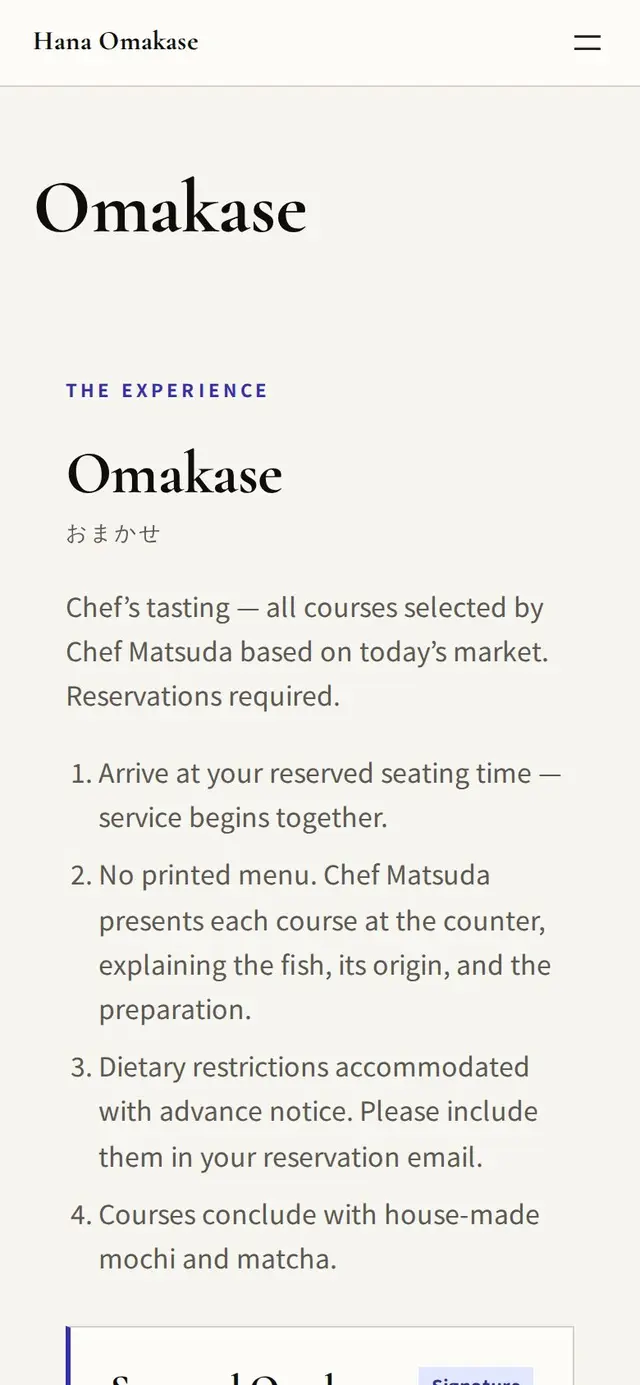
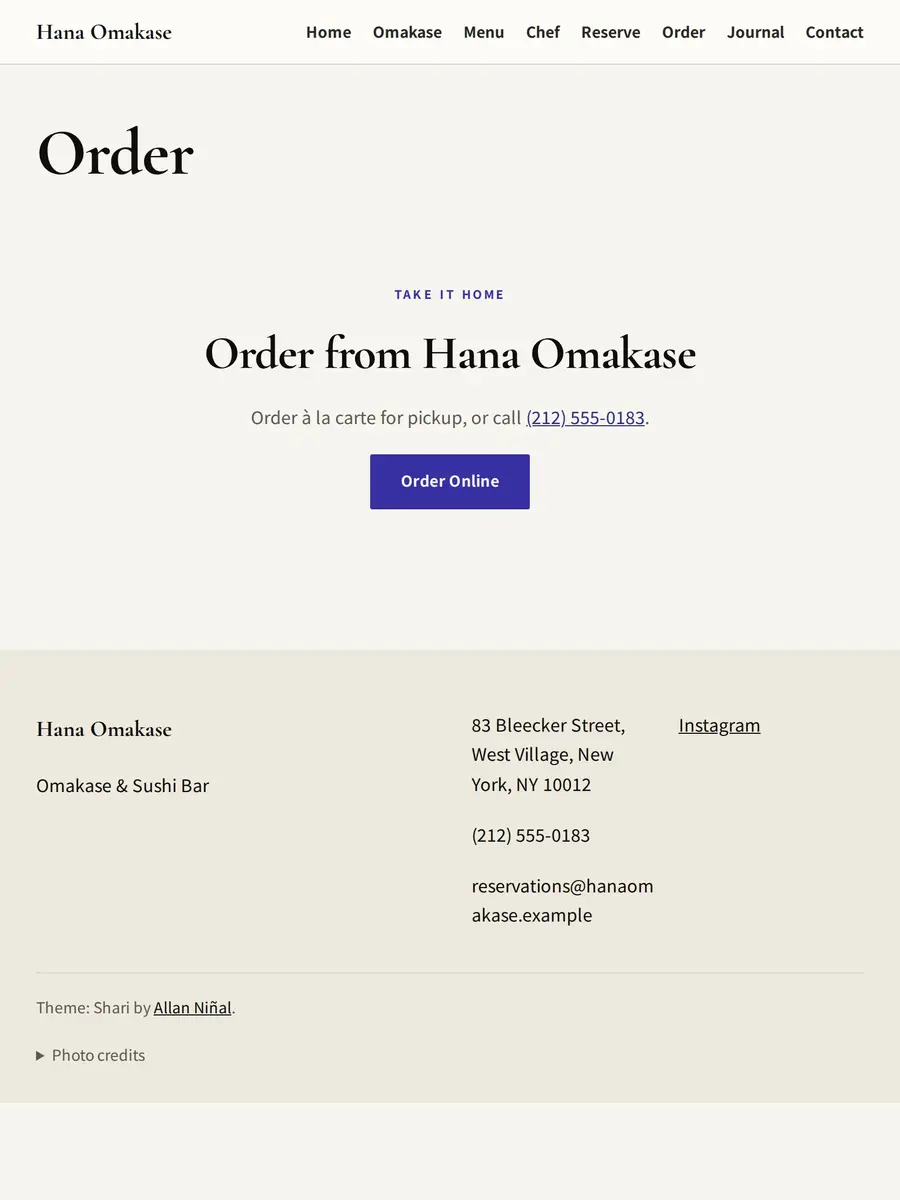
- Works on phones, tablets and desktops
- Search engine data included: Restaurant, Menu
- No ads, trackers or analytics in the code
- Host it anywhere that serves static files
- MIT licence for the code; each photo is credited under its own licence
- You edit the code by hand. It has no admin, shop, checkout or customer accounts
WordPress version 1.1.0
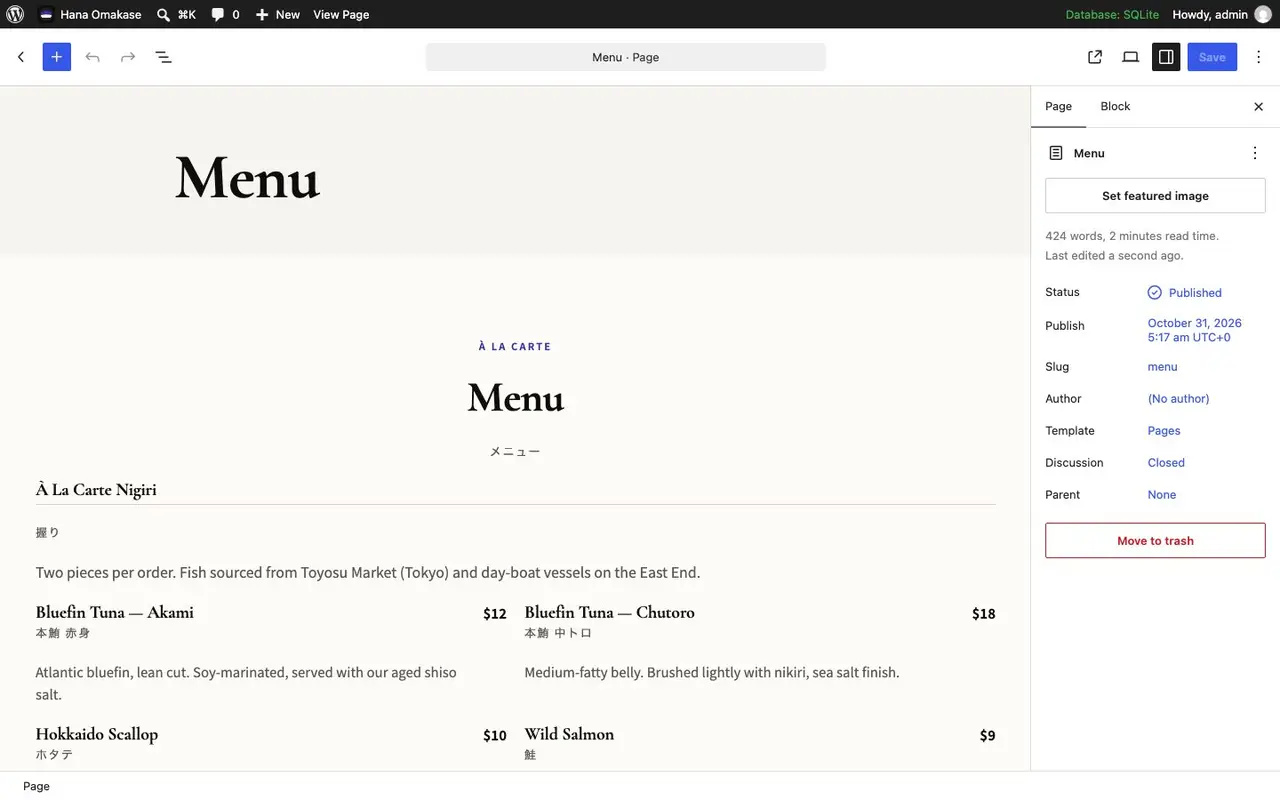
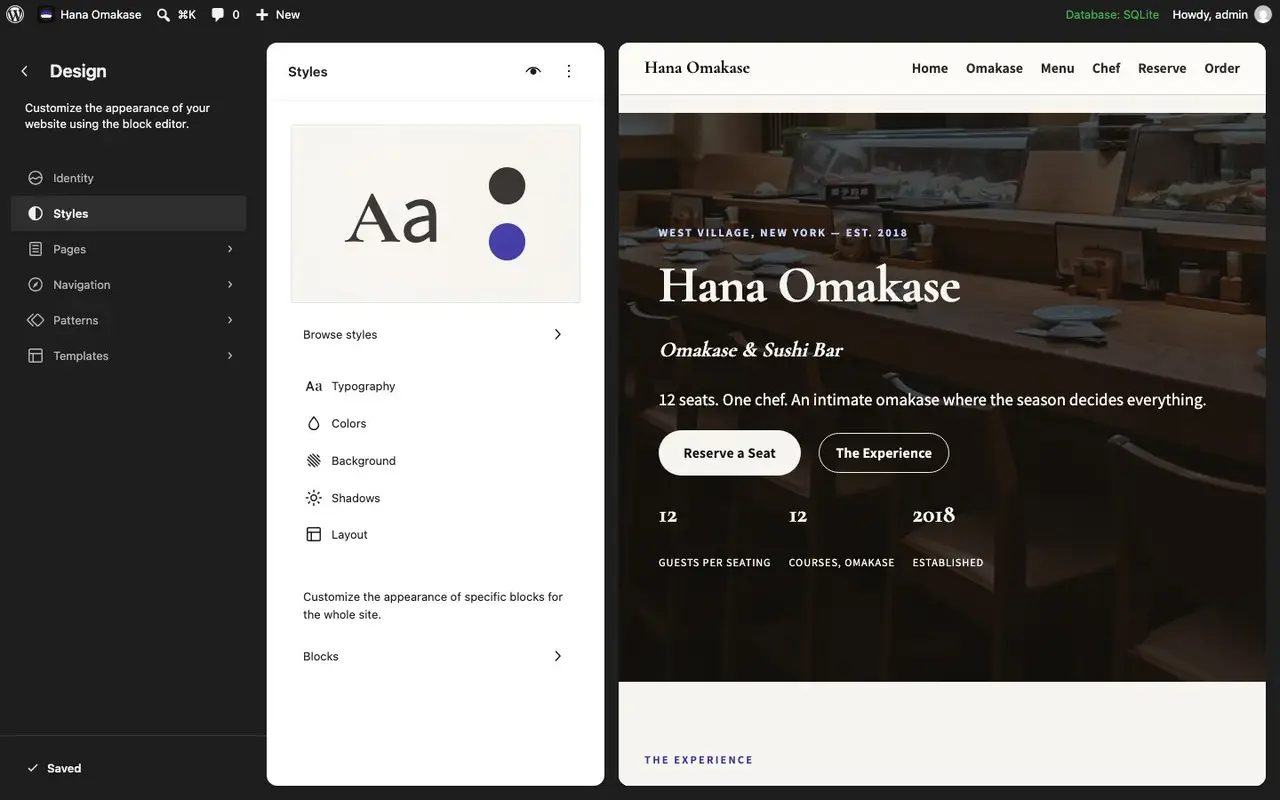
- Edit every page, header and footer in the WordPress Site Editor, with no page builder
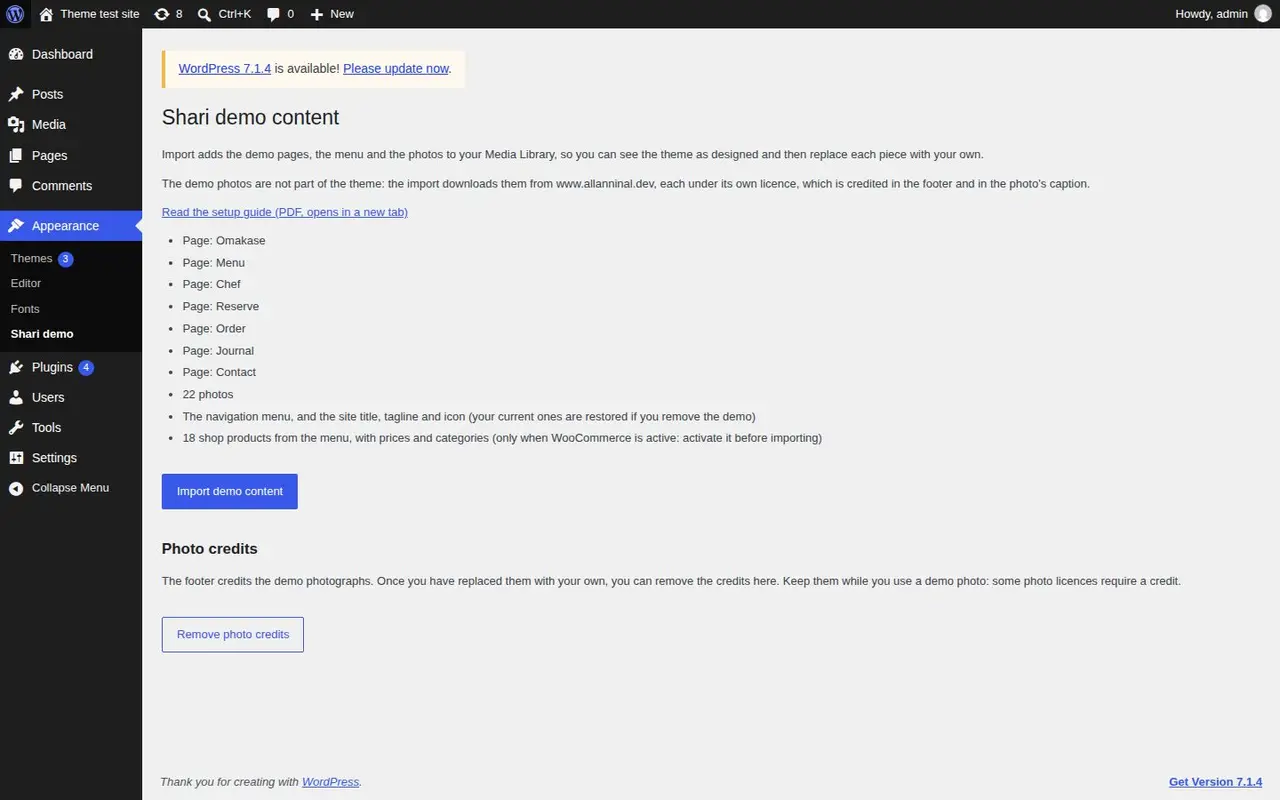
- One-click demo import: 7 pages, the menu and 22 photos
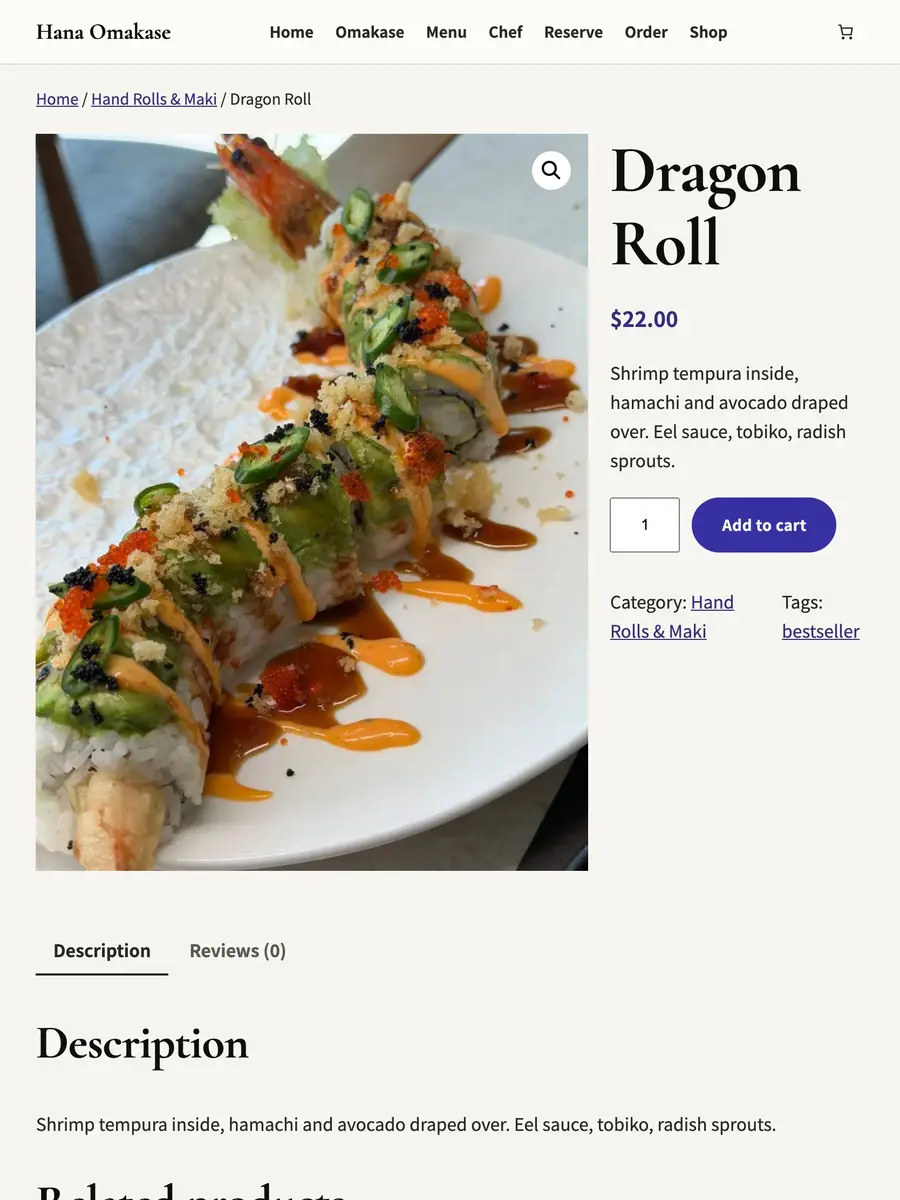
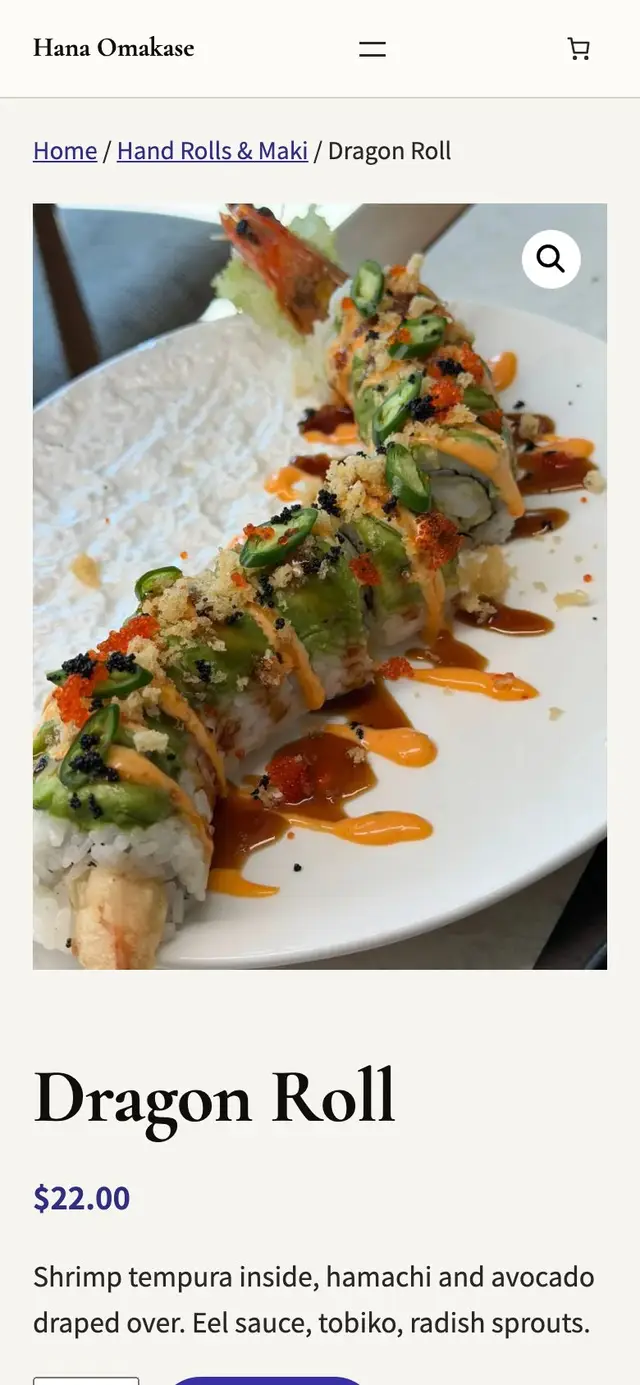
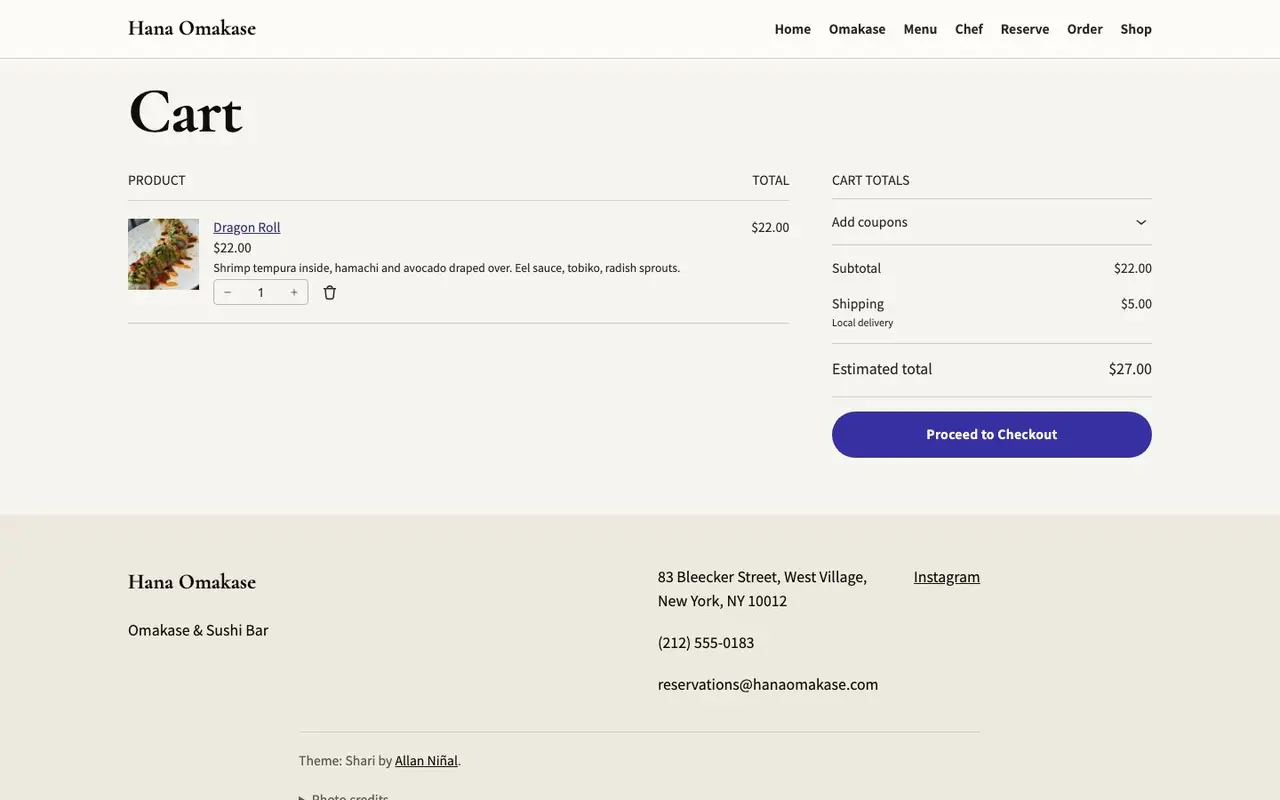
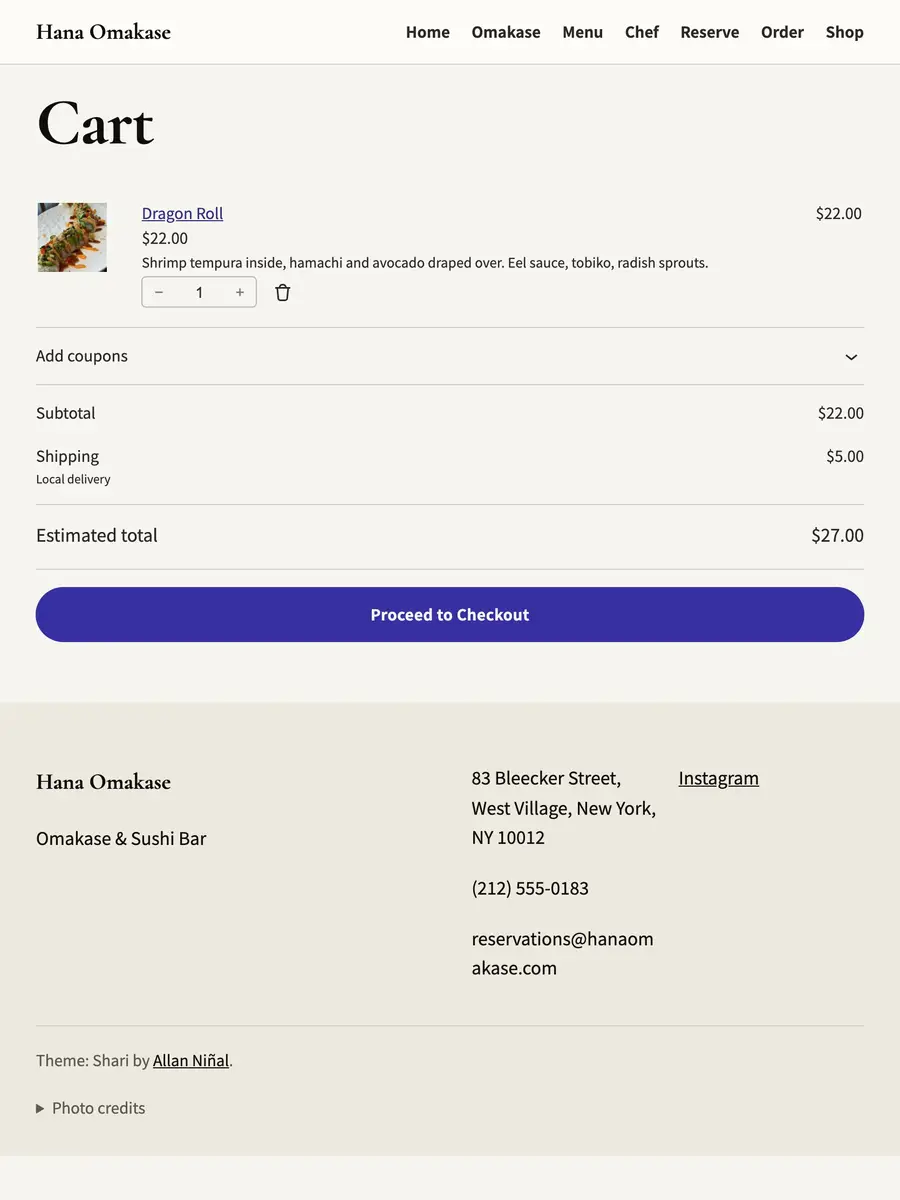
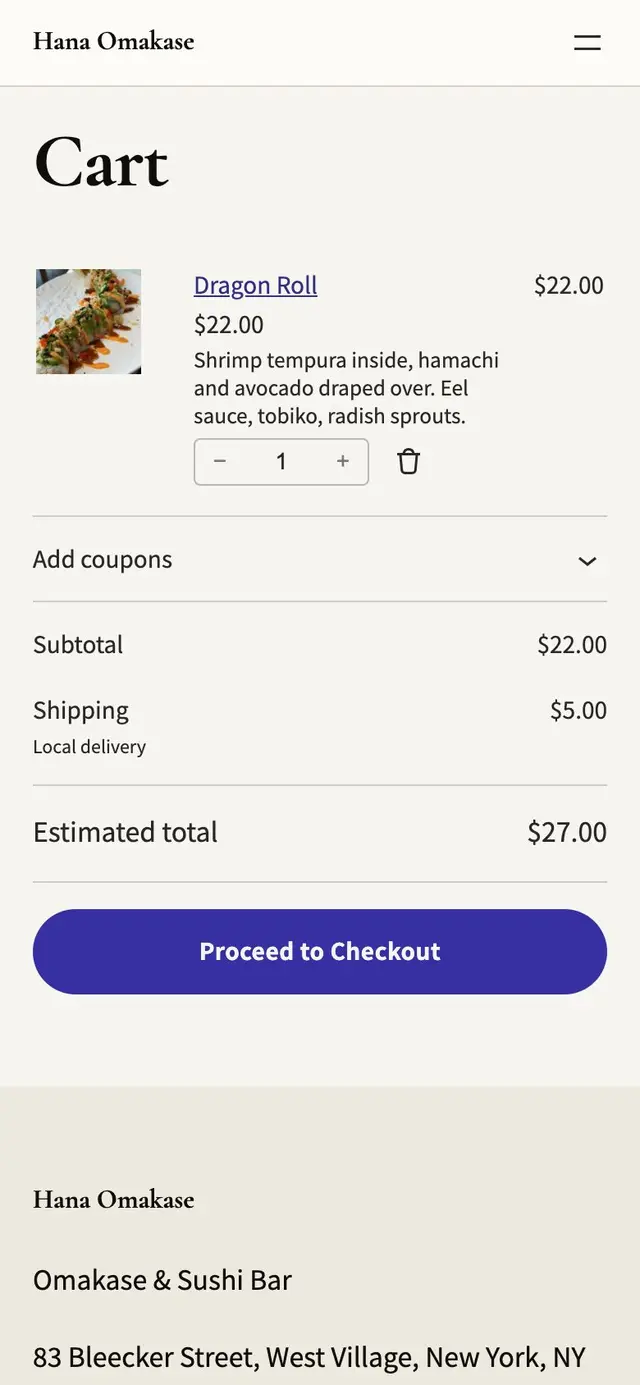
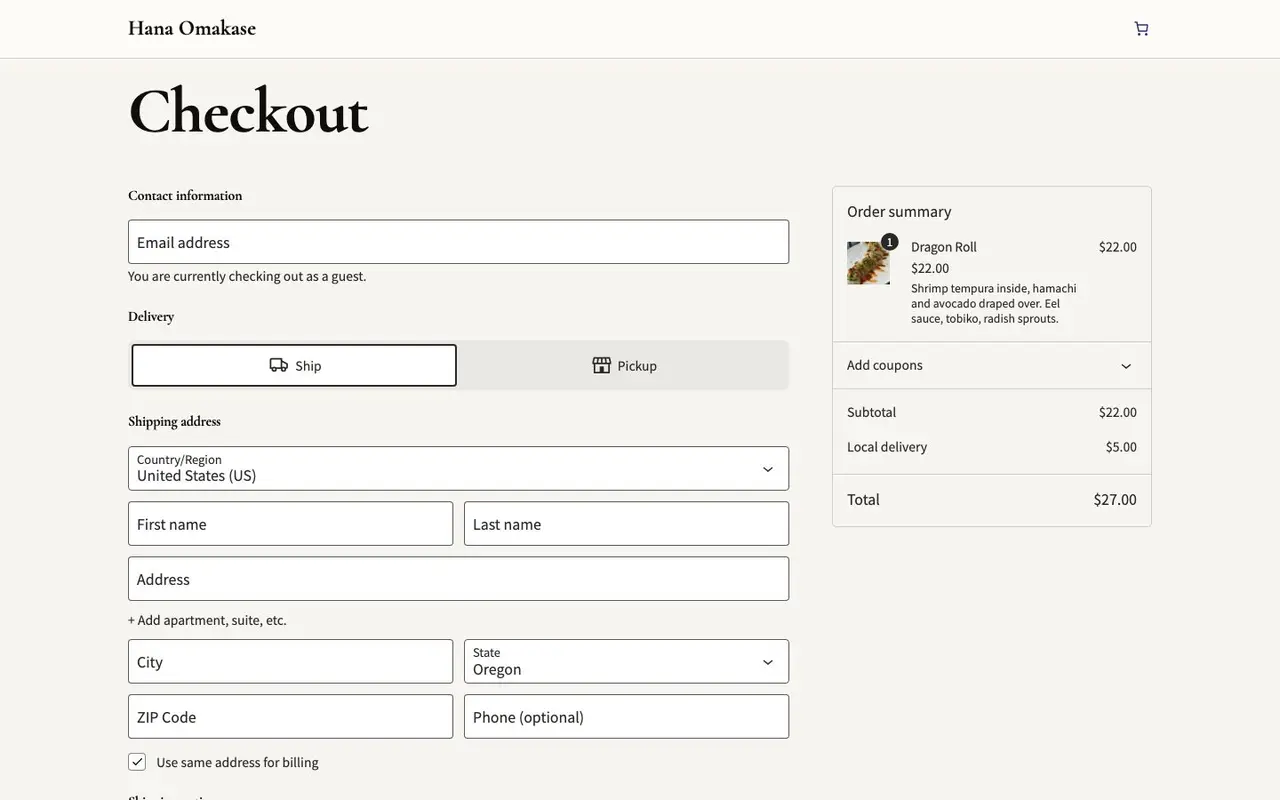
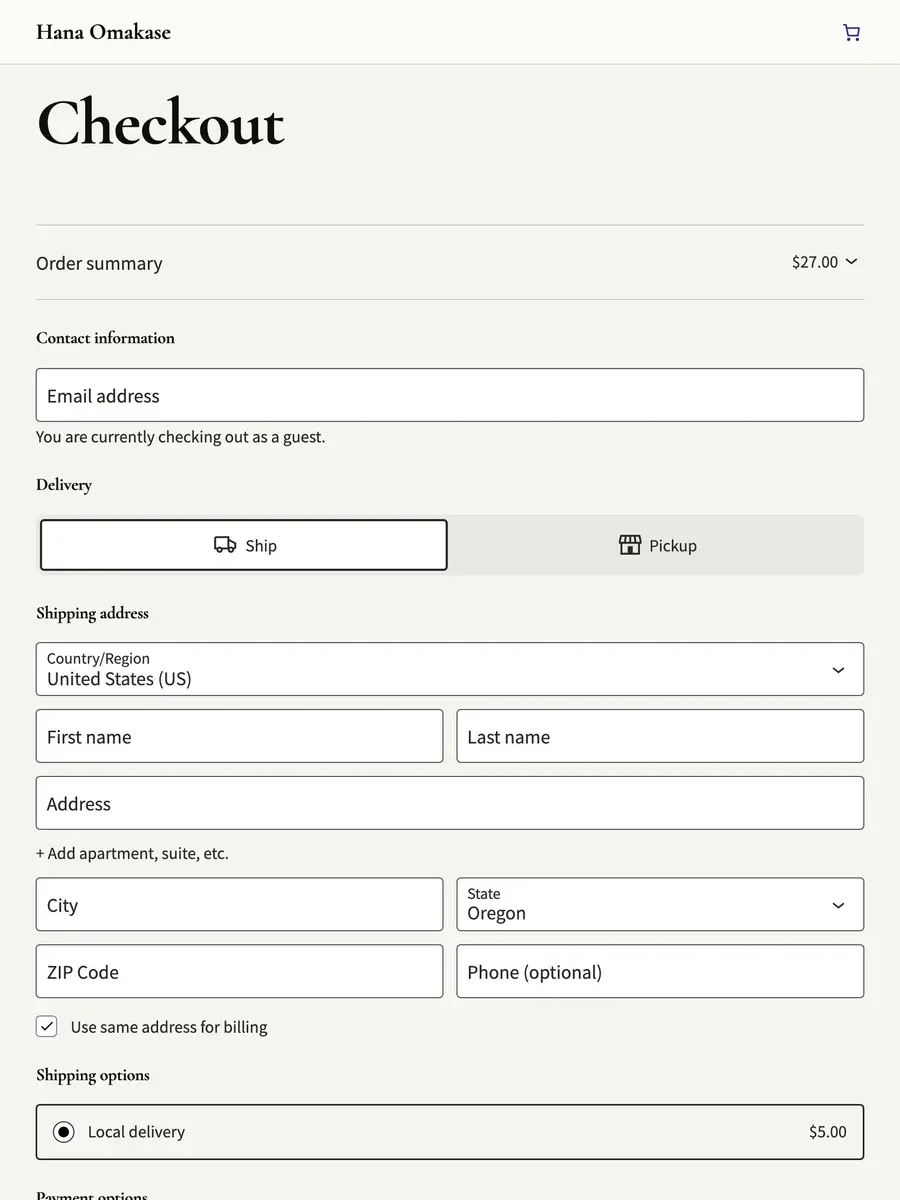
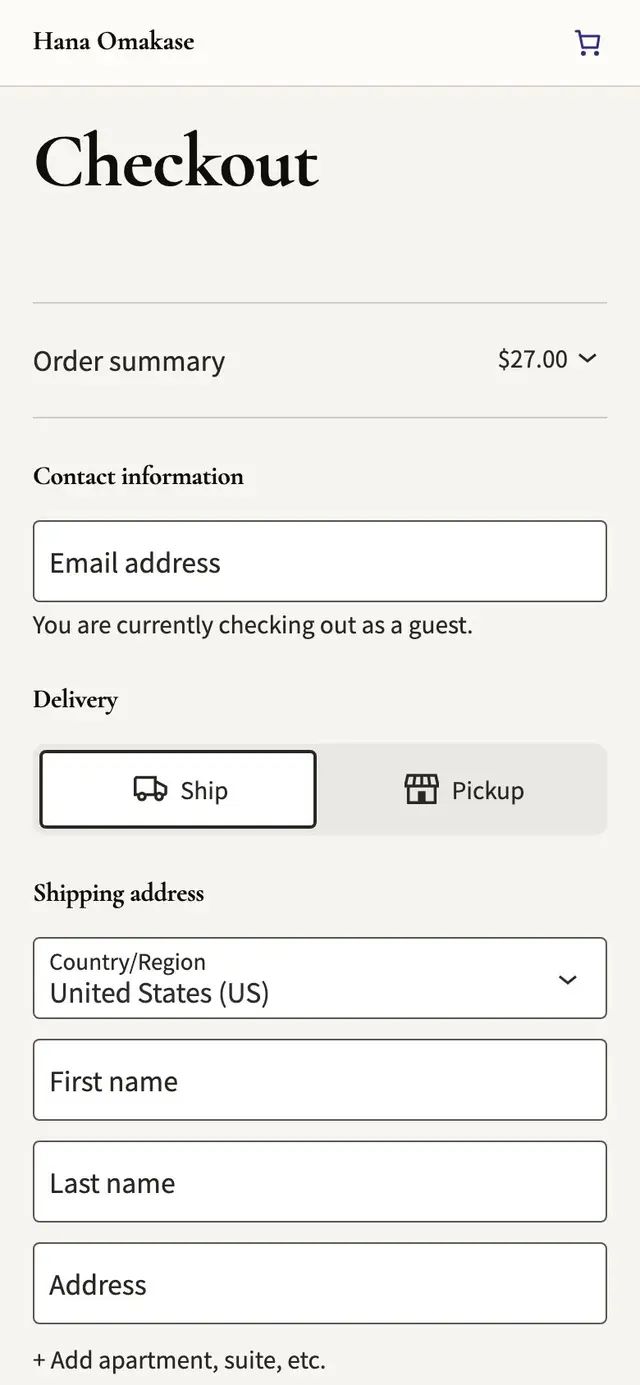
- WooCommerce ready: the import adds 21 products, with shop, cart, checkout and My Account in the theme's design
- Tested with WooCommerce 11.2
- 9 ready-made block patterns
- 1 extra style variation in the Site Editor
- Illustrated setup guide (PDF) included
- Right-to-left language layout
- Child themes supported
- Updates in your WordPress dashboard while the licence is active
Works with
All optional: the theme also works with none of them. Tested on version 1.1.0 with WordPress 7.1.3 on 2026-11-11.
Tried in real use
- Contact Form 7 6.2.5
- WooCommerce 11.1.2
- WooCommerce Stripe Gateway 11.0.0
- WooCommerce Subscriptions 9.3.0
Installed together, pages checked
- Advanced Product Fields (Product Addons) for WooCommerce 1.7.4
- Autoptimize 3.1.17
- Checkout Field Editor for WooCommerce 2.2.1
- CookieYes | GDPR Cookie Consent 3.5.8
- FiboSearch - AJAX Search for WooCommerce 1.34.3
- LatePoint 5.7.8
- LiteSpeed Cache 7.9.3
- MC4WP: Mailchimp for WordPress 4.15.0
- Order Delivery Date for WooCommerce (Lite version) 4.6.3
- PDF Invoices & Packing Slips for WooCommerce 5.16.6
- Rich Showcase for Google Reviews 7.2.2
- Smash Balloon Instagram Feed 6.15.1
- TablePress 3.4.1
- The Events Calendar 6.18.3.1
- TI WooCommerce Wishlist 2.14.2
- TranslatePress - Multilingual 3.3.9
- Variation Swatches for WooCommerce 2.6.2
- Yoast SEO 28.8
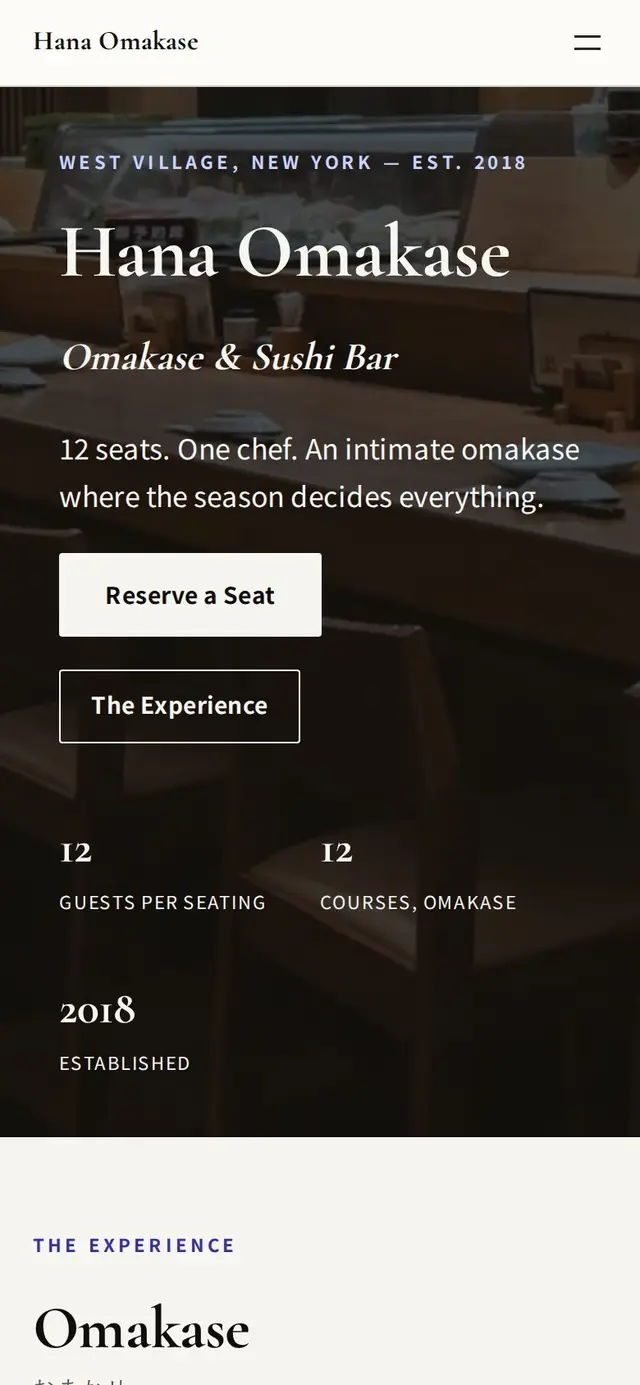
Front end
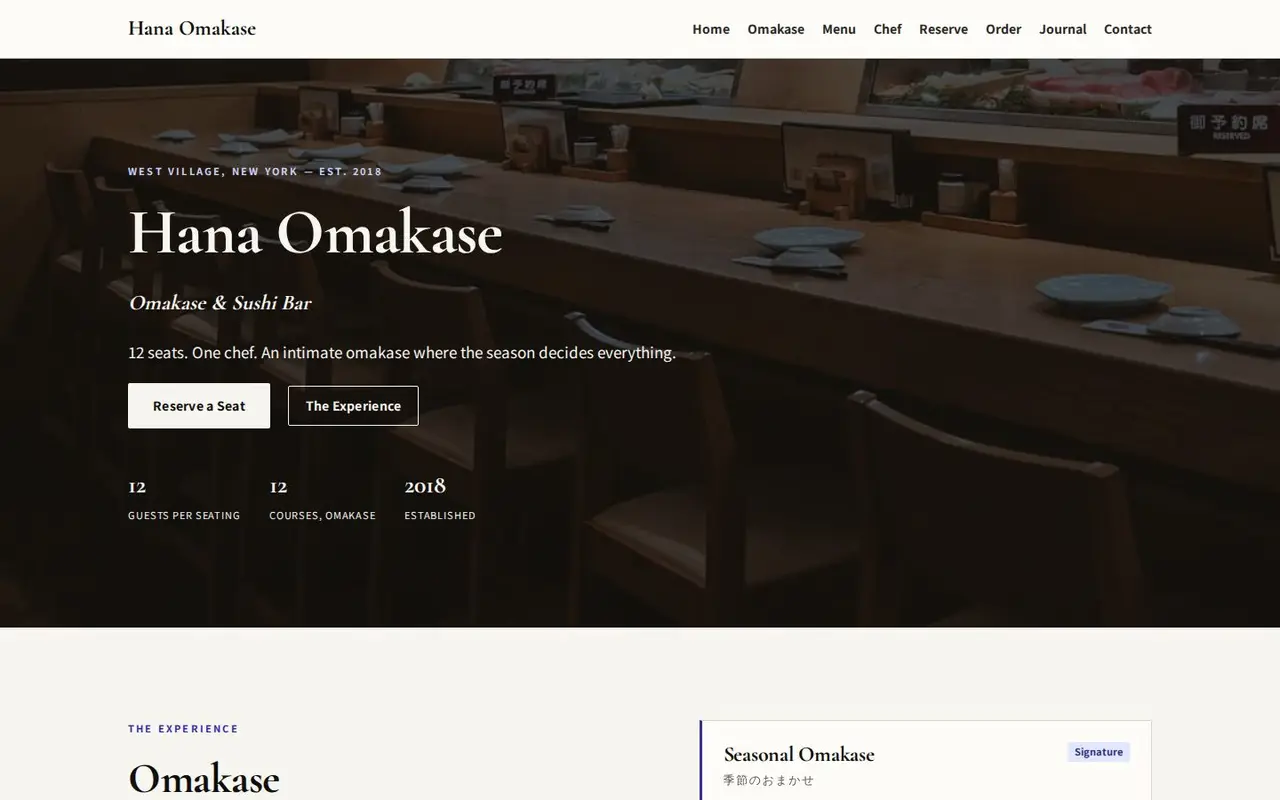
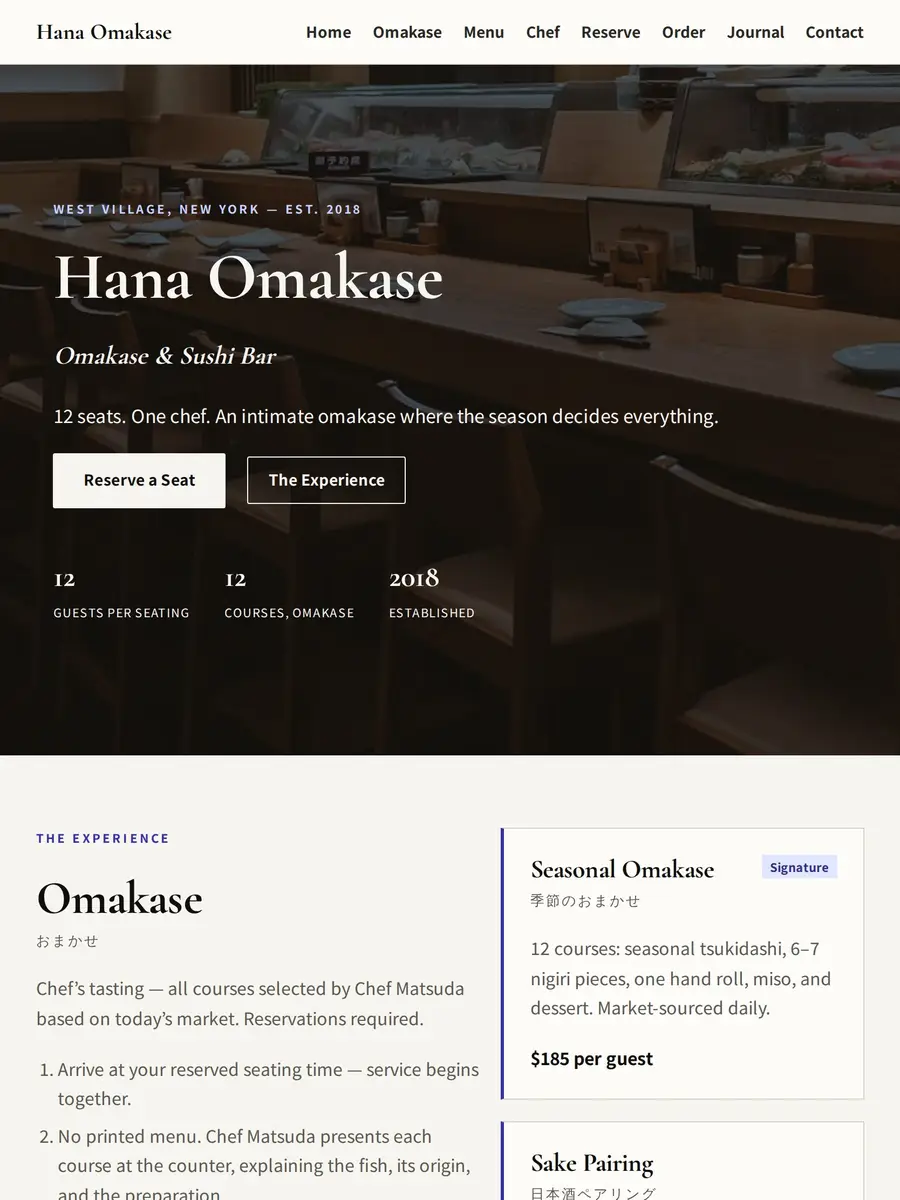
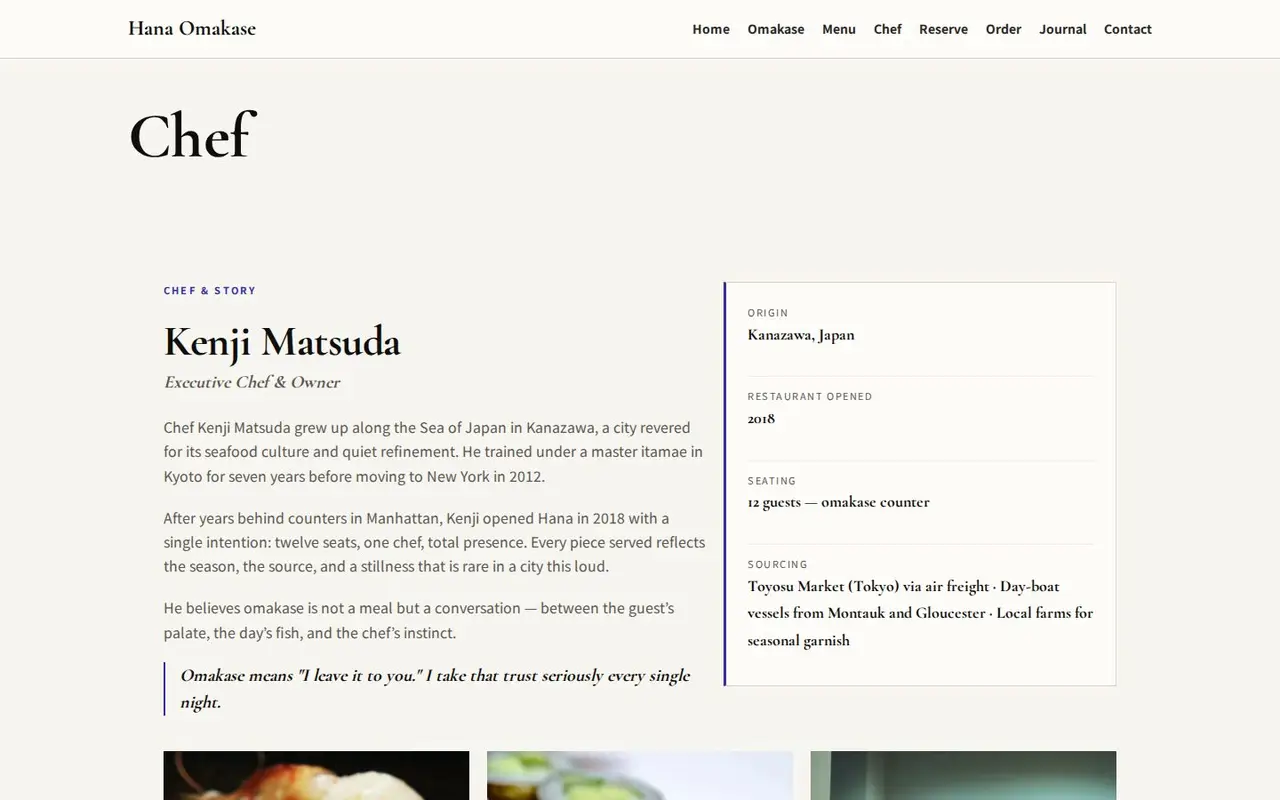
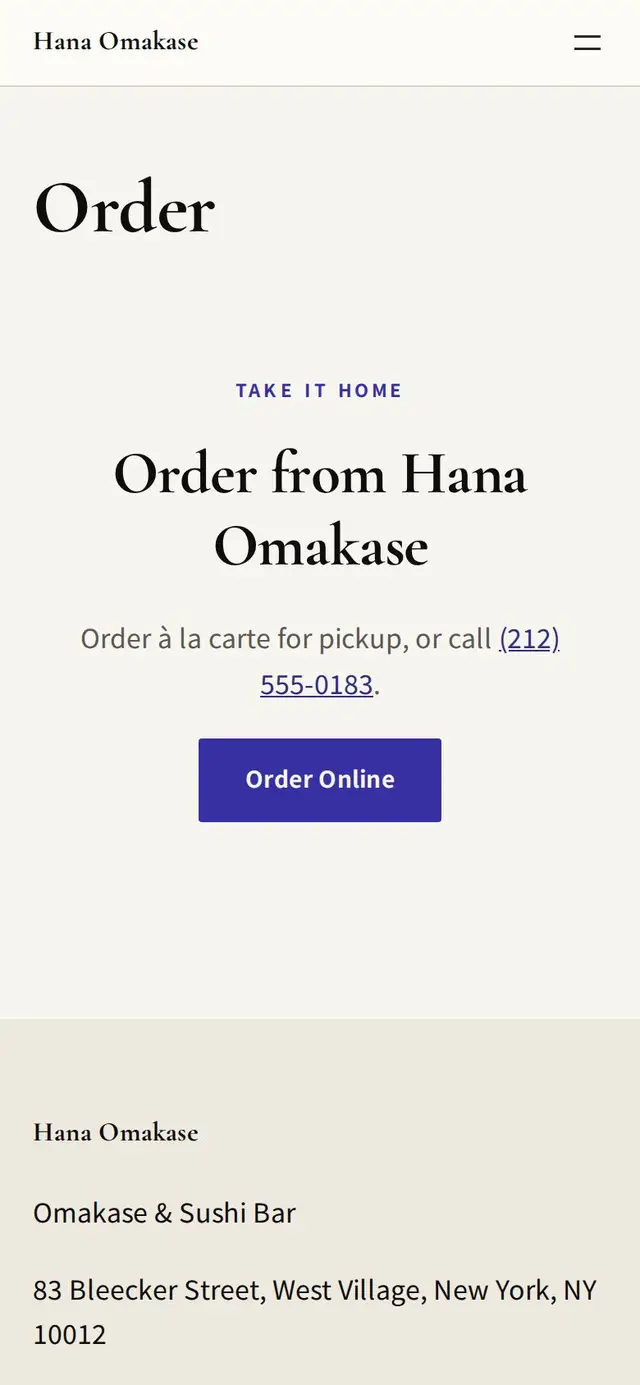
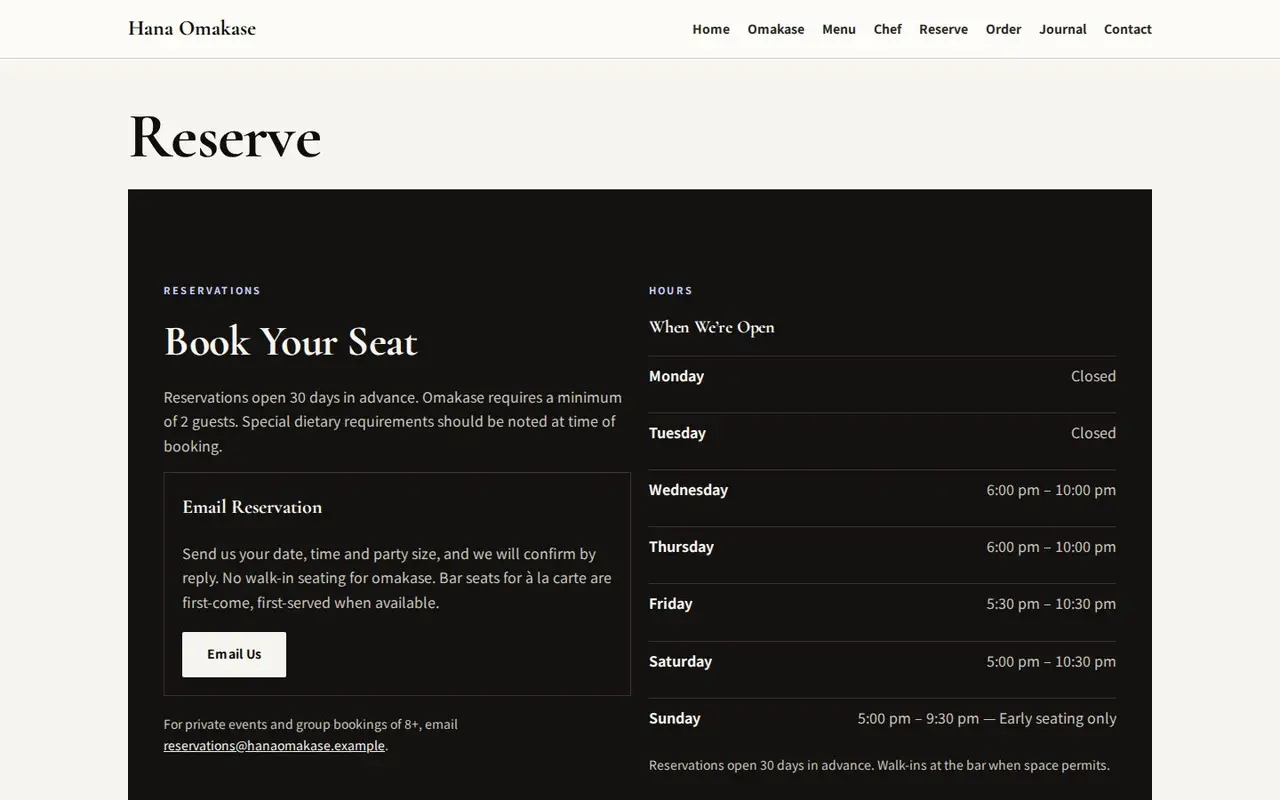
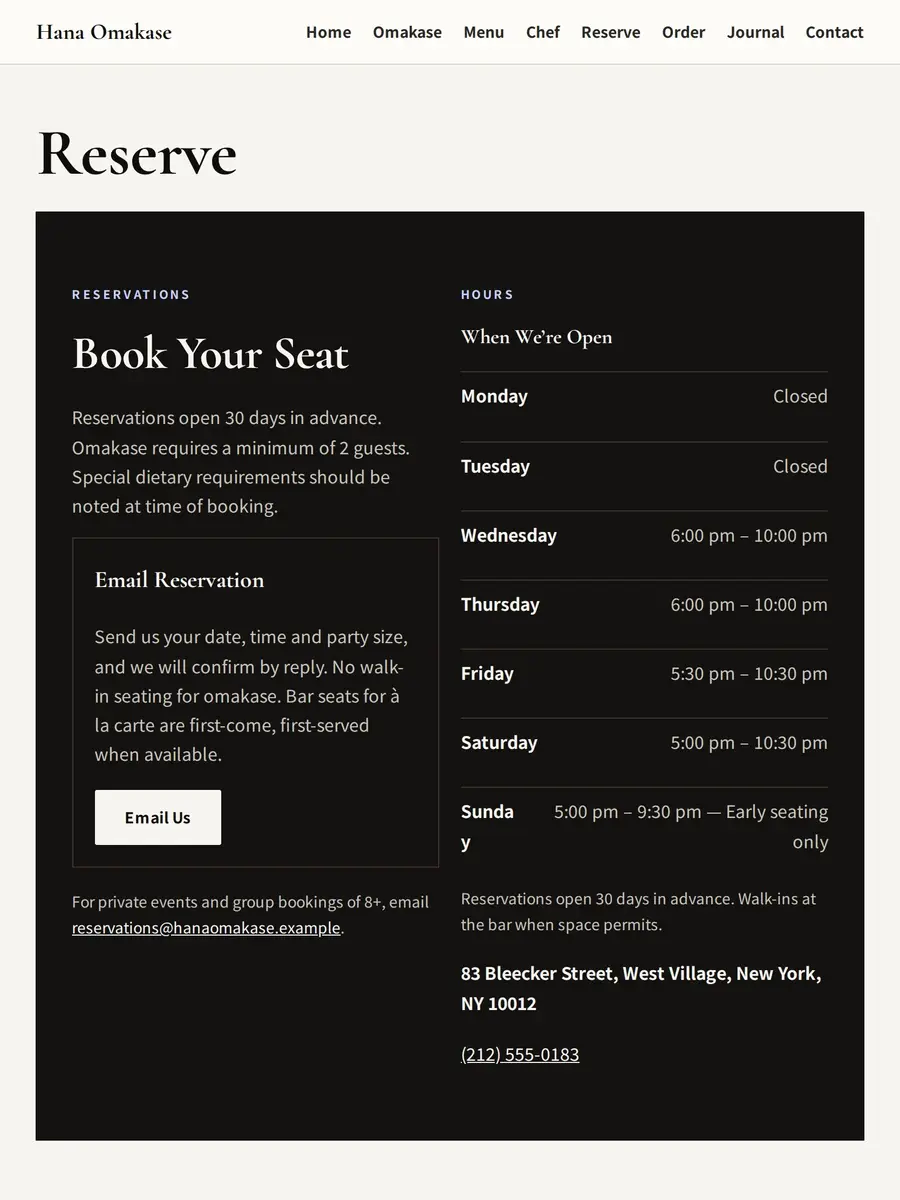
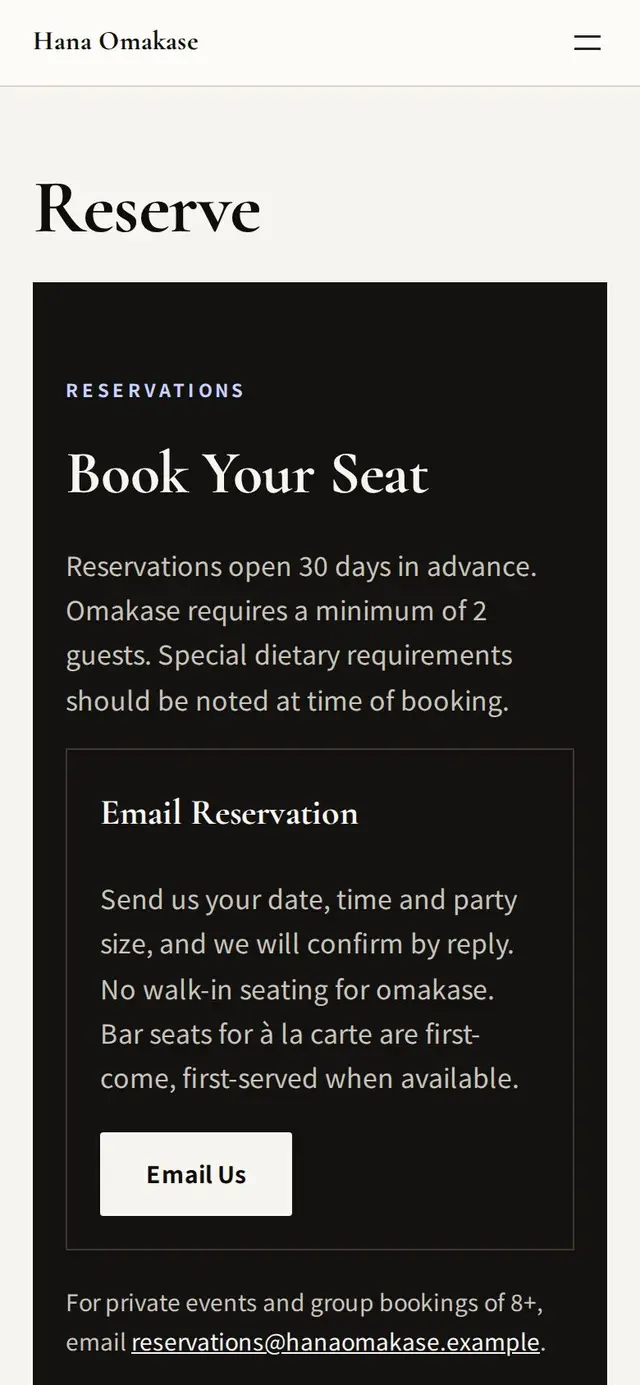
Store
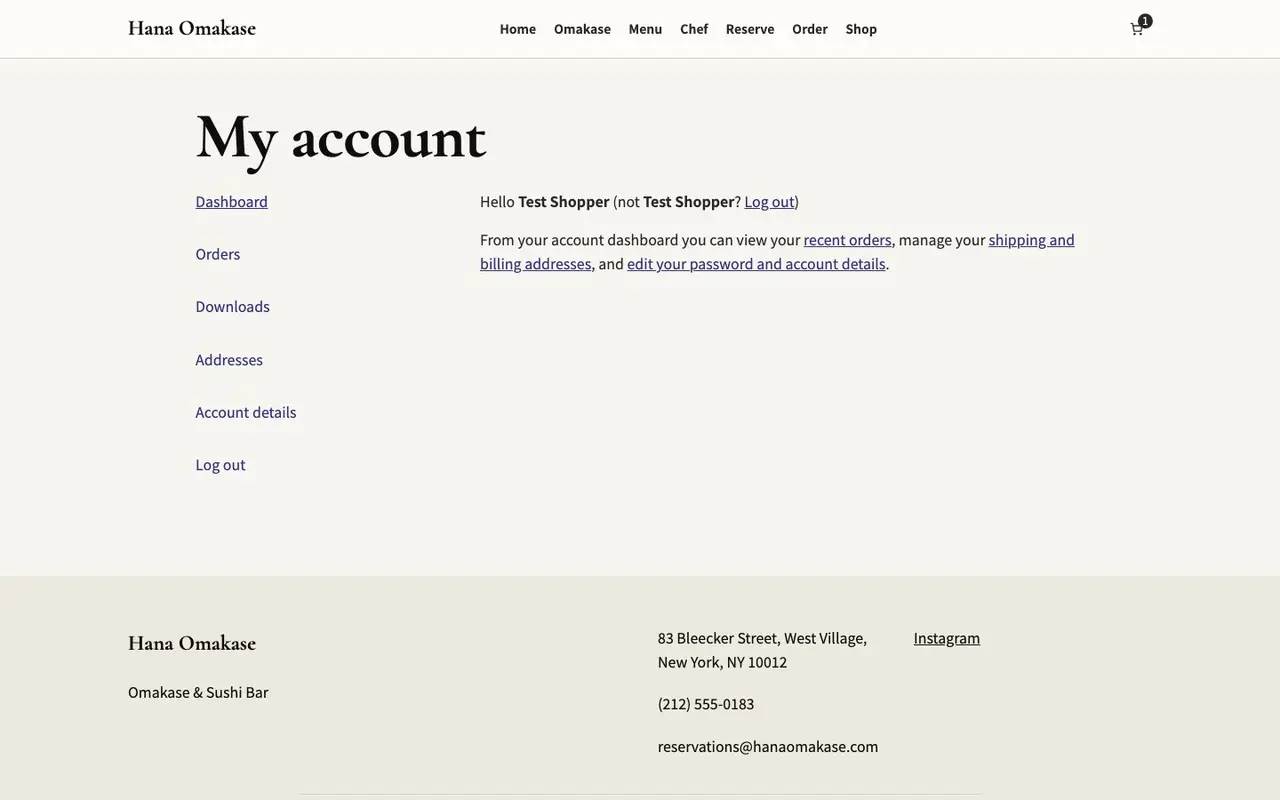
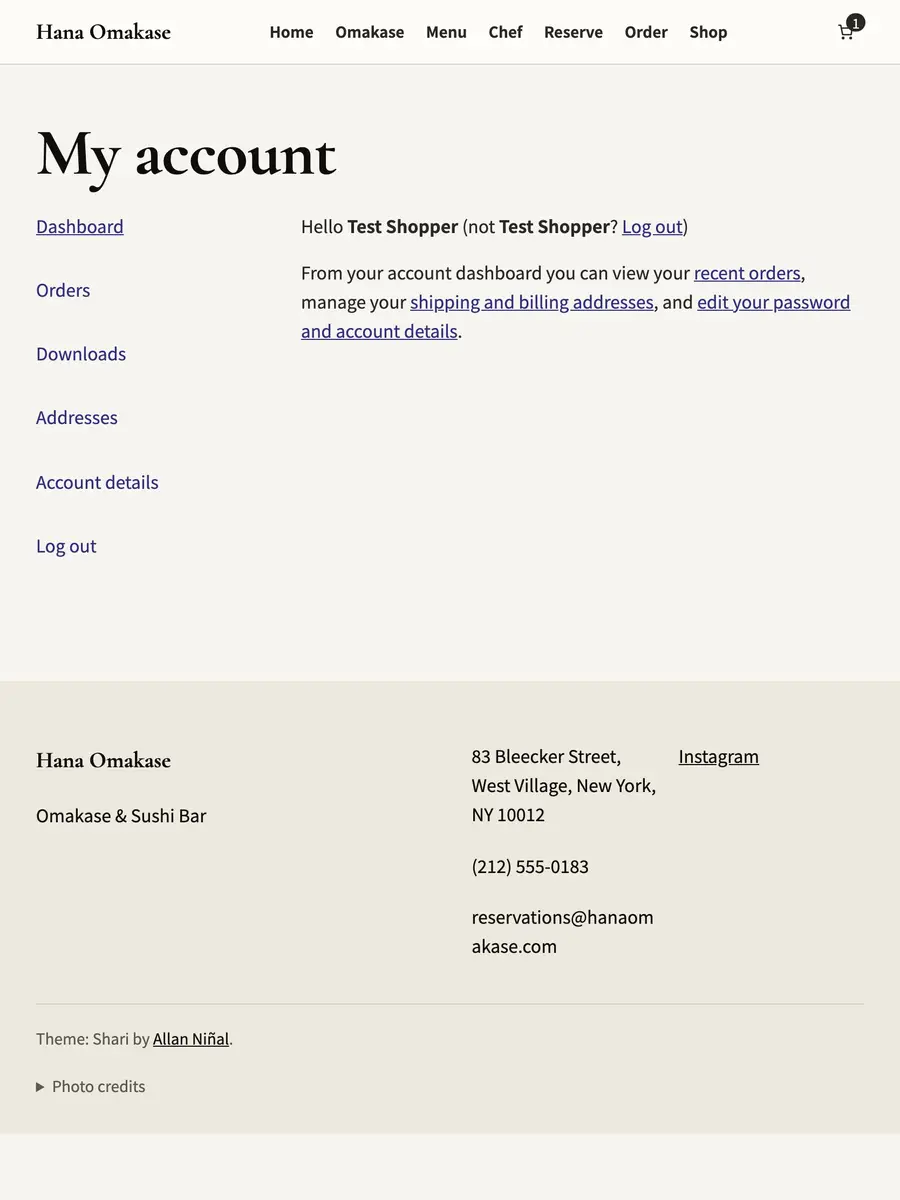
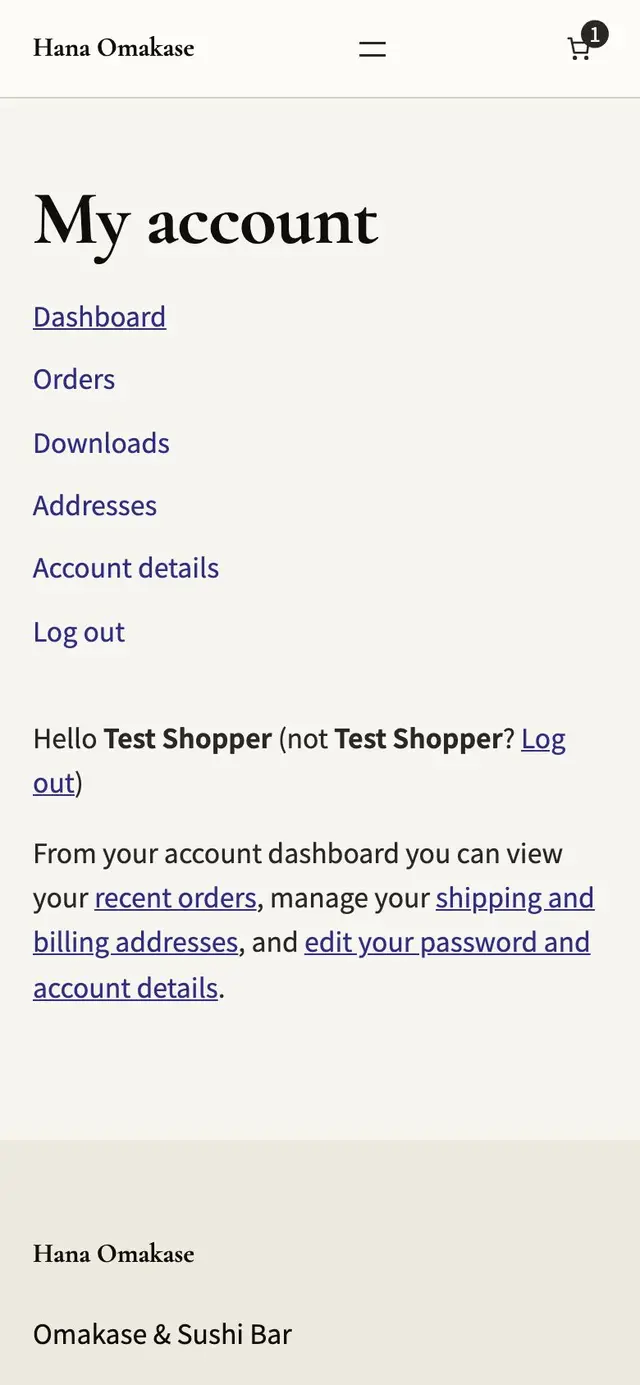
WordPress admin
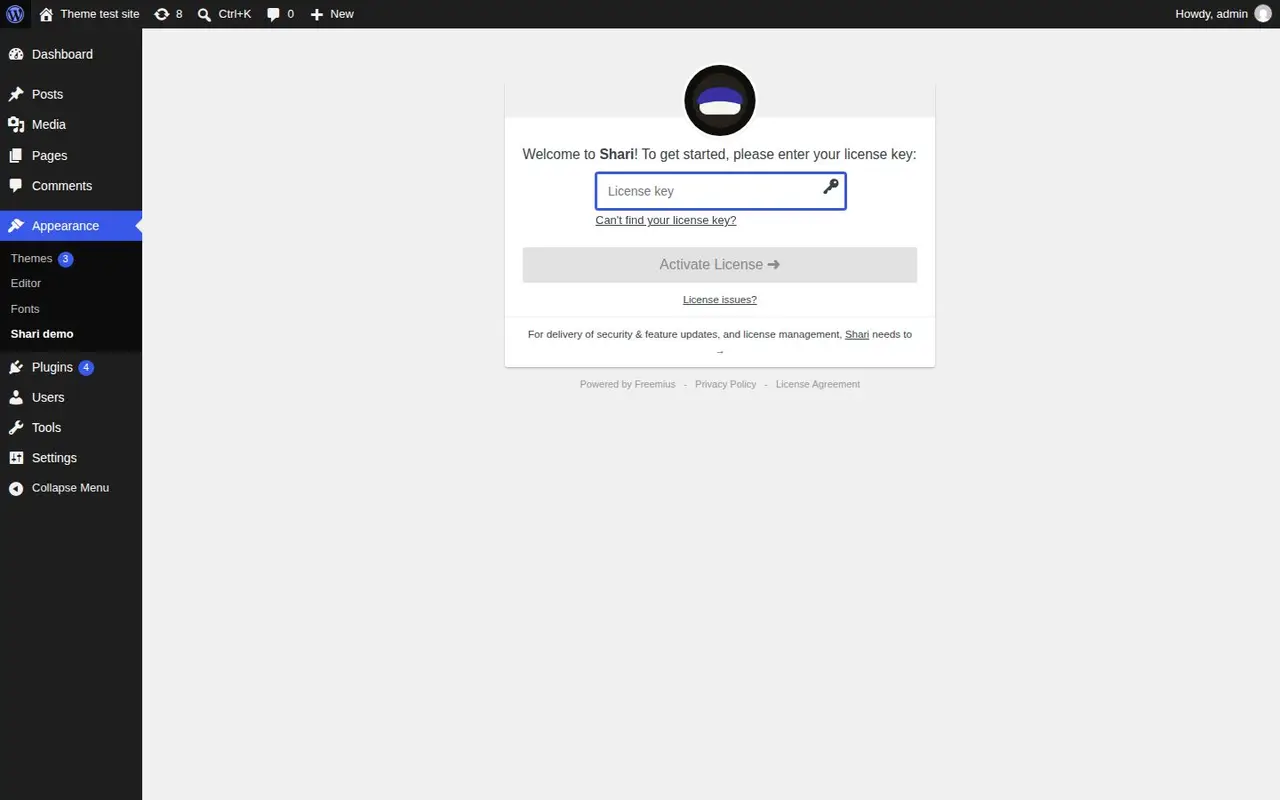
Changelog
HTML
2026-11-11
- Opening hours are one table now: `hoursDisplay` in `src/data/hours.ts`. The Hours section and the schema.org opening hours both read it, so they cannot disagree. (They did: the JSON-LD gave Saturday 17:30 to 22:30 while the page said 5:00 pm to 10:30 pm.)
- The Restaurant JSON-LD points `hasMenu` at a Menu built from the menu data: every section and item, with its price where the menu gives a plain one.
- A "Contains" line on every dish, from data (`contains` on each item in `src/data/menu.ts`): the US nine (milk, egg, fish, crustacean shellfish, tree nuts, peanuts, wheat, soy, sesame) and coconut as its own flag. Molluscs (squid, octopus, scallop, clam) are a separate word, "Also: molluscs (not one of the US nine)", because diners ask. A site-wide allergy notice, a note that soy sauce contains wheat and soy with tamari on request, and a note on molluscs and coconut are on the menu. All wording is in `src/data/notes.ts`. The allergen data are example data for the demo kitchen: check them against your own recipes. Nothing on the page says a dish is safe or free from an allergen.
- Raw or undercooked items carry an asterisk after the name, and every menu view prints the footnote "* Served raw or undercooked." and "Consuming raw or undercooked meats, poultry, seafood, shellfish, or eggs may increase your risk of foodborne illness." (after FDA Food Code 3-603.11, a model code that binds only where your state or county adopted it; check your local rules and edit `notes.ts`).
- Per dish: piece count, form (nigiri, sashimi, maki, hand roll), raw or cooked. Species and origin are shown only where the menu data already has them.
- Three cooked or vegetarian dishes added to the menu (unagi nigiri, shrimp tempura roll, shiitake hand roll), so a guest who avoids raw fish has choices.
- Omakase block: seatings by day, counter seats, price, deposit, and a cancellation window, labelled as an example policy, with a "Request an omakase seat" button that opens the booking page in `bookingUrl` (site.ts). Nothing is embedded.
- Takeout sets and party platters, each with its piece count, "serves", a Contains line worked out from its parts, and an "Order takeout" button (`orderUrl`).
- Smoke tests updated: hours and JSON-LD agree, every item has a Contains line, every raw item an asterisk, the advisory on every menu view, the omakase block, the takeout sets.
2026-11-03
- Demo email addresses now end in .example, so none can reach a real business.
2026-11-02
- One edition: the menu page, the photo hero and the photo strip are always on. The Pro licence files and the free fallbacks are gone.
- Added the raw-fish and allergen note (same wording as the WordPress theme) to the menu.
- One Reserve button on desktop, a phone menu that works without JavaScript, larger contact links, and one footer credit.
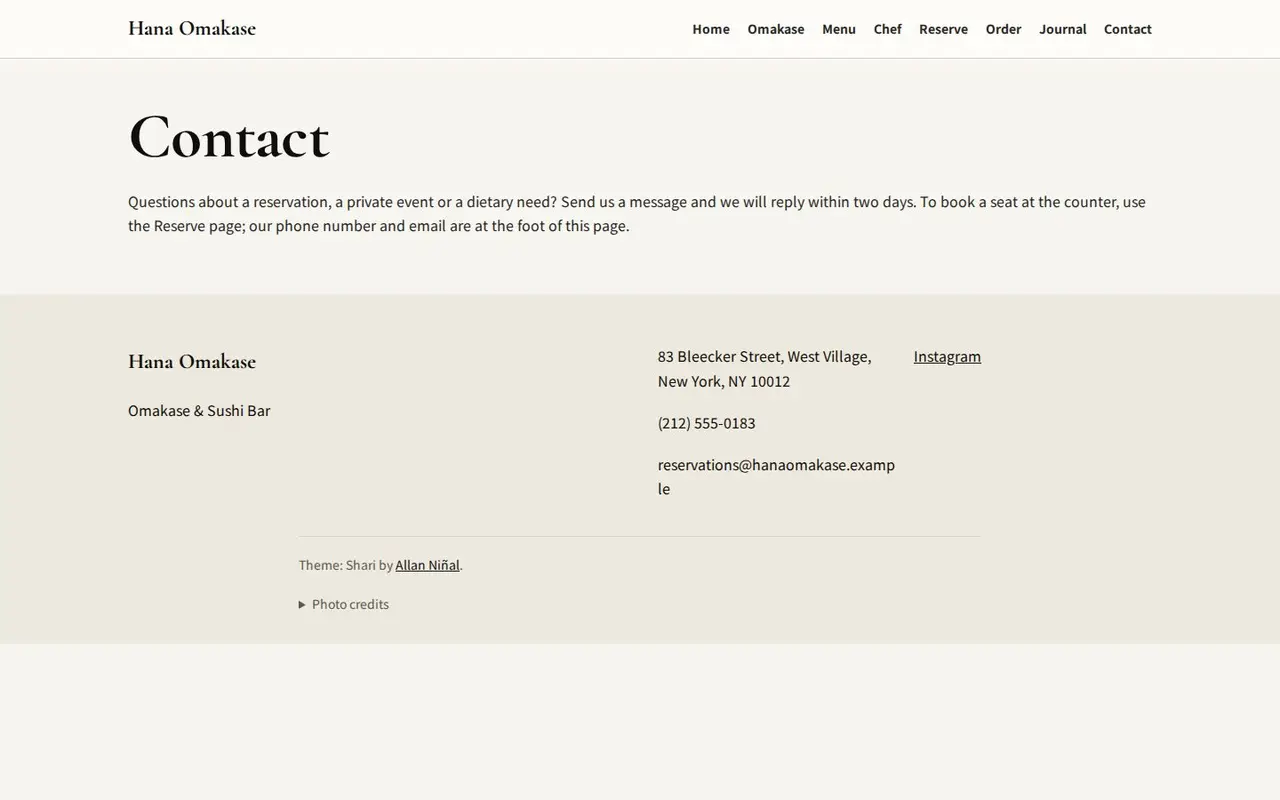
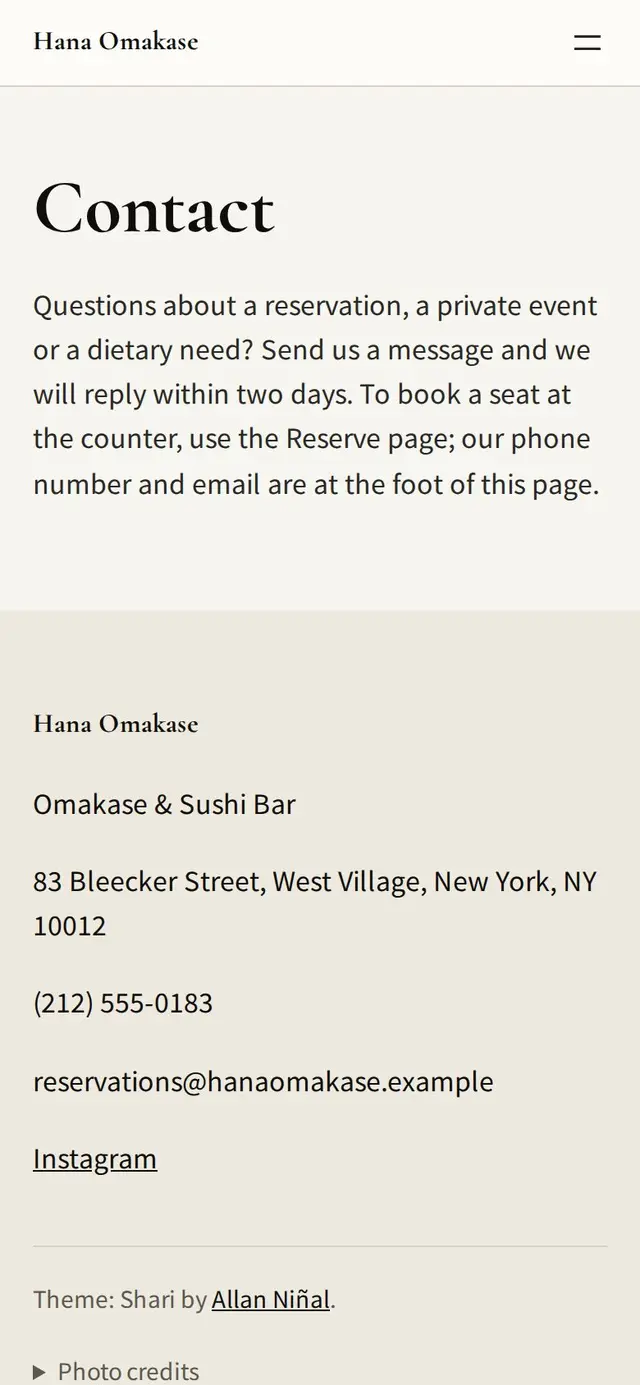
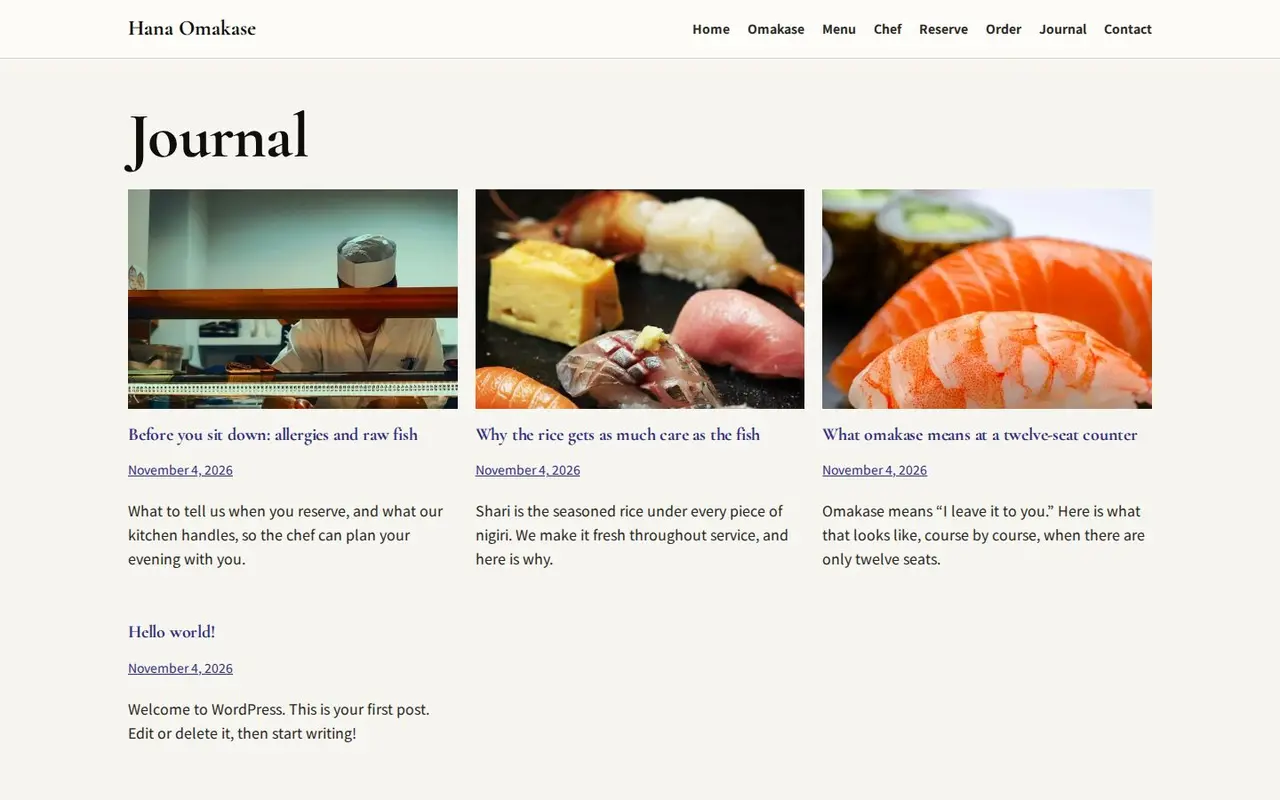
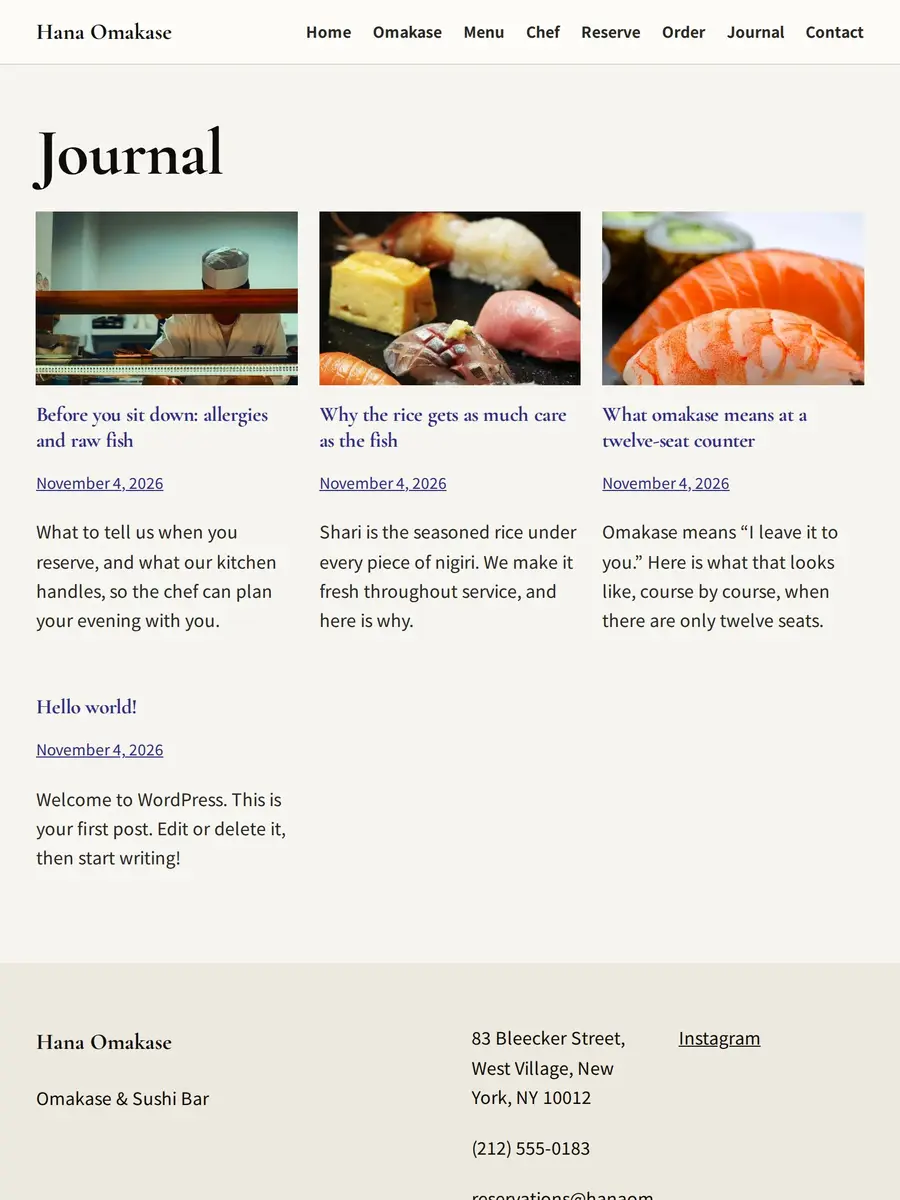
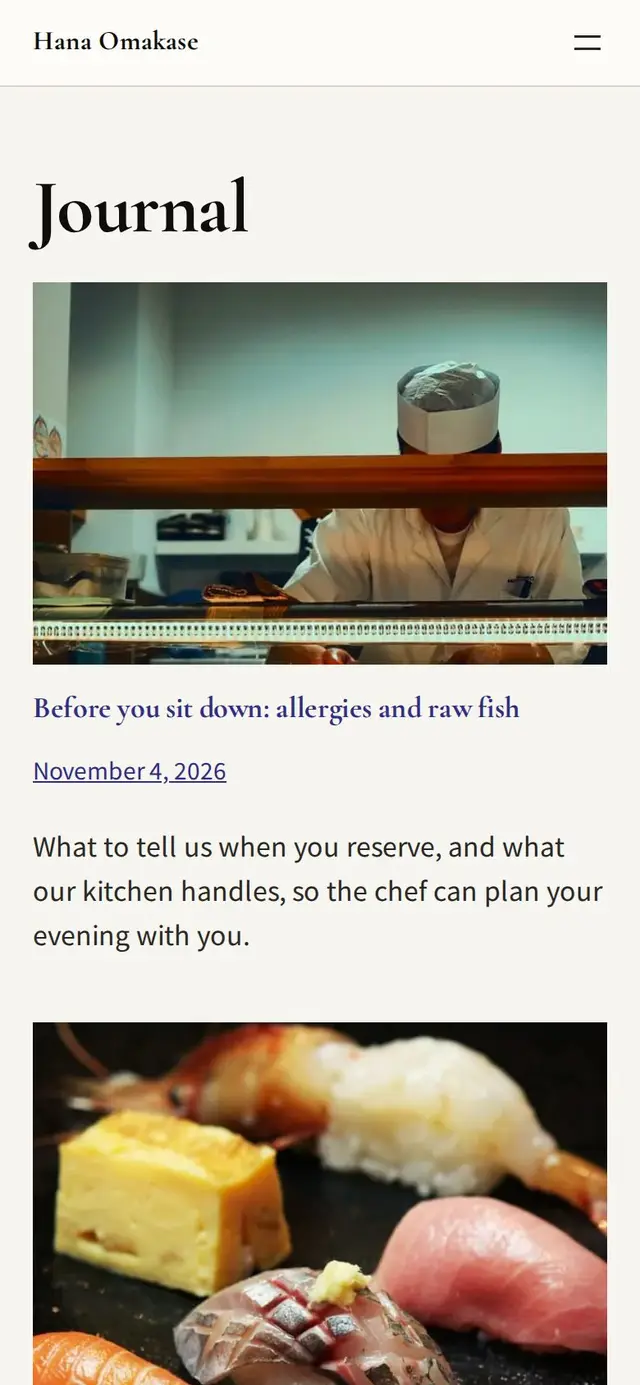
- Added a Journal (three posts and their pages), a Contact page (a plain form that opens the visitor's email app), a footer "Photo credits" block, and the same navigation as the WordPress theme.
2026-10-31
- The hero now shows the sushi counter, the same crop as the WordPress theme.
- Removed invented claims and brand names from the copy.
- Removed the store bar, the Pro and Astro editions, the zip downloads and AdSense. The code moves to a public GitHub repo.
2026-06-21
- First published as a live demo.
WordPress
1.1.0 · 2026-11-11
- Added: a “Contains” line under every dish, set and omakase course, with its form, piece count and a raw or cooked flag, an asterisk after raw or undercooked items, and the raw or undercooked advisory, the allergy notice, the soy sauce note and the molluscs note under the menu. The demo's lists are examples: check each one against your own recipes.
- Added: the omakase seatings, counter seats, deposit and cancellation, with a booking button that opens your booking page in a new tab (the demo's is an email link).
- Added: takeout sets and platters, each with its pieces, what it serves and what it contains.
- Added: an “Open now” line under your opening hours. It reads the hours on the page, in your site’s time zone, and says “Open now until 10:00 PM” or when you open next; if it cannot read a row it stays hidden.
- Added (WooCommerce): the product page lists what a dish contains, its form, pieces, raw or cooked, the raw advisory and, where the dish changes with the market, a note to ask on the day.
- Added (WooCommerce): shoppers can choose a pickup day and time at checkout. Monday and Tuesday (closed) and days inside your notice period are left out, and the time slots fall inside the hours every open day shares. The template names no order cut-off, so none is set: add one under WooCommerce → Settings → Shipping → Order ahead. The choice is saved on the order and shown in the order emails. Off until you turn it on there (importing the demo turns it on). It records the day and time; it does not limit orders per time slot.
- Added (WooCommerce): the shop filters by raw or cooked and by form (nigiri, sashimi, maki, hand roll), with a count beside each.
- Added (WooCommerce): an optional note for the chef at checkout, up to 200 characters, saved on the order and shown in the order emails.
- Note: demo content changes reach your site only if you import the demo again. Your own edits are not touched by updating the theme.
1.0.3 · 2026-11-05
- Changed: the theme is now 100% GPL. The demo photos are no longer inside the theme: “Import demo content” downloads them from allanninal.dev, each checked against this release. Until you import, each photo space shows a quiet panel in the theme’s colours.
- Changed: the setup guide is linked from Appearance → Shari demo instead of sitting in the theme folder.
- Added: single posts show their tags as well as their categories, and in post lists the date links to the post.
- Fixed: long menus wrap and their dropdowns open inwards; preformatted text scrolls inside its own box instead of widening the page; comments use the Comments block.
- Note: demo content changes reach your site only if you import the demo again. Your own edits are not touched by updating the theme.
1.0.2
- Fixed: demo email addresses end in .example, so none can reach a real business.
1.0.1
- Added: a Journal with three posts and a Contact page to the demo, both in the menu.
- Added: an allergen note on the Menu page and in every product description.
- Improved: plugin colours, shapes and positions now follow each plugin's own settings. The theme only passes on its font and keeps room in the footer when a plugin needs it.
- Note: demo content changes reach your site only if you import the demo again. Your own edits are not touched by updating the theme.
1.0.0 · 2026-10-31
- First release.