Guide Data integrity
Excel keeps turning my part numbers into dates
SEP1 becomes 01-Sep. 1-2 becomes 2 January. 3/4 becomes a date instead of a ratio. Excel applies this the instant the value arrives, and the original text is not kept anywhere.
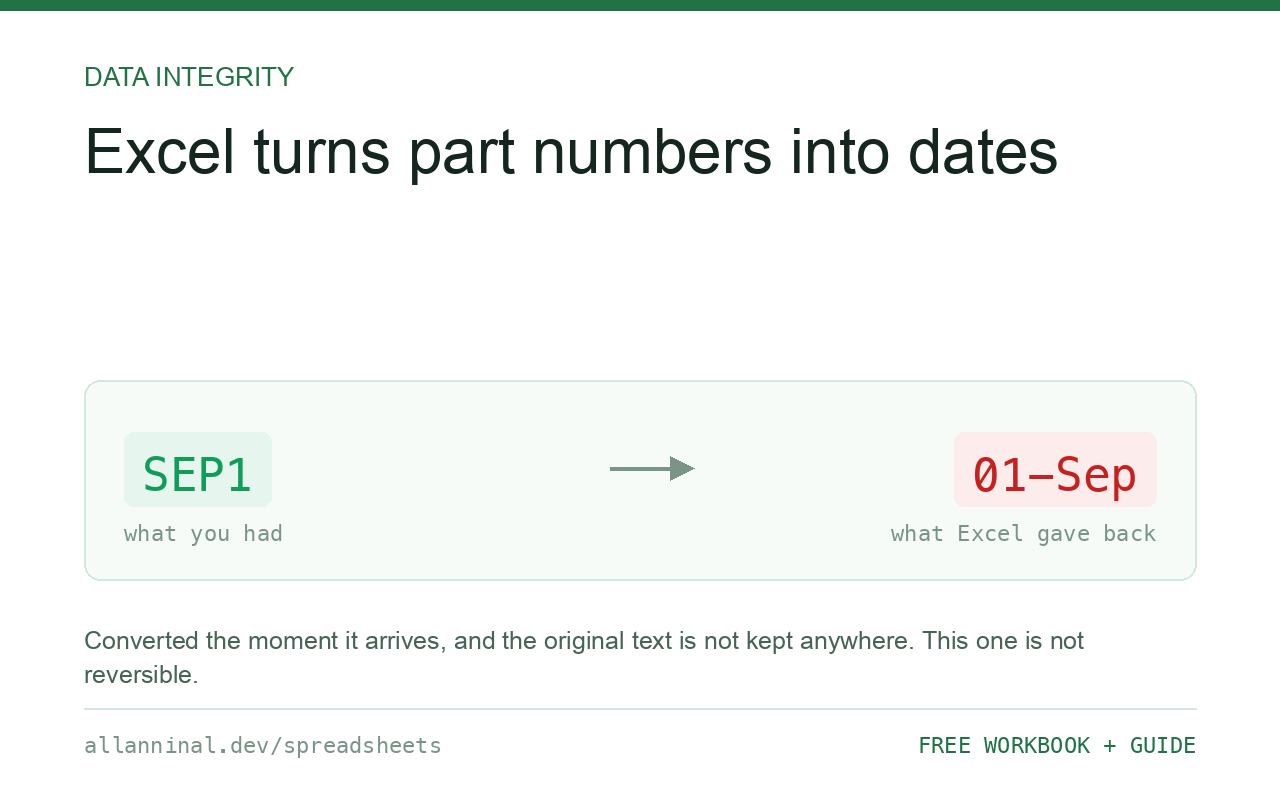
Excel converts anything that looks like a date into a date serial number the moment it is entered or imported, and the original text is discarded. The only reliable prevention is to make the column Text before the value arrives — on import via Transform Data → Text, or by formatting an empty column as Text before pasting. Once converted, the value is a number like 45901 and the text it came from is not recoverable from the workbook.
Why this is worse than the other conversions
A dropped leading zero is at least predictable: you know 1234 should have been 01234. A date conversion destroys the shape of the value entirely.
When Excel decides 1-2 is a date, it stores the serial number for 2 January of the
current year — a five-digit integer with no visible relationship to what you typed. Displaying
it as text afterwards gives you 45659, not 1-2. There is no formatting
that returns the original, because the original was never stored.
This is well documented in science: a study of published genomics papers found gene names such as SEPT1 and MARCH1 silently converted to dates in a large share of supplementary spreadsheets. The problem was severe and persistent enough that in 2020 the naming body renamed the affected genes rather than continue fighting the spreadsheet.
| What you see | What actually happened | What fixes it |
|---|---|---|
SEP1 shows as 01-Sep | Three-letter month prefix plus digits reads as a date | Import the column as Text |
1-2 shows as 02-Jan | Digits either side of a hyphen read as day-month | Import the column as Text |
3/4 shows as a date, not a ratio | A slash between numbers reads as a date separator | Format as Text first, or enter as 0 3/4 for a real fraction |
A five-digit number like 45659 | That IS the date — a serial number, shown with a General format | The original text is gone; re-import the source |
| Values changed when a colleague opened the file | Their regional settings read the same text as a different date | Store as Text so no locale can reinterpret it |
How to stop Excel converting text to dates
On import, set the column type to Text
Data → From Text/CSV → Transform Data, select the column, set Data Type → Text, then Close & Load. This is the only method that protects a whole file in one pass, and it is the one to learn.
Before pasting, format the destination as Text
Select the empty destination column, Format Cells → Text, then paste using Paste Special → Values. Pasting into a General column converts on arrival, and formatting afterwards will not undo it.
For a single typed value, lead with an apostrophe
Typing 'SEP1 forces the entry to be text. The apostrophe is not part
of the stored value and never prints. Practical for a few cells; not a strategy for an import.
Check a suspect column before you trust it
A converted cell is a number, so this finds them all at once:
=ISNUMBER(A2)TRUE on a cell you expected to hold a code means it is now a date serial and the text is gone. Sort or filter on this column to see the damage before you build anything on top of it.
Everything on this page, as a workbook you can use on your own data
The Excel Data Cleanup Kit — a seven-tab workbook that finds all nine of these faults in a pasted column and hands back a cleaned version, a five-page PDF guide, and a short read-me. Free, no email required.
- Excel-Data-Cleanup-Workbook-Free.xlsx — paste a column, read the diagnosis, take the cleaned output
- Excel-Data-Survival-Guide.pdf — the eight failures, the import routine that prevents them, every formula explained
Plain .xlsx: no macros, no add-ins. Opens in Excel, Google Sheets,
Apple Numbers and LibreOffice Calc.
Which shapes trigger it
Excel converts a value when it matches a date pattern for your locale. In practice that means:
- Digits around a separator —
1-2,3/4,12.5in some locales - A three-letter month prefix —
SEP1,MAR2,DEC10 - Digits with a month name —
1 Sep,Sep 1
It is locale-dependent, which makes it worse: the same file can convert differently on two
machines. 3/4 is 3 April in the UK and 4 March in the US, and neither is a ratio.
Why DATEVALUE is not a good detector
The obvious test is ISNUMBER(DATEVALUE(A2)), but it inherits the same locale
dependence as the bug. Tested on one machine it flagged 3/4 but missed both
SEP1 and 1-2 — values Excel does convert. Matching the
shape instead is deterministic:
=OR(AND(OR(ISNUMBER(SEARCH("/",A2)),ISNUMBER(SEARCH("-",A2))),
   ISNUMBER(VALUE(SUBSTITUTE(SUBSTITUTE(A2,"/",""),"-","")))),
   ISNUMBER(MATCH(UPPER(LEFT(A2,3)),{"JAN";"FEB";"MAR";"APR";"MAY";"JUN";
   "JUL";"AUG";"SEP";"OCT";"NOV";"DEC"},0)))
TRUE means the value is at risk. This does not change with your regional settings, which is the point — it is checking the shape, not asking Excel's opinion.
The one case you can recover
If the value became a date and you know the original format, the serial number still encodes the
day and month, so TEXT(A2,"d-m") can rebuild 1-2. That works only when the
original really was a day and month. For a gene name or a part number, the mapping is not
reversible — go back to the source file.
Questions people ask
Why does Excel change SEP1 to a date?
SEP is a three-letter month prefix, so SEP1 matches Excel's pattern for the first of September. It converts on entry and stores a date serial number, discarding the text.
Can I undo a date conversion?
Not in general. The stored value is a serial number and the original text was never kept. Where the original genuinely was a day and month you can rebuild it with TEXT; for a code or a gene name you must re-import the source.
Why did the values change when someone else opened my file?
Date parsing is locale-dependent. 3/4 is 3 April in the UK and 4 March in the US. Storing the column as Text stops any locale from reinterpreting it.
Does turning off AutoCorrect stop this?
No. This is type coercion during parsing, not AutoCorrect, and there is no setting that disables it. The column has to be Text before the value arrives.
How do I enter 3/4 as a fraction rather than a date?
Type 0 3/4 — a zero, a space, then the fraction. Excel stores 0.75 and displays it as a fraction. Alternatively format the cell as Text if you want the literal characters.
Is this really why some genes were renamed?
Yes. Repeated silent conversion of names like SEPT1 and MARCH1 in published supplementary data led the gene naming committee to rename the affected genes in 2020.
Related guides
Take the workbook with you
The Excel Data Cleanup Kit — a seven-tab workbook that finds all nine of these faults in a pasted column and hands back a cleaned version, a five-page PDF guide, and a short read-me. Free, no email required.
- Excel-Data-Cleanup-Workbook-Free.xlsx — paste a column, read the diagnosis, take the cleaned output
- Excel-Data-Survival-Guide.pdf — the eight failures, the import routine that prevents them, every formula explained
Plain .xlsx: no macros, no add-ins. Opens in Excel, Google Sheets,
Apple Numbers and LibreOffice Calc.