Guide Dynamic arrays
I keep pasting the same monster formula everywhere
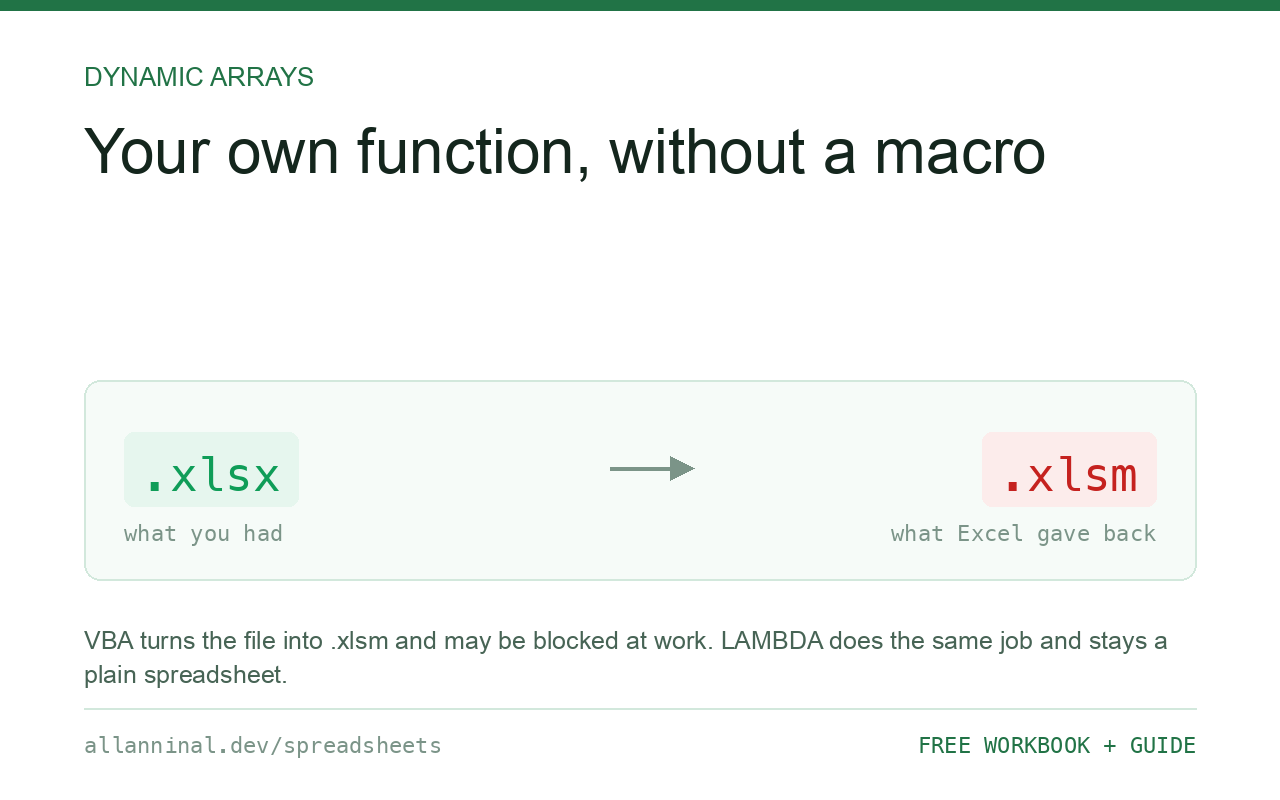
The same forty-character formula, copied into six workbooks, each copy slightly different by now. LAMBDA lets you name it once and call it like SUM — and the file stays an ordinary .xlsx with no macros in it.
Write =LAMBDA(a, b, <your formula>)(test1, test2) in a
cell to prove it works, then put the LAMBDA part in Name Manager under a name.
It becomes callable everywhere in that workbook. Because it is a formula rather than a macro, the file
stays .xlsx and nothing has to be enabled to open it — which is the main advantage
over VBA.
Why this is better than the alternatives
There have only ever been two ways to reuse a calculation, and both have real costs.
Copy the formula. Free, and it drifts. Six copies become six slightly different formulas, and when the rule changes you must find all of them. The one you miss is the one that is wrong.
Write a VBA function. Powerful, and it turns the file into .xlsm.
Now it triggers security warnings, may be blocked outright by an employer, and cannot be opened
properly in Google Sheets or on the web.
LAMBDA has neither problem. The logic lives in one place, and the file is still an
ordinary spreadsheet.
| What you see | What actually happened | What fixes it |
|---|---|---|
| The same long formula in many places | No way to name it, until now | Make it a LAMBDA |
| Copies have drifted apart | Each was edited separately | One definition, called everywhere |
| Blocked because the file is .xlsm | A VBA function forced the format | LAMBDA keeps it .xlsx |
#NAME? when calling it | The name is not defined in this workbook | Names are per workbook — define it there too |
#VALUE! from the function | Arguments given in the wrong order | Order follows the LAMBDA definition |
How to make your own function with LAMBDA
Get the formula working normally first
Write it the usual way, pointing at real cells, and check the answer. Debugging a
formula and learning LAMBDA at the same time is twice as hard as doing them in
order.
=(B2-C2)/C2A percentage change. Simple on purpose — the mechanics are the same whatever the formula does.
Wrap it in LAMBDA and test it in place
The trailing brackets are a trick worth knowing: they call the function immediately, so you can see the answer before naming anything.
=LAMBDA(new,old,(new-old)/old)(120,100)Returns 0.2. If that works, the definition is right. If it errors, fix it here — a broken definition inside Name Manager gives you almost no feedback.
Give it a name
Copy =LAMBDA(new,old,(new-old)/old) — without the test values
— then Formulas → Name Manager → New. Name it PctChange and
paste into Refers to.
Use the Comment box. It is what appears as a tooltip when someone types your function, and it is the only documentation it will ever have.
Call it like any other function
It behaves exactly like a built-in from here:
=PctChange(B2,C2)Change the definition once in Name Manager and every use updates. That is the whole point.
Everything on this page, as a workbook you can use on your own data
The Excel Data Cleanup Kit — a seven-tab workbook that finds all nine of these faults in a pasted column and hands back a cleaned version, a five-page PDF guide, and a short read-me. Free, no email required.
- Excel-Data-Cleanup-Workbook-Free.xlsx — paste a column, read the diagnosis, take the cleaned output
- Excel-Data-Survival-Guide.pdf — the eight failures, the import routine that prevents them, every formula explained
Plain .xlsx: no macros, no add-ins. Opens in Excel, Google Sheets,
Apple Numbers and LibreOffice Calc.
Names are per workbook
A LAMBDA lives in the workbook that defines it. Send a sheet that uses it to someone
else without the definition and they get #NAME?.
Two ways round it: keep a template workbook holding your functions and start new files from it, or copy a sheet from the source workbook into the target, which brings the names with it and can then be deleted.
LAMBDA plus BYROW is where it gets useful
The helper functions take a LAMBDA as an argument, which is what makes them work:
=BYROW(A2:C100,LAMBDA(row,MAX(row)-MIN(row)))The spread of each row, in one formula. Without LAMBDA there would be no way to
tell BYROW what to do to each row.
Keep them short
A LAMBDA can be enormous. It should not be. Long ones are unreadable and undebuggable,
because there is no step-through and no error line. Build small named pieces and call one from
another — that composes, and each part can be tested on its own.
Availability
LAMBDA needs Microsoft 365. It is not in Excel 2021 or 2019, and not in LibreOffice.
Google Sheets has the same idea as Named Functions under the Data menu, with a friendlier
dialog, and it can import them from another sheet — which Excel cannot.
Questions people ask
What is LAMBDA in Excel?
It lets you turn a formula into a named function you can call like SUM. The logic lives in one place instead of being copied, and the file stays a plain .xlsx.
Is this the same as a VBA function?
No, and that is the advantage. LAMBDA is a formula, so the file stays .xlsx, opens without security warnings and is not blocked by employers who disable macros.
How do I test a LAMBDA before naming it?
Add a second set of brackets with test values: =LAMBDA(a,b,a+b)(2,3). It calls itself immediately so you can see the answer.
Why do I get #NAME? when someone else opens my file?
Names are stored per workbook. If the definition is not in their file, the function does not exist there. Keep a template workbook, or copy a sheet across to carry the names.
Which versions have LAMBDA?
Microsoft 365 only. It is not in Excel 2021 or 2019, nor in LibreOffice. Google Sheets has the same idea as Named Functions.
Can a LAMBDA call another LAMBDA?
Yes, and it is the right way to work. Build small named pieces and compose them rather than writing one enormous definition that cannot be debugged.
Related guides
Take the workbook with you
The Excel Data Cleanup Kit — a seven-tab workbook that finds all nine of these faults in a pasted column and hands back a cleaned version, a five-page PDF guide, and a short read-me. Free, no email required.
- Excel-Data-Cleanup-Workbook-Free.xlsx — paste a column, read the diagnosis, take the cleaned output
- Excel-Data-Survival-Guide.pdf — the eight failures, the import routine that prevents them, every formula explained
Plain .xlsx: no macros, no add-ins. Opens in Excel, Google Sheets,
Apple Numbers and LibreOffice Calc.