Guide Power Query
I want my query to read a date from a cell
You want the query to filter on whatever is typed in B1, so the person using the sheet never has to open Power Query. It is a completely reasonable thing to want, and the way to do it is not obvious at all.
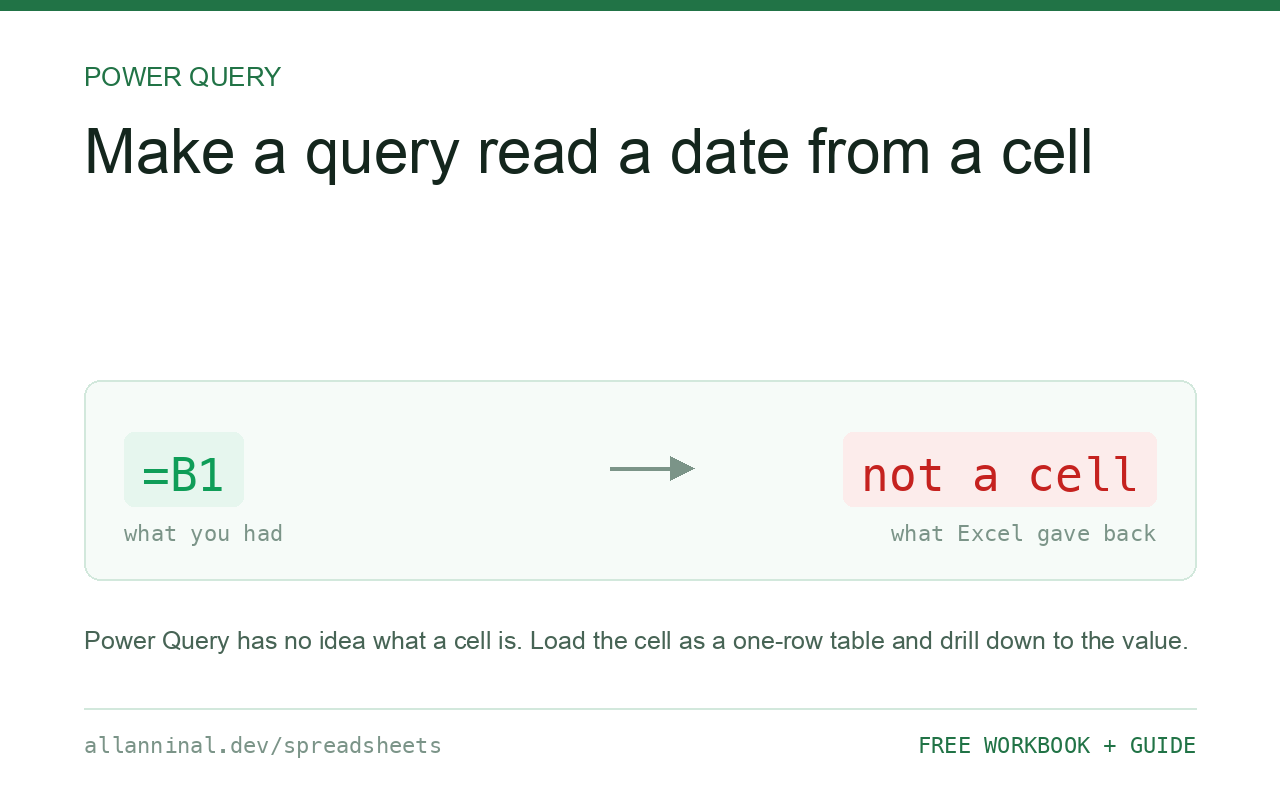
Power Query cannot point at a cell the way a formula can. Turn the cell
into a small named table, load that table as its own query, and drill down to the single value.
Put the value in a one-cell table, name it Parameter, then Data → From
Table/Range, right-click the value and choose Drill Down. That query now
is the value, and your main query can use it in a filter.
Why =B1 does not work here
Power Query is not a formula engine. It is a small language, called M, that describes
where data comes from and what to do to it. It has no idea what cell B1 is, because it
does not think in cells — it thinks in tables and steps.
So the answer is to give it something it does understand: a table. A one-cell table is still a table, and once it is loaded as a query, Drill Down reduces it from a table containing one value to just the value itself. That value can then be dropped into any step of another query.
It is three more clicks than =B1 and it is the supported route. Everything else you
will find suggested online is a workaround that breaks on refresh.
| What you see | What actually happened | What fixes it |
|---|---|---|
| Nowhere to type a cell reference | Power Query has no concept of a cell | Load the cell as a one-row table |
| The filter is hard-coded into the query | You typed the value into the step | Replace it with the drilled-down parameter |
| Users have to open Power Query to change a date | The value lives in the query, not the sheet | Move it to a cell they can type in |
| Refresh fails after moving the file | A hard-coded file path in the query | Parameterise the path the same way |
| Value arrives as a table, not a value | You loaded the table but did not drill down | Right-click the cell → Drill Down |
How to use a cell value in Power Query
Put the value in its own tiny table
On a sheet called Settings, type StartDate in A1 and the date
in A2. Select both cells, press Ctrl+T, and tick My table has headers.
Name the table Parameter in the Table Design tab.
A heading and one value. That is all a table needs to be.
Load it as a query and drill down to the value
Click inside the table, then Data → From Table/Range. In the editor, right-click the one value and choose Drill Down. The query stops being a table and becomes the value itself — you will see it on its own in the window.
Rename the query to StartDate, then Close & Load To → Only Create
Connection so it does not write a pointless sheet into your workbook.
Use it in your main query
In your real query, filter the column the usual way — pick a date, click OK. Then look at the formula bar and replace the hard-coded date with the query name:
= Table.SelectRows(Source, each [Date] >= #date(2026,1,1))
= Table.SelectRows(Source, each [Date] >= StartDate)
Turn on View → Formula Bar if you cannot see it. The name is case-sensitive and must match the query name exactly.
Test it by changing the cell and refreshing
Change the date on the Settings sheet and press Data → Refresh All. The query result changes. Nobody has to open the editor again, which is the entire point.
Everything on this page, as a workbook you can use on your own data
The Excel Data Cleanup Kit — a seven-tab workbook that finds all nine of these faults in a pasted column and hands back a cleaned version, a five-page PDF guide, and a short read-me. Free, no email required.
- Excel-Data-Cleanup-Workbook-Free.xlsx — paste a column, read the diagnosis, take the cleaned output
- Excel-Data-Survival-Guide.pdf — the eight failures, the import routine that prevents them, every formula explained
Plain .xlsx: no macros, no add-ins. Opens in Excel, Google Sheets,
Apple Numbers and LibreOffice Calc.
The same trick for file paths
A query that points at C:\Users\you\Desktop\data.xlsx breaks the moment the file
moves or somebody else opens it. Put the folder path in a settings cell, parameterise it exactly as
above, and the query travels.
Why not the built-in Parameters feature
Power Query has Manage Parameters, which looks like the obvious answer. It is fine, but the value lives inside Power Query, so changing it still means opening the editor. If the person changing it is not you, the cell approach is better, because a cell is something everyone already knows how to use.
Keep the settings on their own sheet
One sheet called Settings, holding every parameter the workbook uses, each in its own small table. It makes the workbook self-documenting, and it stops someone deleting a row and quietly breaking a refresh.
Privacy levels may interrupt you
The first refresh after combining a cell value with an external source sometimes raises a privacy warning. It is Excel checking that you are happy for the two to be mixed. Setting both sources to Organizational, or turning the check off for this file, clears it.
Questions people ask
Can Power Query read a cell like =B1?
No. Power Query has no concept of a cell — it works with tables and steps. Turn the cell into a one-row named table, load it, and drill down to the value.
What does Drill Down do?
It reduces a query from a table containing a single value to that value on its own, so it can be used directly inside another step rather than as a table.
Why not use Manage Parameters?
It works, but the value lives inside Power Query, so changing it means opening the editor. A cell on a settings sheet can be changed by anyone.
How do I stop the parameter query creating a sheet?
Use Close & Load To and choose Only Create Connection. The query exists and is usable but writes nothing to the workbook.
Can I parameterise a file path the same way?
Yes, and you should. A hard-coded path breaks as soon as the file moves or someone else opens the workbook.
Why do I get a privacy level warning?
Excel is checking whether it is safe to combine two sources. Setting both to Organizational, or disabling the check for that file, resolves it.
Related guides
Take the workbook with you
The Excel Data Cleanup Kit — a seven-tab workbook that finds all nine of these faults in a pasted column and hands back a cleaned version, a five-page PDF guide, and a short read-me. Free, no email required.
- Excel-Data-Cleanup-Workbook-Free.xlsx — paste a column, read the diagnosis, take the cleaned output
- Excel-Data-Survival-Guide.pdf — the eight failures, the import routine that prevents them, every formula explained
Plain .xlsx: no macros, no add-ins. Opens in Excel, Google Sheets,
Apple Numbers and LibreOffice Calc.