Guide Power Query
My workbook is full of sheets I did not ask for
Every query you build writes its own sheet, staging tables included, and the file grows to forty megabytes. Two checkboxes control all of it, and nothing explains what they mean at the moment you have to choose.
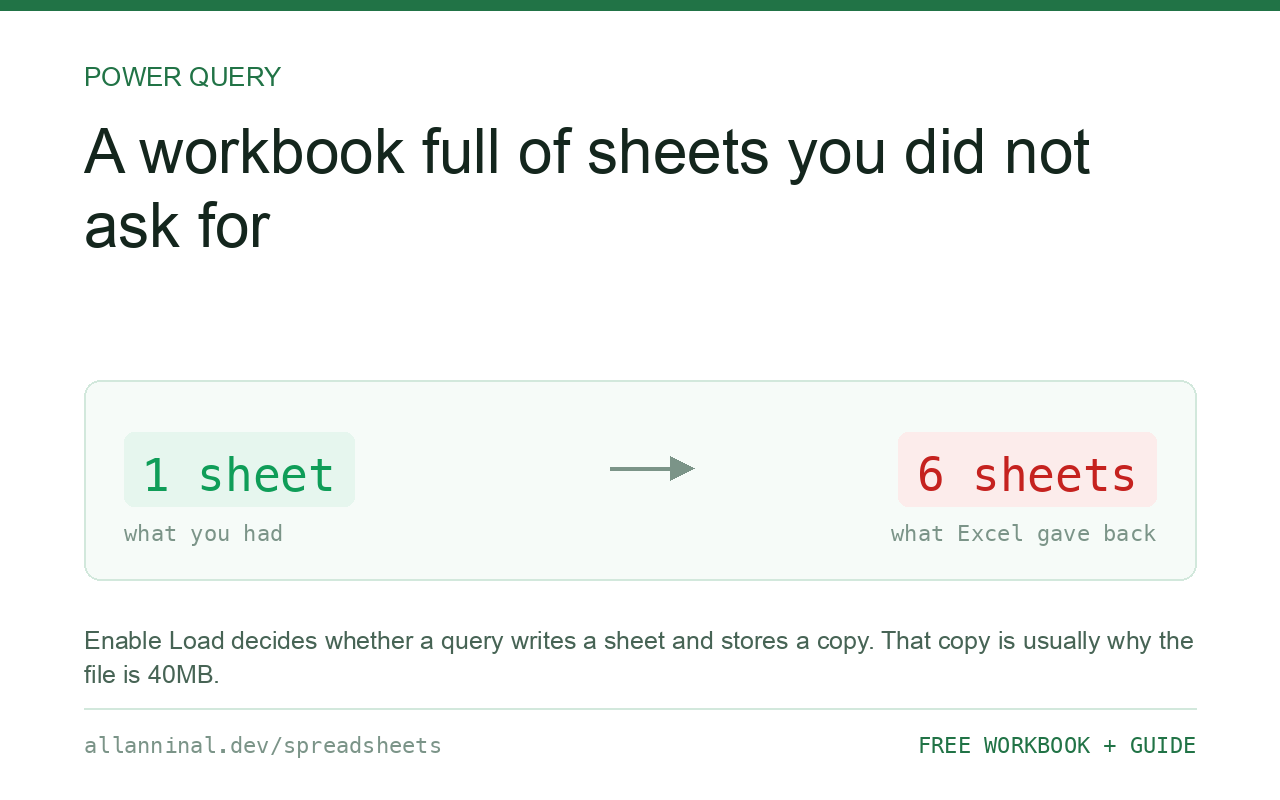
Enable Load decides whether a query writes its result into the workbook. Include In Report Refresh decides whether Refresh All updates it. Staging queries — the ones that exist only to feed another query — should be Only Create Connection, which is Enable Load turned off. They still work; they just do not write a sheet or store a copy of the data, which is usually where a bloated file comes from.
Why the file got so big
When a query has Enable Load switched on, Excel keeps a full copy of its result inside the workbook file, so it can show it without re-running the query. That is what makes the file large, and it is doubly wasteful for a staging query whose result nobody ever looks at.
A typical build has one query per source file, a couple that reshape them, and one final query that combines everything. Only the last needs to be loaded. If all six are, the workbook stores six copies of overlapping data.
Turning Enable Load off on the staging queries does not break them. The final query still reads them. They simply stop writing to the workbook.
| What you see | What actually happened | What fixes it |
|---|---|---|
| A sheet for every query | Enable Load is on for all of them | Set staging queries to Only Create Connection |
| File is tens of megabytes | Excel stores a copy of every loaded result | Turn off Enable Load where the result is not read |
| Refresh All takes minutes | Every query refreshes, including staging ones | Untick Include In Report Refresh where it is not needed |
| A query does not update on Refresh All | Include In Report Refresh is off | Turn it back on for that query |
| Deleting a sheet broke a query | Another query used that sheet as its source | Use Only Create Connection instead of deleting sheets |
How to control what a query loads and refreshes
Choose Only Create Connection when you close a query
Use Close & Load To, not Close & Load. The dialog offers Only Create Connection — take it for any query that exists to feed another one. The query works exactly as before and writes nothing.
Change it later from the Queries pane
Data → Queries & Connections, right-click the query, Load To, and switch it. Excel warns that the existing sheet will be deleted. That is what you want — the data is still in the query.
Turn off refresh for queries that do not change
Right-click a query, Properties, and untick Include In Report Refresh for anything reading a static reference file — a price list, a mapping table. It stops being re-read every time, which on a slow network share is the difference between a refresh of two seconds and one of two minutes.
You can still refresh it deliberately by right-clicking the query.
Switch on background refresh, or off, deliberately
Properties → Enable background refresh lets you carry on working while a query runs. Turn it off where one query depends on another finishing first, or where a macro runs after the refresh — otherwise the next step starts on stale data.
Everything on this page, as a workbook you can use on your own data
The Excel Data Cleanup Kit — a seven-tab workbook that finds all nine of these faults in a pasted column and hands back a cleaned version, a five-page PDF guide, and a short read-me. Free, no email required.
- Excel-Data-Cleanup-Workbook-Free.xlsx — paste a column, read the diagnosis, take the cleaned output
- Excel-Data-Survival-Guide.pdf — the eight failures, the import routine that prevents them, every formula explained
Plain .xlsx: no macros, no add-ins. Opens in Excel, Google Sheets,
Apple Numbers and LibreOffice Calc.
A sensible layout for a real workbook
- Source queries — one per file or table, minimal steps. Only Create Connection.
- Transform queries — the cleaning and reshaping. Only Create Connection.
- Output queries — the one or two tables a person actually reads. Loaded to a sheet, or straight to a pivot table.
Group them into folders in the Queries pane. On a build with fifteen queries this is the difference between something maintainable and something nobody dares touch.
Load to the Data Model instead of a sheet
The Load To dialog also offers Add this data to the Data Model. It stores the table in a compressed in-memory engine rather than on a sheet, which handles far more rows than the roughly one million a worksheet allows, and is what pivot tables read from on large builds.
Refresh on open
Properties → Refresh data when opening the file is convenient and worth thinking about twice: on a shared workbook it means everyone waits for the refresh before they can do anything, and if the source is unavailable they get an error instead of a file.
Questions people ask
What does Only Create Connection mean?
The query exists and can be used by other queries, but it does not write its result to a sheet and Excel does not store a copy in the file. It is the right setting for staging queries.
Why is my Power Query workbook so large?
Excel stores a full copy of the result of every query that has Enable Load switched on. Turning it off for staging queries usually shrinks the file dramatically.
What is Include In Report Refresh?
It decides whether Refresh All updates that query. Turning it off for a static reference source stops it being re-read every time.
Will turning off Enable Load break my other queries?
No. Other queries read the query itself, not the sheet it wrote. Nothing downstream changes.
Should I use background refresh?
Turn it off where order matters — dependent queries or a macro that runs afterwards — because otherwise the next step can start before the refresh has finished.
What is the Data Model?
A compressed in-memory store that holds far more rows than a worksheet's roughly one million limit. Large pivot tables read from it rather than from a sheet.
Related guides
Take the workbook with you
The Excel Data Cleanup Kit — a seven-tab workbook that finds all nine of these faults in a pasted column and hands back a cleaned version, a five-page PDF guide, and a short read-me. Free, no email required.
- Excel-Data-Cleanup-Workbook-Free.xlsx — paste a column, read the diagnosis, take the cleaned output
- Excel-Data-Survival-Guide.pdf — the eight failures, the import routine that prevents them, every formula explained
Plain .xlsx: no macros, no add-ins. Opens in Excel, Google Sheets,
Apple Numbers and LibreOffice Calc.