Guide Text and regex
Pulling a code out of messy text without a macro
For twenty years the answer to “can Excel do regular expressions?” was “only with VBA”. That changed: Excel now has three regex functions built in, and most of the advice you will find online was written before they existed.
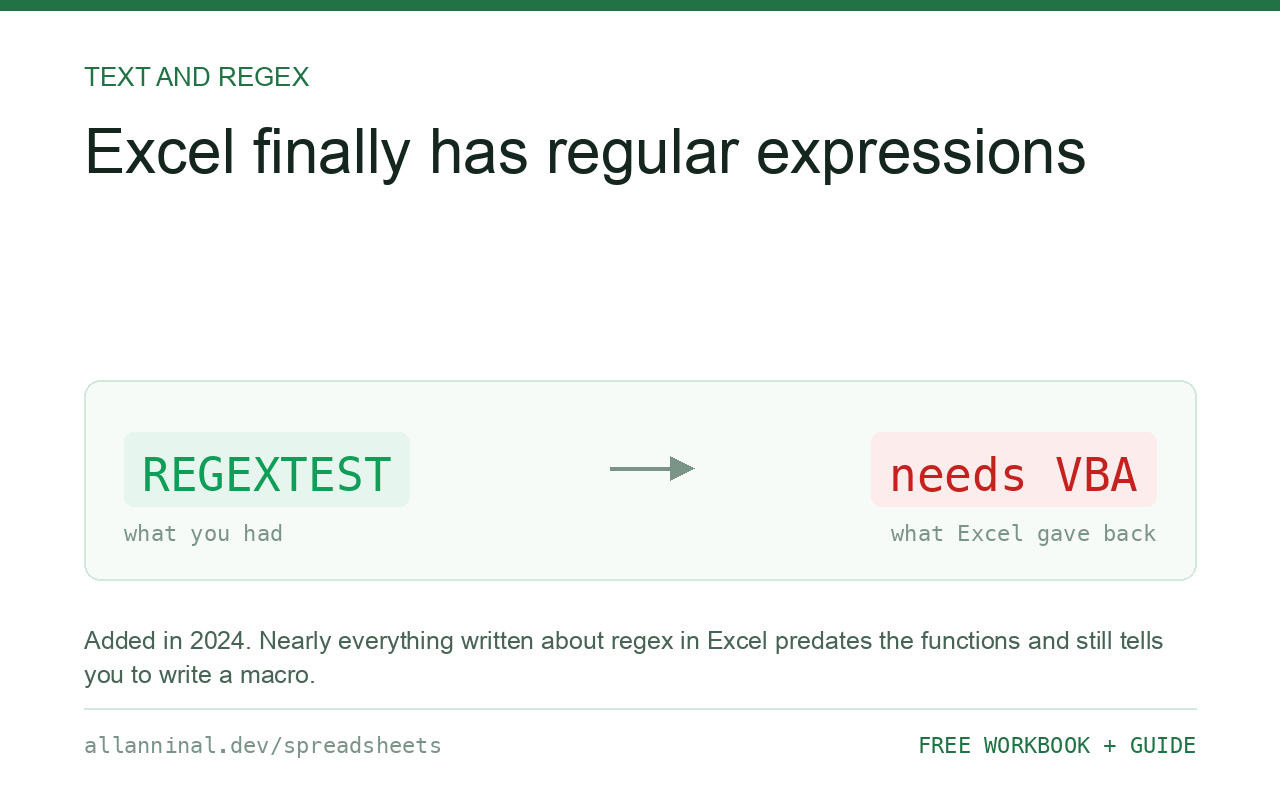
Excel 365 has REGEXTEST (does it match?),
REGEXEXTRACT (give me the matching part) and REGEXREPLACE (swap it for
something else). They were added in 2024, so almost everything written about regex in Excel
predates them and tells you to use VBA. Google Sheets has had REGEXMATCH,
REGEXEXTRACT and REGEXREPLACE for years.
What a regular expression is, in one paragraph
A regular expression is a small pattern language for describing the shape of
text rather than the text itself. \d means any digit; \d{5} means five
digits in a row; [A-Z]{2} means two capital letters.
That is the whole idea. Instead of “find the text ABC-1234” you say “find three capitals, a hyphen, then four digits”, and it finds every code shaped like that regardless of what the letters and numbers are.
It is genuinely hard to read and enormously useful. The trick is to build patterns from a few pieces you know rather than trying to understand somebody's forty-character expression from the internet.
| What you see | What actually happened | What fixes it |
|---|---|---|
Nested SUBSTITUTE forty deep | Trying to describe a pattern with exact matches | One REGEXREPLACE |
#NAME? from REGEXEXTRACT | Your version does not have it | Use Power Query or the older text functions |
#N/A from REGEXEXTRACT | The pattern matched nothing | Wrap in IFERROR; test with REGEXTEST first |
| Matches the wrong part | The pattern is greedy by default | Add ? to make it lazy |
| Works on one row, not another | The other row has a slightly different shape | Loosen the pattern, or handle both |
How to use regex in Excel
Check the pattern matches, with REGEXTEST
Start here rather than with extraction, so a wrong answer is obviously a wrong pattern:
=REGEXTEST(A2,"[A-Z]{3}-\d{4}")TRUE where the cell contains three capitals, a hyphen and four digits. Add it as a column and scan it before going further.
Pull the piece out with REGEXEXTRACT
Same pattern, now returning the match:
=IFERROR(REGEXEXTRACT(A2,"[A-Z]{3}-\d{4}"),"no code found")Always wrap it. Without IFERROR every non-matching row is
#N/A, and one #N/A breaks any total built on the column.
Clean text with REGEXREPLACE
This replaces the tower of nested SUBSTITUTE calls:
=REGEXREPLACE(A2,"[^0-9]","")[^0-9] means “any character that is not a digit”. Replacing
them all with nothing leaves the digits. Turning a phone number into digits becomes one short
formula.
Learn six pieces and build from them
These six carry most real work:
\da digit ·[A-Z]a capital letter.any character ·+one or more of the last thing{3}exactly three ·{2,5}between two and five^start of the text ·$end of it[^…]anything except these ·|either side
^\d{5}$ means the whole cell is exactly five digits — a postcode check in nine
characters.
Everything on this page, as a workbook you can use on your own data
The Excel Data Cleanup Kit — a seven-tab workbook that finds all nine of these faults in a pasted column and hands back a cleaned version, a five-page PDF guide, and a short read-me. Free, no email required.
- Excel-Data-Cleanup-Workbook-Free.xlsx — paste a column, read the diagnosis, take the cleaned output
- Excel-Data-Survival-Guide.pdf — the eight failures, the import routine that prevents them, every formula explained
Plain .xlsx: no macros, no add-ins. Opens in Excel, Google Sheets,
Apple Numbers and LibreOffice Calc.
Patterns worth keeping
- Digits only:
[^0-9]replaced with nothing - An email:
[\w.+-]+@[\w-]+\.[\w.]+ - Anything in brackets:
\(([^)]+)\) - Trailing whitespace:
\s+$replaced with nothing - Repeated spaces:
\s{2,}replaced with one space - Last word:
\S+$
Greedy and lazy
A pattern takes as much as it can by default. On (a) and (b) the pattern
\(.+\) matches (a) and (b) in one go, because .+ happily
swallows the middle. Adding ? makes it stop at the first opportunity:
\(.+?\) gives you (a).
This single character explains most “why did it match too much” confusion.
If your Excel does not have these
Three real options, in order of preference:
- Power Query — the splitting and extracting tools cover most cases without regex at all, and they run on any recent Excel.
- The older text functions —
LEFT,MID,FIND,SUBSTITUTE. Longer, but they work everywhere. - VBA — what everyone used before 2024. It makes the file
.xlsm, which may be blocked where you work.
Google Sheets got there first
Sheets has had REGEXMATCH, REGEXEXTRACT and REGEXREPLACE
for years. The names differ slightly — REGEXMATCH rather than
REGEXTEST — and the pattern syntax is the same in almost all everyday use.
Questions people ask
Does Excel support regular expressions?
Yes. Excel 365 added REGEXTEST, REGEXEXTRACT and REGEXREPLACE in 2024. Before that it needed VBA, which is why most advice online still says so.
What is the difference between the three functions?
REGEXTEST returns TRUE or FALSE. REGEXEXTRACT returns the matching part of the text. REGEXREPLACE swaps everything matching for something else.
Why does REGEXEXTRACT return #N/A?
The pattern matched nothing in that cell. Wrap it in IFERROR, and check the pattern with REGEXTEST first.
Why does my pattern match too much?
Patterns are greedy — they take as much as they can. Add a question mark after the quantifier, as in .+? , to make it stop at the first opportunity.
What can I use if my Excel does not have them?
Power Query's split and extract tools cover most cases and run on any recent Excel. Otherwise LEFT, MID, FIND and SUBSTITUTE, or VBA as a last resort.
Does Google Sheets have regex?
Yes, and for much longer. The functions are REGEXMATCH, REGEXEXTRACT and REGEXREPLACE, with essentially the same pattern syntax.
Related guides
Take the workbook with you
The Excel Data Cleanup Kit — a seven-tab workbook that finds all nine of these faults in a pasted column and hands back a cleaned version, a five-page PDF guide, and a short read-me. Free, no email required.
- Excel-Data-Cleanup-Workbook-Free.xlsx — paste a column, read the diagnosis, take the cleaned output
- Excel-Data-Survival-Guide.pdf — the eight failures, the import routine that prevents them, every formula explained
Plain .xlsx: no macros, no add-ins. Opens in Excel, Google Sheets,
Apple Numbers and LibreOffice Calc.