Guide Formulas
My formula returns a blank that is not really blank
You wrote IF(A2="","",A2*2) to keep the sheet tidy. The cell looks empty, but ISBLANK says it is not, COUNTA counts it, and the chart plots it as zero.
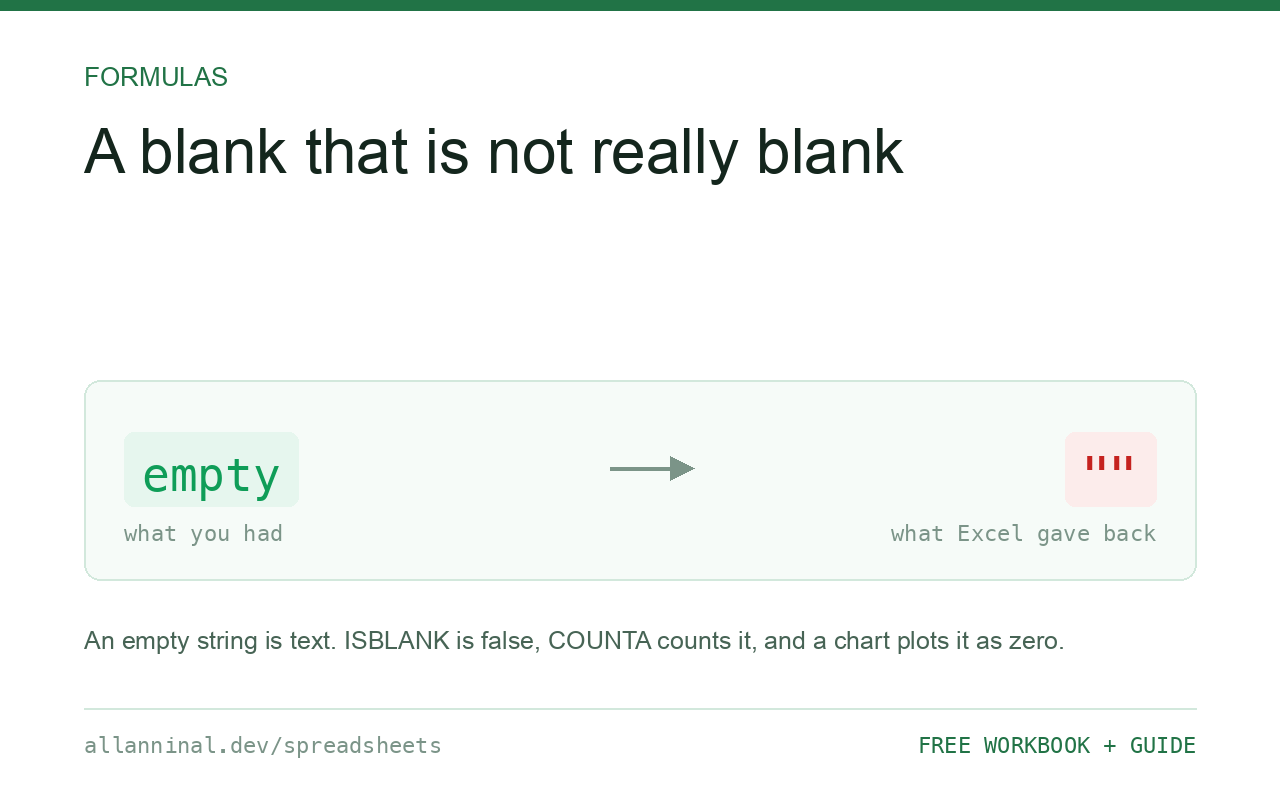
A formula cannot return a truly empty cell. "" is an empty
string — text of zero length — which is why ISBLANK returns FALSE
and COUNTA counts it. If you want a chart to break the line, return
NA() instead. If you only want to hide zeros visually, do it with a number format or
with the worksheet option rather than in the formula.
Three different kinds of nothing
Excel has three states that all look like an empty cell, and they behave differently:
- A genuinely empty cell. Nothing has been entered.
ISBLANKis TRUE,COUNTAignores it, and a chart breaks the line. - An empty string from a formula returning
"". Looks identical.ISBLANKis FALSE,COUNTAcounts it, and a chart plots it as zero. - A space. Genuinely a character. Breaks lookups as well.
The chart behaviour is where this costs real money: a monthly series with "" for
future months does not stop at today — it dives to zero and stays there, and the chart looks
like a catastrophe rather than an incomplete year.
| What you see | What actually happened | What fixes it |
|---|---|---|
ISBLANK false on an empty-looking cell | It holds an empty string, not nothing | Test with =A2="" instead |
| Chart line drops to zero | The "" is plotted as zero | Return NA() for gaps |
COUNTA too high | It counts empty strings | Use COUNTIF(range,"<>") |
SUM unaffected but AVERAGE wrong | AVERAGE is affected by what counts as present | Return NA(), which AVERAGE skips |
0 appearing where you wanted nothing | A reference to an empty cell returns 0 | Use IF(A2="","",A2) or a number format |
How to handle blanks in Excel formulas
For a chart gap, return NA()
NA() is the only value a chart treats as “no data here”:
=IF(A2="",NA(),A2*2)The cell shows #N/A, which is ugly on the sheet but correct in the chart.
Hide it with conditional formatting that sets the font to the background colour where
ISNA is TRUE.
To test for either kind of empty, do not use ISBLANK
ISBLANK only catches genuinely empty cells. This catches both:
=A2=""TRUE for a truly empty cell and for one containing an empty string. This is what you want almost every time.
To hide zeros, use a number format, not a formula
Do not litter the sheet with IF(x=0,"",x). A custom number format has
three sections — positive, negative, zero:
#,##0;-#,##0;""The empty third section hides zeros while keeping the underlying value intact, so every calculation downstream still works. For a whole sheet, File → Options → Advanced and untick Show a zero in cells that have a zero value.
To count non-empty cells properly
COUNTA counts empty strings as present. This does not:
=COUNTIF(A2:A500,"<>")Counts cells that are neither empty nor an empty string — usually the number you actually wanted.
Everything on this page, as a workbook you can use on your own data
The Excel Data Cleanup Kit — a seven-tab workbook that finds all nine of these faults in a pasted column and hands back a cleaned version, a five-page PDF guide, and a short read-me. Free, no email required.
- Excel-Data-Cleanup-Workbook-Free.xlsx — paste a column, read the diagnosis, take the cleaned output
- Excel-Data-Survival-Guide.pdf — the eight failures, the import routine that prevents them, every formula explained
Plain .xlsx: no macros, no add-ins. Opens in Excel, Google Sheets,
Apple Numbers and LibreOffice Calc.
Why a formula cannot produce a truly empty cell
A cell containing a formula contains something by definition, so it cannot be empty. The closest
available results are an empty string, which looks blank but is text, and NA(), which is
an error value that most aggregate functions skip.
The only way to get a genuinely empty cell is for no formula to be there: delete it, or use Power Query, which produces values rather than formulas and can return real nulls.
Empty strings break lookups too
A lookup against a range whose keys are "" from a formula behaves differently from one
against genuinely empty cells — the empty string is a value and can match another empty string.
If a lookup is matching rows you expected to be ignored, this is usually why.
Which functions treat them differently
COUNTAcounts"";COUNTdoes not (it counts numbers only)ISBLANKis FALSE for"";=A2=""is TRUE for bothAVERAGEskips text, so""is excluded — but a real zero is not- Charts plot
""as zero and break the line onNA()
Google Sheets
Same distinction, same behaviour. Sheets adds IFERROR-style handling in more places
and its charts have an explicit setting for how to plot empty cells, under Chart editor →
Customise → Chart style.
Questions people ask
Why does ISBLANK return FALSE on my empty cell?
The cell holds an empty string returned by a formula, not nothing. ISBLANK only returns TRUE for genuinely empty cells. Use =A2="" to test for both cases.
How do I make a chart skip a data point?
Return NA() rather than an empty string. Charts plot an empty string as zero and only break the line on #N/A.
Can a formula produce a truly empty cell?
No. A cell containing a formula contains something by definition. The nearest options are an empty string or NA(). Only Power Query, which produces values rather than formulas, can return real nulls.
How do I hide zeros without changing my formulas?
Use a custom number format with an empty third section, such as #,##0;-#,##0;"", or switch off zero display for the sheet in File > Options > Advanced.
Why is my COUNTA too high?
It counts cells containing empty strings as present. Use =COUNTIF(range,"<>") to count only cells that are genuinely not empty.
Does AVERAGE include empty strings?
No — AVERAGE skips text, so empty strings are excluded. A real zero is included, which is usually the actual cause of an average that looks too low.
Related guides
Take the workbook with you
The Excel Data Cleanup Kit — a seven-tab workbook that finds all nine of these faults in a pasted column and hands back a cleaned version, a five-page PDF guide, and a short read-me. Free, no email required.
- Excel-Data-Cleanup-Workbook-Free.xlsx — paste a column, read the diagnosis, take the cleaned output
- Excel-Data-Survival-Guide.pdf — the eight failures, the import routine that prevents them, every formula explained
Plain .xlsx: no macros, no add-ins. Opens in Excel, Google Sheets,
Apple Numbers and LibreOffice Calc.