Guide Lookups
I have column 27 and I need to know it is AA
A formula gave you a position and you need the letter, or you have a letter and need the number. Both are one formula, and neither is remotely obvious.
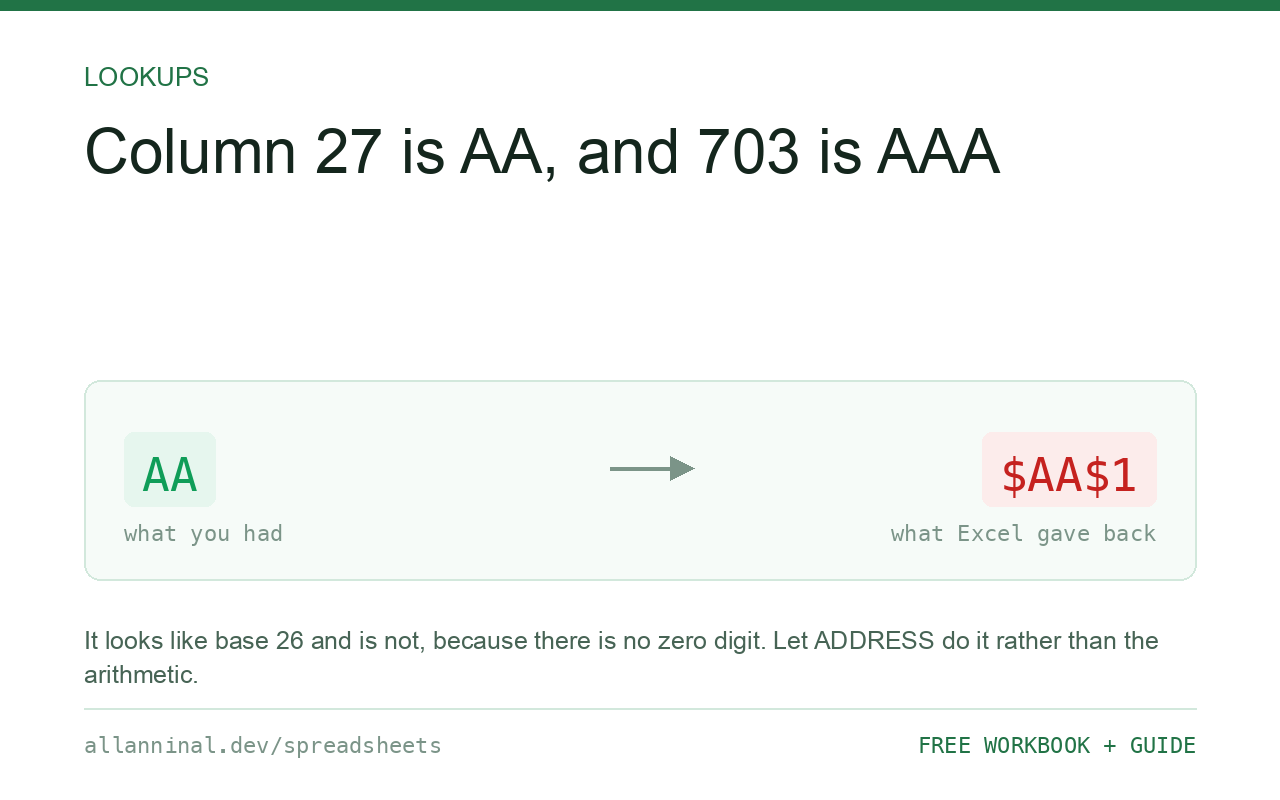
=SUBSTITUTE(ADDRESS(1,27,4),"1","") returns
AA. ADDRESS builds the reference AA1 and
SUBSTITUTE removes the row number. Going the other way,
=COLUMN(AA1) returns 27. The 4 is what makes
ADDRESS give a relative reference rather than $AA$1.
Why the letters are not a simple pattern
Column letters look like counting until you reach the end of the alphabet. Then column
27 is AA, 28 is AB, 703 is AAA, and the last column, 16,384, is
XFD.
It resembles base 26 but is not quite, because there is no zero digit — Z is
followed by AA, not by A0. Writing the conversion yourself is a small,
fiddly piece of arithmetic that is easy to get wrong at exactly the boundaries.
ADDRESS already knows all of it. Let it build a reference and take the letters off the
front.
| What you see | What actually happened | What fixes it |
|---|---|---|
Getting $AA$1 | Default absolute reference | Pass 4 as the third argument |
| Row digits left in the answer | The row number is still attached | Substitute "1" away |
| Wrong for column 10 with row 10 | The SUBSTITUTE removed a "1" from the letters | Always build with row 1 |
#VALUE! | The column number is 0 or negative | Columns start at 1 |
| Need it inside another formula | The letter is text, not a reference | Use INDEX, not INDIRECT |
How to convert between column numbers and letters
Number to letter
Always build with row 1, so there is exactly one digit to remove:
=SUBSTITUTE(ADDRESS(1,27,4),"1","")The 4 means a relative reference. Leave it out and you get
$AA$1, and the dollar signs come along for the ride.
Letter to number
Directly, or from a cell:
=COLUMN(AA1)
=COLUMN(INDIRECT(A1&"1"))
The second reads the letter from A1. INDIRECT is volatile, so
avoid it in a column of thousands of formulas.
Get the letter of the current cell
Useful in a header row that labels itself:
=SUBSTITUTE(ADDRESS(1,COLUMN(),4),"1","")Fill it across and each cell reports its own letter.
Prefer INDEX over building a reference
Most of the time the letter is a means to an end, and the end does not need it:
=INDEX($A$1:$Z$100,5,27)Row 5, column 27, no letter and no INDIRECT. Faster, not volatile, and it
survives inserted columns. Reach for the letter only when a human has to read it.
Everything on this page, as a workbook you can use on your own data
The Excel Data Cleanup Kit — a seven-tab workbook that finds all nine of these faults in a pasted column and hands back a cleaned version, a five-page PDF guide, and a short read-me. Free, no email required.
- Excel-Data-Cleanup-Workbook-Free.xlsx — paste a column, read the diagnosis, take the cleaned output
- Excel-Data-Survival-Guide.pdf — the eight failures, the import routine that prevents them, every formula explained
Plain .xlsx: no macros, no add-ins. Opens in Excel, Google Sheets,
Apple Numbers and LibreOffice Calc.
Why row 1 matters in the trick
SUBSTITUTE removes every occurrence of what you give it. Build
ADDRESS(10,10,4) and you get J10; substituting "10" away leaves
J, which is right by luck. Build ADDRESS(1,1,4) for column 1 and you get
A1, and removing "1" leaves A, which is right by design.
Always build with row 1 and remove "1". It is correct for every column, including the
ones with a 1 in the row that would otherwise bite.
Turning off letters altogether
Excel can label columns with numbers instead: File → Options → Formulas → R1C1 reference style. Then column 27 is simply 27. It changes how every formula is written, so it is a whole-workbook decision rather than a convenience, but for anyone working with column positions constantly it removes the problem at the source.
Where this actually comes up
MATCHreturned a position and you need to tell somebody the column.- Building a range for
INDIRECT— thoughINDEXis nearly always better. - Writing an error message that names a column a person can find.
- Generating documentation for a wide sheet.
Questions people ask
How do I convert a column number to a letter?
Use =SUBSTITUTE(ADDRESS(1,27,4),"1",""). ADDRESS builds the reference AA1 and SUBSTITUTE removes the row number.
What does the 4 in ADDRESS do?
It asks for a relative reference. Without it you get $AA$1 and the dollar signs end up in your answer.
How do I convert a letter back to a number?
=COLUMN(AA1) returns 27. If the letter is in a cell, use =COLUMN(INDIRECT(A1&"1")), though INDIRECT is volatile.
Why must I build with row 1?
SUBSTITUTE removes every occurrence of the text you give it. Building with row 1 means there is exactly one digit to remove, which is correct for every column.
Do I need the letter at all?
Often not. INDEX takes a column number directly, so if you are fetching a value there is no need to build a reference from a letter.
Can I make Excel show numbers instead of letters?
Yes — File > Options > Formulas > R1C1 reference style. It changes how every formula is written, so treat it as a whole-workbook decision.
Related guides
Take the workbook with you
The Excel Data Cleanup Kit — a seven-tab workbook that finds all nine of these faults in a pasted column and hands back a cleaned version, a five-page PDF guide, and a short read-me. Free, no email required.
- Excel-Data-Cleanup-Workbook-Free.xlsx — paste a column, read the diagnosis, take the cleaned output
- Excel-Data-Survival-Guide.pdf — the eight failures, the import routine that prevents them, every formula explained
Plain .xlsx: no macros, no add-ins. Opens in Excel, Google Sheets,
Apple Numbers and LibreOffice Calc.