Guide Lookups
I want the tab's name to appear in a heading
Twelve monthly sheets, each with a title that should say which month it is. Typing it into each one guarantees that one of them will say the wrong month by March.
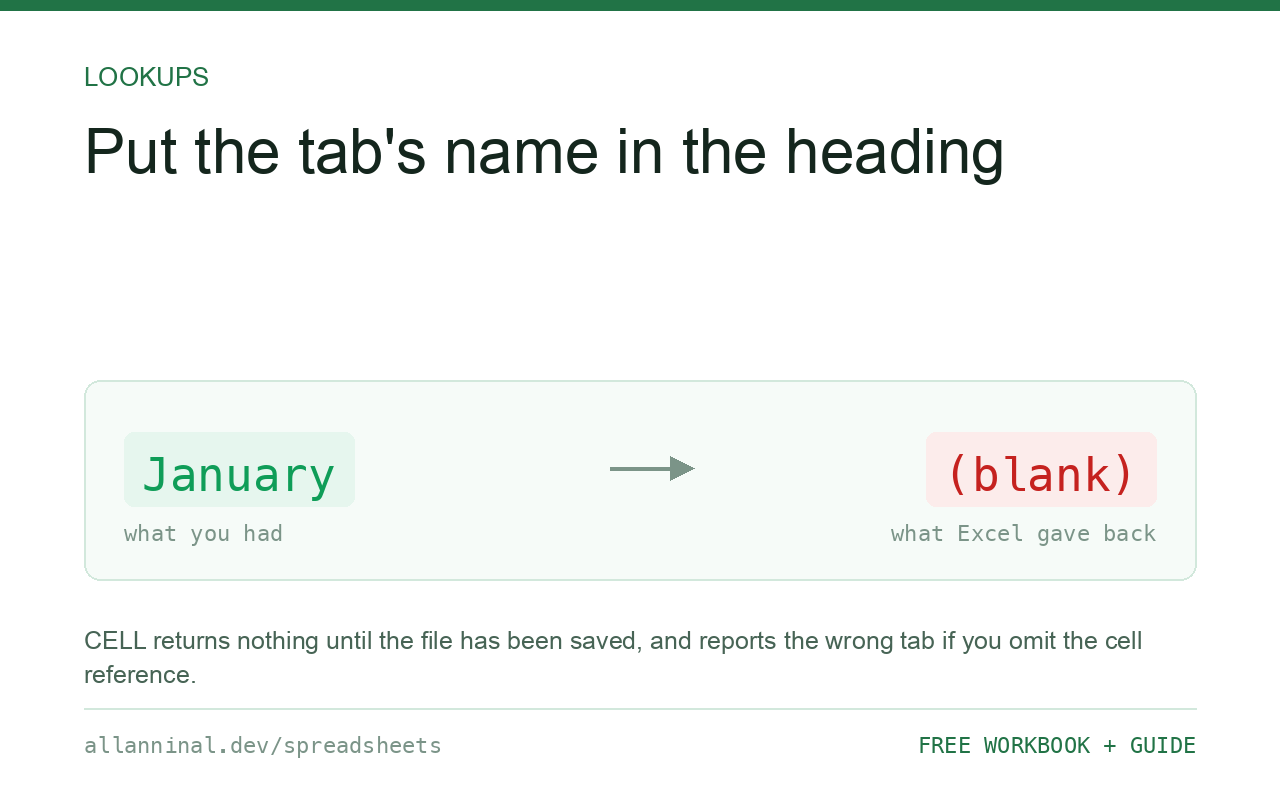
=MID(CELL("filename",A1),FIND("]",CELL("filename",A1))+1,255)
returns the name of the sheet the formula is on. Two conditions that catch everyone out: the
workbook must have been saved at least once, and the A1 argument is not
optional — without it, CELL reports whichever sheet was last active, so every tab
can show the same name.
Why there is no SHEETNAME function
There simply is not one, in any version. CELL("filename") is the only
route, and it returns the whole thing:
C:\Users\you\Documents\[Budget.xlsx]January
The sheet name is everything after the closing square bracket, so the formula finds that bracket
and takes the rest. That is all the MID and FIND are doing.
The two traps are both about CELL rather than the string handling. It returns an empty
string on a workbook that has never been saved, because there is no path yet. And without a cell
reference it reports the last active sheet, not the sheet the formula lives on — so all
twelve tabs show whichever one you clicked last.
| What you see | What actually happened | What fixes it |
|---|---|---|
| Returns nothing | The workbook has never been saved | Save it once |
| Every tab shows the same name | The A1 argument was left out | Use CELL("filename",A1) |
| Shows the wrong sheet until you click | Same cause — last active sheet | Add the reference argument |
| Stale after renaming the tab | CELL does not always recalculate | Press F9 |
| Returns the whole path | The MID is taking from the wrong position | Find "]" and take from one past it |
How to show a sheet name in a cell
Save the workbook first
A brand-new workbook has no path, so there is nothing for CELL to
return. Save it once and the formula starts working. This is the most common reason it appears
broken.
Include the cell reference — it is not optional
The second argument tells CELL which cell to describe, and therefore
which sheet:
=MID(CELL("filename",A1),FIND("]",CELL("filename",A1))+1,255)Leave out A1 and every one of your twelve tabs shows whichever sheet was
last selected. It looks right while you build it and wrong to everyone else.
Use it in a heading
Join it to whatever the heading needs:
="Sales report - "&MID(CELL("filename",A1),FIND("]",CELL("filename",A1))+1,255)Rename the tab to February and the heading follows. Nobody has to remember to change it, which is the point.
Get the file name or the folder instead
All three come from the same call:
=MID(CELL("filename",A1),FIND("[",CELL("filename",A1))+1,
   FIND("]",CELL("filename",A1))-FIND("[",CELL("filename",A1))-1)
=LEFT(CELL("filename",A1),FIND("[",CELL("filename",A1))-1)
The first returns Budget.xlsx; the second returns the folder. Useful in a
printed footer, where knowing which file a page came from saves real time later.
Everything on this page, as a workbook you can use on your own data
The Excel Data Cleanup Kit — a seven-tab workbook that finds all nine of these faults in a pasted column and hands back a cleaned version, a five-page PDF guide, and a short read-me. Free, no email required.
- Excel-Data-Cleanup-Workbook-Free.xlsx — paste a column, read the diagnosis, take the cleaned output
- Excel-Data-Survival-Guide.pdf — the eight failures, the import routine that prevents them, every formula explained
Plain .xlsx: no macros, no add-ins. Opens in Excel, Google Sheets,
Apple Numbers and LibreOffice Calc.
It does not always update
CELL recalculates when the sheet does, and renaming a tab does not always count as a
change. If the name looks stale, press F9. On a workbook where this matters, say so
in a note next to it rather than leaving the next person to distrust the number.
Referring to a sheet whose name is in a cell
The reverse problem — building a reference from a name in a cell — needs
INDIRECT:
=INDIRECT("'"&A1&"'!B5")The single quotes handle sheet names with spaces in them. Two warnings: INDIRECT is
volatile, so it recalculates constantly and slows large workbooks; and it cannot see a closed
workbook, so it breaks on external references.
Listing every sheet name
There is no formula for it without VBA or a defined name using the old GET.WORKBOOK
macro function, which forces the file to .xlsm. Power Query can do it cleanly by pointing
at the workbook itself, which is the better answer on a modern Excel.
Google Sheets
Sheets has no CELL("filename") equivalent for the sheet name. It needs a short Apps
Script custom function, which is the closest thing to VBA there.
Questions people ask
How do I display the sheet name in a cell?
Use =MID(CELL("filename",A1),FIND("]",CELL("filename",A1))+1,255). The workbook must have been saved at least once.
Why does the formula return nothing?
The workbook has never been saved, so there is no path for CELL to report. Save it once.
Why does every tab show the same sheet name?
The A1 argument was omitted. Without a cell reference, CELL reports the last active sheet rather than the sheet the formula is on.
Why does it not update when I rename the tab?
CELL does not always treat a rename as a change worth recalculating for. Press F9 to force it.
How do I get the file name rather than the sheet name?
Take the part between the square brackets instead of the part after the closing one.
Is there a way to list every sheet name?
Not with a plain formula. It needs VBA, a defined name using the old GET.WORKBOOK macro, or Power Query pointed at the workbook itself.
Related guides
Take the workbook with you
The Excel Data Cleanup Kit — a seven-tab workbook that finds all nine of these faults in a pasted column and hands back a cleaned version, a five-page PDF guide, and a short read-me. Free, no email required.
- Excel-Data-Cleanup-Workbook-Free.xlsx — paste a column, read the diagnosis, take the cleaned output
- Excel-Data-Survival-Guide.pdf — the eight failures, the import routine that prevents them, every formula explained
Plain .xlsx: no macros, no add-ins. Opens in Excel, Google Sheets,
Apple Numbers and LibreOffice Calc.